Log Ingestion and OS Concepts
Not sure you’re ready?
Take the ~3-minute readiness diagnostic and see where you stand.
Imagine stepping into a bustling control room where ten different security alarms are ringing simultaneously, but every clock in the room shows a slightly different time, and every alarm spits out a receipt in a different language. To a Security Operations Center (SOC) analyst, this is not a hypothetical scenario; it is the fundamental reality of an enterprise network before proper telemetry architecture is applied. To defend a network, we must first master how it records its own history. This requires a deep, mechanical understanding of how operating systems handle their internal processes, how they structure their file systems, and how they report their activities back to us through continuous log ingestion and rigorous time synchronization. If you cannot reliably reconstruct the sequence of an attack, you cannot investigate it.
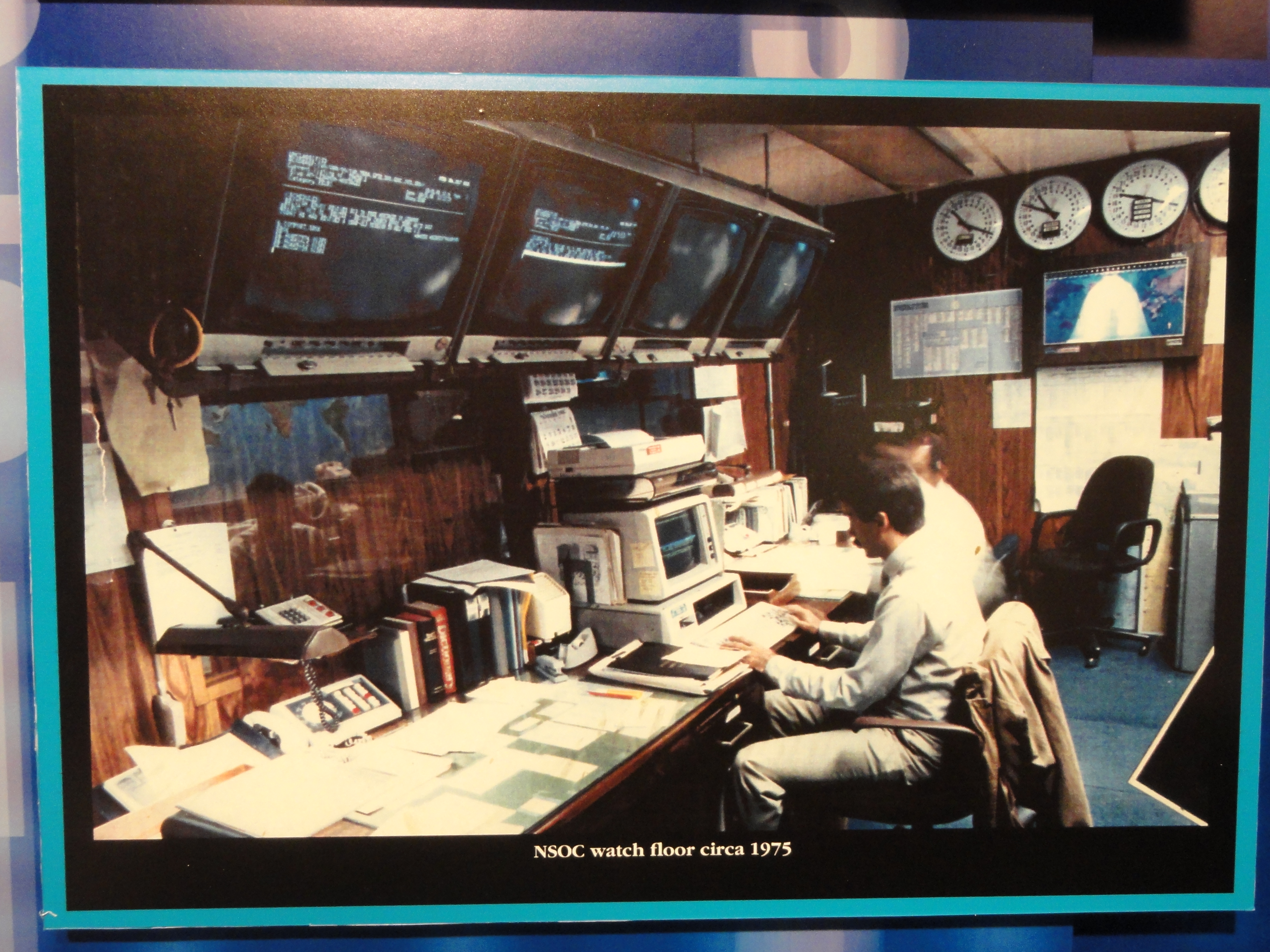
In an enterprise environment, a single user clicking a malicious link triggers a cascade of events across endpoints, proxies, firewalls, and domain controllers. Time synchronization ensures that security events from different devices can be accurately correlated chronologically within a SIEM system. If your firewall thinks it is 10:04 AM and your domain controller thinks it is 10:02 AM, the log evidence will suggest the user authenticated before the traffic entered the network—a chronological impossibility that destroys automated threat detection.
The physical hardware regulating system time is inherently imperfect. Left to its own devices, a computer experiences clock drift, which occurs when a system clock gradually diverges from a reference time standard over a period.
To solve this, networks rely on the Network Time Protocol (NTP), which operates over UDP port 123 to synchronize clocks across a network. NTP relies on a strict hierarchy to determine the most accurate time, measured in Network Time Protocol stratums. These stratums measure the hierarchical distance from the reference clock to the client device.
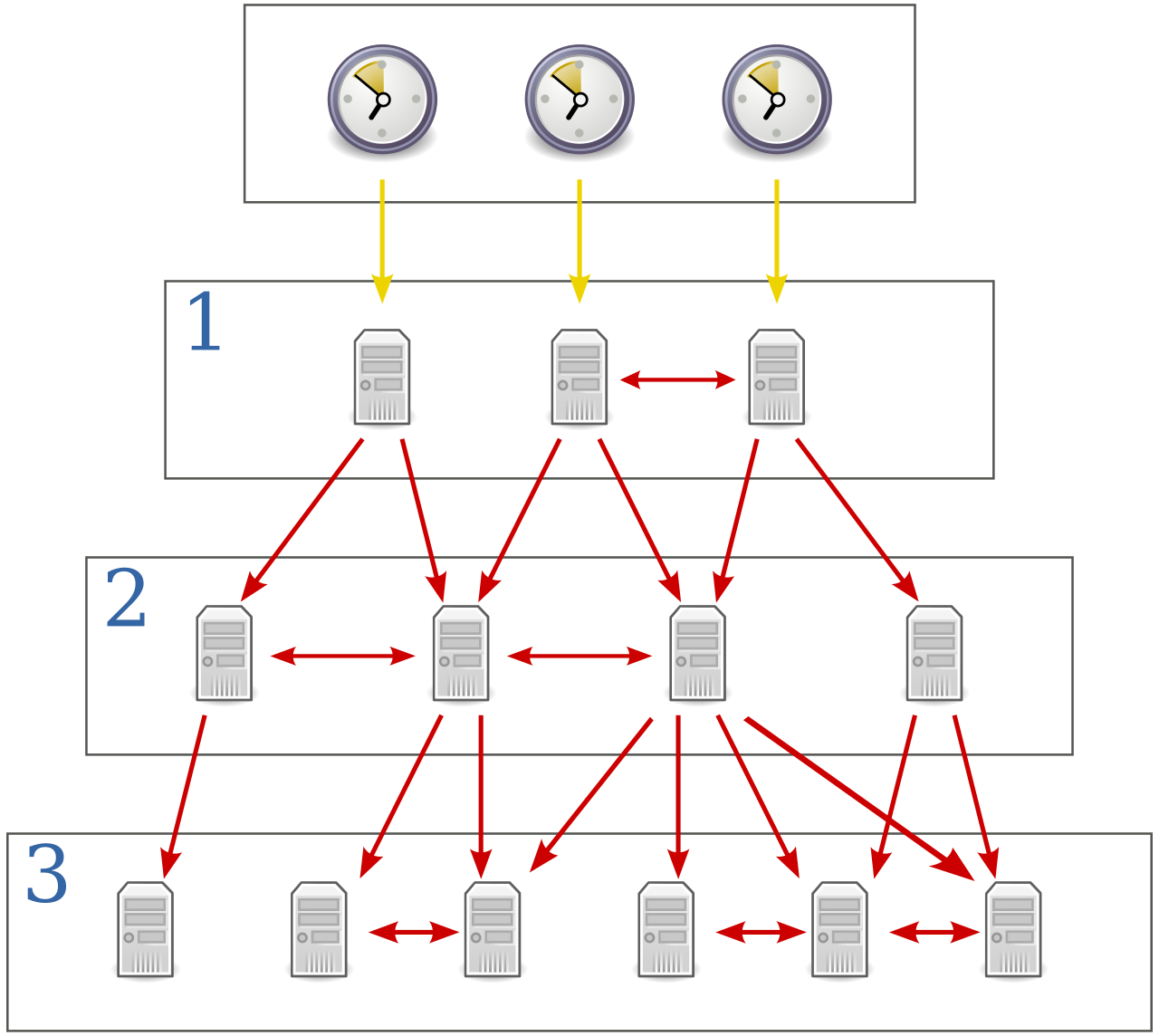
- Stratum 0 devices are high-precision timekeeping hardware devices like atomic clocks or GPS clocks. They do not broadcast over a network; they directly feed Stratum 1 servers.
- As you move down to Stratum 2, Stratum 3, and so on, you introduce slight network delays, though the time remains highly accurate.
Different operating systems handle NTP through specialized services. On Windows systems, the Windows Time service (W32Time) synchronizes the date and time for all computers running within an Active Directory domain, ensuring Kerberos authentication tickets remain valid. In Linux environments, the chrony daemon is a highly accurate implementation of the Network Time Protocol designed to synchronize system clocks over unstable network connections, adjusting the clock dynamically without causing jarring time skips that could corrupt log sequence.
Once our clocks are aligned, we must gather the evidence. Log ingestion is the process of collecting, formatting, and storing event logs from disparate sources into a centralized repository.
This relies on log forwarding agents—lightweight applications installed on endpoints to collect and transmit logs to a central server. A prominent example is NXLog, a multi-platform log management tool used for collecting, parsing, and forwarding event logs to SIEM systems.

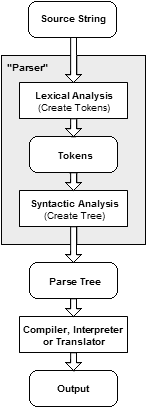
But raw logs are often an unstructured mess of text. If you feed raw text strings into a SIEM, searching through them becomes computationally exhausting. This is why data parsing during log ingestion transforms raw log data into a structured format for easier analysis. When we parse these logs into structured log formats like JSON, it enables precise querying and automated threat detection within a Security Information and Event Management (SIEM) platform. You can simply write a query for user.name = "admin" rather than writing a brittle regular expression to hunt for the word "admin" hidden in a text string.
Syslog vs. Windows Event Logs
The primary language of network device logging is the syslog protocol.
Protocol Note: The syslog protocol standard uses UDP port 514 by default for log transmission. However, UDP is "fire and forget." For SOC operations, using syslog over TCP or TLS ensures reliable and encrypted transmission of log messages to a central log collector.
Syslog categorizes urgency using a strict numerical severity scale. You must know these inherently to prioritize alerts:
| Severity Level | Description |
|---|---|
| 0 - Emergency | System is completely unusable (e.g., catastrophic hardware failure). |
| 1 - Alert | Condition requiring immediate administrative action. |
| 2 - Critical | Condition indicating an impending system failure. |
| 3 - Error | An error condition. |
| 4 - Warning | A warning condition (potential issues). |
| 5 - Notice | A normal but significant system condition. |
| 6 - Informational | Informational message regarding normal system operations. |
| 7 - Debug | Debug-level messages used for troubleshooting. |
Windows, however, refuses to speak syslog natively. Windows Event Logs categorize events strictly into Information, Warning, Error, Success Audit, and Failure Audit levels. Forwarding agents like NXLog are critical because they translate these Windows-specific events into centralized formats your SIEM understands.
When an alert fires, an incident responder must dive into the affected operating system. In Windows, this means understanding the intricate dance of processes, the massive configuration database, and the quirks of its file system.
The Windows Process Hierarchy
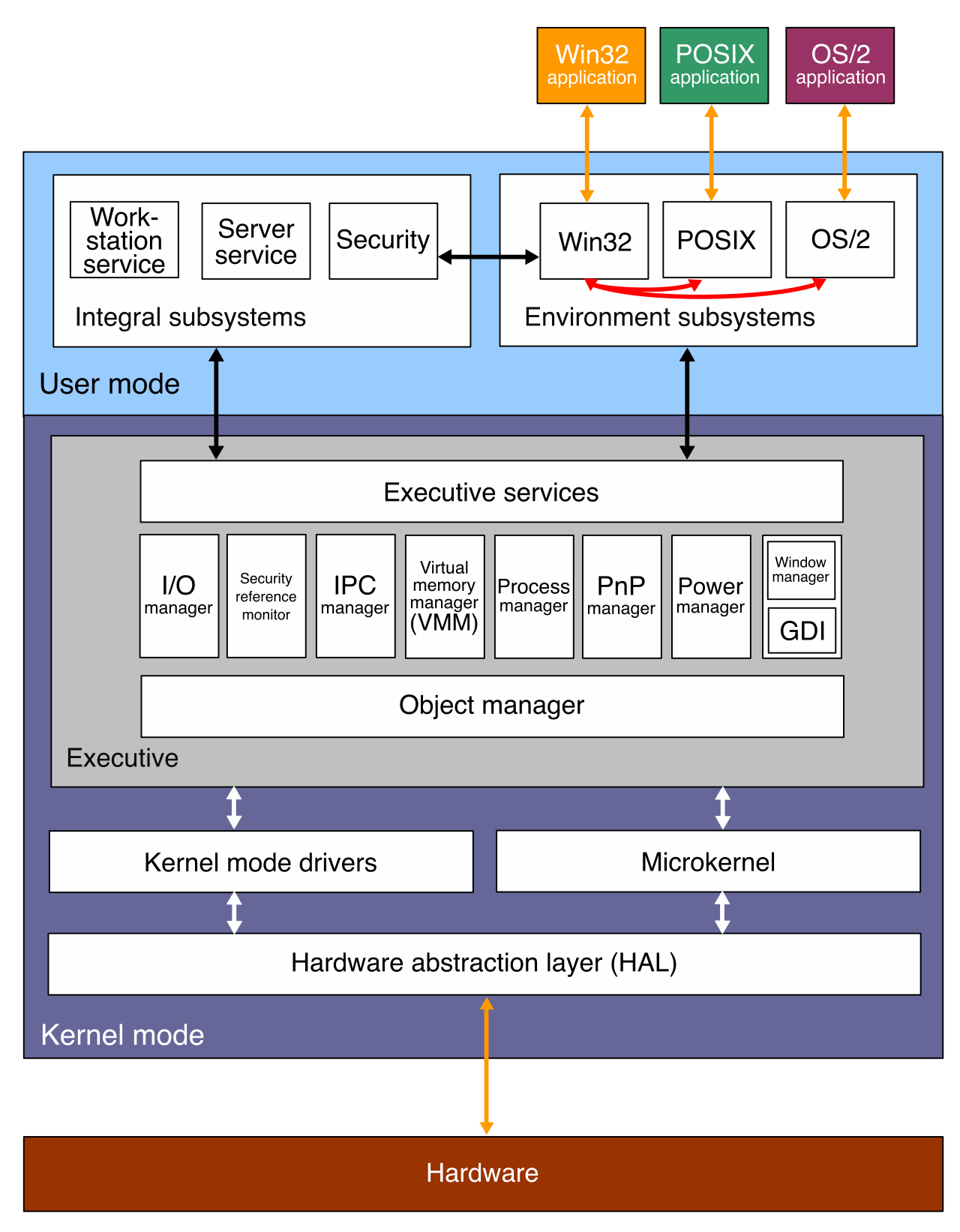
You cannot identify a rogue process if you do not know what normal looks like. The Windows architecture relies on highly specific, persistent system processes:
- System (PID 4): The Windows System process consistently runs with a Process Identifier (PID) of 4. It hosts essential kernel-mode threads. If you see malware claiming to be "System" but running as PID 1024, you instantly have a compromised machine.
- smss.exe: The Session Manager Subsystem (smss.exe) is the first user-mode process started by the Windows kernel. It is responsible for creating environment variables and initiating the login sessions.
- csrss.exe: The Client/Server Run-Time Subsystem (csrss.exe) handles the user-mode side of the Windows Win32 subsystem, managing console windows and thread creation.
- lsass.exe: The Local Security Authority Subsystem Service (lsass.exe) enforces the security policy on a Windows system. It verifies users logging on, handles password changes, and creates access tokens. Because it holds credentials in memory,
lsass.exeis the primary target for credential dumping tools like Mimikatz. - svchost.exe: The Service Host process (svchost.exe) hosts multiple Windows services running from dynamic-link libraries (DLLs). It is completely normal to see dozens of
svchost.exeinstances running simultaneously, which is exactly why malware frequently injects itself into this process to hide in plain sight.
The Windows Registry
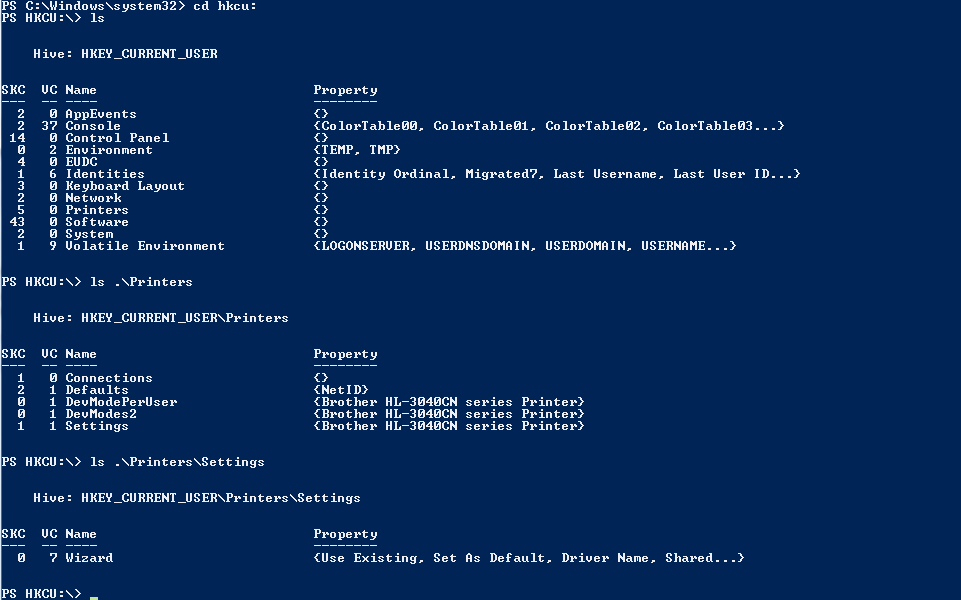
If the processes are the engine of Windows, the Registry is the control panel. The Windows Registry is a hierarchical database storing low-level operating system configuration settings and application parameters. It is divided into root folders called "hives."
- HKEY_LOCAL_MACHINE (HKLM): Contains configuration settings for the entire local computer (hardware, software, and security settings globally applied).
- HKEY_CURRENT_USER (HKCU): Contains configuration data for the specific user currently logged into the Windows operating system.
- HKEY_USERS (HKU): Contains user-specific configuration information for all actively loaded user profiles on the Windows machine.
- HKEY_CLASSES_ROOT (HKCR): Contains Windows file extension association information (e.g., telling the OS to open
.txtfiles with Notepad). - HKEY_CURRENT_CONFIG (HKCC): Contains information about the hardware profile used by the local Windows computer at startup.
Analyst Warning: Threat actors often manipulate Windows Registry run keys to achieve malicious persistence across system reboots. By adding a payload path to keys like
HKLM\Software\Microsoft\Windows\CurrentVersion\Run, the malware ensures it automatically executes every time the machine is turned on.
The NTFS File System
Underneath it all lies the storage structure. The New Technology File System (NTFS) is the primary file system used by modern Windows operating systems.
To keep track of where everything is physically located on the disk, Windows relies on the NTFS Master File Table (MFT), which stores metadata about every file and directory on an NTFS volume. For a forensic investigator, the MFT is the ultimate ledger of a disk's history.
NTFS has a highly specific feature designed for compatibility with older file systems, which has become a favorite tool for attackers: Alternate Data Streams (ADS).
Alternate Data Streams in NTFS allow data to be attached to an existing file without altering the primary file size reported by the operating system. Consequently, malicious actors frequently use NTFS Alternate Data Streams to hide executable payloads on Windows file systems. If a user downloads a seemingly benign 10 KB text file, an attacker can stash a 5 MB malicious executable in an ADS attached to that file. Running a standard directory list command (dir) will still show the file size as exactly 10 KB, masking the payload entirely from casual observation.
Linux handles execution and storage through entirely different paradigms. Understanding these paradigms is crucial for defending the web servers, databases, and containerized environments that power modern infrastructure.
The Linux Process Lifecycle
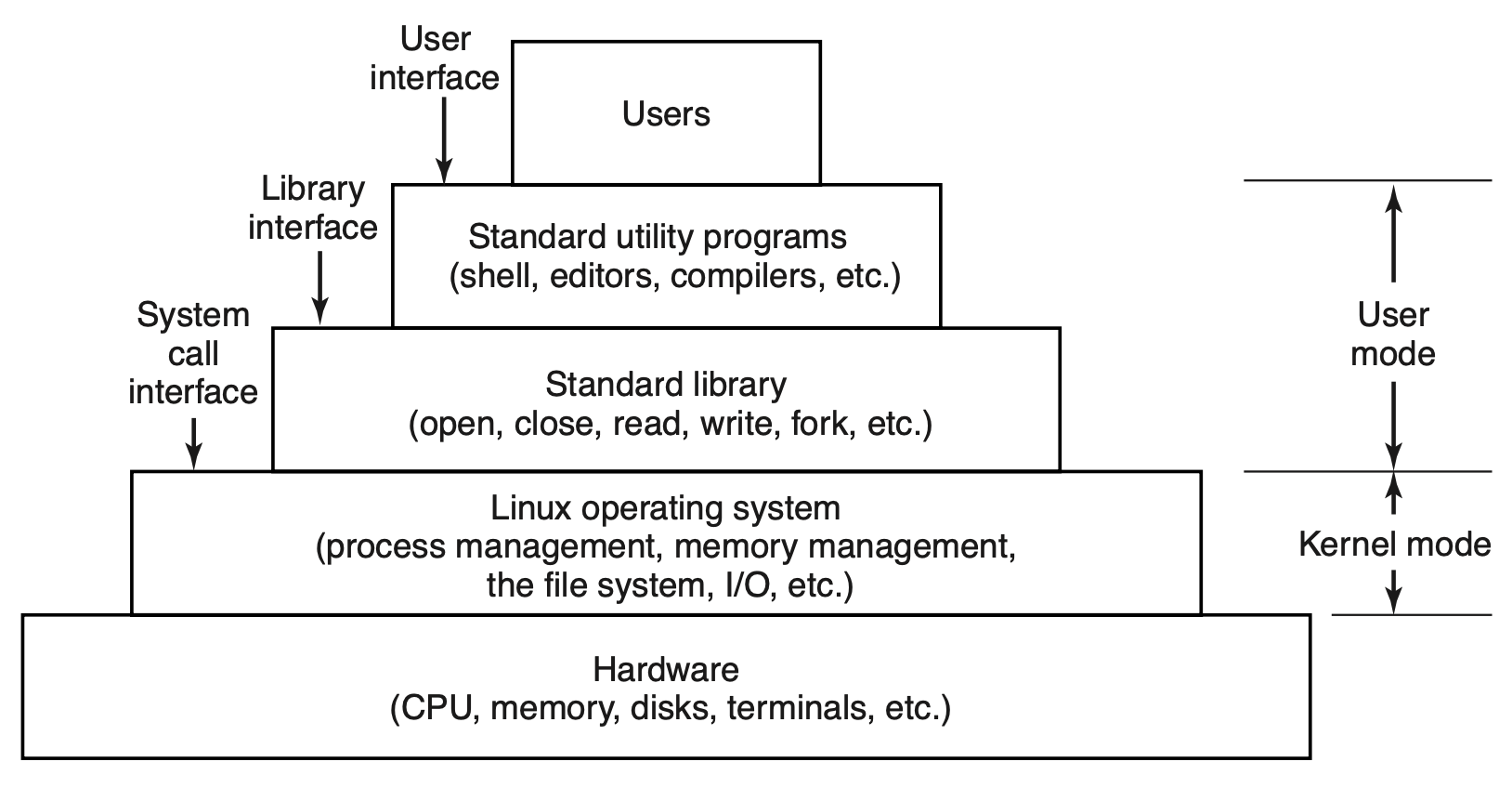
In Linux, everything begins with a single progenitor. In Linux systems, the process with Process Identifier (PID) 1 is the first process executed by the kernel during the boot sequence. Every other process on the system is a child, grandchild, or descendant of PID 1.
Historically, this was the init process, but today, the systemd process operates as the default initialization system for many modern Linux distributions. Systemd governs how services start, stop, and log their actions.
When processes run without user interaction, we call them daemons.
Definition: A daemon is a computer program running continuously as a background process without an interactive user interface. (Think of the SSH daemon,
sshd, listening silently for connections).
Occasionally, process execution goes awry. A zombie process in Linux is a process that has completed execution while retaining an entry in the operating system process table. This happens when a child process finishes computing, but its parent process hasn't yet read its exit status. It consumes no CPU or memory resources, but it takes up a PID slot. If an attacker's exploit code creates thousands of zombie processes, it can exhaust the process table and crash the system.
The Linux File System and Inodes
Just as Windows relies on NTFS, the extended file system 4 (ext4) operates as the default file system for numerous mainstream Linux distributions.
While Windows uses the MFT to track file metadata, Linux delegates this to inodes. An inode in Linux file systems stores comprehensive metadata about a file. Specifically, Linux inode metadata tracks file size, ownership, access permissions, and timestamps.
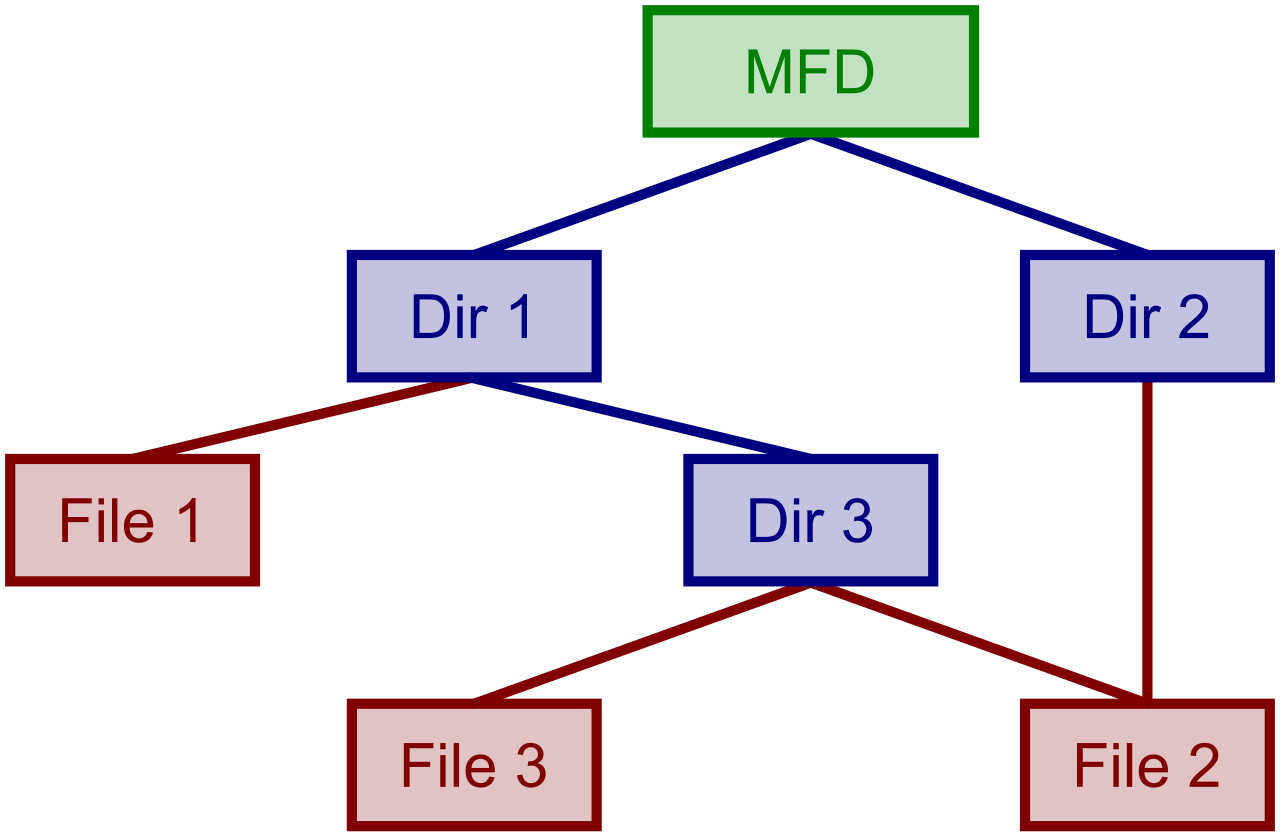
However, there is one fascinating and vital quirk you must remember for forensics: Linux inode metadata explicitly excludes the file name. To the Linux file system, a directory is simply a special type of file that maps human-readable file names to their corresponding inode numbers. Because the filename is separate from the file's data and metadata, an attacker can rename a malicious executable or delete the directory link to it while the process is running. The inode and the data will still exist on disk as long as the process holds it open.
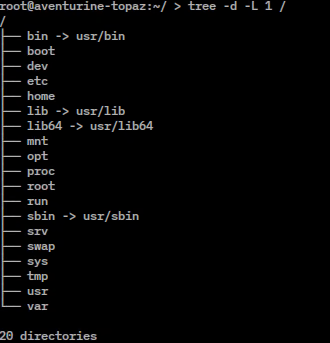
Crucial Linux Directories
When investigating a Linux machine, two directories are paramount for a SOC analyst:
- The
/etcdirectory in Linux contains system-wide configuration files. If an attacker wants to alter how DNS resolves, or how SSH authenticates users, they modify files here. - The
/var/logdirectory in Linux serves as the standard location for storing system log files. Whether it is authentication failures (/var/log/auth.log) or syslog messages (/var/log/syslog), this directory is the heartbeat of Linux telemetry.
As an analyst, mastering the mechanics of how operating systems breathe—how they schedule time, structure files, track configurations, and spit out logs—bridges the gap between merely looking at security alerts and fundamentally understanding the digital battleground.