Data Ingestion and Analytics
Not sure you’re ready?
Take the ~3-minute readiness diagnostic and see where you stand.
A modern enterprise is fundamentally a thermodynamic system of information. Data is generated continuously at the edges—in branch offices, factory floors, and legacy data centers—but it only gains analytical value when aggregated, refined, and queried. The primary challenge of the cloud architect is not merely finding a place to store this data, but designing pipelines that ingest it efficiently, secure it mathematically, and analyze it at scale without buckling under the weight of unmanageable infrastructure.
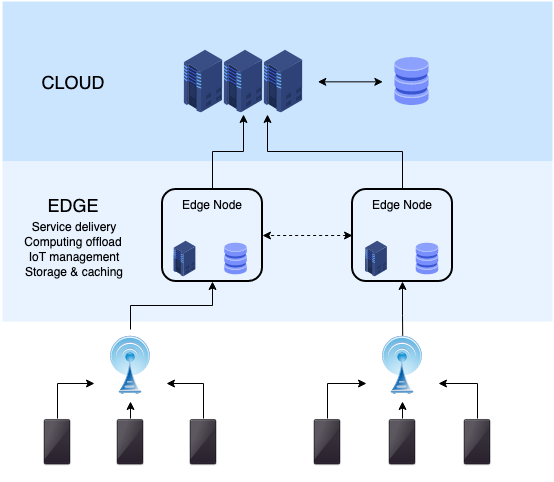
When we design systems for data ingestion and analytics on AWS, we are dealing with the physics of networks and the economics of distributed computing. We must construct a continuous flow: pulling data from physical legacy systems, pooling it into a highly governed data lake, extracting answers using massive parallel computing, and finally rendering those answers visible to human decision-makers.
Before we can analyze data, we must move it. If you have ever tried to copy a terabyte of small files over a standard network connection using traditional copy commands, you know it is agonizingly slow. The protocol overhead strangles the bandwidth. AWS provides two primary services to solve the ingestion problem, depending on whether you are migrating data wholesale or maintaining a permanent hybrid bridge.
AWS DataSync: The High-Velocity Pump
AWS DataSync is an online data transfer service designed specifically to solve the physics problem of network latency and protocol overhead. It fundamentally accelerates moving data between on-premises storage systems and AWS storage services, and it also automates moving data between different AWS storage services.
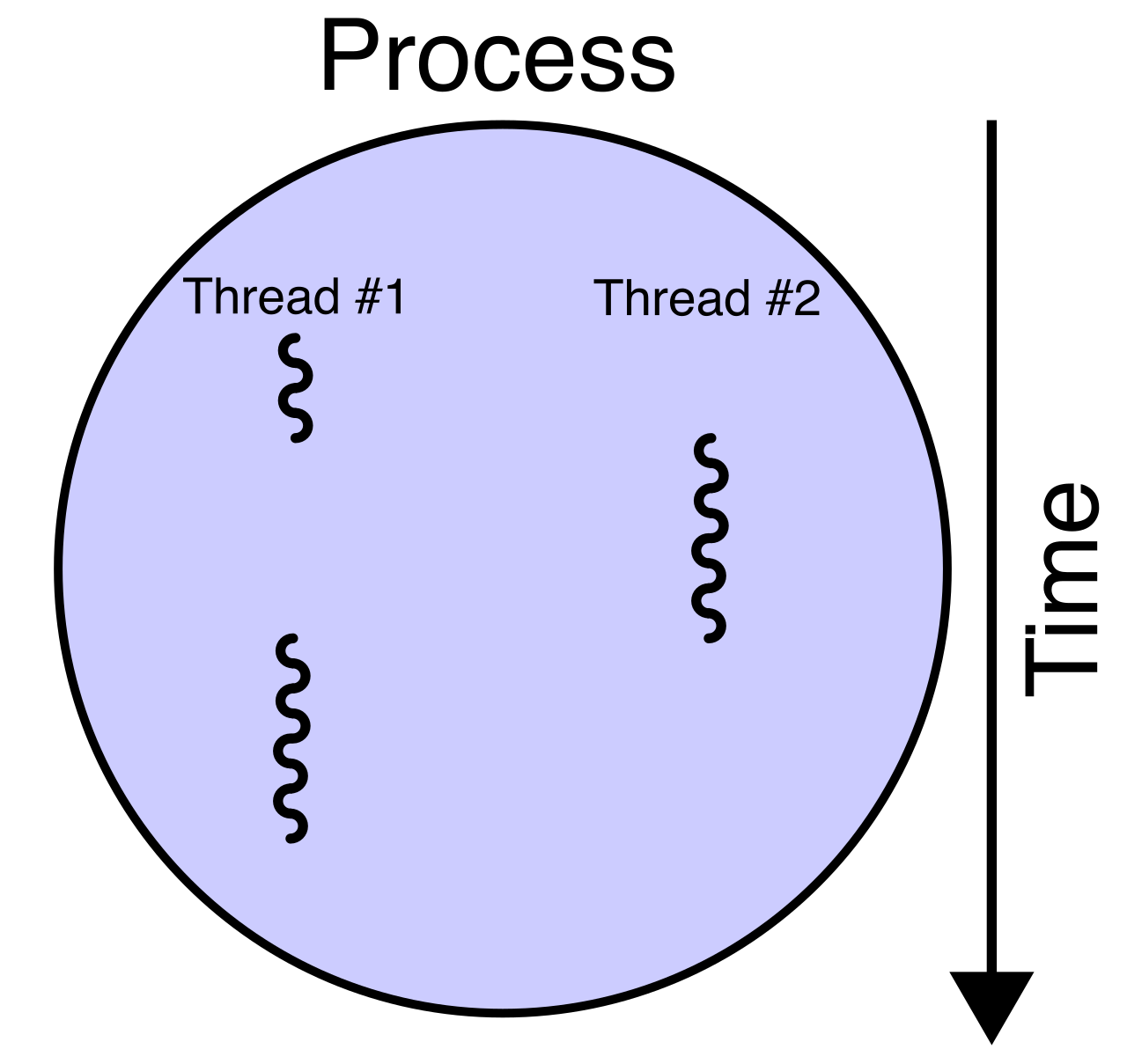
Under the hood, DataSync does not just copy files; it rewrites the rules of the transfer. It uses a multi-threaded parallel transfer engine to maximize network bandwidth utilization. To make this happen from an on-premises data center, an AWS DataSync agent must be deployed on-premises to access local network file systems.
Because DataSync is designed to be highly secure and minimally invasive to corporate firewalls, the AWS DataSync agent requires outbound network access to AWS over TCP port 443. To ensure this traffic never touches the public internet, AWS DataSync agents connect to AWS VPC endpoints to keep data traffic within the private AWS network. AWS DataSync encrypts data in transit using Transport Layer Security (TLS), and importantly, verifies data integrity by computing checksums on the source and destination files to guarantee that not a single bit flips during transit.
DataSync speaks the language of legacy storage. It supports NFS file systems, SMB file systems, and even the Hadoop Distributed File System (HDFS) as source or destination endpoints. On the cloud side, it supports Amazon S3, Amazon EFS, and Amazon FSx as destination storage services.
When architects deploy DataSync, they must control its behavior to respect the surrounding environment. AWS DataSync provides bandwidth rate limiting to prevent network congestion during business hours, and it allows scheduling tasks to run periodically for continuous data replication.
If you have an exceptionally massive dataset and a massive network pipe, you can engineer higher throughput: deploying multiple AWS DataSync agents scales transfer throughput for high-performance networks. Furthermore, AWS DataSync optimizes transfers when separate tasks run for different directories simultaneously, allowing you to fully saturate your available bandwidth by dividing and conquering the file tree.
AWS Storage Gateway: The Hybrid Bridge
While DataSync is a pump for moving data, AWS Storage Gateway is a hybrid cloud storage service. It does not just move data; it provides on-premises applications with access to cloud storage by pretending to be local hardware. Legacy applications don't know what an Amazon S3 REST API is—they only know how to read and write files to a local drive or block volume. Storage Gateway translates these local requests into cloud API calls.
There are three primary architectures within Storage Gateway:
1. File Gateway The Amazon S3 File Gateway presents a file interface to on-premises applications, allowing them to speak normally using the NFS protocol or the SMB protocol for file shares. Behind the scenes, Amazon S3 File Gateway enables on-premises applications to store files as objects in Amazon S3.
Notice the elegance here: Objects created by Amazon S3 File Gateway map one-to-one with files in the on-premises file system. If you write report.pdf to the gateway, you will find a report.pdf object in your S3 bucket. Because S3 is over the internet, Amazon S3 File Gateway asynchronously uploads on-premises file data to Amazon S3. To prevent applications from hanging while waiting for cloud latency, the gateway maintains a local cache to provide low-latency access to recently accessed data. If your users are complaining about slow read times, remember this mechanical truth: Increasing the size of the local cache for an Amazon S3 File Gateway reduces read latency for large datasets.
For organizations utilizing managed Windows storage, the Amazon FSx File Gateway provides low-latency on-premises access to file shares in Amazon FSx for Windows File Server.
2. Volume Gateway If your application needs raw disks rather than file folders, AWS Storage Gateway Volume Gateway provides block storage volumes using the iSCSI protocol. There are two flavors of Volume Gateway, depending on where you want the "source of truth" to live:
- Volume Gateway Stored volumes store the entire primary dataset locally to provide low latency access, and they asynchronously back up local data to Amazon S3 as Amazon EBS snapshots. Use this when you must have all data locally available at LAN speeds.
- Volume Gateway Cached volumes store primary dataset copies in Amazon S3, but they retain frequently accessed data locally to provide low latency. Use this when your local SAN is running out of physical space and you want S3 to act as an infinite hard drive.
Architectural Warning: When data changes on a Volume Gateway, it goes into an upload buffer before traveling to AWS. The upload buffer size in a Volume Gateway determines the rate at which local data changes are queued for transfer to AWS. If you miscalculate this, physics catches up with you: an under-provisioned Volume Gateway upload buffer causes application write operations to stall because the gateway cannot accept new writes until it flushes data to the cloud.
3. Tape Gateway Finally, for enterprise backup systems, the AWS Storage Gateway Tape Gateway replaces physical tape libraries with virtual tape libraries. Backup applications interact with Tape Gateway using the iSCSI protocol. Those virtual tapes can be stored in the Amazon S3 Standard storage class for immediate availability, and later archived in Amazon S3 Glacier storage classes for deep, cheap, long-term retention.

Once the data is flowing into AWS, where does it go? We place it in a data lake. A data lake is a centralized repository that allows storing structured and unstructured data at scale. But dumping data into S3 without a system of governance quickly creates a "data swamp."
To prevent this, we use AWS Lake Formation. AWS Lake Formation simplifies the process of setting up and managing a secure data lake. It sits as a governance layer over your S3 buckets.
Automated Ingestion and the Catalog
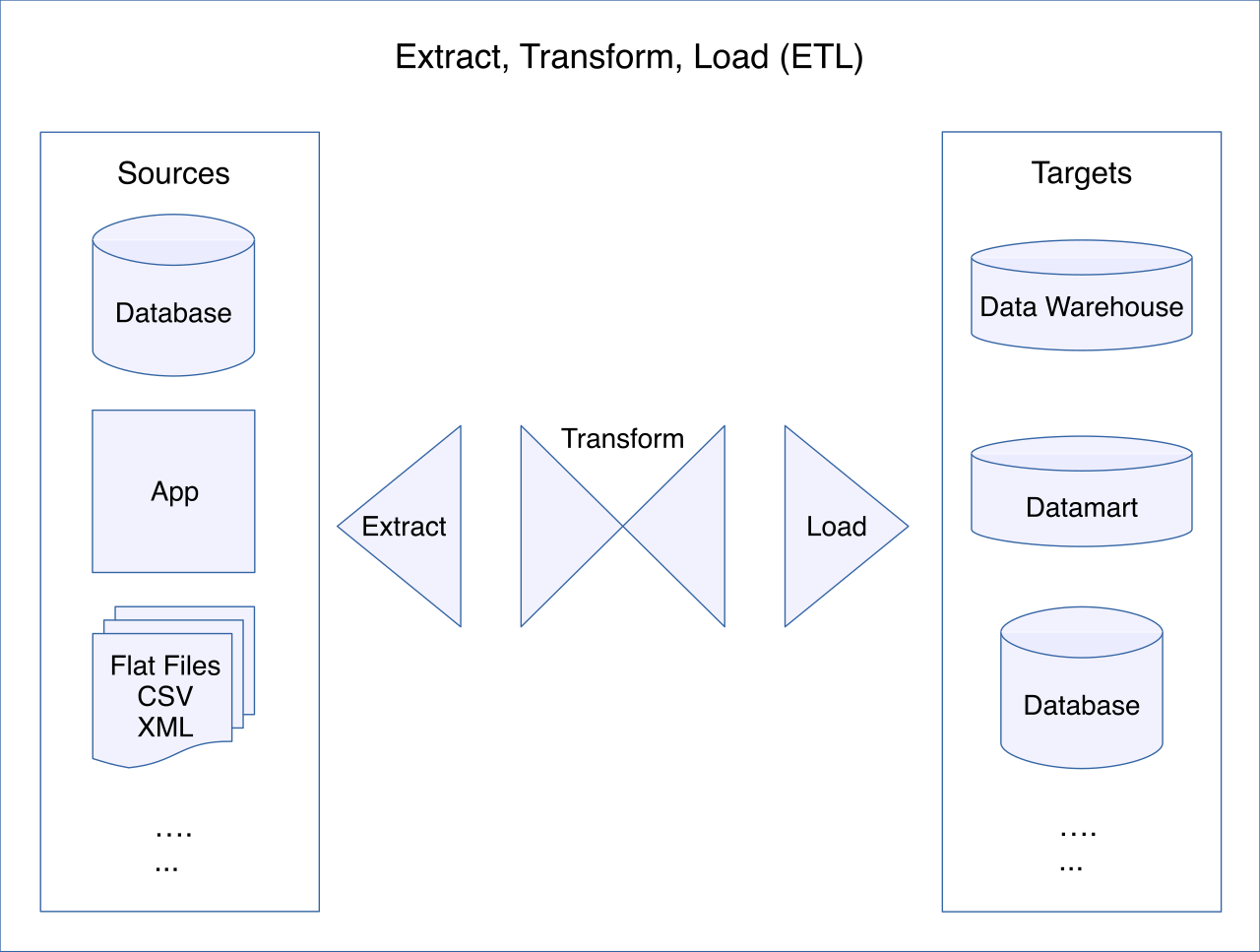
To know what is in the lake, AWS Lake Formation relies on the AWS Glue Data Catalog to store the metadata of the data lake. But how do we populate this catalog? AWS Lake Formation blueprints facilitate data ingestion from relational databases. You simply point the blueprint at your source database, and it will automatically provision AWS Glue crawlers and ETL jobs, and automatically generate AWS Glue workflows.

These AWS Lake Formation blueprints perform bulk data loads from source databases to seed the lake, and then perform incremental data loads to keep it updated. Once the data lands, AWS Lake Formation automatically registers newly ingested data in the AWS Glue Data Catalog, making it instantly discoverable.
Granular Governance and Transactions
Managing IAM and S3 bucket policies for thousands of users and datasets is an administrative nightmare. AWS Lake Formation centralized data governance reduces the administrative overhead of managing S3 bucket policies. It provides a centralized console to manage access control policies across a data lake.
Lake Formation acts like a highly precise bouncer for your data. AWS Lake Formation permissions can be applied at the database level, the table level, and remarkably, the column level. For example, AWS Lake Formation allows administrators to grant SELECT privileges on specific columns of an Amazon S3 dataset—meaning an analyst can query a table but will be physically blocked from seeing the "Social Security Number" column. Taking it a step further, AWS Lake Formation data filters enable restricting user access to specific rows within a table (e.g., a regional manager can only see rows where region = 'North').
To manage this at scale, AWS Lake Formation Tag-based access control allows assigning policy tags to data lake databases and tables. This scales permissions management for thousands of database tables automatically; instead of updating individual table permissions, you simply grant a user access to the tag classification = 'confidential'.
Underneath, AWS Lake Formation integrates with AWS Identity and Access Management to authenticate users. It provides a centralized audit log of all data access activities within the data lake, satisfying compliance requirements.
It also modernizes how S3 behaves. By default, S3 is an object store, not a transactional database. However, AWS Lake Formation supports Apache Iceberg table formats to enable ACID transactions on data lake tables, meaning you can perform safe, concurrent updates and deletes on your massive datasets.
Finally, what if another department in a different AWS account needs your data? AWS Lake Formation allows sharing data lake resources across different AWS accounts. This cross-account data sharing eliminates the need to physically copy data between accounts, saving vast amounts of time and storage costs.
We have moved the data. We have governed it. Now, we must ask it questions.
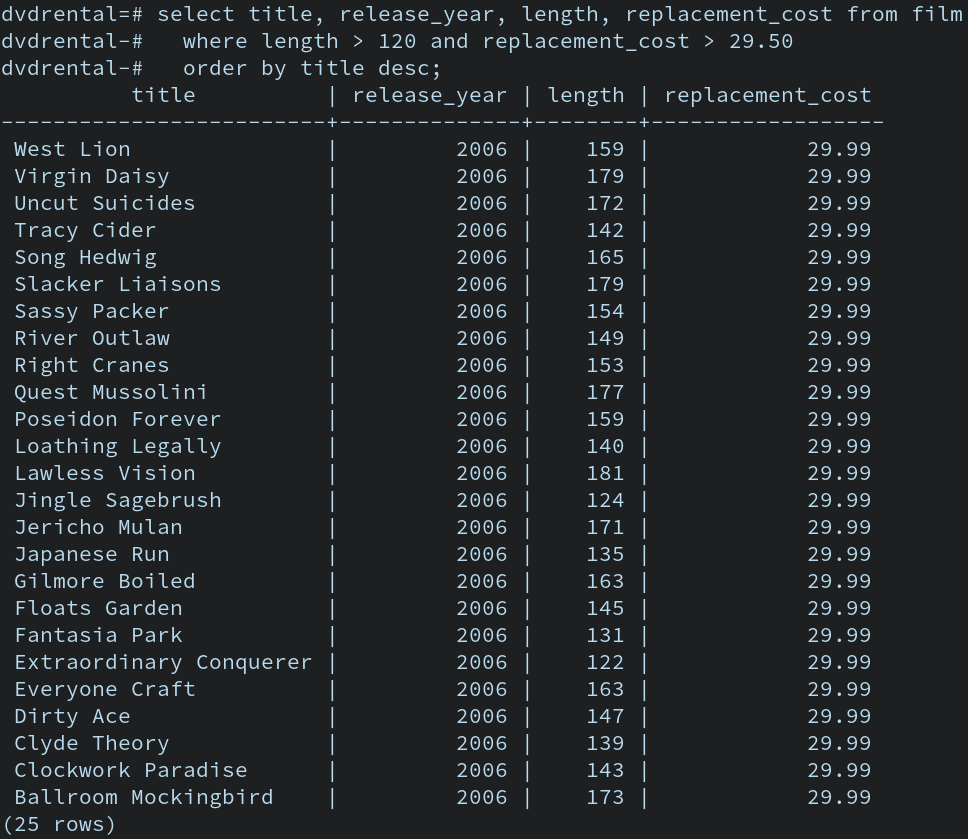
Amazon Athena is an interactive query service used to analyze data directly in Amazon S3. It uses standard SQL syntax to query data, meaning any data analyst can immediately use it without learning a new language. Amazon Athena uses Presto as its underlying distributed SQL engine, and queries execute in parallel across multiple compute nodes to churn through terabytes of data in seconds.
Athena is entirely hands-off. Amazon Athena is a serverless service requiring no infrastructure management. You don't provision clusters; you just write SQL and hit execute. For security, Amazon Athena supports querying server-side encrypted data in Amazon S3, and its query results are automatically stored as CSV files in a specified Amazon S3 bucket.
Crucially, AWS Lake Formation enforces fine-grained access control for Amazon Athena queries (and also enforces fine-grained access control for Amazon Redshift Spectrum queries). When a user runs a query, Amazon Athena queries use AWS Lake Formation credentials to verify user permissions before executing. If the user isn't allowed to see a column, Athena simply won't return it.
The Economics of Athena: Formatting for Cost and Speed
Understanding Athena requires understanding its pricing model. Amazon Athena billing is based primarily on the amount of data scanned per query. ($5 per Terabyte scanned). Therefore, the entire architectural strategy for Athena is: Scan less data.
How do we scan less data? We use physics and math to our advantage:
- Columnar Formats: If you query a CSV file to find the average of a single column, Athena must read the entire file. This is inefficient. Columnar data formats like Apache ORC improve Amazon Athena query performance and Columnar data formats like Apache Parquet reduce the amount of data scanned by Amazon Athena. By storing data by column rather than by row, Athena only reads the specific columns you request in your
SELECTstatement. Therefore, converting CSV or JSON files to Apache Parquet format lowers Amazon Athena query costs. - Compression: Compressing data in Amazon S3 reduces the amount of data scanned by Amazon Athena, which directly lowers your bill. Snappy compression is frequently used with Apache Parquet to optimize Amazon Athena query speeds, as it balances high compression ratios with incredibly fast decompression times.
- Partitioning: If your data is organized into folders by date (
year=2026/month=06/), data partitioning in Amazon S3 significantly reduces the amount of data scanned by Amazon Athena queries. If you query for June 2026, Athena completely ignores all other folders. - File Consolidation: Athena works best when it can read large contiguous blocks of data. Amazon Athena performance improves when numerous small files are consolidated into larger files in Amazon S3.
Because Athena needs to know where the data is and what the schema looks like, Amazon Athena integrates natively with the AWS Glue Data Catalog to read schema definitions. However, if you have a massive dataset with millions of partitions, querying the Glue Catalog can become a bottleneck. To solve this, using partition projection in Amazon Athena accelerates query processing for highly partitioned Amazon S3 datasets. Instead of making an API call to Glue for every partition, partition projection computes partition values locally in Amazon Athena instead of reading them from the AWS Glue Data Catalog.
Finally, to manage human behavior and budgets, Amazon Athena workgroups allow separating query execution workloads for different teams, and crucially, Amazon Athena workgroups enforce data scanning limits to prevent runaway query costs.
Data sitting in an S3 bucket, even when queried by Athena, is just numbers on a screen. To make it actionable for business leaders, we use Amazon QuickSight, which is a fully managed serverless business intelligence service.
QuickSight is designed to connect seamlessly to your AWS data ecosystem. Amazon QuickSight integrates directly with Amazon Athena to visualize data stored in Amazon S3, and it connects directly to Amazon RDS and connects directly to Amazon Aurora to visualize database data.
But running heavy analytical queries directly against an operational RDS database can slow down your live application. QuickSight solves this using its internal engine. Amazon QuickSight SPICE is an in-memory calculation engine used to accelerate dashboard performance. (In case you are wondering, SPICE stands for Super-fast Parallel In-memory Calculation Engine).
By ingesting data into SPICE, you decouple the visualization layer from the database layer. Importing datasets into Amazon QuickSight SPICE eliminates the query load on the underlying data source. To keep the data fresh, Amazon QuickSight SPICE datasets refresh automatically on a defined schedule. Security is maintained throughout, as data imported into Amazon QuickSight SPICE is automatically encrypted at rest.
When rolling this out to an enterprise, you need control over who sees what. Amazon QuickSight Enterprise Edition supports integration with Microsoft Active Directory for user authentication. And just like Lake Formation governs the lake, Amazon QuickSight supports row-level security to restrict user data access based on identity—ensuring the European sales team only sees European sales data on the exact same dashboard the American team uses.
Finally, QuickSight goes beyond static charts. It brings mathematics to the business user. Amazon QuickSight Machine Learning Insights provide anomaly detection on visualized data, automatically highlighting when metrics behave abnormally, and Amazon QuickSight Machine Learning Insights forecast future trends based on historical dataset values, allowing decision-makers to look not just at what the data was, but what the data will be.
By mastering this pipeline—accelerating ingestion with DataSync and Storage Gateway, governing the repository with Lake Formation, executing surgical queries with Athena, and illuminating the results with QuickSight—you are no longer just storing data. You are engineering the intelligence of the enterprise.