Policies, Licensing, and Privacy
Not sure you’re ready?
Take the ~3-minute readiness diagnostic and see where you stand.
When a pipe bursts in a modern office building, the immediate concern is water damaging the physical infrastructure. When a malicious payload detonates inside a corporate network, the collateral damage is entirely invisible, yet measured in severe legal liability, compromised privacy, and paralyzed operations. Technology does not exist in a vacuum; it operates within a rigid framework of laws, contracts, and regulations. For an IT support professional, fixing a broken system is only half the job. The other half is navigating the invisible boundaries that dictate how digital assets are legally owned, how corporate networks are permissibly used, and how sensitive human data must be defended. Understanding these policies is not administrative trivia—it is the shield that protects both the technician and the organization from catastrophic failure.
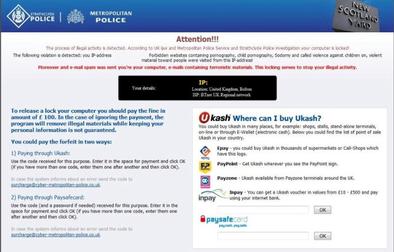
Imagine walking into a room where a robbery has just occurred. You would not immediately start sweeping the floor and rearranging the furniture. You would freeze the scene. IT incident response operates on the exact same principle. When a user calls the help desk reporting a ransomware lock screen or anomalous network behavior, you are no longer just a technician; you are a digital first responder.
Scope and Isolation
The first step in responding to an IT incident requires immediately identifying the scope of the issue. Is it a single compromised workstation, an entire department's subnet, or a global server cluster? Once the blast radius is understood, first responders must isolate an affected system from the network to prevent malware from spreading to adjacent machines.
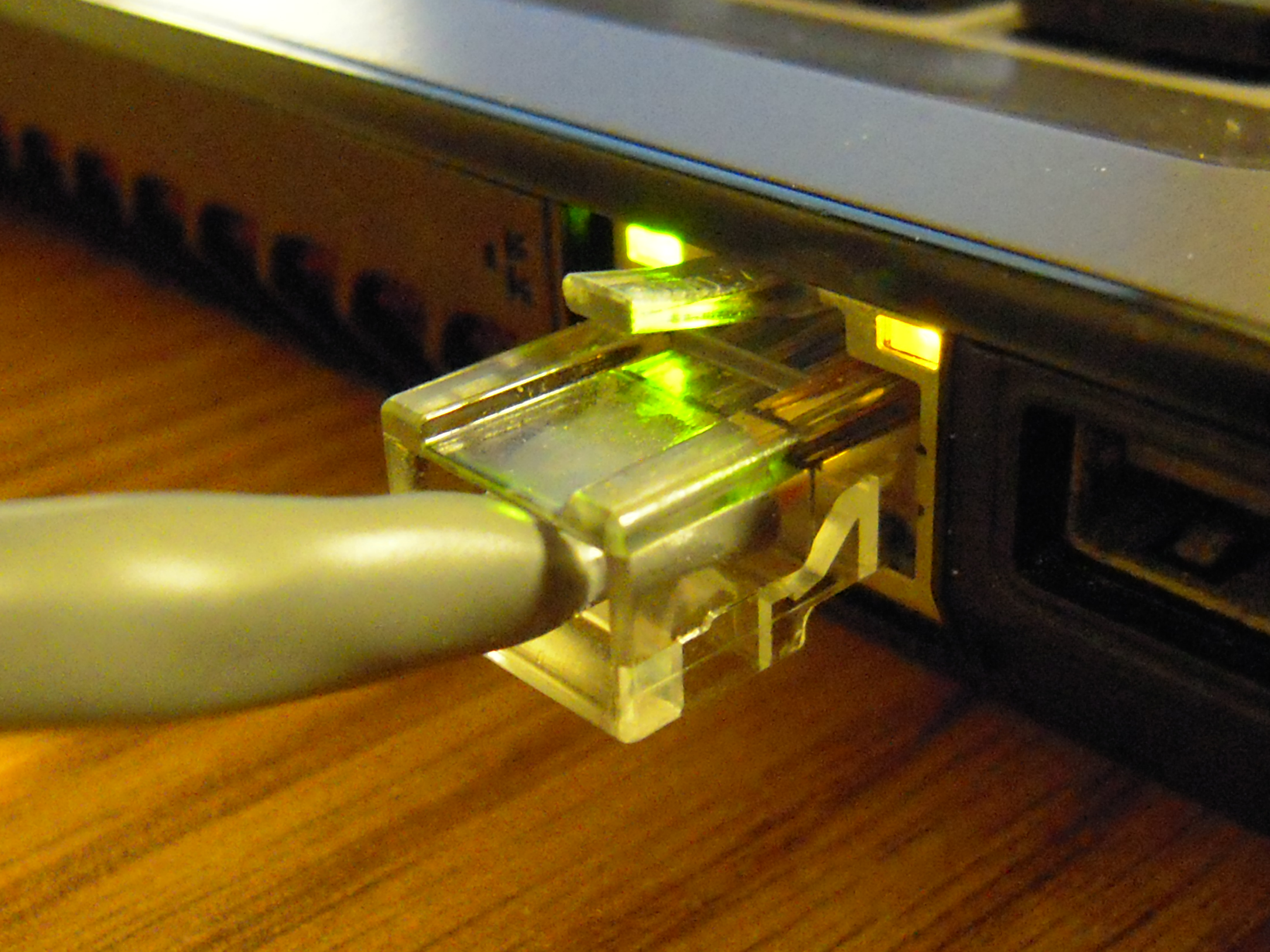
Isolation is physical and absolute. Isolating an infected computer typically involves disconnecting the physical network cable. However, in modern enterprise environments, Ethernet is only half the battle. Disconnecting a computer from wireless networks is a critical step in system isolation, ensuring the machine cannot beacon out to command-and-control servers via Wi-Fi or Bluetooth.
The Memory Paradox
A common, catastrophic instinct is to yank the power cord from the wall to instantly stop an attack. Do not do this. Powering off a compromised machine permanently destroys volatile data stored in the system memory. System RAM holds the active network connections, decryption keys, and running malware processes that security analysts desperately need to understand the attack vectors.

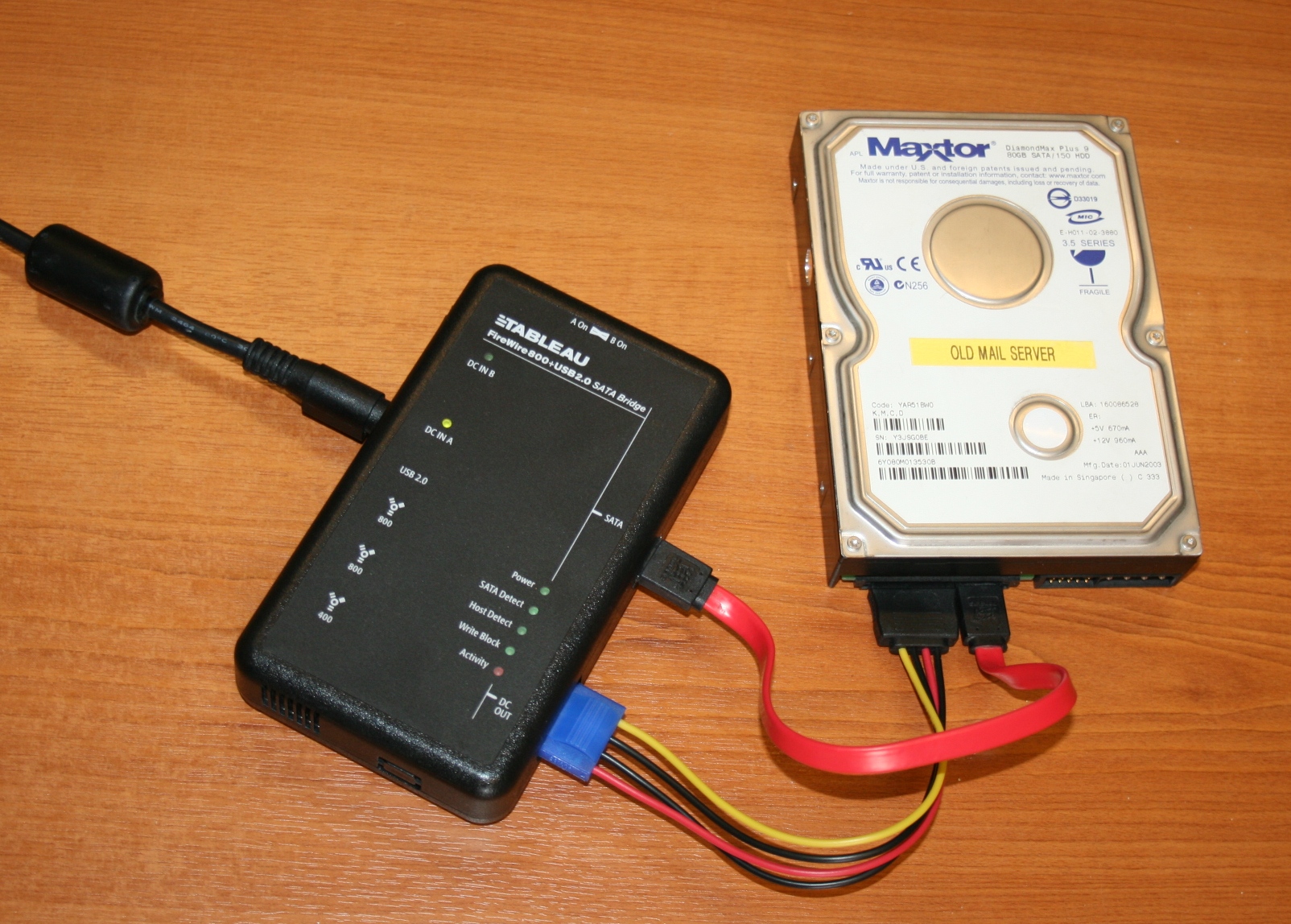
Therefore, incident responders must capture volatile system memory before shutting down a compromised device. Once the RAM is successfully dumped and the machine is safely powered down, the focus shifts to the hard drive. Data preservation involves creating exact bit-for-bit copies of physical storage drives. This ensures that forensic analysts can dissect the malicious activity without ever tainting or modifying the original hardware.
Evidence Tracking and Documentation
If a cyber incident leads to a lawsuit or a criminal prosecution, how you handled the machine matters far more than what is on it.
The Chain of Custody The chain of custody is a chronological paper trail documenting the continuous handling of physical and digital evidence. A properly maintained chain of custody document ensures that digital evidence remains legally admissible in a court of law.
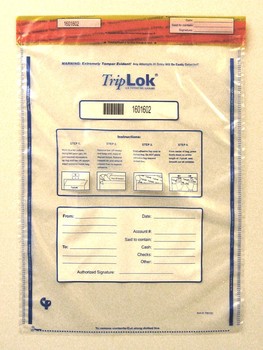
To maintain this unbroken timeline, tracking physical computer evidence involves securing hardware drives inside tamper-evident bags. Every individual taking possession of digital evidence must sign the chain of custody log—from the desk-side support technician who uncrewed the drive, to the security engineer who locked it in a safe.
Memory is fallible, but ink is not. Incident documentation requires a detailed log of every specific action taken by the first responder. Furthermore, incident documentation requires recording the exact date and time of all response activities. Finally, you are never in this alone. First responders must report security incidents through designated organizational escalation channels immediately.
When you install an application, you are not buying the software itself. You are buying a highly conditional set of permissions to use the software. Think of software as a rental property; the license is the lease agreement dictating exactly who can live there and what modifications they are allowed to make.
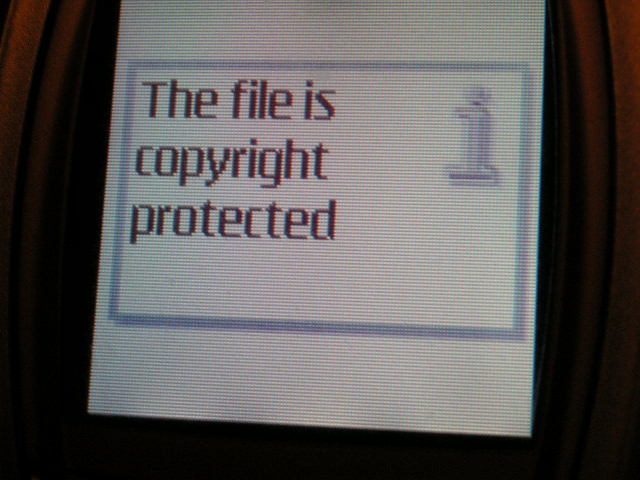
At the heart of this transaction is the EULA. EULA stands for End-User License Agreement. An End-User License Agreement is a legally binding contract between a software publisher and the consumer, establishing exactly what the consumer is permitted to do with the code. To enforce the strict terms of the EULA, publishers use software locks. DRM stands for Digital Rights Management. Mechanically, Digital Rights Management restricts the unauthorized copying of digital media and software, acting as a cryptographic bouncer ensuring you only consume what you paid for.
Open vs. Proprietary Code
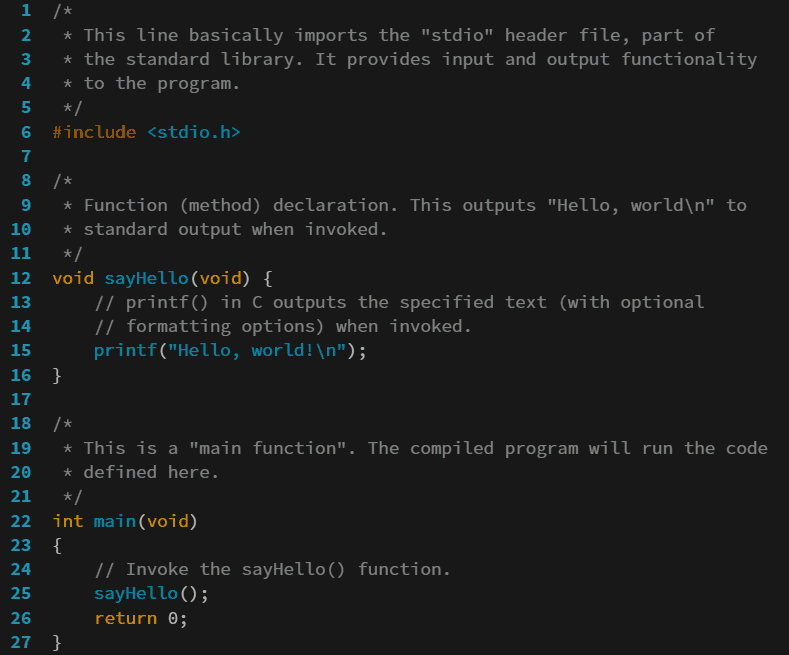
Contrast heavily locked proprietary software with FOSS, which stands for Free and Open-Source Software. Open-source software licenses fundamentally invert the standard software model. Instead of hiding the code behind compiled binaries, open-source software licenses legally permit users to inspect the application source code. Furthermore, they legally permit users to modify the application source code, encouraging collaborative improvement and transparency.
Licensing Structures
How software is paid for, and who is allowed to use it, defines its lifecycle on a corporate network.
| License Type | Mechanism & Scope |
|---|---|
| Perpetual | A perpetual software license grants the purchaser the right to use the software indefinitely. Because it is a one-time purchase, perpetual software licenses do not require recurring subscription fees. |
| Subscription-based | Subscription-based software licenses require ongoing periodic payments to maintain application access. Stop paying, and the software stops working. |
| Personal | A personal software license restricts application use to a single individual for non-commercial purposes. It cannot be legally used to run a business. |
| Corporate | A corporate software license permits an organization to install a program on devices owned by the company. |
| Corporate Site | A corporate site license allows a business to install software on an unlimited number of computers at one specific physical location, such as a university campus or a regional headquarters. |
| Concurrent | Operating like limited seats at a busy restaurant, concurrent software licenses strictly limit the maximum number of users accessing an application at the exact same time, regardless of how many devices have the software installed. |
Technology amplifies human behavior. To prevent that amplification from becoming a legal or operational liability, organizations establish strict behavioral boundaries. As an IT technician, you are the enforcement arm of these policies.
Before an employee is even handed a laptop, they will sign an NDA. NDA stands for Non-Disclosure Agreement. A Non-Disclosure Agreement is a legal contract prohibiting employees from sharing confidential company information with outsiders. You will regularly encounter screens displaying merger plans, unreleased product designs, or proprietary code; all of this is protected by the NDA.
Next is the AUP. AUP stands for Acceptable Use Policy. An Acceptable Use Policy defines the strictly approved behaviors for employees utilizing organizational network resources. It clearly answers the question: "What am I allowed to do with this company-issued hardware?" Acceptable Use Policies typically detail specific restricted activities such as accessing prohibited websites, mining cryptocurrency, or conducting personal commercial business on corporate time.
To ensure users cannot claim ignorance of these policies, IT departments configure the operating system to present a digital checkpoint. A corporate splash screen displays a legal warning message before a user can authenticate into a system. By clicking "Accept" to clear the screen, the user acknowledges the rules. Crucially, corporate splash screens explicitly notify users that system activities are actively monitored by the organization, thereby legally eliminating any expectation of privacy on that corporate machine.
Data is no longer just a byproduct of business; it is the most valuable and heavily regulated asset an organization possesses. Mishandling hardware costs hundreds of dollars. Mishandling regulated data costs millions in fines and shatters public trust.
Protecting the Individual
At the baseline of data privacy is PII. PII stands for Personally Identifiable Information. Personally Identifiable Information encompasses any specific data piece that can uniquely identify a single individual. While a first name alone might not be PII, a first name paired with a home address is. A Social Security Number is a highly sensitive form of Personally Identifiable Information because it is a permanent, unique identifier tied directly to a citizen's entire financial and legal identity.
When PII intersects with healthcare, the regulatory stakes are raised. PHI stands for Protected Health Information. Protected Health Information includes any medical records linked directly to a specific patient—from X-rays to therapy notes. HIPAA is the United States federal law mandating strict protection standards for Protected Health Information. If a nurse leaves a logged-in tablet visible to a crowded waiting room, that is a severe HIPAA violation.
Protecting Transactions and Global Citizens
If your company processes transactions, network architecture is dictated by PCI DSS. PCI DSS stands for Payment Card Industry Data Security Standard. The Payment Card Industry Data Security Standard governs the secure handling of consumer credit card information. For example, the Payment Card Industry Data Security Standard requires businesses to encrypt credit card numbers during network transmission so that a packet sniffer intercepting the traffic only sees mathematical noise, not a customer's purchasing power.
Data borders are virtual, but their legal jurisdictions are very real. GDPR stands for General Data Protection Regulation. The General Data Protection Regulation enforces strict data privacy laws for all citizens residing within the European Union. Even if your servers are sitting in Texas, if you collect an email address from a user sitting in Paris, you must obey the GDPR's mandate for explicit consent and the user's "right to be forgotten."
Holding On and Letting Go: Retention & Disposal
You cannot keep corporate data forever, nor can you throw it away whenever you please. Data retention policies define the exact duration an organization is legally required to store specific types of records. For instance, regulatory compliance frameworks often require organizations to retain financial audit records for multiple consecutive years to ensure transparency for tax authorities and shareholders.
However, stale data is a massive liability. Once that legal timer runs out, organizations must implement proper disposal procedures to destroy sensitive data upon reaching the end of the required retention period. This means physically shredding hard drives or performing cryptographic erasures so that discarded data never falls into the wrong hands.