Billing, Budget, and Cost Management
Not sure you’re ready?
Take the ~3-minute readiness diagnostic and see where you stand.
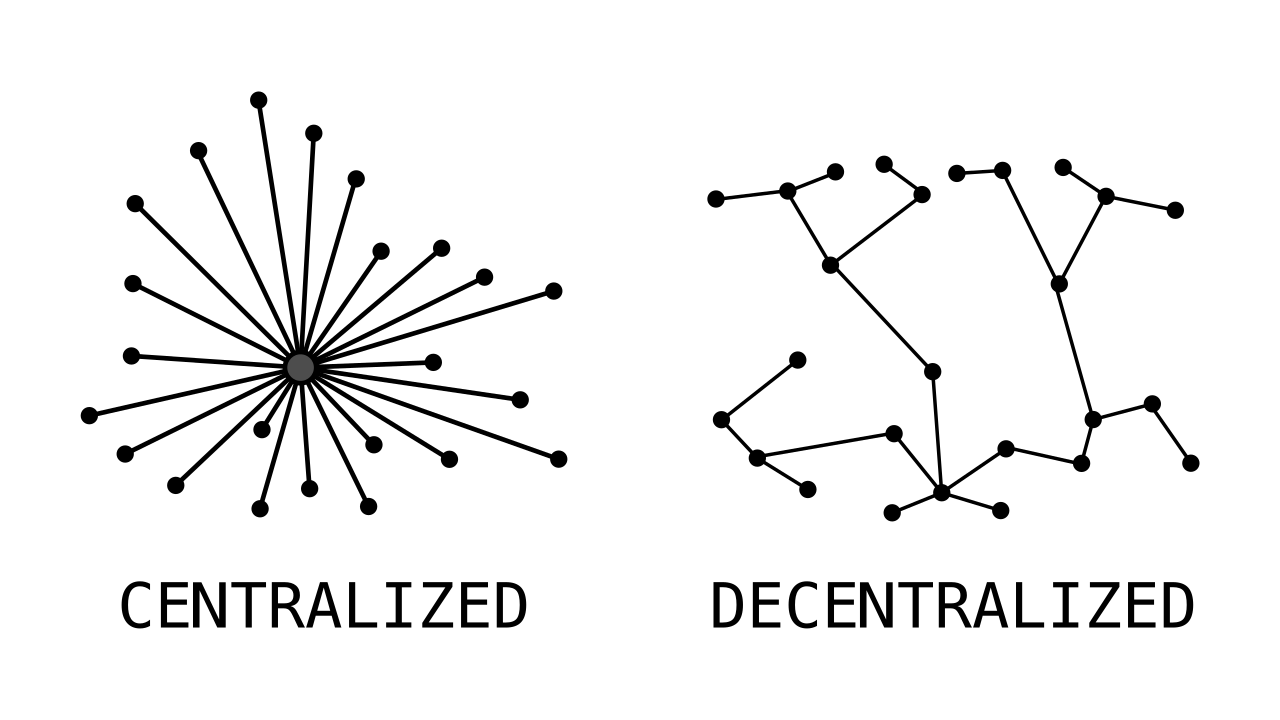
Imagine overseeing a massive, decentralized factory where every single employee possesses the authority to order raw materials, assemble production lines, and launch new products instantly. The operational agility would be breathtaking, but without strict, centralized financial visibility, the monthly invoice could quickly turn into a catastrophe.
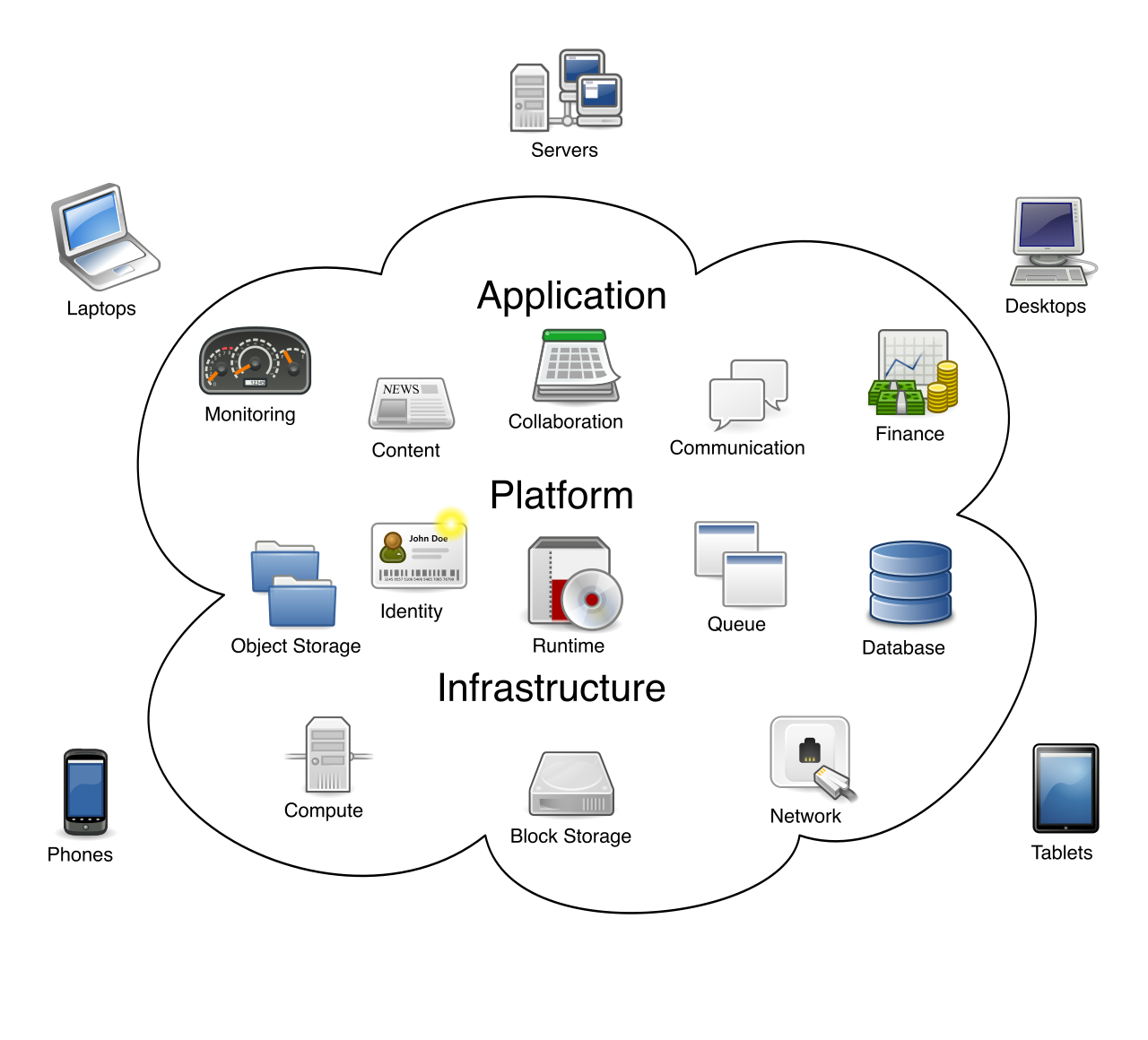
Cloud computing offers this exact, unparalleled power. By replacing fixed, upfront hardware expenses with variable, pay-as-you-go operational expenses, AWS allows engineers to provision infrastructure in milliseconds. But for project managers, finance directors, and cloud practitioners, this dynamic environment requires a paradigm shift in how we track, model, and allocate expenses.
To prevent financial chaos and translate cloud engineering into coherent business logic, AWS provides a precise, interrelated suite of telemetry and forecasting tools. Mastering these mechanisms is not just an administrative chore; it is the fundamental bridge between technical architecture and business viability.
Before a construction crew pours a single yard of concrete, architects draft a blueprint to estimate the project's cost. In the cloud, this process occurs through the AWS Pricing Calculator.
The AWS Pricing Calculator is provided as a free web-based planning tool designed to remove the financial guesswork from cloud architecture. Cloud practitioners use the AWS Pricing Calculator to model cloud architecture expenses before provisioning any actual resources.
To use it, you input user-defined usage parameters—such as the number of servers you need, the amount of data you plan to store, and your expected outbound network traffic. The tool processes these inputs and outputs an estimate of the expected monthly cost of AWS services. If your sales team wants to pitch a new client application, or your finance department requires budget approval for a migration, the Pricing Calculator allows you to demonstrate exactly what the infrastructure will cost before a single dollar is spent.
Once your infrastructure is live, theoretical estimates must give way to actual financial telemetry. AWS Cost Explorer is a tool used to visualize and analyze an organization's AWS costs and usage over time.
Think of Cost Explorer as the interactive dashboard of your cloud economy. It is not just a static receipt; it allows users to dynamically filter and group cost data by specific attributes like AWS Region or Amazon EC2 instance type. If you notice a sudden spike in your monthly bill, Cost Explorer allows you to drill down and discover, for example, that the surge is originating from memory-intensive EC2 instances deployed in the Tokyo Region.
Furthermore, Cost Explorer acts as a temporal lens:
- Looking backward: AWS Cost Explorer provides historical cloud spending data for up to twelve months, allowing you to identify seasonal usage trends.
- Looking forward: AWS Cost Explorer can forecast future cloud costs for up to twelve months based on historical usage patterns.
Visibility is useless without actionable guardrails. While Cost Explorer lets you analyze your spend, AWS Budgets allows administrators to set custom financial limits for AWS costs and usage, actively notifying you when things go awry.
AWS Budgets operates proactively. It connects directly to your communication pipelines, enabling it to trigger email or Amazon SNS (Simple Notification Service) notifications under two specific conditions:
- When actual incurred costs exceed a configured numerical threshold.
- When mathematically forecasted costs exceed a configured numerical threshold.
This distinction is crucial. If your monthly limit is $10,000, you do not want to wait until the 29th of the month to find out you spent $15,000. By relying on forecasted costs, AWS Budgets can warn you on the 5th of the month that your current burn rate will result in an overrun, affording you the time to shut down idle resources.
Administrators can deploy four distinct types of budgets to govern their cloud estate:
| Budget Type | Purpose | Real-World Application |
|---|---|---|
| Cost Budgets | Customers can create cost budgets in AWS Budgets to monitor total financial expenditure against a specific monetary limit. | Alerting the finance team if a development project’s monthly spend exceeds $5,000. |
| Usage Budgets | Customers can create usage budgets in AWS Budgets to monitor the physical consumption of specific AWS resources like Amazon EC2 compute hours. | Ensuring a data science team does not run more than 500 hours of expensive GPU compute. |
| Reservation Budgets | Customers can create reservation budgets in AWS Budgets to track the utilization rate and coverage rate of Reserved Instances. | Verifying that you are actually utilizing the discounted capacity you previously committed to purchasing. |
| Savings Plans Budgets | Customers can create Savings Plans budgets in AWS Budgets to track the utilization rate and coverage rate of active AWS Savings Plans. | Ensuring your flexible, hourly compute commitments are being fully utilized across your organization. |
As an enterprise grows, it inevitably fragments into dozens or even hundreds of isolated AWS accounts belonging to different departments. Tracking invoices for each account is inefficient and expensive.
AWS Organizations solves this by establishing a hierarchical management structure, which includes a highly advantageous consolidated billing feature to combine the operational costs of multiple AWS accounts into a single invoice.
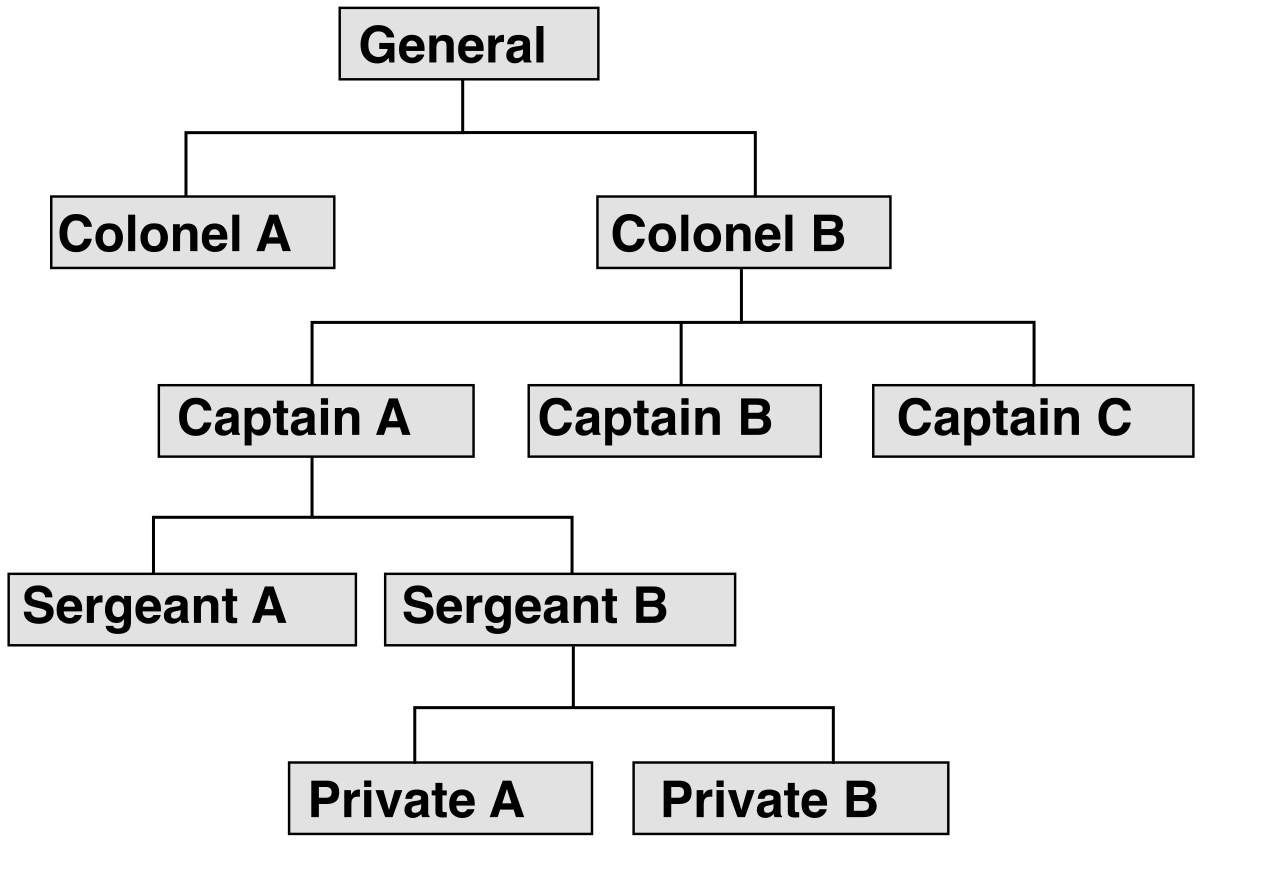
The Rule of Consolidation: In AWS Organizations, the designated management account pays the consolidated AWS bill for all associated member accounts.
Consolidated billing is not merely an administrative convenience; it is an economic strategy. AWS pricing is heavily tiered: the more you consume, the less you pay per unit. By design, consolidated billing aggregates resource usage across all member accounts to help the organization qualify for higher volume-based pricing discounts.
For instance, if your HR department uses 3 terabytes of storage and your R&D department uses 4 terabytes, treating them as isolated accounts means neither gets a bulk discount. By aggregating them to 7 terabytes through consolidated billing, the entire organization reaches the cheaper volume tier faster. Best of all, the consolidated billing feature is provided at no additional charge to AWS Organizations customers.
While consolidated billing merges everything into one giant invoice for AWS, internal business units still need to know how much they spent. This creates a complex internal accounting challenge.
Enter AWS Billing Conductor, a customizable billing service designed to organize and display AWS costs for internal reporting. It enables enterprise administrators to create showback (reporting costs to a department without collecting money) and chargeback (actually billing the department) workflows for different internal business units.
The brilliance of Billing Conductor lies in its ability to manipulate how costs are presented internally without altering the actual AWS invoice. AWS Billing Conductor generates pro forma billing data (hypothetical or internal-facing ledgers) to reflect custom pricing agreements negotiated between an AWS customer and internal stakeholders.

If corporate IT negotiates a massive discount with AWS, they might choose to share only half of that discount with the marketing department while retaining the rest to fund central IT operations. Billing Conductor automatically recalculates the marketing department's pro forma bill based on those custom rules.
To achieve the precise chargeback modeling required by Billing Conductor or Cost Explorer, the cloud environment must be meticulously labeled. In AWS, AWS tags are metadata labels consisting of a key and an optional value assigned to individual AWS resources.
When you apply these tags to finance, they become cost allocation tags, which allow cloud practitioners to categorize and track AWS costs on a detailed granular level. AWS provides two specific types of cost allocation tags:
1. AWS-Generated Cost Allocation Tags
These are automatically applied by AWS itself. AWS-generated cost allocation tags automatically utilize the aws: string prefix. A prime example is the aws:createdBy tag, which is an AWS-generated cost allocation tag used to track the exact IAM user, role, or service entity that created a resource. If an expensive database appears mysteriously in your account, the aws:createdBy tag acts as a forensic fingerprint to identify the originator.
2. User-Defined Cost Allocation Tags
These are custom labels created by customers to reflect specific business categories like department or project names. For example, a user-defined tag might feature the key Project and the value Alpha, or the key CostCenter and the value Finance.
Critical Exam Fact: Simply tagging a resource does not make it appear on your bill. Both AWS-generated and user-defined cost allocation tags must be explicitly activated in the AWS Billing console to appear in cost reports.
When cost visualizations and summarized reports are not enough, data analysts and finance auditors require the raw telemetry. The AWS Cost and Usage Report (often referred to as the CUR) contains the most comprehensive set of AWS cost and usage data available to an AWS customer.
The CUR is not a dashboard; it is an immensely detailed dataset. The AWS Cost and Usage Report lists cloud usage and associated costs broken down by the hour, day, or month. Because these files are incredibly large and detailed, the AWS Cost and Usage Report delivers billing data files directly to a customer-designated Amazon Simple Storage Service (Amazon S3) bucket. To ensure absolute accuracy, AWS updates the AWS Cost and Usage Report in the customer's Amazon S3 bucket one or more times per day.
The true power of the CUR is unlocked through metadata. Once you have activated your tags in the Billing Console, those active cost allocation tags automatically populate as individual columns in the AWS Cost and Usage Report to enable custom data filtering.
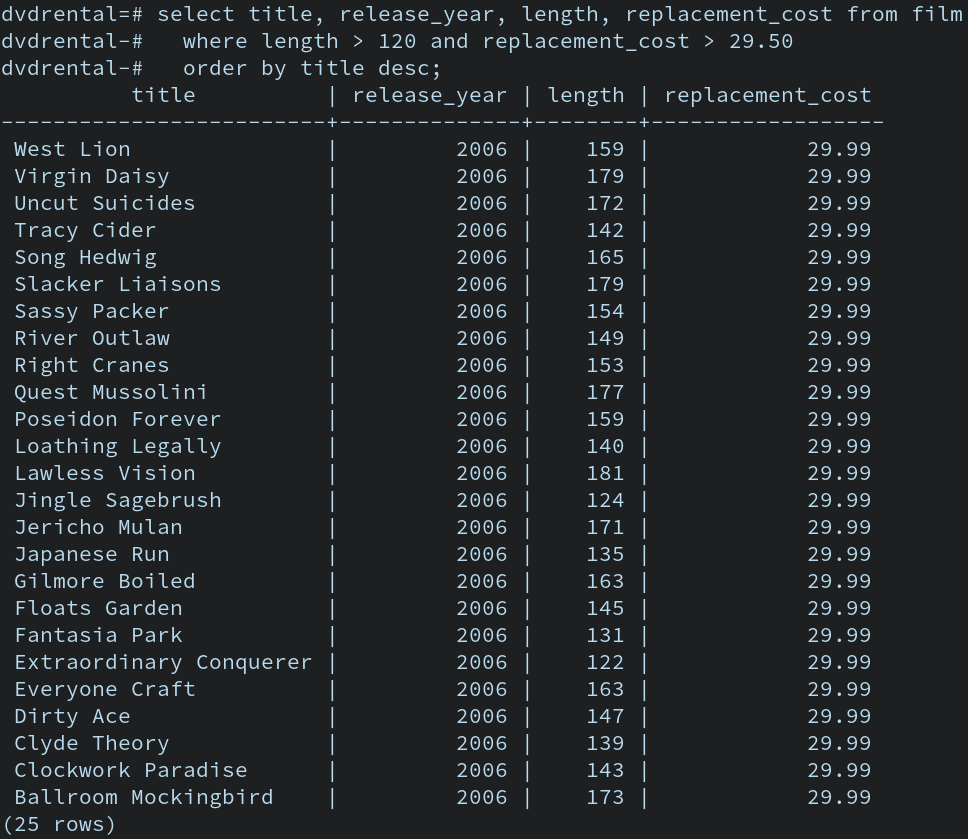
Because a daily CUR file can contain millions of rows of data—far too massive for standard spreadsheet software—the AWS Cost and Usage Report integrates directly with Amazon Athena. Amazon Athena is a serverless interactive query service that allows users to run standard SQL queries on detailed billing data directly within the S3 bucket. This enables a cloud financial analyst to effortlessly execute a SQL command extracting the exact hourly cost of all EC2 instances running under the user-defined tag Project: Apollo over the last 90 days.
Understanding AWS Billing and Cost Management is about mastering the lifecycle of cloud expenditure:
- You estimate with the AWS Pricing Calculator.
- You aggregate discounts with AWS Organizations Consolidated Billing.
- You label infrastructure with Cost Allocation Tags.
- You monitor and visualize trends with AWS Cost Explorer.
- You govern spend through proactive AWS Budgets.
- You distribute internal costs via AWS Billing Conductor.
- And you audit the microscopic details using the AWS Cost and Usage Report (CUR) via Amazon Athena.
By applying these interrelated tools, the cloud transforms from a potentially dangerous open checkbook into a meticulously measured engine of business value.