Compute Scaling for Cost
Not sure you’re ready?
Take the ~3-minute readiness diagnostic and see where you stand.
Consider a city’s power grid. A utility company does not charge a manufacturing plant for the theoretical capacity of the high-voltage copper wires leading to its transformers; it meters the precise joules of energy consumed when the machinery is actually switched on. Cloud computing, at its economic zenith, operates on this exact principle of utility consumption. Yet, the default behavior of most unoptimized cloud architectures resembles a factory leaving its heavy machinery idling continuously, burning massive amounts of capital to produce nothing. The fundamental objective of cloud cost optimization is to ruthlessly eliminate the delta between provisioned capacity and actual compute consumption.
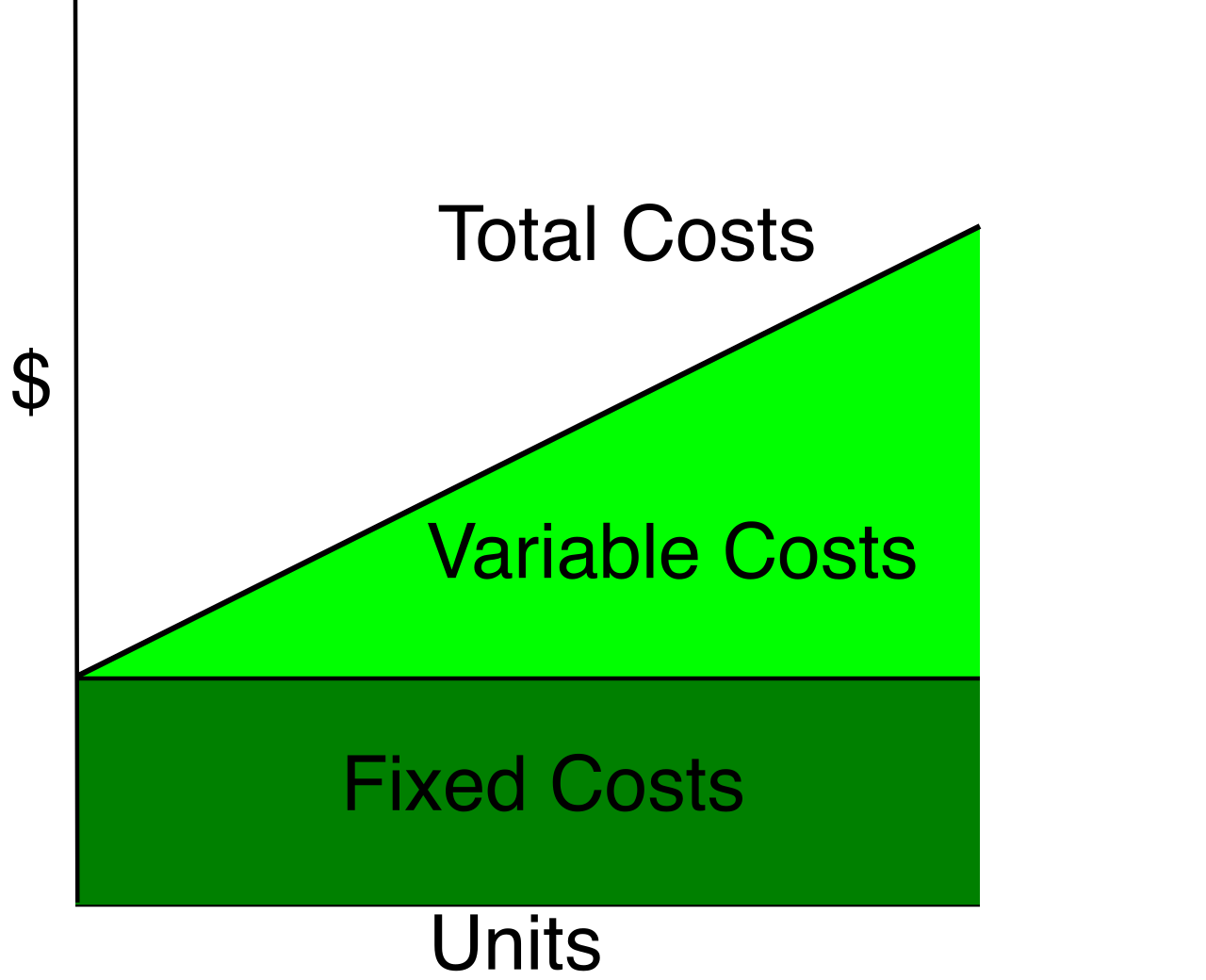
The most mathematically perfect way to optimize compute cost is to stop paying for servers entirely when they are not doing useful work. Serverless architectures achieve this by shifting the burden of capacity management to the cloud provider, moving your workload from a fixed-cost model to a highly granular, purely variable one.
AWS Lambda: Micro-Metering Computation
AWS Lambda represents the extreme end of the serverless spectrum. With Lambda, you write your application logic, and the cloud executes it without you ever provisioning a virtual machine. Crucially, AWS Lambda incurs zero compute charges when code is not running. If your application receives no traffic at 3:00 AM, you pay precisely $0 for compute during that time.
When your code does run, the granularity of the billing is what makes it so economical: AWS Lambda execution duration is billed in increments of one millisecond.
To properly architect a Lambda function, you must understand its physical constraints and scaling dimensions:
- Duration Limits: Lambda is designed for ephemeral, event-driven tasks. Therefore, AWS Lambda functions have a maximum execution time limit of 15 minutes per invocation. If your workload requires hours of continuous processing, Lambda is not the correct tool.
- The Single Dial: Unlike traditional servers where you independently select CPU and RAM, Lambda provides only one dial. Increasing the memory allocated to an AWS Lambda function proportionally increases the allocated CPU power and network bandwidth. If your compute-heavy function is running too slowly, allocating more memory will give it a faster processor, potentially reducing the total execution duration and lowering your overall cost due to the 1ms billing increments.
The Cold Start Dilemma: Because Lambda spins up execution environments dynamically, the very first request to a newly spun-up environment experiences a brief delay known as a "cold start." For latency-sensitive applications, this is unacceptable. To solve this, AWS Lambda Provisioned Concurrency keeps function execution environments initialized to prevent cold starts. However, you must apply this deliberately: unlike standard Lambda invocations, AWS Lambda Provisioned Concurrency incurs continuous hourly charges while enabled, effectively reintroducing a minor "idle penalty" in exchange for guaranteed low latency.
AWS Fargate: Container Utility Compute
If your workload runs in containers—perhaps it requires an operating system environment not supported by Lambda, or it runs longer than 15 minutes—you utilize AWS Fargate.
AWS Fargate is a serverless compute engine for Amazon Elastic Container Service (Amazon ECS) and Amazon Elastic Kubernetes Service (Amazon EKS). Its primary economic advantage is that AWS Fargate eliminates the cost of managing and over-provisioning underlying Amazon EC2 instance infrastructure for containers.
Instead of paying for half-empty EC2 instances waiting to host containers, AWS Fargate pricing includes per-second billing for the vCPU and memory consumed by a running task. Take note of the slight difference in billing resolution compared to Lambda: AWS Fargate tasks have a minimum billing charge duration of one minute.
For non-production environments or background processing that can survive interruptions (like batch jobs), you can leverage AWS Fargate Spot capacity, which provides a steep discount on compute pricing for fault-tolerant containerized applications.
When you must rely on traditional Amazon EC2 virtual machines, you cannot afford to permanently provision enough servers to handle your peak traffic. Amazon EC2 Auto Scaling adjusts the number of compute instances automatically to match dynamic workload demand.
Auto scaling relies on policies to determine exactly when to add (scale out) or remove (scale in) instances. A common architectural failure is focusing solely on scaling out to maintain availability. From a cost optimization standpoint, the reverse is equally critical: Scale-in policies terminate excess Amazon EC2 instances during periods of low demand to reduce unneeded compute costs. Furthermore, to prevent anomalous traffic spikes or runaway application bugs from financially devastating your project, Amazon EC2 Auto Scaling allows configuring a maximum instance count to strictly cap compute costs during extreme demand spikes.
Intelligent Scaling Policies
How does the Auto Scaling group know when to act? You define the triggers using one of four primary methodologies:
- Target Tracking Scaling: This is the most intuitive approach, functioning like a thermostat. Target tracking scaling policies adjust Amazon EC2 instance counts to keep a specific Amazon CloudWatch metric at a chosen target value (e.g., maintaining average CPU utilization exactly at 50%). To simplify operations, target tracking scaling policies automatically create and manage the necessary Amazon CloudWatch alarms to trigger scaling actions.
- Step Scaling: For granular control, a step scaling policy dynamically changes the Amazon EC2 instance capacity based on the exact magnitude of the alarm breach. For example, if CPU hits 60%, add one instance; if CPU hits 90%, immediately add four instances.
- Scheduled Scaling: If your traffic is bound to the clock—such as a corporate application used strictly from 9 AM to 5 PM—reacting to traffic is inefficient. Scheduled scaling policies change Amazon EC2 capacity at predetermined times to accommodate highly predictable workload traffic patterns.
- Predictive Scaling: Why react when you can anticipate? Predictive scaling uses machine learning algorithms to proactively add Amazon EC2 instances before anticipated daily or weekly traffic spikes, reading historical patterns to have instances warmed up just as the demand arrives.
Blending Fleet Purchasing Models
For maximum efficiency, Amazon EC2 Auto Scaling groups can combine On-Demand Instances and Spot Instances in a single group to balance availability and cost savings. Spot instances allow you to bid on spare AWS capacity at massive discounts, but they can be reclaimed by AWS with a two-minute warning. To prevent these interruptions from degrading your application, Amazon EC2 Auto Scaling Capacity Rebalancing proactively replaces Spot Instances before AWS reclaims the interrupted instances, ensuring your application remains stable while enjoying the deepest discounts.
Certain applications run on legacy monolithic codebases that take 10 or 20 minutes to boot up, load caches, and initialize memory. If you use Auto Scaling, this long boot time forces you to keep these instances running constantly, wasting money.
The solution is to freeze them. Amazon EC2 Hibernation reduces costs by eliminating the need to keep instances continuously running for applications with extremely long initialization times.
When you trigger hibernation, the operating system pauses. Amazon EC2 Hibernation saves the instance in-memory RAM state directly to the attached Amazon Elastic Block Store (EBS) root volume. Because the RAM contents are written to the disk, Amazon EC2 Hibernation requires the instance to use an encrypted Amazon Elastic Block Store root volume to ensure sensitive memory contents are not exposed.
The economic impact is immediate: Amazon EC2 instance usage billing completely stops while an instance is in the hibernated state. However, the infrastructure holding the suspended instance still exists. Therefore:
- A hibernated Amazon EC2 instance continues to incur standard monthly charges for the associated Amazon Elastic Block Store storage.
- A hibernated Amazon EC2 instance continues to incur standard charges for any attached Elastic IP addresses.
Note that this is not a permanent storage mechanism. An Amazon EC2 instance cannot remain in a hibernated state for more than 150 consecutive days.
An often-overlooked source of cloud waste is using a sledgehammer to drive a nail. Right-sizing involves matching the Amazon EC2 instance type and size to the specific CPU, memory, storage, and network requirements of an application.
The Periodic Table of EC2 Instances
AWS classifies its instances into specific families optimized for distinct computational profiles. Memorizing these is non-negotiable for an architect:
| Instance Family | Designation | Characteristics & Workload Fit |
|---|---|---|
| M-Family | General Purpose | General-purpose Amazon EC2 instances provide a balance of compute, memory, and networking resources. Ideal for web servers and typical enterprise applications. |
| C-Family | Compute Optimized | The Amazon EC2 C-family consists of compute-optimized instances. They provide high-performance processors ideal for compute-bound workloads like batch processing and media transcoding. |
| R, X, z-Families | Memory Optimized | The Amazon EC2 R-family, X-family, and z-family consist of memory-optimized instances. They deliver fast performance for workloads that process large datasets entirely in RAM, such as in-memory databases (e.g., Redis, SAP HANA). |
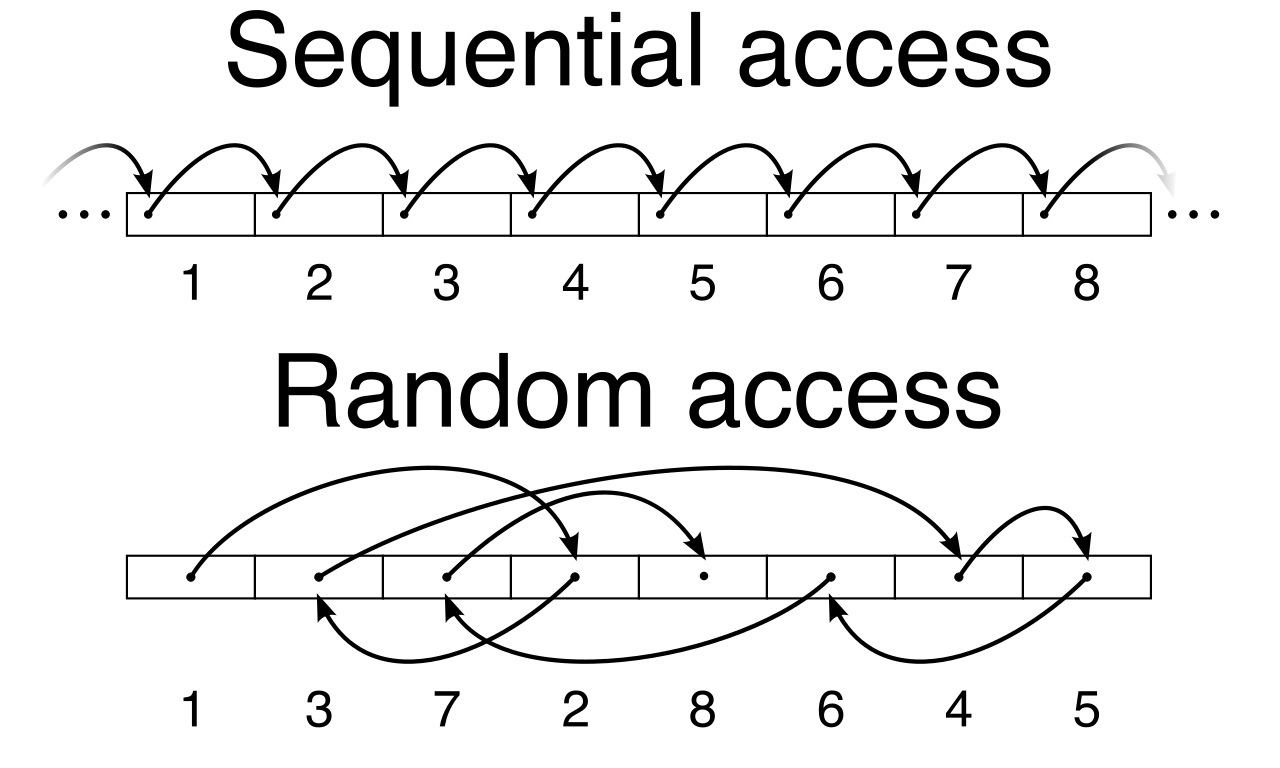
| I-Family | Storage Optimized | The Amazon EC2 I-family consists of storage-optimized instances. They are designed for workloads that require high sequential read and write access to very large datasets on local storage (e.g., NoSQL databases, data warehousing). |
The Economics of the Sprint: T-Family Instances
For many standard web servers or developer environments, CPU utilization sits at 5% for hours, occasionally spiking to 100% when a user logs in or runs a query. Paying for a massive C-family processor for these brief spikes is highly inefficient.
The Amazon EC2 T-family consists of burstable performance instances. These operate on a unique economic model: Burstable performance Amazon EC2 instances accumulate CPU credits during periods of low CPU utilization. When the workload demands more power, the instances consume accumulated CPU credits to burst performance significantly above their baseline level. Because of this clever accounting mechanism, burstable performance Amazon EC2 instances provide a highly cost-effective compute platform for workloads with irregular or temporary spikes in CPU usage.
Silicon Substrate: The Graviton Advantage
Optimization is not only about capacity; it is also about the underlying silicon physics. Traditionally, EC2 instances run on x86 architecture (Intel or AMD processors). However, AWS Graviton processors utilize a 64-bit ARM-based instruction set architecture. If your application runs on interpreted languages (like Python, Node.js, or Java) or can be easily recompiled for ARM, you should transition your workloads. Amazon EC2 instances powered by AWS Graviton processors offer superior price performance compared to comparable x86-based instances, fundamentally lowering your baseline cost without altering your architecture.
You do not have to guess if your architecture is right-sized; AWS provides telemetry-based tooling to do the math for you.
AWS Compute Optimizer provides recommendations for optimal Amazon EC2 instance types based on historical resource utilization metrics. To generate these precise recommendations, AWS Compute Optimizer analyzes up to the past 14 days of Amazon CloudWatch metrics to generate instance right-sizing recommendations by default. This tool extends beyond virtual machines; AWS Compute Optimizer provides memory right-sizing recommendations to help optimize costs for AWS Lambda functions, analyzing if your functions are over-provisioned.
Additionally, at a financial layer, AWS Cost Explorer offers Rightsizing Recommendations to help identify idle or underutilized Amazon EC2 instances, allowing you to rapidly flag servers that should be terminated or downsized.
Once you have eliminated idle capacity via serverless architectures, dynamically scaled your EC2 fleets, right-sized your instance families, and migrated to ARM silicon where possible, you reach the final lever of cost optimization: financial commitment.
Compute Savings Plans provide a significant discount on overall compute usage in exchange for a commitment to a specific hourly spend for a one-year or three-year term. (e.g., committing to spend $10.00 per hour for 3 years).
Unlike legacy Reserved Instances which tied you to specific server types, Savings Plans recognize modern, heterogeneous architectures. Compute Savings Plans automatically apply cost discounts across Amazon EC2, AWS Lambda, and AWS Fargate usage simultaneously. Furthermore, Compute Savings Plans offer pricing flexibility by applying discounts regardless of the chosen Amazon EC2 instance family, instance size, or AWS Region.
This means you can purchase a Compute Savings Plan today to discount a fleet of M5 EC2 instances in Virginia, and next year, entirely refactor your application into AWS Lambda functions in Ireland, and the Savings Plan discount will automatically flow to the new serverless architecture. This enables you to continually modernize your application logic without ever being penalized by your financial commitments.