Cost-Optimized Storage
Not sure you’re ready?
Take the ~3-minute readiness diagnostic and see where you stand.
Imagine a vast, sprawling warehouse where storage space isn't a fixed capital expense, but a running meter that ticks every millisecond. As an architect, your job isn't merely to ensure the boxes are securely stored so they can be read later; it is to ensure you aren't paying front-room display prices for archives no one has opened since 2018. The cloud fundamentally broke the old on-premises model where storage was a sunk capital cost—you bought the SAN, and whether it was empty or full, the money was spent. Today, every kilobyte left in the wrong storage tier or forgotten in an unattached volume bleeds operational budget. True cloud mastery lies in the elegant orchestration of data across tiers—optimizing the intricate interplay between access latency, durability, and raw economics.
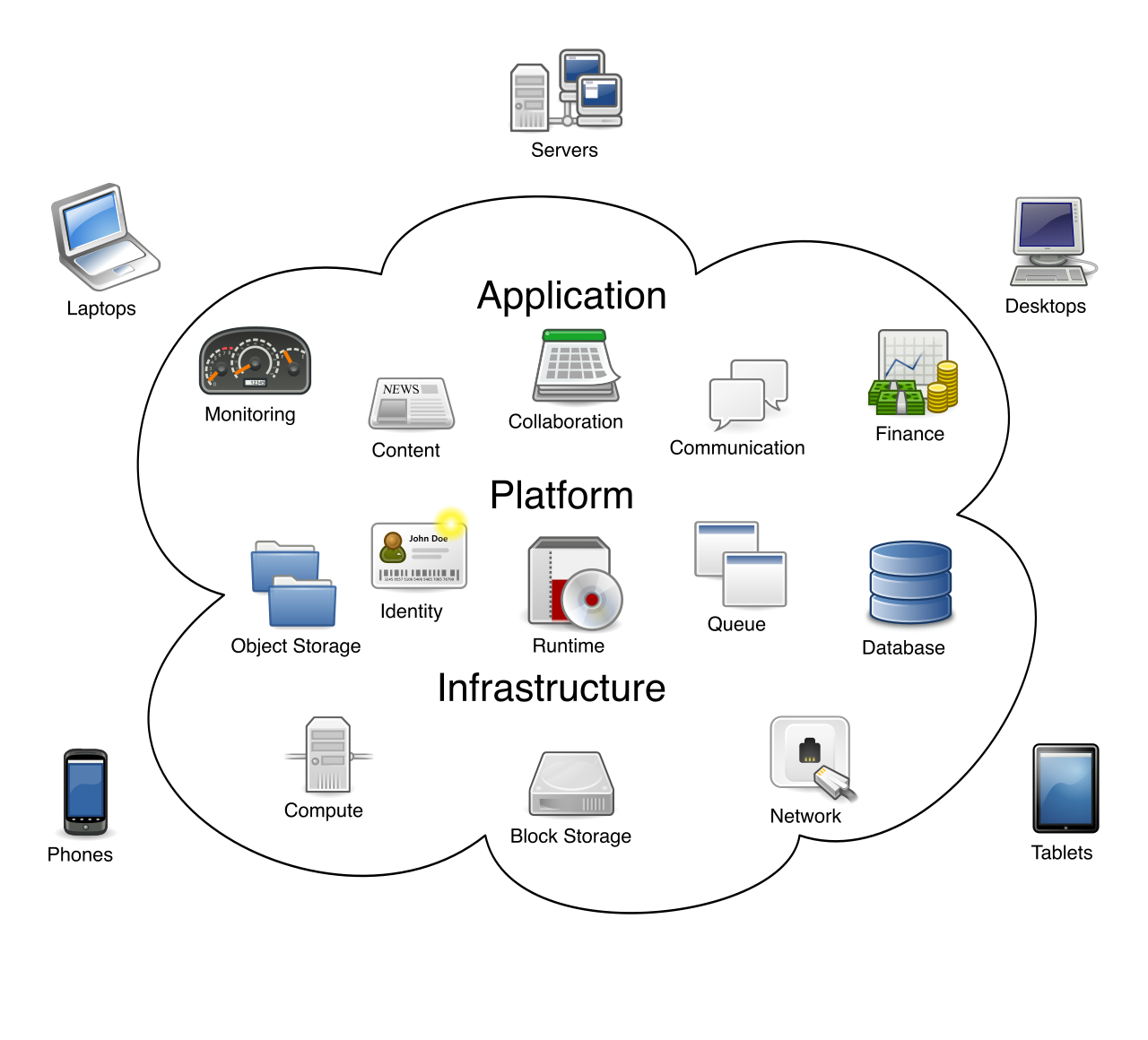
When developers first adopt the cloud, they treat Amazon S3 like a boundless hard drive, dumping everything into the default tier. Amazon S3 Standard is the default storage class for frequently accessed data. It offers immediate retrieval and high redundancy, but keeping petabytes of cold data in Standard is akin to leaving the heat running in an empty house.
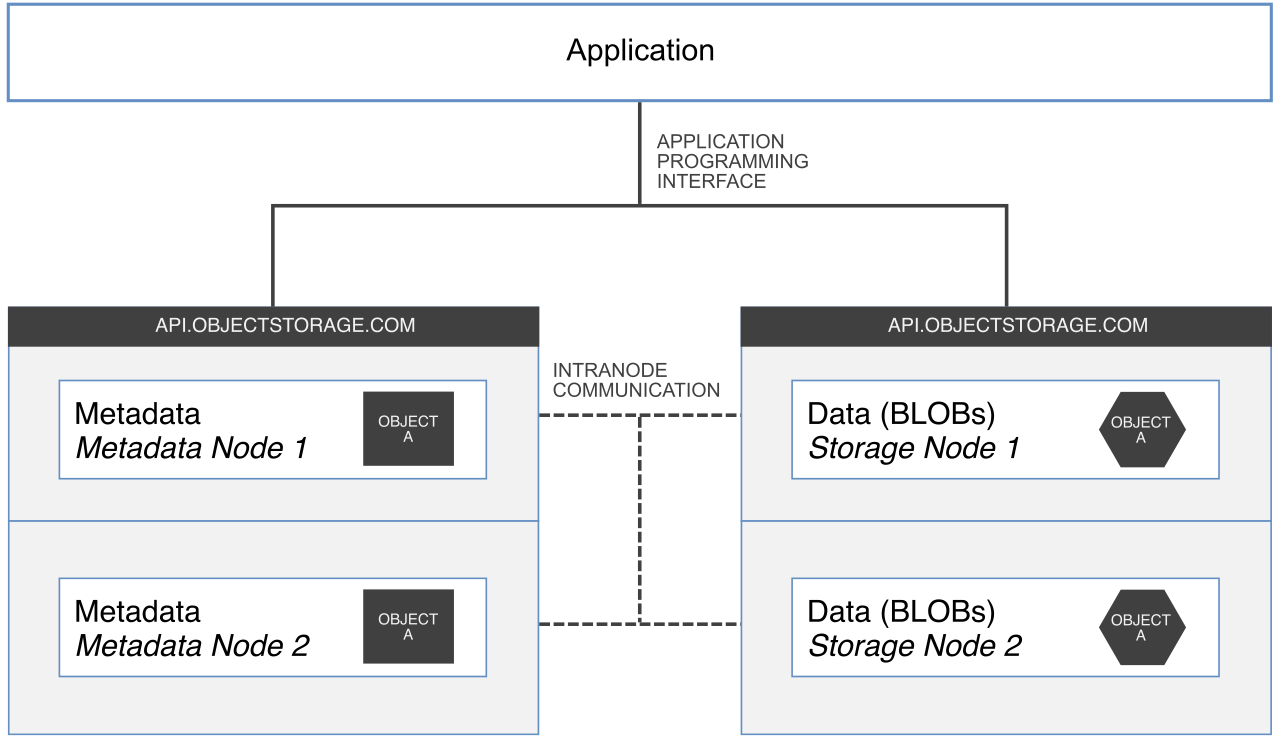
To optimize, we must categorize our data based on how often it is accessed and how quickly we need it when we do ask for it.
The Infrequent Access Tiers
If you have data that isn't touched daily—say, user-generated content from last month or historical reports—but your application will crash if it doesn't load instantly upon a user click, you need rapid access combined with cheaper at-rest costs.
Amazon S3 Standard-Infrequent Access (Standard-IA) provides a lower storage cost than S3 Standard for data that requires rapid access when needed. The fundamental economic tradeoff here is the toll booth: Amazon S3 Standard-IA charges a data retrieval fee per gigabyte accessed. If you retrieve this data too often, the retrieval fees will eclipse the storage savings, and you would have been better off leaving it in S3 Standard.
If you are storing secondary backups or easily reproducible data, you can save even more money by sacrificing geographic redundancy. Amazon S3 One Zone-IA stores data in a single Availability Zone. Because it lacks the infrastructure overhead of copying data across multiple physical facilities, Amazon S3 One Zone-IA costs less than Standard-IA due to the lack of cross-zone geographic redundancy.
The Penalty Clauses of IA Tiers Storage economics dictate that AWS must allocate physical space efficiently. Consequently, both Standard-IA and One Zone-IA come with strict limitations:
- Amazon S3 Standard-IA has a minimum billable object size of 128 KB. If your bucket is filled with millions of 5 KB log files or thumbnails, transitioning objects smaller than 128 KB to Amazon S3 Standard-IA can increase costs due to the minimum billable object size. You are paying for 128 KB even if the file is tiny.
- Amazon S3 Standard-IA has a minimum storage duration charge of 30 days.
- Amazon S3 One Zone-IA has a minimum storage duration charge of 30 days. If you delete or overwrite an object before 30 days, you still pay for the full 30 days.
The Automation Miracle: Intelligent-Tiering
What happens when you don't know your access patterns? Imagine a massive data lake where data scientists query random datasets sporadically. Manually managing this is impossible.
For this, we use the smartest tier in the ecosystem. Amazon S3 Intelligent-Tiering automatically moves objects between access tiers based on changing access patterns.
How does AWS fund this constant shuffling? Amazon S3 Intelligent-Tiering charges a monthly object monitoring and automation fee. It watches your objects, and if an object isn't accessed for 30 days, it moves it to a cheaper tier. If someone suddenly accesses it, it instantly moves it back. The sheer brilliance of this service is its pricing model for reads: unlike the IA tiers, Amazon S3 Intelligent-Tiering does not charge any data retrieval fees when objects are accessed.
The Archives: Freezing Your Data
When data goes entirely cold—compliance records, deep analytics, regulatory logs—we look to the Glacier family. Here, you are trading retrieval speed (latency) for massive cost savings.
| Storage Tier | Retrieval Time | Ideal Use Case | Minimum Storage Duration |
|---|---|---|---|
| S3 Glacier Instant Retrieval | Milliseconds | Amazon S3 Glacier Instant Retrieval is designed for long-lived data that requires immediate access but is accessed only a few times per year. It provides millisecond access to archive data. | Amazon S3 Glacier Instant Retrieval has a minimum storage duration charge of 90 days. |
| S3 Glacier Flexible Retrieval | Minutes to Hours | You need backups but can wait. Crucially, Amazon S3 Glacier Flexible Retrieval offers a free Bulk retrieval option. However, physics demands a delay: Amazon S3 Glacier Flexible Retrieval Bulk retrievals take between 5 and 12 hours to complete. | Amazon S3 Glacier Flexible Retrieval has a minimum storage duration charge of 90 days. |
| S3 Glacier Deep Archive | 12+ Hours | Amazon S3 Glacier Deep Archive is the lowest-cost storage class in Amazon S3. It is practically digital permafrost. The tradeoff? Amazon S3 Glacier Deep Archive requires up to 12 hours for standard data retrievals. | Amazon S3 Glacier Deep Archive has a minimum storage duration charge of 180 days. |
Understanding the tiers is only half the battle; the other half is operationalizing them. You cannot rely on human engineers to manually click and move petabytes of data as it ages.
Amazon S3 Lifecycle rules automatically transition objects between storage classes to optimize long-term storage costs. A classic lifecycle rule might dictate: Keep in Standard for 30 days, transition to Standard-IA for 60 days, and finally drop to Glacier Deep Archive for 5 years.
Furthermore, data shouldn't live forever if it doesn't need to. Amazon S3 Lifecycle rules can automatically expire and permanently delete objects at the end of their useful life.
The Hidden Storage Leak: Multipart Uploads When large files are uploaded to S3, they are broken into chunks (multipart uploads). If a user loses internet connection during the upload, those partial chunks sit silently in your bucket. They don't appear in standard console views, but AWS will bill you for their storage indefinitely. Deleting incomplete Amazon S3 multipart uploads via an S3 Lifecycle rule prevents accumulating storage costs from hidden partial objects. This is an essential architectural best practice you must implement on day one.
Let us pivot from object storage (S3) to block storage (EBS)—the hard drives attached to your EC2 instances. When designing block storage, you are balancing capacity (Gigabytes) against performance (IOPS and Throughput).
The SSDs: Overcoming the Provisioning Penalty
For years, the standard for EC2 instances was the General Purpose SSD (gp2). However, gp2 has a fundamental architectural flaw regarding cost efficiency: Amazon EBS General Purpose SSD (gp2) volume baseline performance is directly tied to the provisioned storage capacity. (Specifically, you get 3 IOPS per GB provisioned).
This creates an economic headache. What if you have a highly active database that only takes up 50 GB of space, but requires 3,000 IOPS to handle transaction velocity? Achieving high IOPS on an Amazon EBS gp2 volume often requires artificially over-provisioning the storage capacity. You end up purchasing a massive 1,000 GB drive you don't need, purely to unlock the IOPS you do need. You are buying a mansion just to use the fast driveway.
AWS solved this elegantly with the introduction of Amazon EBS General Purpose SSD (gp3).
- Amazon EBS General Purpose SSD (gp3) volumes provide a baseline performance of 3,000 IOPS regardless of volume size.
- Amazon EBS General Purpose SSD (gp3) volumes provide a baseline throughput of 125 MBps regardless of volume size.
This decouples performance from capacity. Amazon EBS gp3 volumes are more cost-effective than gp2 volumes because administrators can independently provision IOPS and throughput without purchasing extra storage capacity. For almost every modern architecture, gp3 should be your default block storage choice.
If your requirements far exceed what gp3 can offer, you step up into the premium tier. Amazon EBS Provisioned IOPS SSD volumes (io1 and io2) are the most expensive block storage option and should be reserved for mission-critical workloads requiring sustained high performance (e.g., massive relational databases).
The HDDs: Magnetic Savings
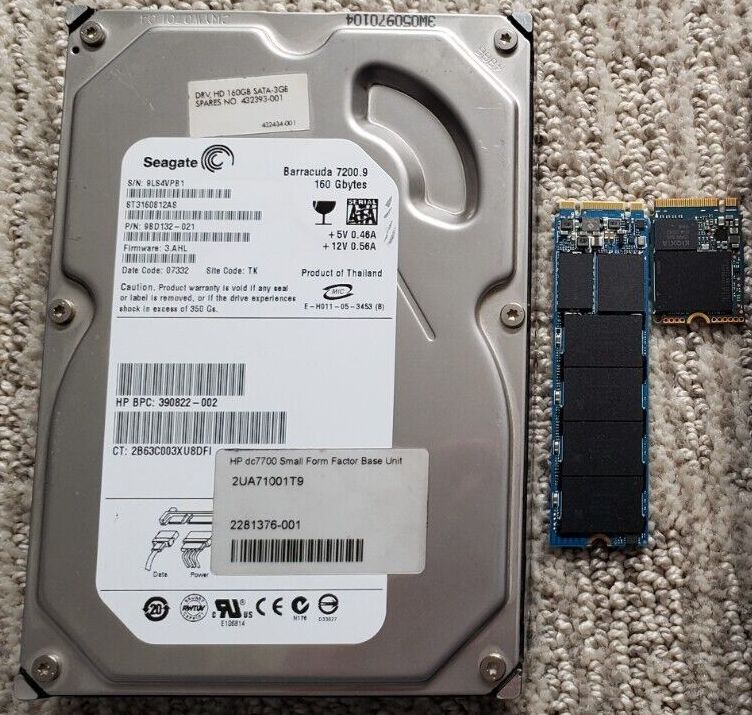
Spinning disks are not dead; they have simply been repurposed. For workloads that do not require the lightning-fast random read/writes of an SSD, hard disk drives offer incredible cost savings.
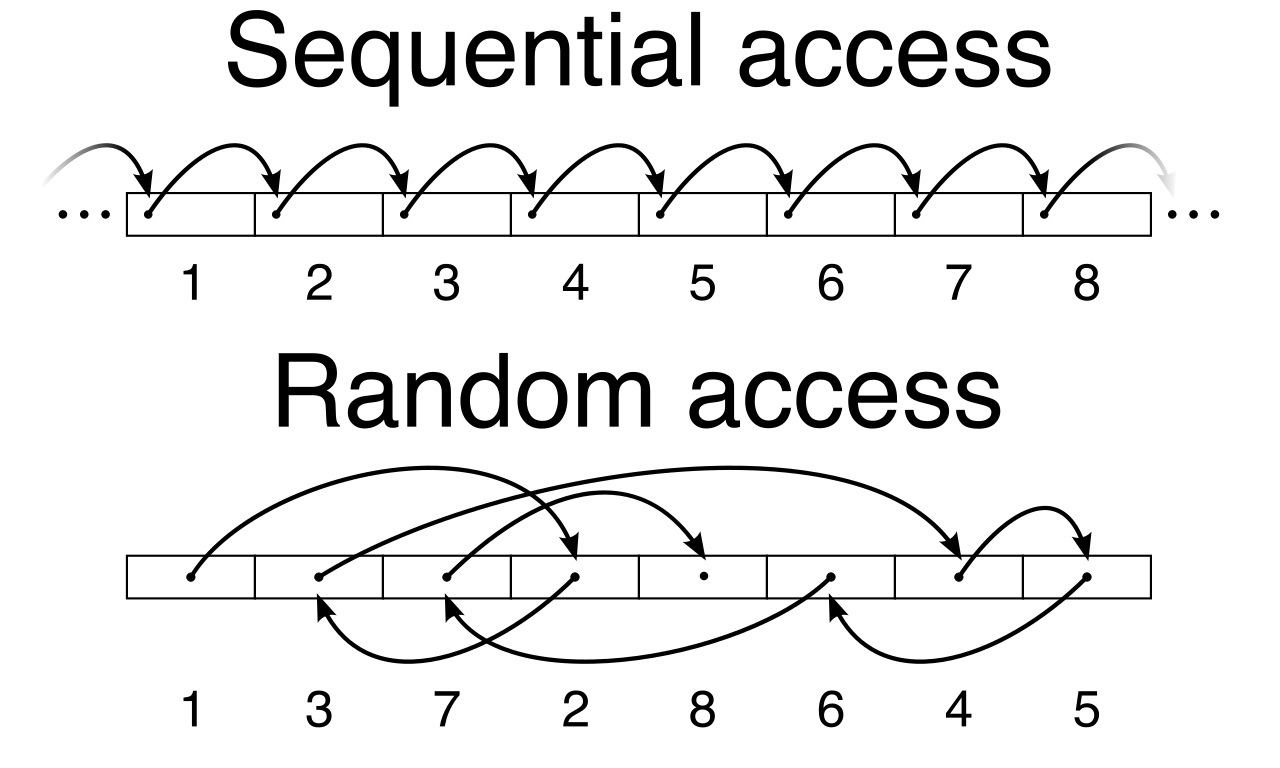
- Amazon EBS Throughput Optimized HDD (st1) volumes provide low-cost magnetic storage optimized for large sequential workloads—think log processing, data warehousing, or big data clusters where you read huge files end-to-end.
- Amazon EBS Cold HDD (sc1) volumes provide the lowest-cost block storage for infrequently accessed workloads. Amazon EBS Cold HDD (sc1) volumes are ideal for workloads where cost optimization is the primary factor and low IOPS are acceptable.
Crucial Exam Constraint You cannot use magnetic storage for everything to save money. Amazon EBS HDD volumes (st1 and sc1) cannot be used as boot volumes for Amazon EC2 instances. The operating system requires the random read/write speeds of an SSD to boot effectively.
Plugging the EBS Leaks
Much like incomplete S3 uploads, EBS volumes have a habit of hiding in plain sight and draining your budget. When an EC2 instance is terminated, the root volume is typically deleted, but secondary data volumes often remain behind. Unattached Amazon EBS volumes continue to incur monthly storage charges, just sitting there, spinning and billing. Automatically deleting unattached Amazon EBS volumes using automation prevents unnecessary monthly storage costs.
Furthermore, you are billed for EBS Snapshots. If you have compliance snapshots from years ago, you shouldn't pay premium backup prices for them. Amazon EBS Snapshots Archive provides a lower-cost storage tier for rarely accessed volume snapshots. Just like Glacier, physics extracts a penalty: Amazon EBS Snapshots Archive has a minimum storage duration billing of 90 days, and retrieving a snapshot from Amazon EBS Snapshots Archive takes between 24 and 72 hours.
Finally, we arrive at shared file storage. When multiple EC2 instances need concurrent access to a POSIX-compliant file system, we use Amazon Elastic File System (EFS). Just like S3, keeping all files in the standard EFS tier is an architectural anti-pattern.
We apply the same lifecycle logic here. Amazon Elastic File System (Amazon EFS) Lifecycle Management automatically moves files to the EFS Infrequent Access (EFS IA) storage class to optimize costs. This is a frictionless transition, and Amazon EFS Infrequent Access (EFS IA) costs significantly less per gigabyte of storage than Amazon EFS Standard.
For data that ages even further, AWS introduced an even colder tier. Amazon EFS Archive provides an extremely low-cost storage class optimized for long-lived file data that is accessed a few times a year or less. By enabling EFS Lifecycle Management, your file system essentially manages its own budget—keeping hot files immediately available while transparently shifting colder data to cheaper magnetic realities behind the scenes.
As a Solutions Architect, your role transcends making systems work. Anyone can provision a massive hard drive or an infinite bucket and make an application function. The hallmark of a true professional is designing systems that are not only highly available and performant, but elegantly cost-optimized. By mastering the interplay between S3 lifecycle transitions, gp3 block provisioning, and archiving limits, you ensure your architecture operates efficiently against both the laws of physics and the boundaries of your budget.