Data Recovery and Retention Policies
Not sure you’re ready?
Take the ~3-minute readiness diagnostic and see where you stand.
A city’s infrastructure relies on a continuous supply of water; a modern enterprise relies on a continuous supply of data. When a catastrophic event strikes—a ransomware attack encrypting primary databases, or a regional power failure isolating a data center—the survival of the system depends entirely on the plumbing laid down long before the disaster occurred. Architecting data recovery and retention is not merely about making arbitrary copies of files. It requires calculating the physics of information within a distributed system: how data ages, how fast it replicates across geographic boundaries, and the precise mechanical limits of restoring it when the primary environment fails. To build resilient cloud architectures, engineers must master the continuum of data governance, from sub-second failovers to decades-long immutable archiving.
Before selecting a single AWS service, we must define the temporal boundaries of our failure. Every disaster recovery strategy revolves around two distinct measurements of time.
Recovery Point Objective (RPO) is the maximum acceptable amount of data loss measured in time. If a database fails at noon, and your RPO is one hour, your system must be capable of restoring data up to 11:00 AM. It measures how far back you are forced to look.
Recovery Time Objective (RTO) is the maximum acceptable delay between the interruption of service and the restoration of service. It measures how long your users are left waiting for the system to come back online.
There is an inherent tradeoff between infrastructure cost and recovery speed. We categorize AWS disaster recovery strategies into four architectural patterns, moving from the longest RTO to the shortest.
- Backup and Restore: The most cost-effective approach, but the Backup and Restore disaster recovery strategy has the highest Recovery Time Objective among AWS disaster recovery strategies. Data is backed up to a different location, and when disaster strikes, infrastructure must be manually or programmatically rebuilt from scratch before data is restored.
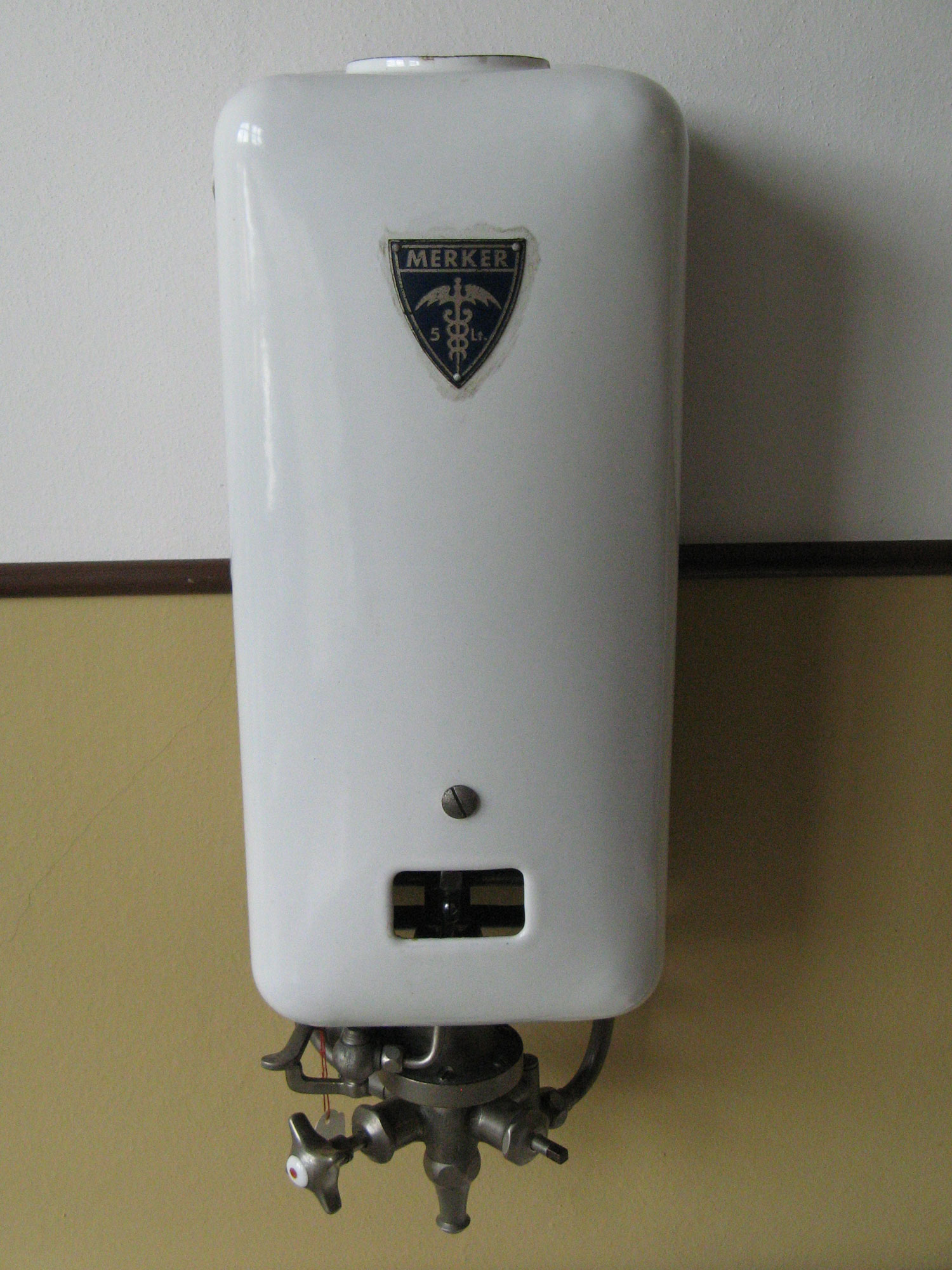
- Pilot Light: Think of a gas furnace. The pilot light is a tiny, continuously burning flame, ready to ignite the main burners when needed. The Pilot Light disaster recovery strategy keeps core infrastructure components running in a standby region (like data replication and core databases). Crucially, the Pilot Light strategy provisions secondary compute and application resources only during a disaster event, saving thousands of dollars in operational costs while maintaining a tight RPO.
- Warm Standby: Moving up the cost spectrum, the Warm Standby disaster recovery strategy maintains a scaled-down version of a fully functional environment in a secondary region. Unlike Pilot Light, the compute resources are already running and serving traffic, just at a minimal capacity that can rapidly autoscale to handle production loads during a failover.
- Multi-Site Active/Active: For mission-critical workloads where downtime is catastrophic, the Multi-Site Active/Active disaster recovery strategy routes traffic simultaneously to multiple active AWS Regions. Because both environments are serving live traffic, the Multi-Site Active/Active disaster recovery strategy achieves near-zero Recovery Time Objective.
If your workload relies on traditional virtual machines rather than cloud-native autoscaling, you might use AWS Elastic Disaster Recovery. This service continuously replicates server workloads to a staging area in a target AWS Region. It brilliantly minimizes compute costs by using low-cost storage and minimal compute resources in the staging area until a disaster is declared, at which point it orchestrates the launch of full-sized EC2 instances.
How we back up data depends entirely on the architecture of the data store itself.
At the block storage level, Amazon Elastic Block Store snapshots are point-in-time, incremental backups of EBS volumes stored in Amazon S3. Because they are incremental, only the blocks that have changed since your last snapshot are saved, reducing storage bloat. To eliminate the toil of managing these backups, Amazon Data Lifecycle Manager automates the creation and retention of Amazon Elastic Block Store snapshots. If you need an environment back up immediately, remember that regular EBS snapshots must pull data lazily from S3 upon first access, causing a temporary performance hit. To circumvent this physics problem, Amazon EBS Fast Snapshot Restore enables the creation of an EBS volume from a snapshot that is fully initialized at creation, delivering maximum IOPS instantly.
Relational databases require a different mechanical approach. Amazon RDS Automated Backups create a storage volume snapshot of the entire DB instance during a specified backup window, capturing transaction logs to allow point-in-time recovery. By design, Amazon RDS Automated backups are retained for a maximum of 35 days. For regional disaster recovery, Amazon RDS Cross-Region Read Replicas can be promoted to a standalone DB instance to support disaster recovery.
NoSQL architectures, operating at massive scale, rely on continuous streams. Amazon DynamoDB Point-in-Time Recovery protects against accidental write or delete operations by allowing restoration to any second in the preceding 35 days. Because DynamoDB utilizes log-structured storage, Amazon DynamoDB Point-in-Time Recovery provides continuous backups without impacting table performance. For Multi-Site Active/Active architectures needing NoSQL, Amazon DynamoDB Global Tables provide fully managed, multi-region replication for active-active database architectures.

Data has gravity, and as it ages, it cools. A mature data retention policy automatically shifts data to appropriate storage tiers based on its probability of access. Amazon S3 Lifecycle rules automate the transition of objects between storage classes based on object age. When data is no longer needed—perhaps a temporary log file—these same Amazon S3 Lifecycle rules automatically expire and permanently delete objects after a specified period.
When designing for long-term compliance (such as healthcare records requiring 7-year retention), you will transition data to cold storage. Amazon S3 Glacier Deep Archive provides the lowest-cost storage class for long-term data retention. The tradeoff for this extreme cost efficiency is mechanical inertia: Amazon S3 Glacier Deep Archive has a standard retrieval time of up to 12 hours.
Geographic redundancy for objects is handled by replication. Amazon S3 Cross-Region Replication automatically copies new objects to a bucket in a different AWS Region. To ensure the system knows exactly which version of an object is the "true" version during replication, Amazon S3 Cross-Region Replication requires S3 Versioning to be enabled on both the source and destination buckets. If your organizational RPO requires strict operational guarantees, Amazon S3 Replication Time Control provides a Service Level Agreement for replicating objects within 15 minutes.
Protection from regional failures is not enough; you must protect data from malicious actors and compromised administrator accounts. Architectures must assume that a breach will eventually occur.
For centralized backup management across your entire AWS fleet, AWS Backup is a fully managed service that centralizes and automates data protection across AWS services. It acts as your command center, where AWS Backup uses backup plans to define backup frequency and retention periods. To satisfy geographic isolation requirements, AWS Backup supports copying backups to different AWS Regions to meet disaster recovery requirements.
To prevent rogue administrators or ransomware from destroying these backups, AWS offers "Write-Once-Read-Many" (WORM) controls. AWS Backup Vault Lock prevents the deletion of backups or changes to backup retention periods. Crucially, AWS Backup Vault Lock can be configured in a compliance mode that prevents the AWS account root user from altering the lock.
The same WORM philosophy applies directly to objects stored in S3. Amazon S3 Object Lock prevents an object from being deleted or overwritten for a fixed amount of time or indefinitely. Just like Cross-Region Replication, Amazon S3 Object Lock requires S3 Versioning to be enabled on the target S3 bucket—without versioning, an attacker could simply overwrite the object with an empty file.

S3 Object Lock features two distinct operating modes:
- Amazon S3 Object Lock Governance mode allows users with specific IAM permissions to bypass the lock and delete the object. This is useful for internal protection against accidental deletion.
- Amazon S3 Object Lock Compliance mode prevents any user from bypassing the lock or deleting the object before the retention period expires. In the cloud environment, the root user is practically a deity, yet even here, Amazon S3 Object Lock Compliance mode restrictions apply to the AWS account root user. Once locked in compliance mode, the physics of the system dictate that the data cannot be destroyed until the clock runs out.
Before data can be recovered, its access must be secured and its contents continuously understood. We establish our security perimeter using two overlapping mechanisms:
- AWS IAM policies dictate identity-based access controls for data stored in AWS services. (e.g., "Developer Alice is allowed to read from this environment.")
- Amazon S3 bucket policies define resource-based access controls for specific S3 buckets and their objects. (e.g., "This bucket only accepts traffic originating from our corporate VPC, regardless of who is asking.")
Finally, protecting data requires knowing exactly what data you hold. Amazon Macie uses machine learning and pattern matching to discover and protect sensitive data in Amazon S3. By continuously scanning your data lakes, Amazon Macie helps meet data compliance requirements by identifying personally identifiable information in S3 buckets.
You cannot govern what you cannot see. Macie provides the intelligence necessary to enforce your retention, replication, and disaster recovery policies precisely where they are needed most, ensuring that your architectural plumbing delivers exactly what the business requires when disaster finally strikes.