AWS Identity and Access Management (IAM)
Not sure you’re ready?
Take the ~3-minute readiness diagnostic and see where you stand.
Imagine a massive, highly secure research facility. At the perimeter, a single master key exists that can open every vault, shut down every reactor, and delete every digital archive. You would never hand this key to an intern, nor would you use it daily just to enter the cafeteria. In Amazon Web Services, this facility is your cloud environment, and the master key is the root user. Controlling who gets past the perimeter, what doors they can open, and how long they can stay inside is the domain of AWS Identity and Access Management (IAM). For a cloud architect, mastering IAM is not merely an administrative chore; it is the structural foundation upon which all scalable, multi-account, and well-architected cloud environments are built.

By default, a newly created AWS account includes a root user identity with unrestricted access to all resources. Because its power is absolute, AWS security best practices dictate that the root user should not be used for everyday administrative tasks. Instead, your first action must be securing the root user with Multi-Factor Authentication (MFA), locking the credentials away, and shifting to identity-based access control.
To understand IAM, we must first recognize its scope. AWS Identity and Access Management (IAM) is a global AWS service. It does not exist within a single geographic region; the identities and rules you construct here apply holistically, enabling administrators to securely control access to AWS resources worldwide.
Users and Groups: The Persistent Identities
When you need to grant a human or a standalone application persistent access, you create an IAM user. An IAM user is an identity created in AWS to represent a person or application that interacts with AWS services.
Unlike the ephemeral credentials we will discuss later, an IAM user is assigned long-term security credentials. These long-term security credentials include console passwords (for human interaction via the AWS Management Console) and programmatic access keys (an Access Key ID and Secret Access Key used by scripts, CLIs, or applications).
Managing hundreds of individual users is an architectural anti-pattern. Instead, we use IAM groups. An IAM group is simply a collection of IAM users. The elegance of a group lies in its efficiency: applying an IAM policy to an IAM group grants the policy's permissions to all users within that group.
Architectural Constraints for Groups:
- IAM users can belong to multiple IAM groups (e.g., a user can be in both
DatabaseAdminsandNetworkAdmins).- However, IAM groups cannot belong to other IAM groups. AWS does not support nested groups.
Having established who is making a request, we must define what they are allowed to do. This is governed by the principle of least privilege, an architectural mandate which requires granting users only the permissions necessary to perform required tasks.
To codify least privilege, AWS relies on IAM policies. IAM permissions are defined using JSON documents called IAM policies. Think of a policy as a highly specific legal contract detailing the exact parameters of access.
An IAM policy defines permissions by specifying four primary elements:
- Effect: The outcome of the policy. The Effect element in an IAM policy must be configured as either
AlloworDeny. - Action: The specific API calls permitted or forbidden (e.g.,
s3:GetObject). - Resource: The target of the action. To be exact, Amazon Resource Names (ARNs) are used in IAM policies to uniquely identify the specific AWS resources that an action applies to.
- Condition: The specific circumstances under which a policy grants or denies permission.
Leveraging Policy Conditions
The Condition element is your scalpel. It allows administrators to enforce context-aware security. For example:
- An IAM policy condition can enforce that a specific action is only permitted if the request originates from a specified IP address range (ideal for restricting database access to a corporate VPN).
- An IAM policy condition can enforce that a user must authenticate using Multi-Factor Authentication (MFA) to perform an action (crucial for terminating EC2 instances or deleting S3 buckets).
The Evaluation Logic: How AWS Decides
When an API call hits AWS, the IAM evaluation engine runs through a strict, deterministic flowchart:
- Implicit Deny: By default, all requests in AWS IAM are implicitly denied. If there is no policy stating you can do something, you cannot do it.
- Explicit Allow: An explicit Allow in an IAM policy overrides the default implicit deny.
- Explicit Deny: The ultimate trump card. An explicit Deny in an IAM policy always overrides any explicit Allow. Even if a user has full administrator access via one policy, a single explicit Deny on an action will completely block them.
Attachment Points: Identity vs. Resource Policies
How a policy behaves depends heavily on where you attach it.
| Policy Type | Attachment Point | Primary Use Case |
|---|---|---|
| Identity-based IAM policies | Attached to IAM users, groups, or roles. | Defining what an identity can do across AWS. |
| Resource-based IAM policies | Attached directly to AWS resources like Amazon S3 buckets. | Defining who can access a specific resource, often enabling cross-account access easily. |
A common trap for growing organizations is privilege escalation—where an administrator with the ability to create users creates a user with more permissions than they themselves hold. To prevent this, AWS provides mechanisms to restrict the maximum possible permissions.
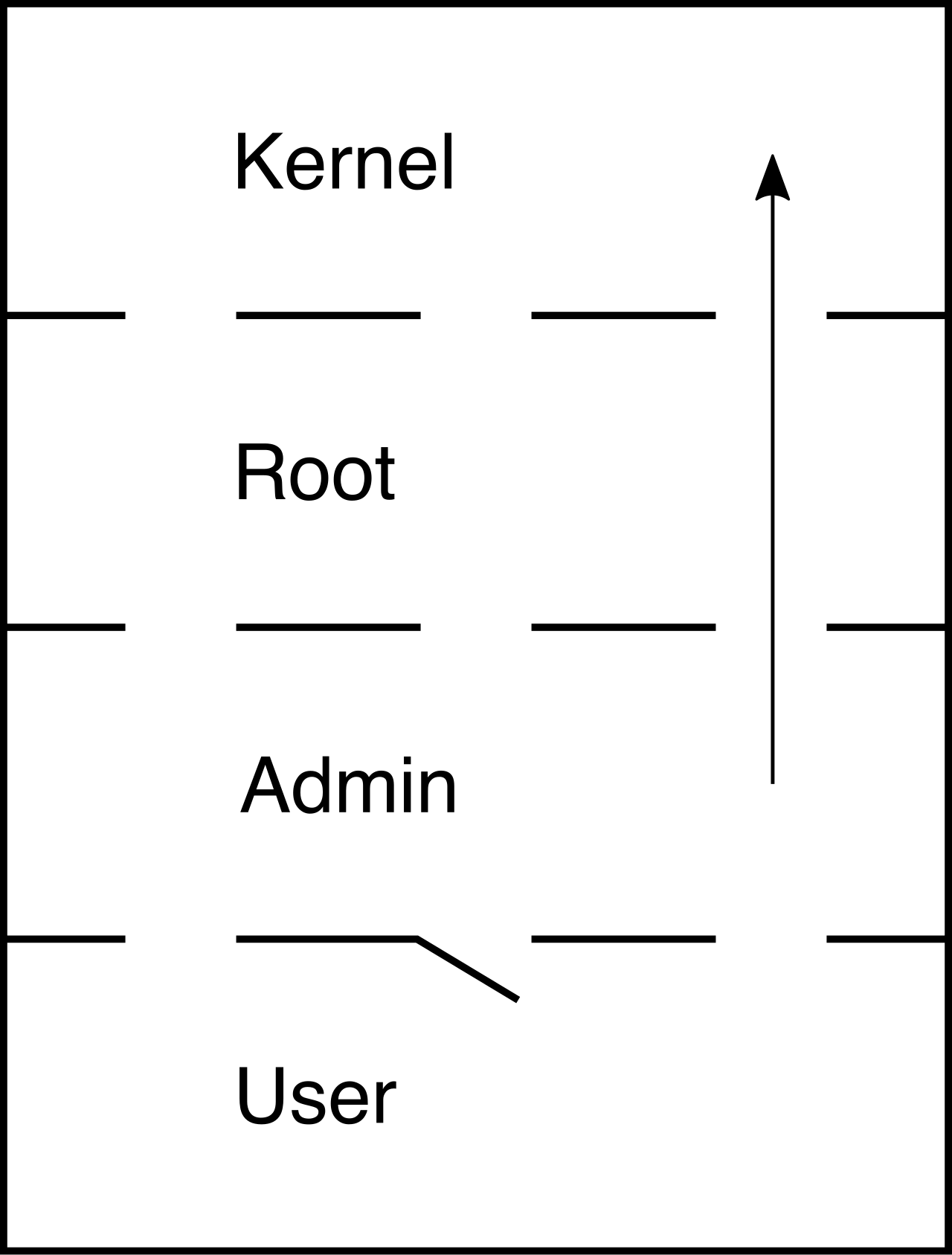
It is critical to understand the distinction between granting permissions and bounding them.
IAM permission boundaries are used to set the maximum permissions that an identity-based policy can grant to an IAM entity. Crucially, IAM permission boundaries do not grant access permissions on their own. If a boundary allows s3:* but the identity-based policy grants nothing, the user still has no access.
Scaling this concept to the enterprise level, we use Service Control Policies (SCPs). SCPs are organization policies that offer central control over the maximum available permissions for all accounts in an AWS Organization. Like boundaries, Service Control Policies (SCPs) do not grant any permissions directly to users or roles. Instead, Service Control Policies (SCPs) act as a filter to limit the maximum permissions available to IAM identities in member accounts, ensuring that even the root user of a member account cannot violate overarching corporate security rules.
Long-term credentials are a liability. Passwords can be phished; access keys can be accidentally committed to public code repositories. The modern cloud architect designs systems using IAM roles.
An IAM role is an AWS identity with permission policies that determine what the identity can and cannot do in AWS. However, unlike a standard user, an IAM role does not have standard long-term credentials associated with the identity. Instead, an IAM role is assumed by a trusted entity to obtain temporary security credentials.
A trusted entity for an IAM role can be an AWS user, an AWS service (like EC2 or Lambda), or an external federated user.
To function, an IAM role requires two entirely separate JSON policies:
- A trust policy: To define which principal entities are allowed to assume the role.
- A permissions policy: To define what actions the assuming entity is allowed to perform once they have assumed the role.
The Engine of Ephemerality: AWS STS
When an entity assumes a role, who actually issues the keys? This is the job of the AWS Security Token Service (STS). AWS Security Token Service (STS) is a global web service that enables the creation and provision of temporary security credentials.
Specifically, the sts:AssumeRole API operation returns a set of temporary security credentials for accessing AWS resources. Temporary security credentials provided by AWS STS consist of an access key ID, a secret access key, and a security token. You must pass all three to authenticate successfully.
These credentials represent a massive security upgrade because temporary security credentials provided by AWS STS have a strictly enforced expiration time. AWS STS temporary credentials expire after a configured period ranging from 15 minutes to 36 hours. Once the clock runs out, the keys are mathematically useless. Furthermore, for rigorous auditing, AWS CloudTrail logs all AWS STS API calls to provide an audit trail.
Compute and Roles: The Instance Profile
Consider a backend application running on Amazon EC2 that needs to upload files to an S3 bucket. A naive approach is to create an IAM user, generate access keys, and hardcode them into the application.
The Well-Architected alternative? Applications running on Amazon EC2 instances should use IAM roles attached to the instance profile to securely access AWS services. Attaching an IAM role to an EC2 instance eliminates the need to store long-term AWS access keys on the instance. The EC2 service assumes the role on behalf of your application, retrieves the temporary STS credentials, and rotates them automatically.
In production, you will rarely operate a single AWS account. You will have separate accounts for Development, Staging, and Production.
Cross-account access in AWS is securely implemented by creating an IAM role in the trusting account (the account where the resources live). For cross-account access, the trusting account's IAM role must include a trust policy specifying the trusted account as a principal. Conversely, the trusted account in a cross-account IAM setup must attach policies to its users granting permission to call the sts:AssumeRole API against that specific role ARN.
Identity Federation
What about human users? You don't want to create an IAM user for every employee when your company already uses an Active Directory or identity provider (IdP).
IAM Identity Center (the successor to AWS SSO) is the recommended AWS service for managing workforce access to multiple AWS accounts. It centrally maps your corporate identities to AWS roles.
For standalone applications or specific legacy integrations, you might use direct federation:
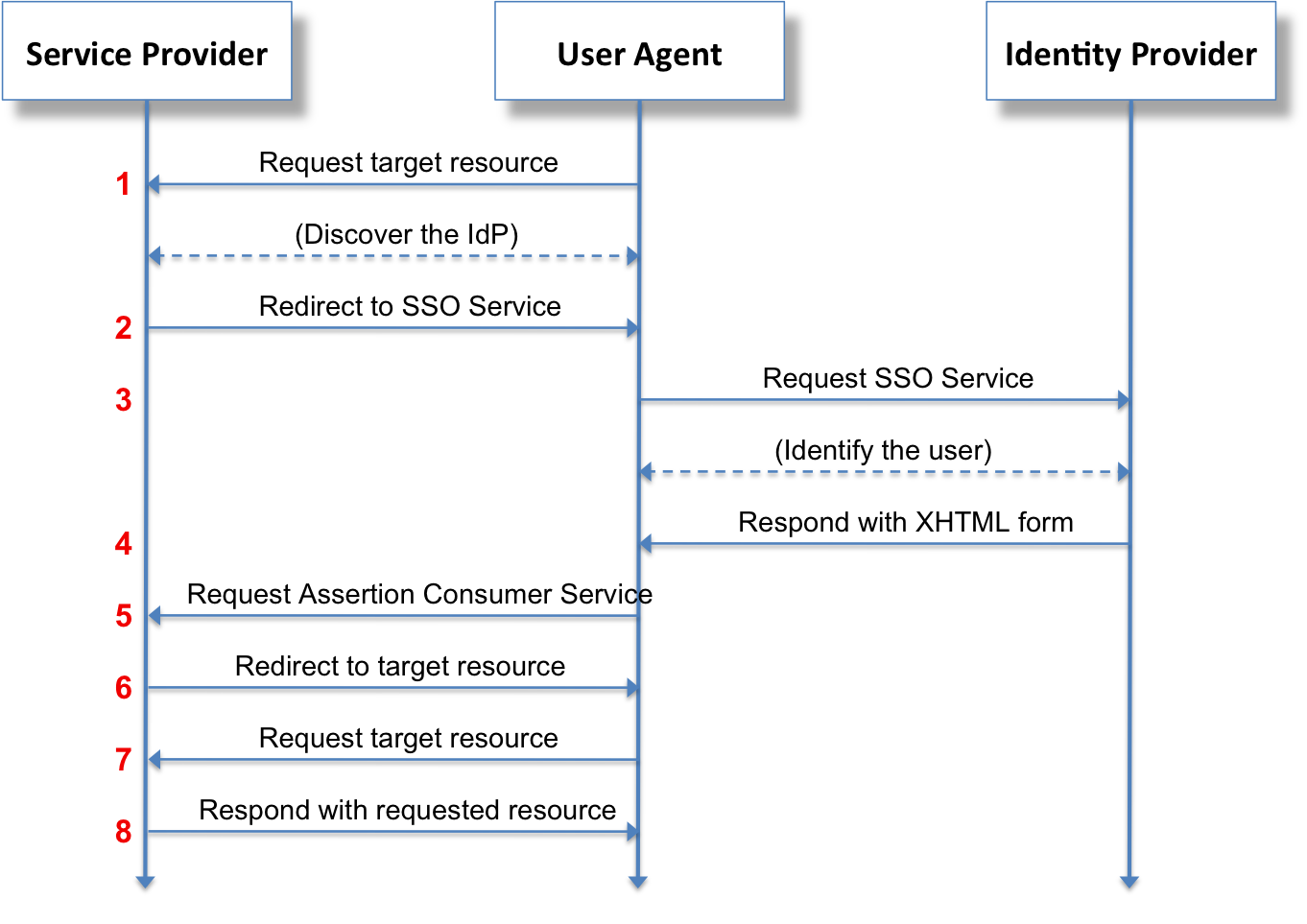
- SAML 2.0 federation allows external enterprise users (via providers like Okta or Entra ID) to access AWS resources without creating individual IAM users.
- Web Identity Federation allows users authenticated by public identity providers (like Google, Amazon, or Facebook) to access AWS resources using temporary STS credentials. When an app uses this flow, the
sts:AssumeRoleWithWebIdentityAPI operation returns temporary security credentials for users authenticated through a public identity provider.
Security is not a set-and-forget mechanism; permissions drift over time. AWS provides three highly effective tools to monitor and refine your IAM footprint:
- IAM Credential Report: At an administrative baseline, an IAM credential report lists all users in an AWS account and the current status of their associated credentials (passwords, access keys, MFA status). It is invaluable for enforcing password rotation and identifying inactive keys.
- IAM Access Advisor: How do you know if a user actually needs the DynamoDBFullAccess you granted them six months ago? IAM Access Advisor helps enforce least privilege by showing the service permissions granted to a user and when those services were last accessed. If a service hasn't been accessed in 90 days, you can confidently revoke the permission.
- IAM Access Analyzer: In complex multi-account environments, it is easy to accidentally make an S3 bucket public or share an IAM role with a third-party account via a trust policy. IAM Access Analyzer identifies resources in an AWS organization or account that are shared with an external entity, using automated mathematical logic to definitively prove whether an external path to your resources exists.
By deeply understanding these components—from the fundamental structures of policies and evaluation logic to the dynamic power of STS and roles—you shift from merely checking boxes to architecting truly robust, zero-trust cloud environments.