Azure Cost Management and Pricing Calculator
Not sure you’re ready?
Take the ~3-minute readiness diagnostic and see where you stand.
Imagine moving into a new manufacturing facility where you do not sign a fixed lease, but instead pay a fractional fee every second a machine is plugged in, every square foot of floor space occupied, and every time a delivery truck leaves the loading dock. This is the fundamental economic reality of cloud computing. The shift from purchasing servers outright (Capital Expenditure) to renting digital capacity by the millisecond (Operational Expenditure) requires a rigorous understanding of exactly what drives cost. In the cloud, the laws of physics are replaced by the laws of metering, and your ability to predict and control these meters determines whether your technology strategy will be financially sustainable.
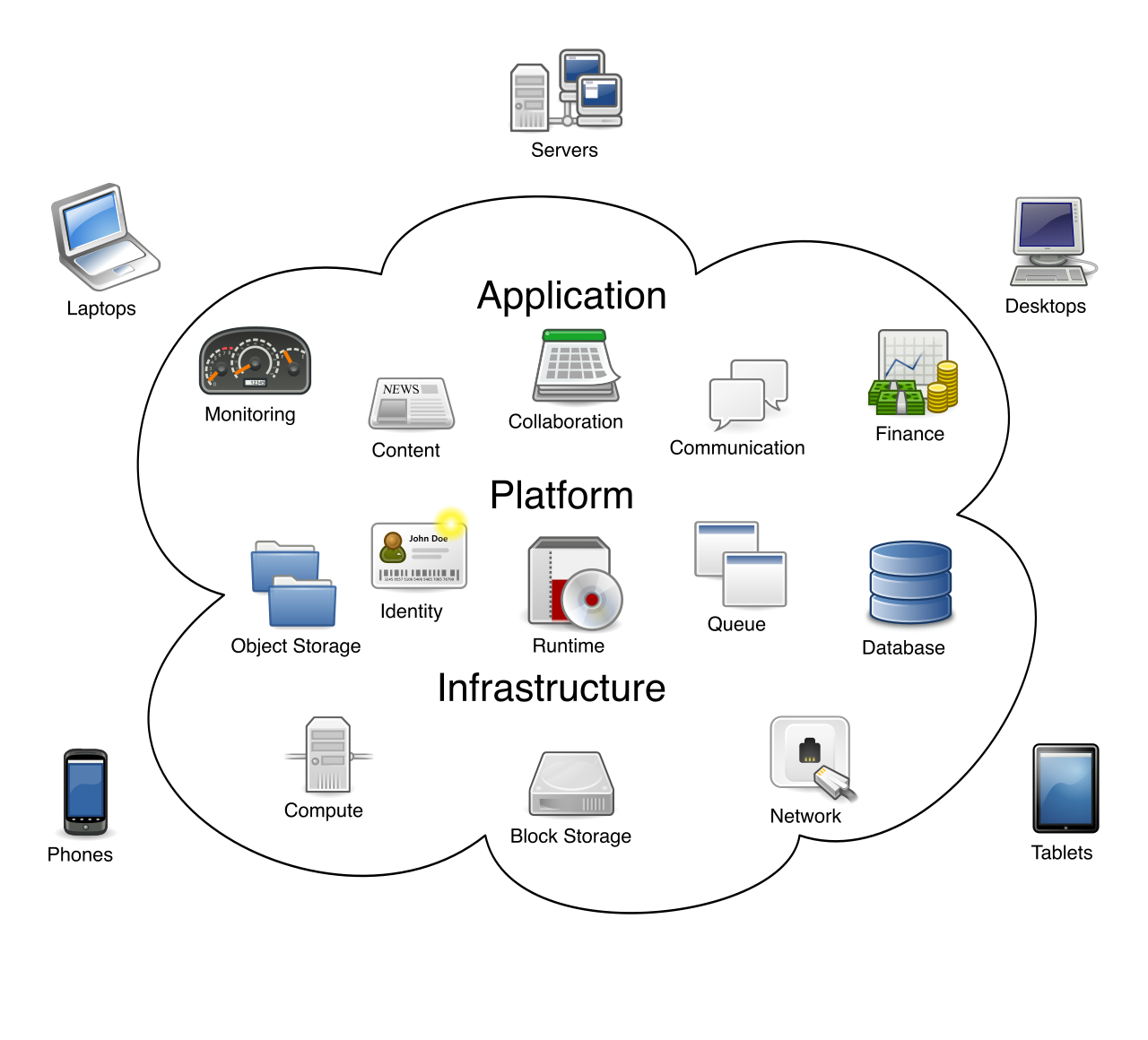
To understand cloud economics, you must look closely at how Microsoft Azure measures what you do. At its core, the Azure pay-as-you-go pricing model charges customers based on actual resource consumption. There are no hidden baseline fees for simply having an empty account; you are billed strictly for what you provision and use.
However, consumption is not a monolithic concept. The exact way your usage is measured depends entirely on what you build. The resource type determines the specific billing meters used to track Azure usage. For example, an Azure Storage account spins a billing meter based on gigabytes stored and the number of read/write operations performed. In contrast, an Azure Virtual Machine (VM) utilizes a compute meter that ticks away for every second the processor is allocated to you.
Geography and the Cost of Doing Business
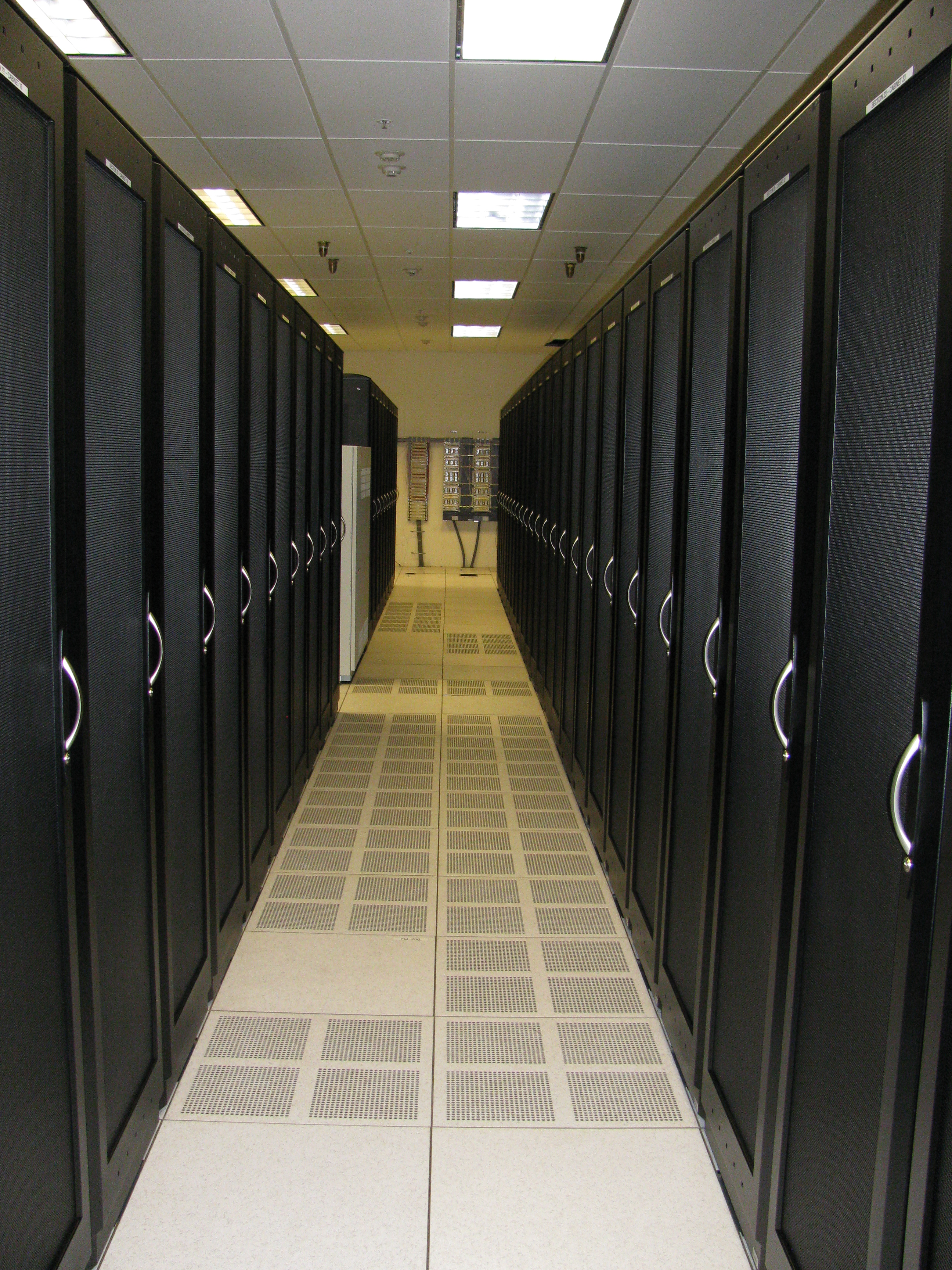
A server is not a purely abstract entity; it is a physical piece of silicon sitting in a highly secure, heavily cooled building somewhere on Earth. Because the costs of real estate, electricity, taxation, and labor vary wildly across the globe, Azure resource prices vary depending on the geographical region where the resource is deployed. Spinning up a database in UK South (London) will have a different hourly rate than spinning up the identical database in East US (Virginia). When architecting solutions, location is not just a latency consideration; it is a profound financial variable.
The Network Toll Roads: Data Transfer
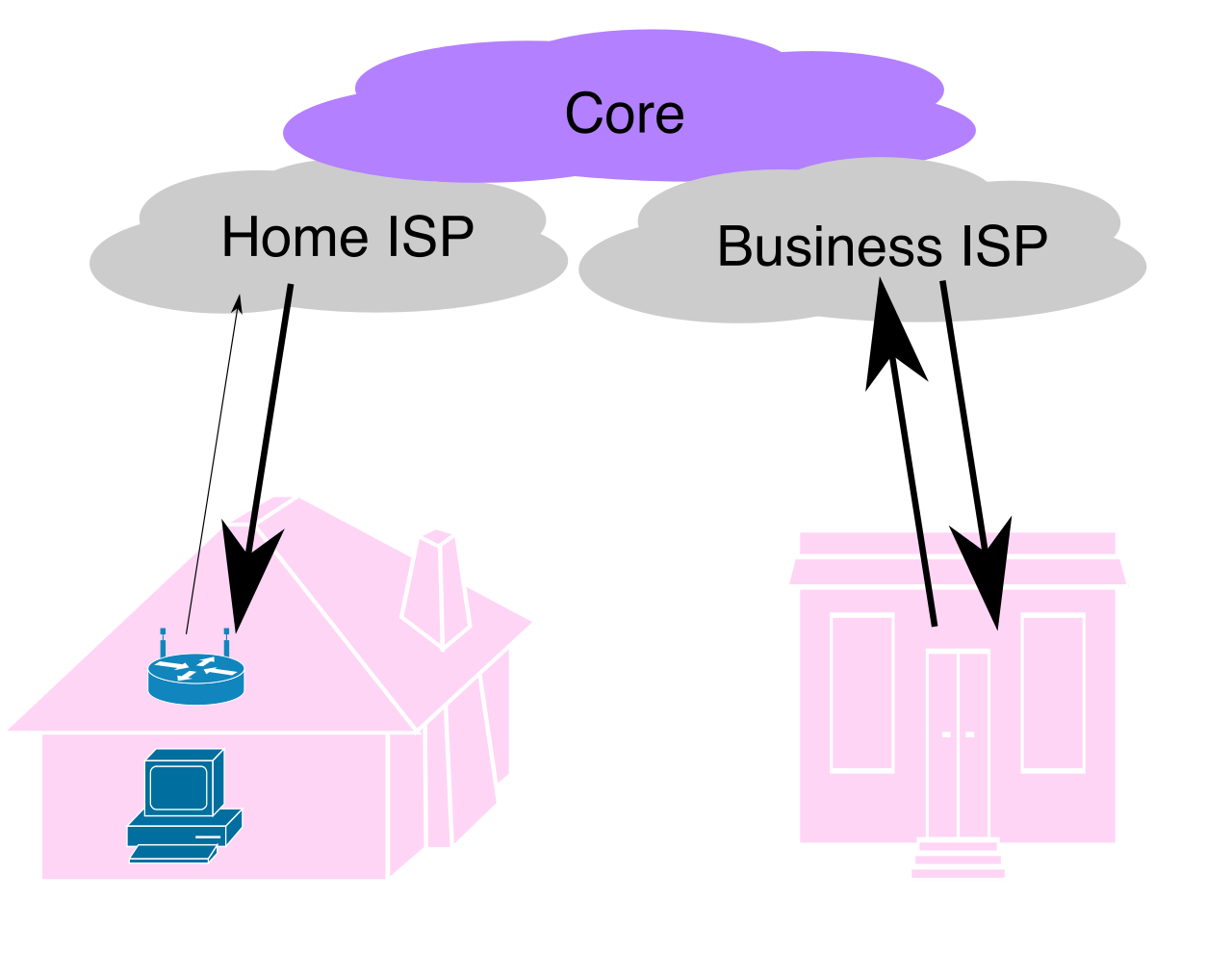
One of the most misunderstood cost drivers in cloud architecture involves how data moves in and out of Microsoft’s physical datacenters. Think of Azure like a grand library: bringing books into the library is always encouraged, but taking them out requires a fee.
- Inbound data transfer to Azure datacenters is generally free of charge. Microsoft will gladly let you upload terabytes of data into their ecosystem without a network tariff.
- Conversely, outbound data transfer from Azure datacenters incurs billing charges. When your applications serve web pages, download files to user devices, or push data to external systems, you pay for the bandwidth.
To calculate these outbound costs, Azure relies on a specific mapping system. Outbound Azure data transfer pricing is calculated based on predefined billing zones.
Definition: An Azure billing zone is a geographical grouping of Azure regions used exclusively to determine data transfer pricing.
It is important to note that a "billing zone" is not the same as an Azure geography or a compliance boundary; it exists strictly for the accounting of network traffic. Zone 1 (which includes the US and Europe) has different outbound data rates than Zone 2 (which includes parts of Asia and Australia).
The "Stopped" Virtual Machine Trap
A common trap for new project managers and IT generalists is misunderstanding the state of a Virtual Machine. If you are done using a computer for the day, you turn it off to save power. In Azure, stopping and deallocating an Azure Virtual Machine halts the compute billing charges. The CPU and RAM are returned to the datacenter pool, and the compute meter stops spinning.
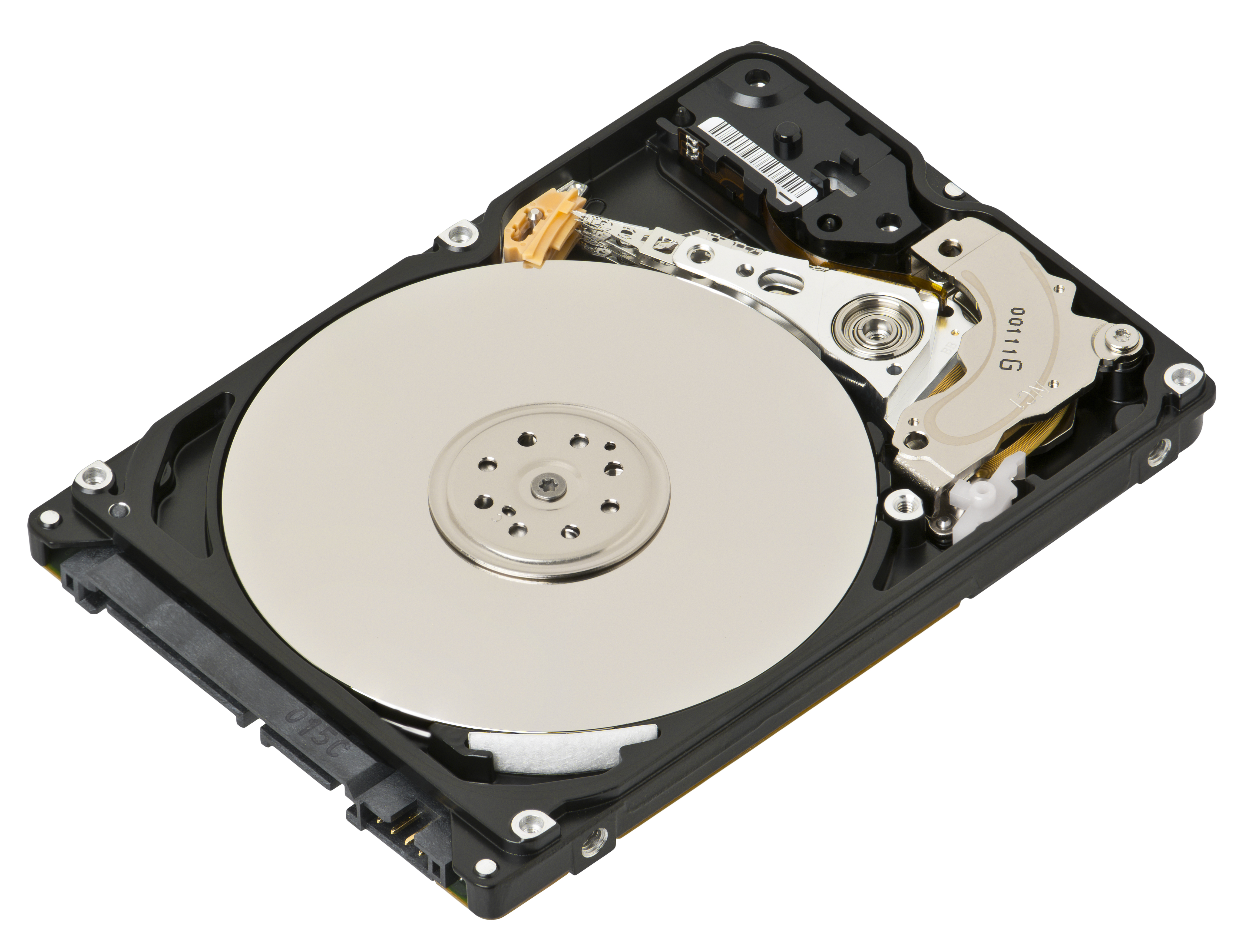
However, the hard drive that holds your data is still sitting on a rack, occupying physical space. Therefore, stopping and deallocating an Azure Virtual Machine does not stop the billing charges for attached storage disks.
Think of it like renting a car: if you turn the engine off, you stop paying for gas (compute), but as long as the car is sitting in a paid parking garage (storage), the parking meter keeps running.
The pay-as-you-go model is incredibly flexible, but flexibility comes at a premium. If your organization has predictable workloads, paying the retail, on-demand rate is financially inefficient. Azure provides several mechanisms to alter the fundamental pricing structure.
Organizational Agreements
How you buy Azure matters just as much as what you buy. Standard users swipe a credit card, but large businesses engage in specific contractual models:
- Enterprise Agreements (EA) provide discounted Azure pricing for large organizations. By committing to a baseline amount of spending upfront, corporations unlock lower unit prices across the board.
- Alternatively, many businesses operate through partners. Cloud Solution Providers (CSP) can offer customized Azure pricing models to their customers, often bundling Azure costs with managed IT services, localized support, or industry-specific software.
Commitments and Excess Capacity
If you are a financial analyst or project manager overseeing a multi-year migration, you have tremendous leverage if you can make a promise.
Azure Reservations require a commitment of one or three years for specific resources. By telling Microsoft, "I promise I will need this specific virtual machine size in this specific region 24/7 for the next three years," you allow them to optimize their datacenter supply chains. In exchange, Azure Reservations offer up to a 72 percent discount compared to standard pay-as-you-go pricing.
On the opposite end of the spectrum is the bargain bin of cloud computing. Datacenters must maintain vast amounts of excess hardware to handle sudden spikes in global demand. Most of the time, this hardware sits idle. Azure Spot Virtual Machines provide access to unused Azure compute capacity at a significant discount. The catch? It requires profound architectural flexibility, because Azure Spot Virtual Machines can be evicted at any time when Azure needs the compute capacity back. If you are rendering a 3D movie or running a massive batch data processing job that can be interrupted and resumed later, Spot instances are a financial superpower.
Bring Your Own License: Azure Hybrid Benefit
Software licensing is historically one of the largest expenses in enterprise IT. If an organization has already spent millions on licenses for their on-premises datacenters, forcing them to pay for those same licenses again in the cloud would stall adoption.
To solve this, Microsoft introduced a mechanism that acts like a coupon for your cloud bill.
- Azure Hybrid Benefit allows customers to use existing on-premises Windows Server licenses in Azure.
- Similarly, Azure Hybrid Benefit allows customers to use existing on-premises SQL Server licenses in Azure.
Mechanically, Azure Hybrid Benefit reduces the cost of running virtual machines by removing the software license cost component. Instead of paying a combined hourly rate for both the hardware (compute) and the operating system (Windows/SQL), you pay a much lower rate solely for the bare compute hardware, leveraging your pre-existing organizational assets.
| Model | Primary Advantage | Ideal Use Case | Risk / Trade-off |
|---|---|---|---|
| Pay-As-You-Go | Ultimate flexibility | Spiky, unpredictable workloads | Highest unit cost over time |
| Reservations | Up to 72% cost savings | Steady-state, 24/7 databases and core servers | Locks capital into a 1 or 3-year term |
| Spot VMs | Deepest possible discount | Batch jobs, interruptible processing | Compute can be evicted abruptly |
| Hybrid Benefit | Sunk-cost utilization | Migrating existing Windows/SQL servers | Requires active on-premises Software Assurance |
If you are proposing a new application architecture to the Chief Financial Officer, "I don't know, we'll see when the bill arrives" is an unacceptable answer. You must forecast costs accurately.
The Azure Pricing Calculator is designed to estimate costs before actual resource deployment occurs. It is a free web-based estimation tool available to anyone—no credit card or Azure subscription is required to simply play with the numbers.
How to Calculate
The core function of the tool is straightforward: The Azure Pricing Calculator estimates the expected monthly costs for provisioning specific Azure resources.
When you open the calculator, you add the “ingredients” of your solution (e.g., three Virtual Machines, a Load Balancer, and a SQL Database). The Azure Pricing Calculator allows users to configure resource options like region, tier, and capacity to see pricing impacts in real time. If you switch the region from Japan East to West US, you will instantly see the dollar value shift. If you change a hard drive from Standard HDD to Premium SSD, the monthly estimate recalculates.
Critically, the calculator allows you to model the very discounts we discussed earlier.
- The Azure Pricing Calculator can factor in discounts from Azure Reservations to the generated cost estimate. You can toggle a switch to see the exact difference between a 1-year and 3-year commitment.
- The Azure Pricing Calculator can factor in discounts from Azure Hybrid Benefit to the generated cost estimate, allowing your finance team to see the true cost of migration factoring in existing licenses.
Do not forget the human element of cloud operations. Support is not automatically included in your baseline compute costs. Fortunately, The Azure Pricing Calculator includes optional developer and enterprise support plan pricing in its final estimate, ensuring your total cost of ownership (TCO) presentation is complete.
Collaboration and Exporting
The Pricing Calculator is fundamentally a collaborative tool meant for project management and financial approval. Once you have painstakingly configured the exact parameters of your proposed environment, you need to share those findings.
- You can export cost estimates directly to Microsoft Excel, allowing financial analysts to plug the data directly into their own corporate forecasting spreadsheets.
- You can save cost estimates to a logged-in Azure account for future reference, allowing you to revisit and modify the architecture as project requirements evolve.
- You can generate a direct hyperlink to share cost estimates with other stakeholders. Anyone who clicks the link will see the exact configuration of sliders, regions, and tiers you arranged, bypassing the need to email static documents back and forth.
Crucial Warning: The tool is called an estimator for a reason. The Azure Pricing Calculator provides estimated costs rather than guaranteed final billing amounts.
Taxes, slight variations in the length of a month (e.g., 28 days in February versus 31 days in March), and micro-fluctuations in exactly how much network data your users actually consume will ensure your final bill rarely matches the calculator to the exact penny. However, by deeply understanding the cost drivers, strategically applying discounts, and rigorously modeling your deployment in the Pricing Calculator, you transform cloud billing from an unpredictable hazard into a strictly managed operational asset.