Imagine a planetary-scale machine capable of provisioning millions of servers, petabytes of storage, and globally distributed networks in a matter of milliseconds. Harnessing this immense computational power requires more than just technical know-how; it demands a rigorous system of organization. Without a strict hierarchy, a cloud environment quickly degenerates into an unmanageable, expensive sprawl of orphaned servers and hidden costs. To prevent this, Microsoft Azure employs a highly structured organizational model built upon three foundational pillars: the resources themselves, the groups that contain them, and the subscriptions that fund and govern them.
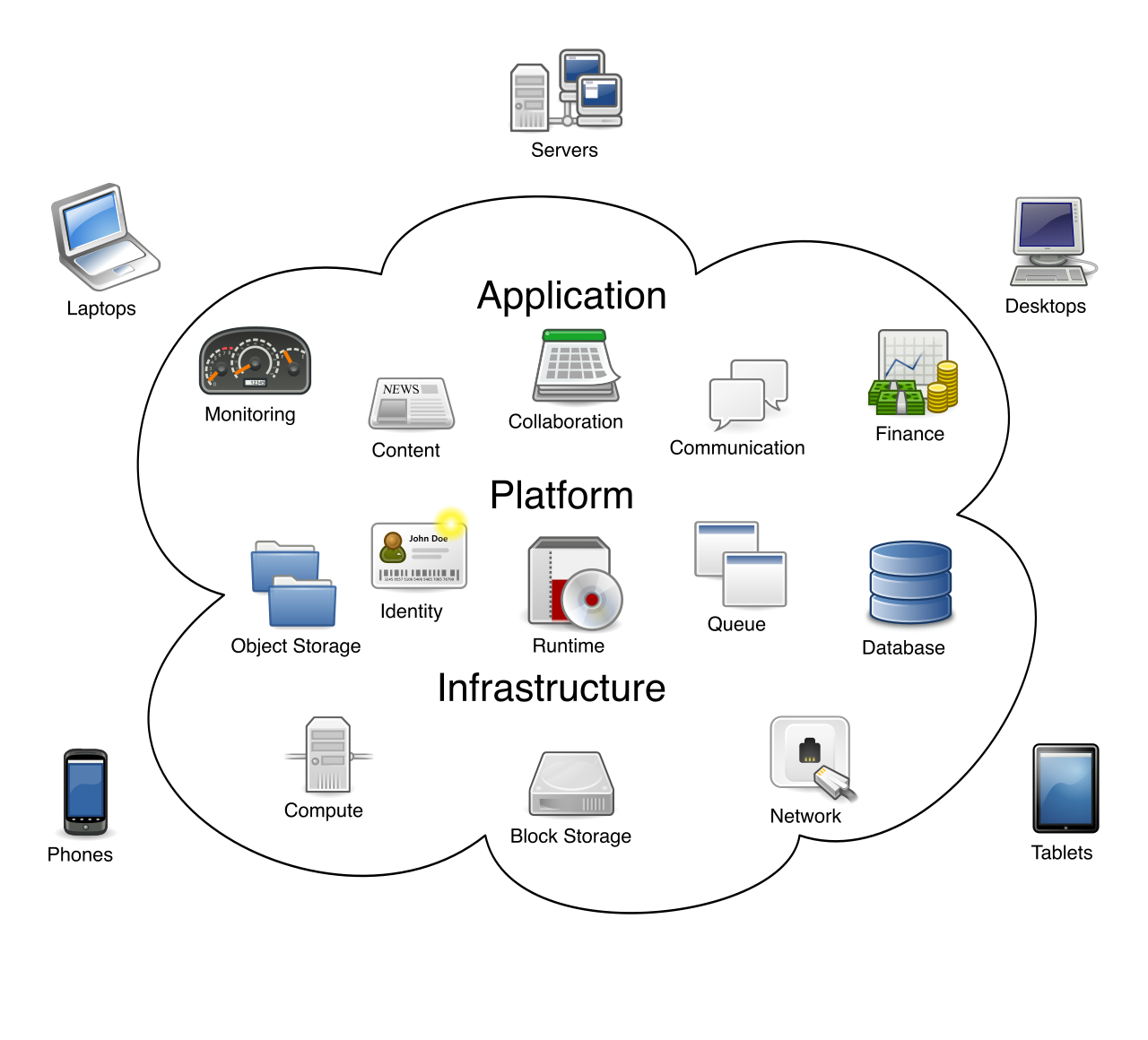
A conceptual visualization of cloud computing, where a vast, underlying infrastructure of servers, storage, and networks is managed as an amorphous, accessible "cloud" requiring strict hierarchical organization.
When you ask Azure to do something—whether it is hosting a company website, storing financial backups, or running a complex artificial intelligence model—you are deploying and configuring one or more of these resources. However, you cannot simply toss a resource into the cloud void. It must have a designated place to live.
While Azure conceptually abstracts the hardware, every deployed resource—such as a virtual machine or a cloud database—is ultimately backed by physical rackmount servers housed in global data centers.
To manage the inherent complexity of cloud applications, Azure requires that every single resource be placed into a specific container.
An Azure resource group is a logical container that holds related resources for an Azure solution.
Think of a resource group as a project folder on your computer, or a physical bin in a warehouse dedicated to a specific product launch. If you are building a new web application for the marketing team, that application might require a web app, a database to store customer information, and a storage account for images. Instead of managing these three items independently, you place them all into a single "MarketingApp" resource group.
The Rules of Resource Groups
Azure enforces several strict, logical rules regarding how resource groups operate:
Mutual Exclusivity: A single Azure resource can only exist in one resource group at a time. It cannot be in two places at once.
Flat Hierarchy: Azure resource groups cannot be nested inside other resource groups. There are no sub-folders here; the structure remains rigidly flat to ensure simplicity in management.
Mobility: Despite the strictness of the container, the architecture is not frozen. Many types of Azure resources can be moved between different resource groups if organizational needs change.
Why Do We Group Resources?
The primary reason to utilize resource groups is to manage the deployment lifecycle. Azure resource groups are typically used to group resources that share the same deployment lifecycle.
If your marketing web app, its database, and its storage account are created together, updated together, and will eventually be retired together, they belong in the same group. This makes lifecycle management remarkably efficient. Rather than hunting down individual databases or virtual machines to turn them off, you can simply delete the container. Deleting an Azure resource group automatically deletes all the resources contained within that resource group. For a project manager or a developer finishing a proof-of-concept, this is the ultimate "clean up" button, ensuring no orphaned resources are left behind to quietly accumulate daily charges.
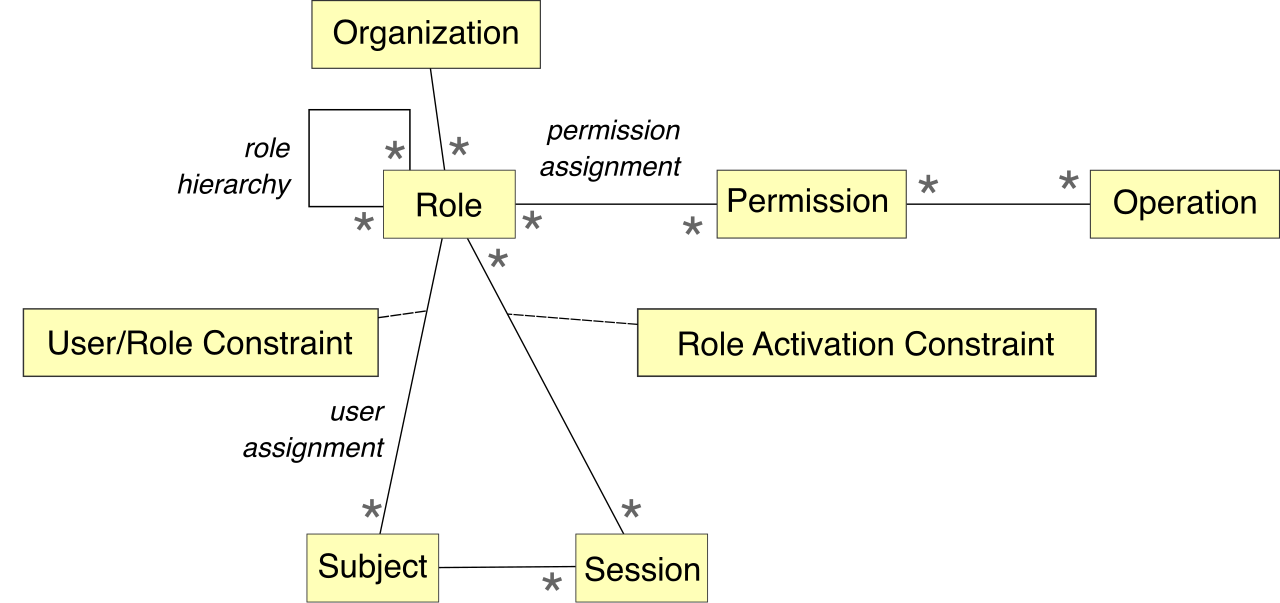
Furthermore, resource groups simplify security. Role-Based Access Control (RBAC) permissions applied to an Azure resource group are inherited by all resources within that group. If you grant a database administrator "Contributor" access to the resource group, they automatically gain that same level of access to every virtual machine, database, and storage account inside it.
Role-Based Access Control (RBAC) maps operational permissions to specific user roles rather than individuals. In Azure, granting a role at the resource group level automatically filters those permissions down to every resource inside it.
The Geography of Metadata
There is a fascinating geographic nuance to resource groups that frequently trips up beginners.
Every Azure resource group must be associated with a specific Azure region (such as East US, West Europe, or Japan East). But why does a logical folder need a physical location?
The region assigned to an Azure resource group dictates where the metadata for that resource group is stored. Metadata is the data about your data—the list of what resources are in the group, their deployment status, and their configuration instructions. For strict regulatory and compliance reasons, organizations often must guarantee that even the metadata regarding their systems never leaves a specific geographic jurisdiction.
Just as a traditional library card catalog stores informational metadata about books rather than the books themselves, an Azure resource group stores the deployment instructions and structural metadata for your cloud assets.
However, the location of the resource group does not restrict the location of its contents. Resources within an Azure resource group can be located in different Azure regions than the resource group itself. You could have a resource group metadata-anchored in Paris (France Central), but use it to manage a virtual machine operating in Tokyo (Japan East) and a database hosted in New York (East US).
If resource groups are the project folders, what holds the folders? How do we determine who pays for the resources, and how do we prevent a single team from consuming the entire company's IT budget?
This requires zooming out to the next level of the hierarchy: the subscription.
An Azure subscription is a logical container used to provision resources in Microsoft Azure.
While the resource group manages the technical lifecycle of the resources, the subscription manages the financial and legal lifecycle.
The Billing Boundary
First and foremost, an Azure subscription serves as a billing boundary for Azure costs. Microsoft Azure tracks resource usage at the subscription level and generates separate billing reports and invoices for each individual Azure subscription.
For a finance department, this is a vital mechanism for chargebacks and budget allocation. An organization can create multiple Azure subscriptions to separate costs for different departments or projects.
Instead of receiving a single, massive invoice for $50,000 and forcing the accounting team to manually figure out who spent what, a company will create an "Engineering" subscription, a "Marketing" subscription, and an "HR" subscription. At the end of the month, Microsoft provides clean, separate invoices for each department.
Access Control: An Azure subscription serves as an access control boundary for managing permissions to Azure resources. By assigning a user as an administrator at the subscription level, they gain authority over every resource group and resource within that specific financial bucket, but remain completely locked out of other departmental subscriptions.
Quota Limits: To protect both Microsoft's infrastructure and your company's wallet from runaway deployments (whether from an accidental coding loop or a compromised account), Azure subscriptions have built-in quota limits on the number of specific resources that can be created within them. For example, a single subscription might be capped at running 25,000 virtual machines per region.
Identity and the Subscription
To access any subscription, you must be able to prove who you are. This relies on Microsoft's identity management system, Microsoft Entra ID (formerly Azure Active Directory).
There is a strict mathematical relationship between subscriptions and identity:
Every Azure subscription is associated with a single Microsoft Entra ID tenant. (A "tenant" is your organization's dedicated, isolated instance of Entra ID). The subscription trusts only this one directory to verify user identities.
Conversely, a single Microsoft Entra ID tenant can be associated with multiple Azure subscriptions.
Imagine a corporate office building (the Entra ID tenant). The building has a single security desk at the front door verifying employee badges. Once inside, that single badge allows employees to enter multiple different departmental suites (the subscriptions).
Microsoft Entra ID acts as the master security checkpoint. Just like a physical access fob, a single authenticated identity can be granted permissions across multiple isolated Azure subscriptions within the same tenant.
Business environments are dynamic. Departments merge, projects scale, and budgets shift. When this happens, Azure allows you to restructure your cloud real estate. Just as resources can move between resource groups, they can also cross financial boundaries. However, moving resources between Azure subscriptions requires the resources to support the move operation. While most standard resources (like basic virtual machines and storage accounts) can be seamlessly transferred to a new billing subscription without downtime, certain highly specialized or deeply integrated services cannot be moved and must be recreated.
To visualize how these concepts seamlessly interlock, review the structural flow:
Lives in exactly one resource group. Inherits RBAC from the group.
By architecting your cloud environment with these principles in mind, you transform an unruly assortment of virtual hardware into an elegant, trackable, and secure technological portfolio.