Azure Regions, Availability Zones, and Datacenters
Not sure you’re ready?
Take the ~3-minute readiness diagnostic and see where you stand.
Every time a financial controller finalizes a quarterly report in a cloud-based ERP, or a sales team taps "refresh" on a global analytics dashboard, they are not interacting with an ethereal mist. They are interacting with steel, silicon, miles of fiber-optic cable, and industrial-scale cooling towers. The "cloud" is simply a meticulously orchestrated global network of physical buildings. To understand Microsoft Azure—how it achieves planetary scale, how it guarantees a localized power grid failure won't bankrupt a business, and how it navigates international data laws—one must first understand its physical anatomy.
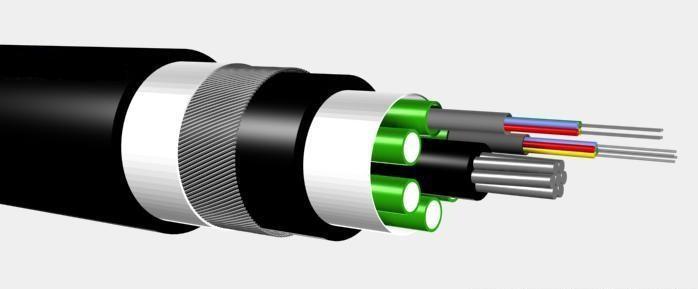
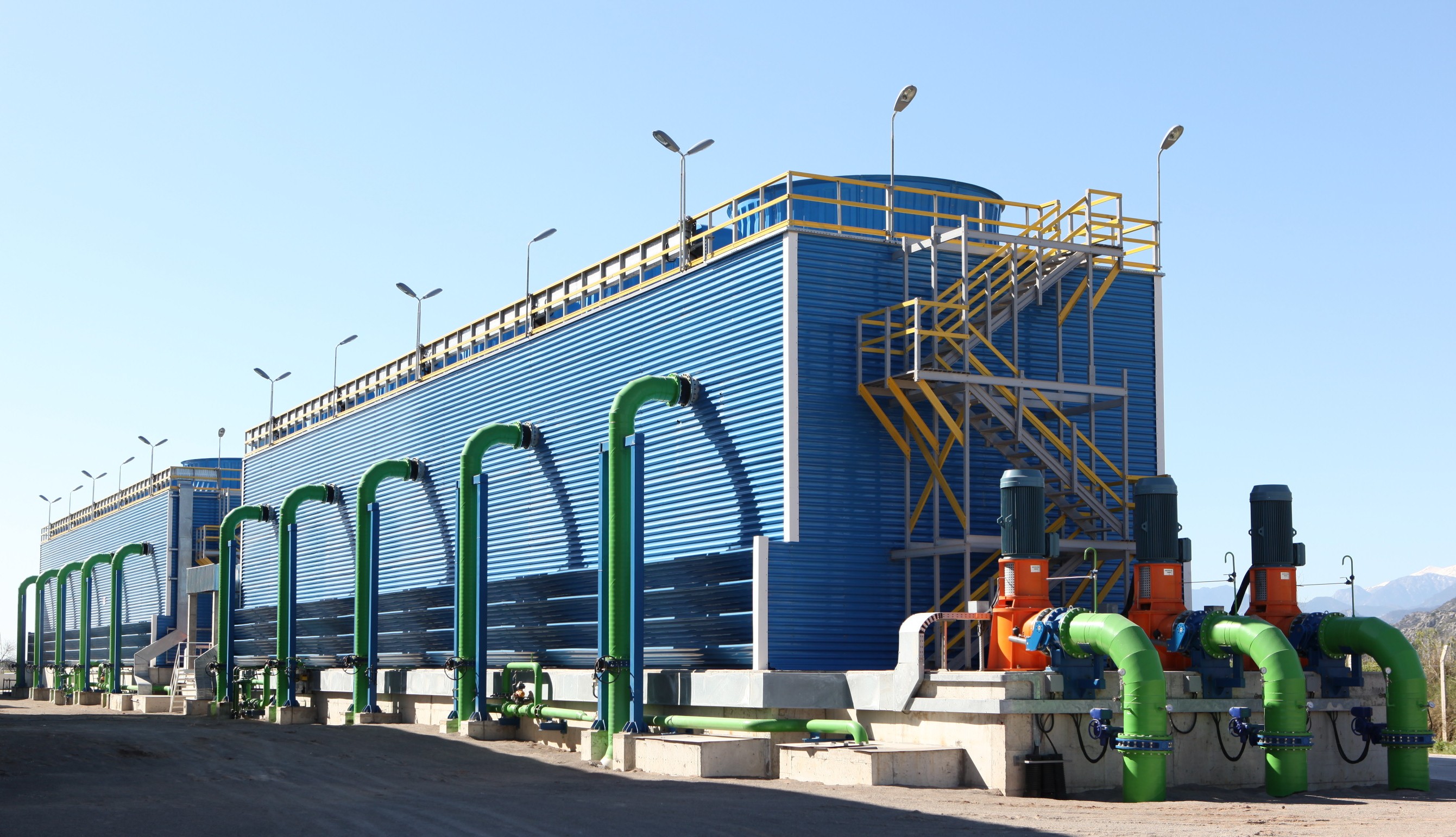
When you deploy a resource in Azure, you are renting physical capacity. The way you choose to distribute that rented capacity across the globe dictates the speed, resilience, and legality of your business applications.
At the very bottom of the cloud computing stack is the physical hardware.
Azure datacenters are the foundational building blocks of the Microsoft Azure global physical infrastructure. If you were to walk inside one, you would find a massive physical building housing thousands of computer servers. These servers process computations, route network traffic, and store exabytes of data.

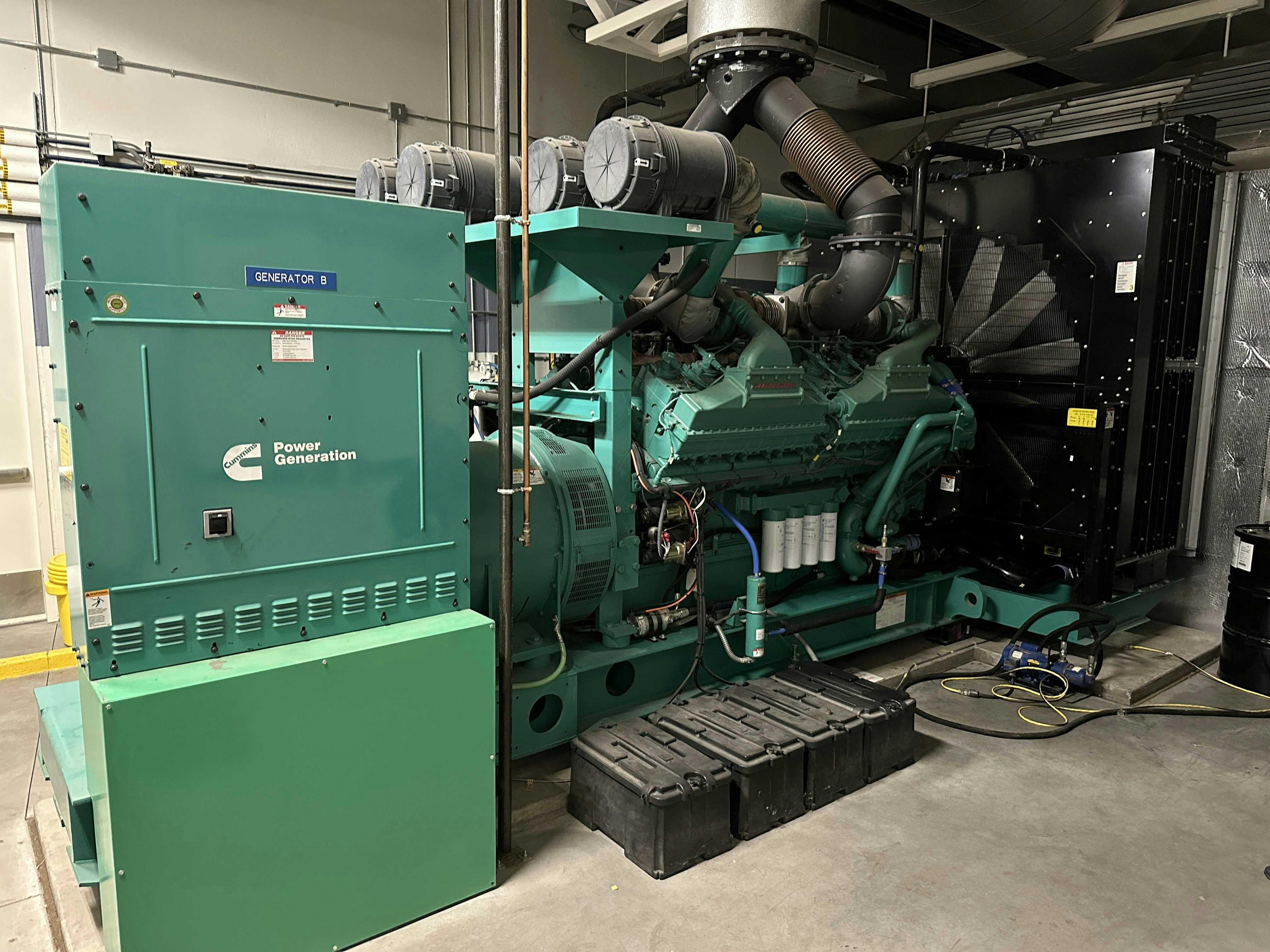
To ensure continuous operation, every single Azure datacenter is equipped with independent power, cooling, and network infrastructure. If the municipal power grid fails, massive onsite diesel generators seamlessly take over. If a fiber line is cut by a rogue backhoe outside the facility, redundant network lines keep the data flowing. However, a single building is still vulnerable to severe localized disasters like fires or floods. Therefore, Microsoft rarely relies on a single datacenter in isolation.
When an IT professional or a project manager provisions a new virtual machine or database, the Azure portal immediately asks a fundamental question: Where do you want to put this? Deploying an Azure resource typically requires selecting a specific Azure region for the deployment.
Azure Region: An Azure region is a geographical area on the planet containing one or more closely positioned datacenters.
Datacenters within a single Azure region are connected through a dedicated low-latency regional network. Microsoft Azure operates in over 60 regions worldwide, spanning from East US (Virginia) to North Europe (Ireland) to Japan East (Tokyo).
Choosing the correct region is a critical business decision for two primary reasons:
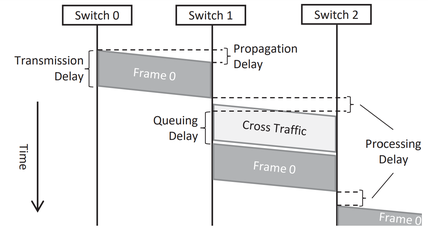
- The Speed of Light (Latency): Data travels fast, but it cannot exceed the speed of light. If your customers are in London, but your servers are in Sydney, every click requires data to travel halfway around the earth and back. Placing resources in an Azure region physically closest to users minimizes network latency, providing a snappy, responsive experience.
- The Law of the Land (Compliance): Governments heavily regulate where digital data can live. Selecting a specific Azure region allows organizations to meet legal data residency and compliance requirements. For example, a German healthcare company may be legally mandated to keep all patient data within European borders.
To help manage these international borders, Azure groups regions into Geographies. An Azure geography is a discrete market containing two or more Azure regions. By strictly bounding data routing and storage, Azure geographies help organizations preserve data residency and compliance boundaries across international borders. Data placed in the European geography, for instance, stays in Europe.
The Exceptions: Global Services
While most resources require a specific regional home, some Azure services are global and do not require selecting a specific regional deployment location. These services span the entire planet by design to route traffic or manage identities globally. Microsoft Entra ID (formerly Azure Active Directory) and Azure DNS are examples of global Azure services operating independently of specific regions.
A region guarantees your data is in the right part of the world, but what happens if a specific datacenter within that region catches fire or suffers a catastrophic power loss? To protect against these localized hardware or facility failures, Azure offers Availability Zones.
Availability Zone (AZ): A physically separate datacenter location within a single Azure region.
Availability Zones are designed to protect customer applications and data from localized datacenter failures. To achieve this, each Azure Availability Zone operates with completely independent power, cooling, and networking infrastructure. An Azure region equipped with Availability Zones contains a minimum of three separate zones.
If Zone 1 suffers a total power failure, Zone 2 and Zone 3 remain blissfully unaware and fully operational.
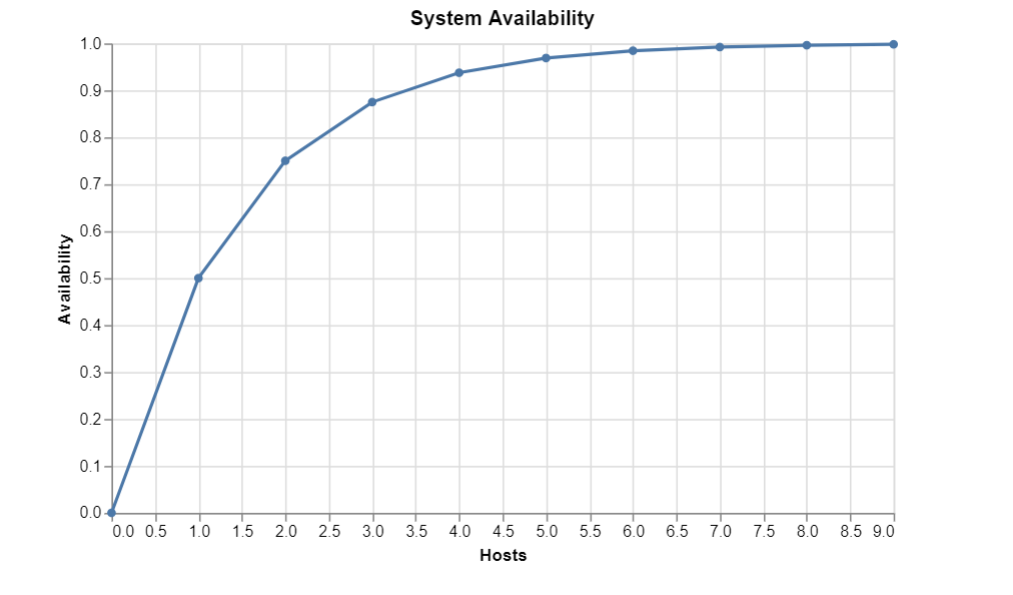
However, running an application across multiple buildings requires those buildings to communicate with near-instantaneous speed. Therefore, Availability Zones within a single region are connected by a high-performance network with a round-trip latency of less than two milliseconds. This incredibly tight latency allows databases in two separate buildings to synchronize so quickly that users never notice a delay.
Note for capacity planning: Not every Azure region supports Availability Zones. While Microsoft is rapidly expanding AZ support, older or smaller regions may not yet have the minimum three separate datacenter facilities required.
Architecting for Zones
When deploying resources in an AZ-enabled region, architects can choose how to utilize these zones:
| Deployment Model | Description | Business Use Case |
|---|---|---|
| Zonal Services | Zonal services pin an Azure resource to a specific Availability Zone chosen by the user (e.g., placing a Virtual Machine explicitly in Zone 1). | Strict performance requirements where resources must sit directly next to each other to minimize microsecond latency. |
| Zone-redundant Services | Zone-redundant services automatically replicate an Azure resource across multiple Availability Zones within a region. | Highly available databases or web apps that must survive a datacenter failure without manual intervention. |
Availability Zones protect against localized disasters (a burning building). But what protects against regional disasters, like a Category 5 hurricane taking down the entire power grid of the Eastern Seaboard, or a devastating earthquake?
To guarantee business continuity at a macroeconomic scale, Azure relies on Region Pairs.
An Azure region pair consists of two Azure regions situated within the same geographic market (such as East US paired with West US, or North Europe paired with West Europe). By design, regions in an Azure region pair are typically located at least 300 miles apart from each other. The physical separation of Azure region pairs helps protect against large-scale disasters affecting a broad geographic area.

Disasters are not always physical. Often, the worst outages are caused by bad software updates. To mitigate this risk, Azure platform updates are rolled out to paired regions sequentially. Microsoft will never update East US and West US simultaneously. Sequential updating of region pairs prevents a single faulty platform update from bringing down both regions simultaneously. If a bug is introduced in the first region, Microsoft catches it and halts the rollout before it impacts the paired region.
Furthermore, during a broad Azure outage, Microsoft prioritizes the recovery of one region out of every affected region pair. If a massive event takes down multiple regions across the globe, Microsoft's engineering teams will focus all resources on restoring one region in each pair first, ensuring that organizations utilizing cross-region disaster recovery can get back online as rapidly as possible.
Standard Azure regions meet the needs of most global enterprises. However, certain government and state-affiliated entities possess regulatory and espionage-related concerns that cannot be satisfied by standard commercial infrastructure.
For these extreme compliance scenarios, Microsoft offers Azure sovereign regions. These are isolated instances of Azure designed to meet specific regulatory, compliance, and legal requirements. They are completely physically and logically divorced from the standard Azure public cloud.
Azure Government
Azure Government is a sovereign cloud environment designed exclusively for United States government agencies and authorized partners (such as defense contractors).
Because of the sensitive nature of the data—which may include classified defense information or federal law enforcement records—Azure Government datacenters are physically isolated from the public, non-government Azure datacenters. Furthermore, to prevent foreign interference or unauthorized espionage, the Azure Government cloud environment is operated exclusively by screened United States citizens.
Azure China 21Vianet
Doing business in China requires navigating a strict, highly specific set of national telecommunications and data sovereignty laws. To operate legally within this market, Microsoft created a completely distinct sovereign cloud.
Azure China 21Vianet is a physically separated instance of Azure located entirely within China. In compliance with Chinese telecommunications regulations, foreign companies cannot own and operate cloud infrastructure directly. Therefore, Microsoft does not directly operate the Azure China 21Vianet cloud infrastructure. Instead, Azure China 21Vianet is operated by the local partner 21Vianet. Microsoft licenses the technology to 21Vianet, ensuring the same Azure portal experience and services, while maintaining absolute compliance with Chinese federal law.