Azure Virtual Networking Basics
Not sure you’re ready?
Take the ~3-minute readiness diagnostic and see where you stand.
When a company expands into a new physical office space, architects do not simply drop desks into an empty warehouse. They build dedicated floors for distinct departments, establish secure entry points with keycard access, and run private intercom lines so sensitive conversations never echo out onto the public street. An Azure Virtual Network is the digital equivalent of this architectural blueprint. It is the fundamental building block for your private environment in the cloud, defining the precise pathways through which your applications, data, and users interact. For a project manager plotting a secure application launch, or a finance director evaluating the cost of data transfer, understanding this network topology is not just an IT exercise—it is the prerequisite for keeping a business secure, compliant, and operationally efficient.
To understand networking in the cloud, we must first define the borders of our environment.
Definition: An Azure Virtual Network (VNet) is the fundamental building block for your private network in Azure.
At its core, an Azure Virtual Network enables Azure resources to securely communicate with each other. If you have a web server processing customer orders and a database storing those orders, you place them both inside a VNet to ensure they can talk to one another seamlessly. Furthermore, an Azure Virtual Network enables Azure resources to securely communicate with on-premises networks, allowing your corporate headquarters to link up with your cloud infrastructure.
Crucially, Azure Virtual Networks are logically isolated from other virtual networks in Azure. If your company creates one VNet for the Finance department and another for Human Resources, the traffic within them is invisible to the other by default, just as your data is completely invisible to other Microsoft customers sharing the same physical data center.
If a VNet is a secure office building, you rarely want everyone sitting in one massive, undivided room. We need walls, locked doors, and specialized zones.
This is where subnets come in. Subnets divide a single Azure Virtual Network into multiple smaller network segments. It is important to note that a single Azure Virtual Network can contain multiple subnets.
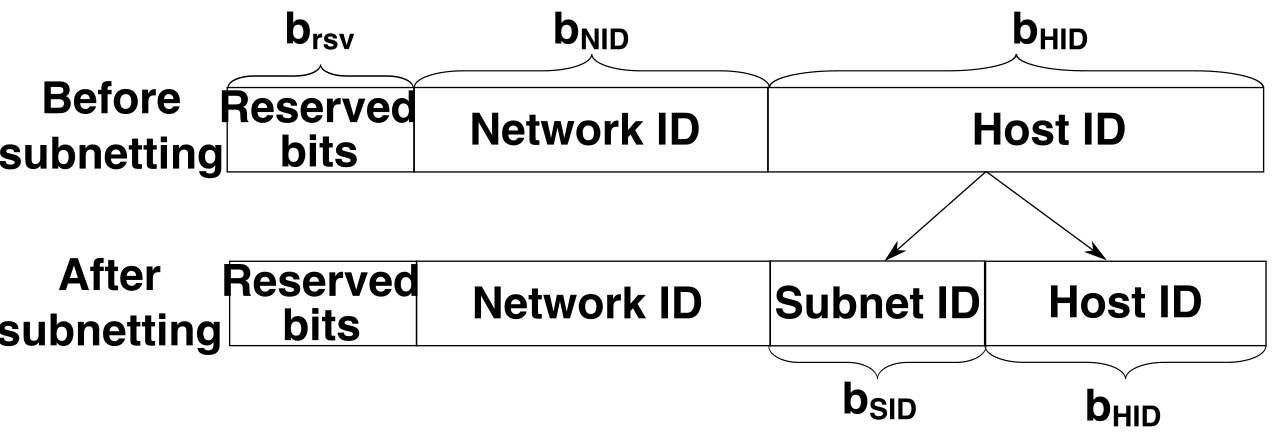
Why do we do this? From a governance and security perspective, administrators use subnets to isolate network traffic for specific security policies or routing rules. For example, you might create a "Web Subnet" that is allowed to receive traffic from the outside world, and a "Database Subnet" that is strictly forbidden from touching the internet. By zoning the network, a project manager or security auditor can instantly see exactly where boundaries exist.
Crucial Fact for AZ-900: When allocating IP addresses for these spaces, Azure reserves five IP addresses within each virtual subnet that cannot be assigned to resources. These are reserved for network addresses, broadcast addresses, and internal Azure routing and DNS services. If a subnet is designed to hold 10 servers, the IT team must mathematically account for those 5 missing addresses!
As organizations grow, they inevitably build multiple VNets. Perhaps you acquire a new company, or you launch a completely separate application environment. How do you get these isolated buildings to talk to one another safely?
We build a digital skybridge. Azure Virtual Network peering connects two separate Azure Virtual Networks directly to each other.
When peering is established, the two networks behave as if they are one. Because of this, there is a strict mathematical rule you must follow: peered virtual networks must have non-overlapping IP address spaces. If building A uses room numbers 100-200, and building B uses room numbers 100-200, the mailroom will inevitably deliver data to the wrong recipient.
The magic of peering lies in its security and performance. Network traffic between peered Azure Virtual Networks travels entirely over the Microsoft private backbone network. This means that Virtual Network peering prevents traffic between connected virtual networks from entering the public internet. It is fast, secure, and immune to public internet congestion or eavesdropping.
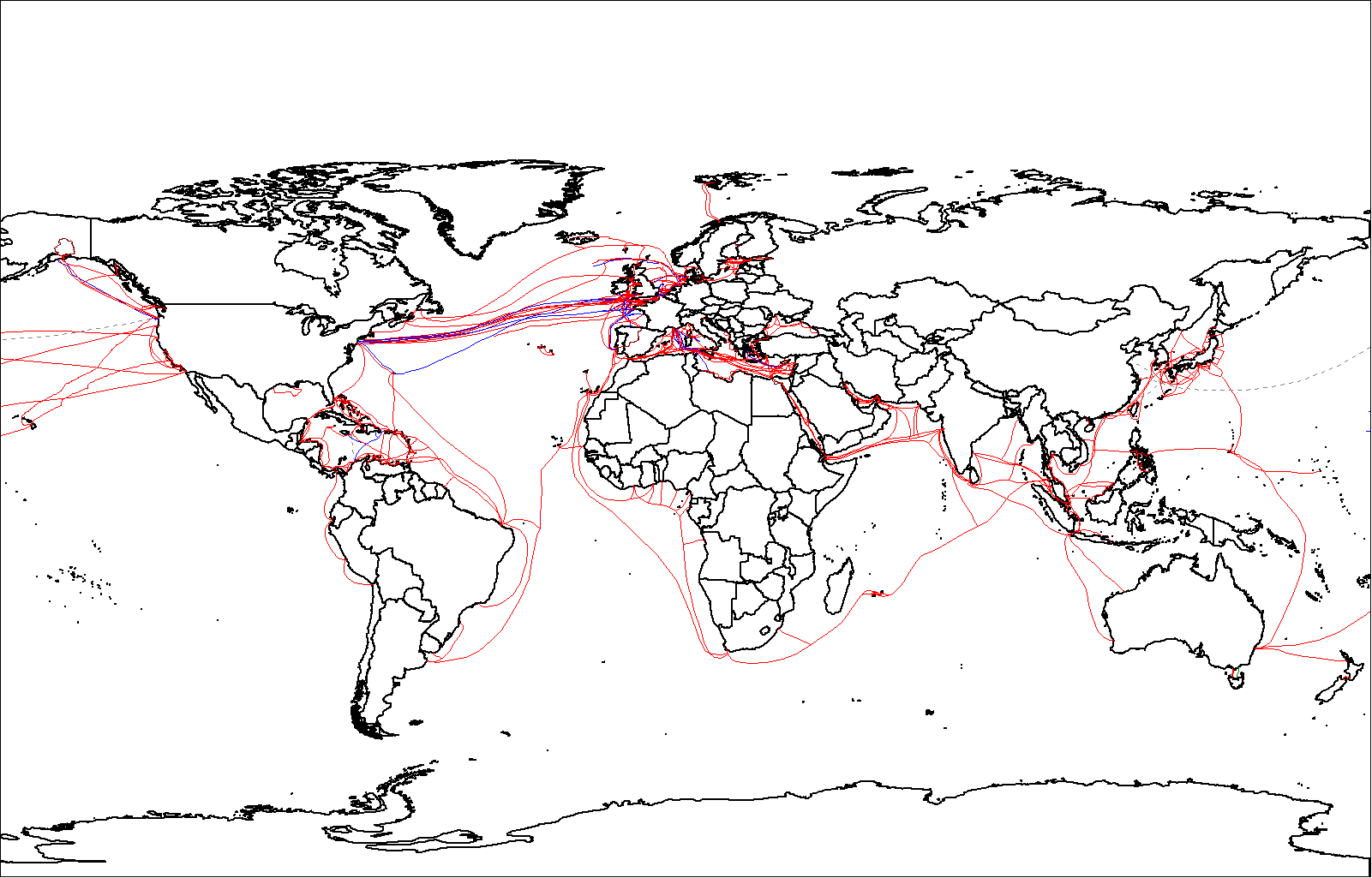
Furthermore, geography is not a barrier. Global Virtual Network peering connects virtual networks situated in different Azure regions. You can peer a VNet in New York with a VNet in London, securely linking them across the globe via Microsoft's undersea cables.
Computers communicate using IP addresses (like 192.168.1.5), but humans remember names (like accounting-server or www.microsoft.com). To translate between the two, we use the Domain Name System (DNS).
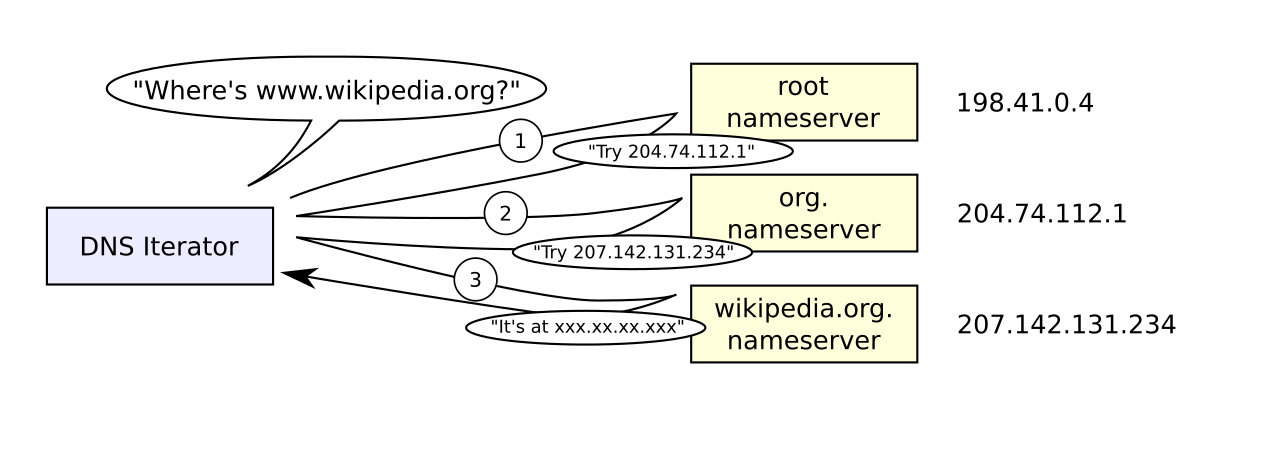
Azure DNS is a hosting service for DNS domains. Instead of running your own custom servers just to act as a directory, Azure DNS provides reliable name resolution using Microsoft Azure infrastructure.
There are two distinct flavors of this service, dictated by who needs to look up the name:
- Azure DNS Public Zones: These host DNS records for a domain to provide name resolution across the public internet. If your marketing team buys
mycompany.com, you host it in a Public Zone so anyone in the world can find your website. - Azure DNS Private Zones: These provide DNS name resolution for virtual machines within an isolated Azure Virtual Network. This is strictly for internal use. If the web server needs to find the database server at the address
internal-db, a Private Zone handles that lookup entirely out of sight from the public.
For most businesses, moving to the cloud is a hybrid journey. You have physical offices, remote workers, and on-premises data centers that need to talk to your Azure Virtual Network. There are two primary mechanisms to achieve this: VPN Gateway and ExpressRoute.
The Azure VPN Gateway
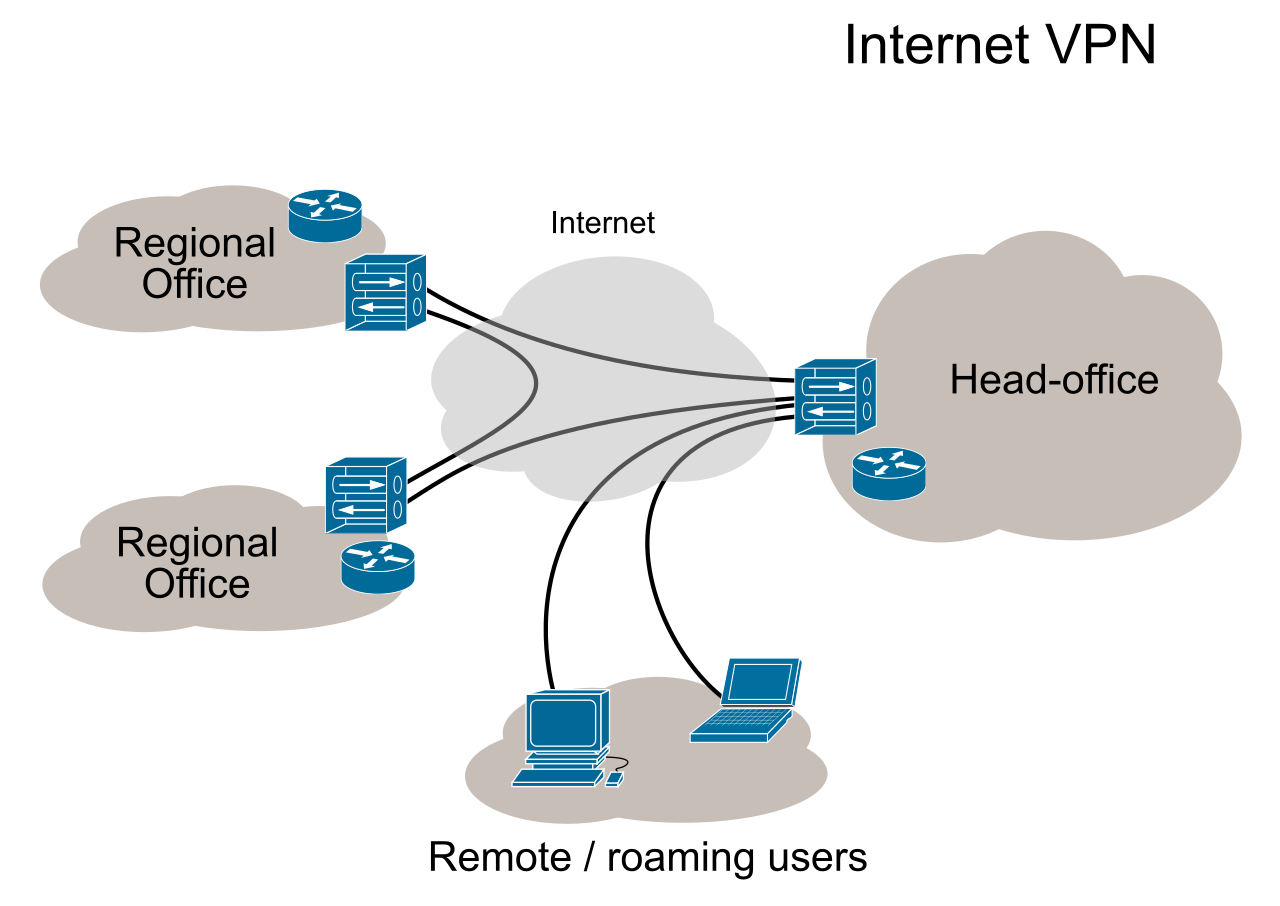
Think of a VPN (Virtual Private Network) as a heavily armored car driving on a public highway. An Azure VPN Gateway sends encrypted network traffic between an Azure Virtual Network and an on-premises location.
Because it relies on standard internet lines, Azure VPN Gateway traffic travels over the public internet, but the encryption ensures no one can read the contents in transit.
There is an architectural constraint you must remember: an Azure Virtual Network can contain only one VPN Gateway deployment at a time. However, that single gateway can handle multiple connections of different types:
- A Site-to-Site VPN connects an entire on-premises network to an Azure Virtual Network. (e.g., Connecting the Seattle corporate office routers directly to Azure).
- A Point-to-Site VPN connects a single client computer to an Azure Virtual Network. (e.g., A sales executive working from a coffee shop securely connecting their laptop to the corporate network).
Azure ExpressRoute: The Dedicated Highway
If a VPN is an armored car on a public highway, ExpressRoute is a privately constructed, dedicated toll road.
Azure ExpressRoute extends on-premises networks into the Microsoft cloud over a private connection. Unlike a VPN, Azure ExpressRoute connections bypass the public internet entirely.
Because you are bypassing the public internet, Microsoft cannot string a cable directly to your office. Therefore, Azure ExpressRoute requires the use of a third-party connectivity provider or a partner network (such as AT&T or Equinix) to bridge the physical gap between your office and Microsoft's edge routers.
Why would a finance director approve the higher cost of ExpressRoute? Because Azure ExpressRoute provides higher reliability and lower latency than typical public internet connections. For massive data backups or highly sensitive financial transactions, predictability is worth the premium.
| Feature | Azure VPN Gateway | Azure ExpressRoute |
|---|---|---|
| Routing path | The public internet | Dedicated private connection |
| Encryption | Encrypted over public lines | Unencrypted (but isolated and private) |
| Performance | Subject to internet congestion | Highly reliable, low latency |
| Setup requirement | Internet connection | Third-party connectivity provider |
As you build out your Azure environment, you will inevitably use Platform-as-a-Service (PaaS) offerings—like an Azure SQL Database or an Azure Storage Account. By default, these services live outside your VNet. Understanding how you connect to them is a vital security concept tested heavily in AZ-900.
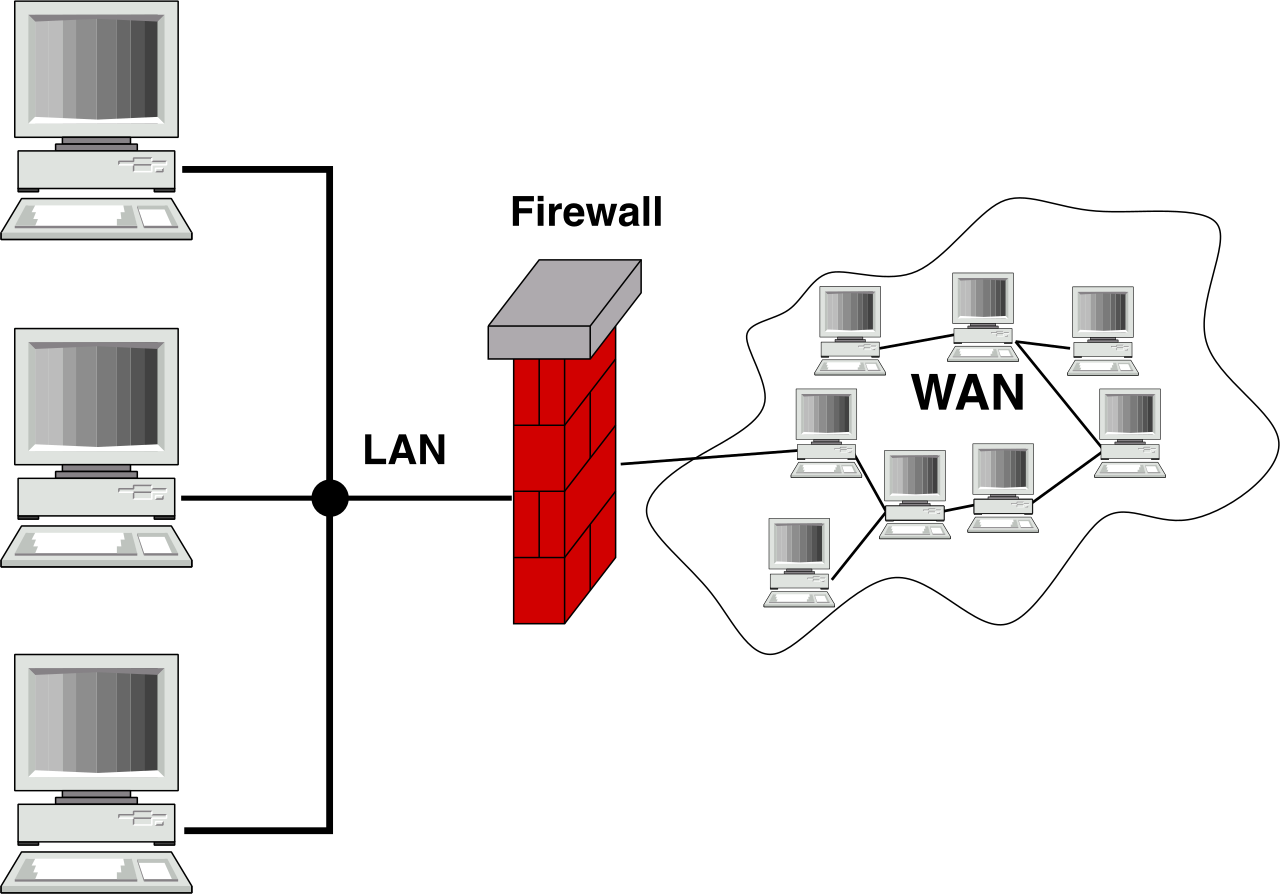
An Azure public endpoint provides access to an Azure service over the public internet. When you use a public endpoint, Azure public endpoints use globally routable public IP addresses. This means the service is technically accessible from anywhere in the world, secured by firewalls, identity management, and passwords. For highly sensitive corporate data, however, exposing a storage account to the public internet—even with a strong password—is often a violation of internal security compliance.
To fix this, we use the architectural magic of Private Link.
An Azure private endpoint is a network interface that uses a private IP address from a virtual network. Conceptually, Azure private endpoints bring an external Azure service directly into an isolated virtual network.
Instead of routing your traffic out to the internet to reach your database, the database is given an internal room number (a private IP) inside your VNet. Azure private endpoints securely connect clients to an Azure service using Azure Private Link.
When this happens, the data never sees the light of day. Traffic between a virtual network and an Azure private endpoint travels exclusively over the Microsoft backbone network. For a stakeholder worried about data exfiltration or compliance with strict financial regulations, the private endpoint is the ultimate guarantee that their cloud data remains entirely walled off from the public domain.