Secure Baselines and Hardening Targets
Not sure you’re ready?
Take the ~3-minute readiness diagnostic and see where you stand.
A nuclear submarine preparing to submerge does not rely on the individual intuition of its sailors to ensure the hull is sealed; it relies on a standardized, ruthlessly enforced configuration protocol. Every hatch, valve, and bulkhead must be manually set to a highly specific state before the vessel encounters the crushing pressure of the ocean. A default, out-of-the-box operating system deployment is exactly like a submarine with its maintenance hatches left wide open—optimized for convenience and interoperability in dry dock, rather than survival in the deep. To withstand the hostile environment of modern networks, computing resources must be systematically stripped of vulnerabilities and aligned to a hardened standard.

Before we can secure an environment, we have to define what "secure" actually looks like. You cannot protect what you have not standardized.
A secure baseline is a documented minimum standard for system configuration used to ensure a consistent level of security across an organization.
If you build a house, the local government provides building codes—minimum standards for electrical wiring and structural integrity. In cybersecurity, we rely on established frameworks to provide these codes. The Center for Internet Security (CIS) publishes industry-standard benchmarks for secure configuration baselines. These are peer-reviewed consensus documents detailing exactly how to lock down operating systems, cloud providers, and network devices. In government and military environments, The Defense Information Systems Agency (DISA) publishes Security Technical Implementation Guides (STIGs), which are used as highly rigorous secure baselines.
Once a baseline is defined, it becomes the ultimate yardstick. Security teams use these standards to compare current system configurations against established secure baselines to detect unauthorized changes. If a workstation's registry suddenly permits an unauthenticated remote desktop connection—a violation of the CIS baseline—the discrepancy is immediately visible.
To enforce these standards, we rely on automated configuration management tools (such as Ansible, Chef, or Puppet). If a rogue administrator or a piece of malware alters a critical setting, these tools enforce secure baselines by automatically reverting unauthorized system modifications back to their baseline state. This self-healing architecture is paired with continuous monitoring solutions, which periodically scan network assets to ensure ongoing compliance with established secure baselines, alerting security teams to systemic drift.
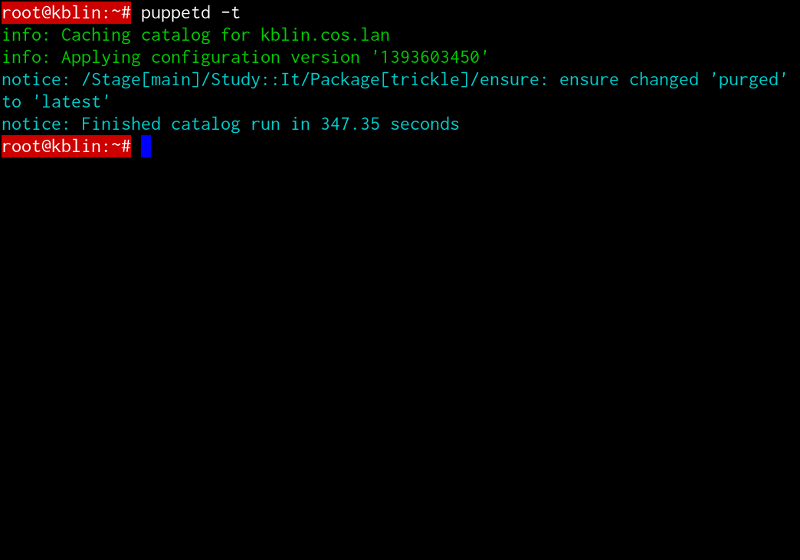
If the baseline is the blueprint, hardening is the physical pouring of the concrete. System hardening reduces the attack surface of a computing resource by eliminating unnecessary software, services, and default accounts.
Think of a computer's attack surface as a physical fortress. Every application is a window, every network service is a door, and every user account is a key. The more you have, the easier it is for an invader to find a weak entry point.
Hardening at the Operating System Level
At the core of system preparation is operating system hardening, which includes disabling unnecessary background services to minimize potential exploitation vectors. If an endpoint does not need to run a local print spooler or an Xbox Live networking service, those services must be turned off. If they are not running, they cannot be exploited.
Likewise, we physically and logically secure the interfaces. Disabling unused physical and logical network ports on a device prevents attackers from exploiting unauthorized services. If an attacker plugs into an unused Ethernet port in a lobby, or attempts to hit a dormant listening port via the network, they should hit a dead end.
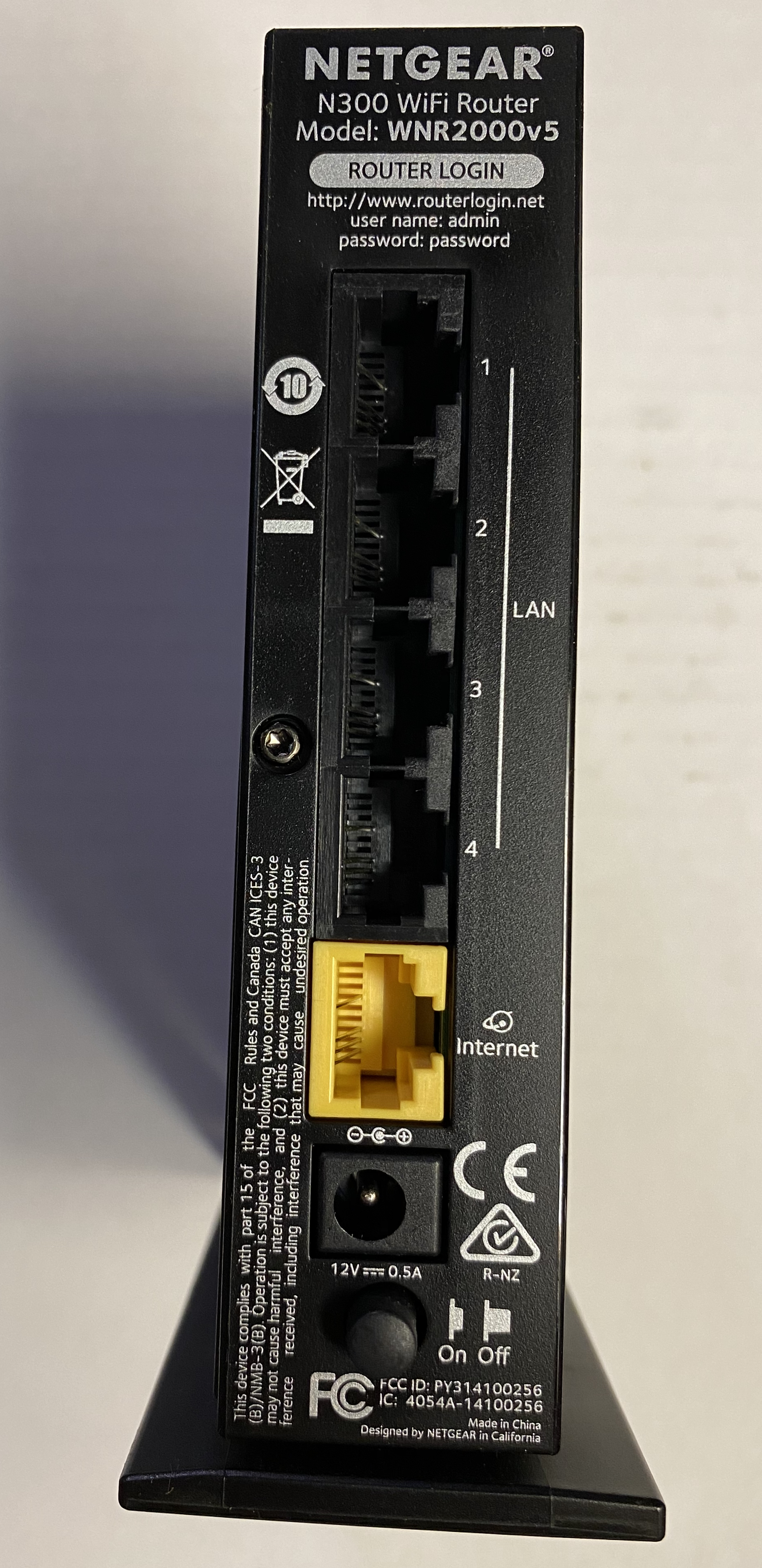
Predictability is the enemy of security. Out-of-the-box devices often use credentials like admin or root. Renaming or disabling default administrative accounts mitigates brute-force attacks targeting predictable usernames. An attacker cannot brute-force a password if they don't even know the correct username.
Furthermore, no software is flawless. Patch management hardens systems by continuously applying vendor-supplied software updates to fix known security vulnerabilities. Patching is not a one-time event; it is the continuous maintenance of the hull.
To deploy these hardened states at enterprise scale, administrators do not manually configure computers one by one. Instead, they build a golden image—a pre-configured software template containing an operating system and baseline security settings used to deploy hardened systems. Every new machine born in the environment is an exact clone of this meticulously secured golden image.
End-user workstations travel out of the physical office, connect to coffee shop Wi-Fi, and are physically handled by humans. They require specific, localized fortifications.
Boot and Storage Security
We must guarantee that a workstation is not compromised before the operating system even boots. Enabling Secure Boot ensures that a workstation only loads operating system software that is digitally trusted by the hardware manufacturer. This neutralizes bootkits and rootkits that attempt to hijack the system at startup.
Once the system is running, the data resting on the drive must be protected. Full Disk Encryption (FDE) protects data on workstation drives from unauthorized physical access. If a laptop is left in a taxi, the thief only sees an unreadable block of scrambled data. FDE relies on the Trusted Platform Module (TPM), a hardware chip on a motherboard that securely stores cryptographic keys used for Full Disk Encryption. Because the key is locked inside the hardware itself, an attacker cannot simply pull the hard drive and read it in another machine.

Network and Policy Enforcement
Workstations must protect themselves on the network. Host-based firewalls restrict inbound and outbound network traffic originating from a single workstation or server. While the perimeter firewall guards the enterprise boundary, the host-based firewall treats every single computer as its own isolated fortress.
To manage these configurations across thousands of devices, organizations turn to centralized policy enforcement mechanisms.
- Group Policy Objects (GPOs) are used in Windows Active Directory environments to push secure baseline configurations to multiple workstations simultaneously. Whether you are changing password complexity requirements or disabling USB mass storage, a GPO makes it universally true.
- In modern, hybrid environments, Unified Endpoint Management (UEM) solutions deploy and enforce security policies across all corporate workstations and mobile devices, bridging the gap between desktop and mobile operating systems.
Servers host the crown jewels of the organization—databases, application logic, and directory services. Hardening a server requires strict architectural discipline.
The most vital rule of server design is the principle of least functionality, which dictates that a server must only be configured to perform its specific required role. If a server is built to be a DNS server, it should absolutely not have an FTP server or a web server running on it.
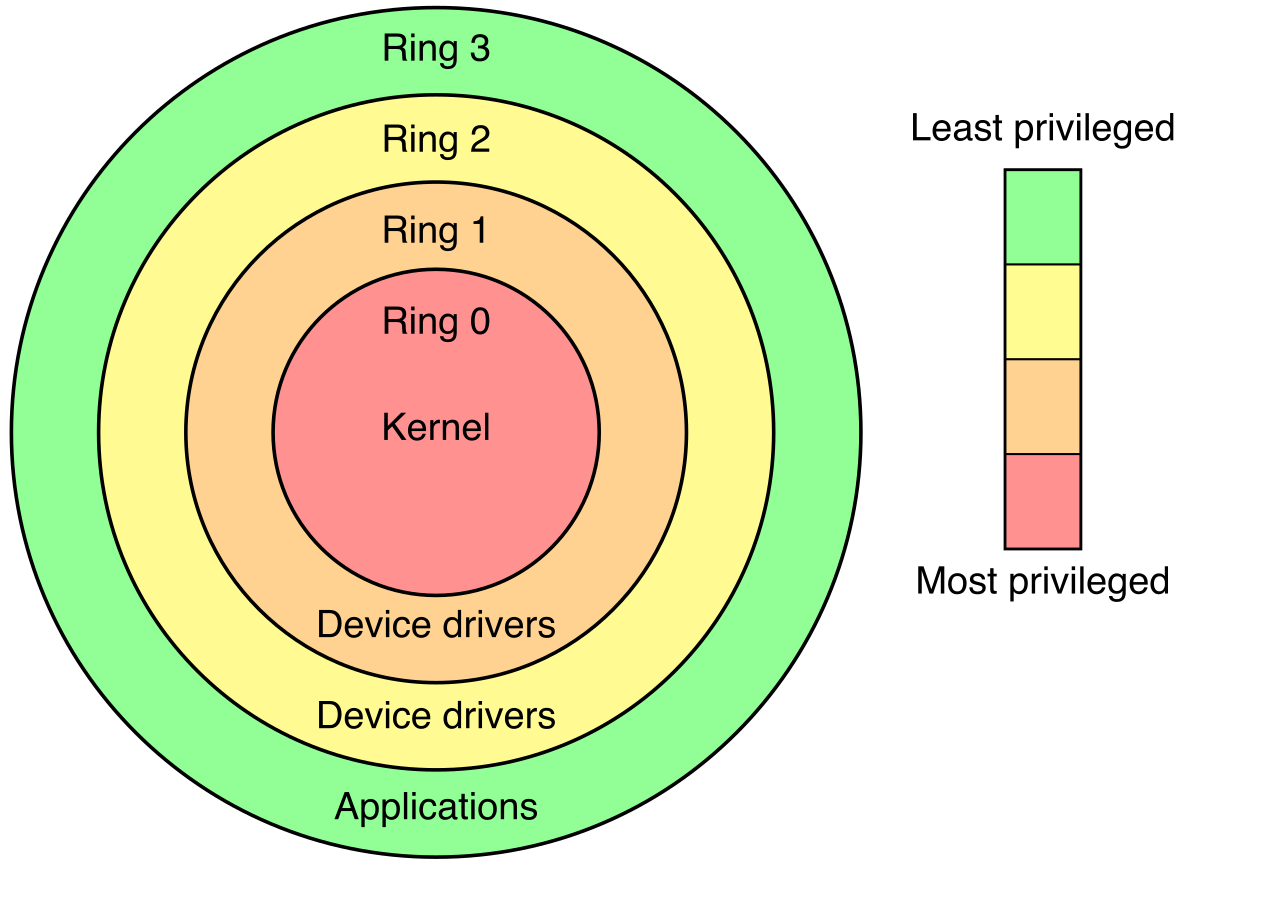
Why? Because running multiple distinct network services on a single server increases the potential attack surface of that server. If an attacker finds a vulnerability in the FTP software, they compromise the machine. By placing multiple services on one server, a vulnerability in a low-priority service can result in the catastrophic compromise of a high-priority service.
Defending the Server Environment
When administrators need to manage these sensitive servers, they should not connect directly from their daily workstations. Instead, they use jump servers, which act as heavily monitored intermediate access points for administrators connecting to sensitive server zones. The jump server forces all administrative traffic through a highly scrutinized chokepoint, ensuring that malware on a user's local machine cannot laterally move directly into the datacenter.
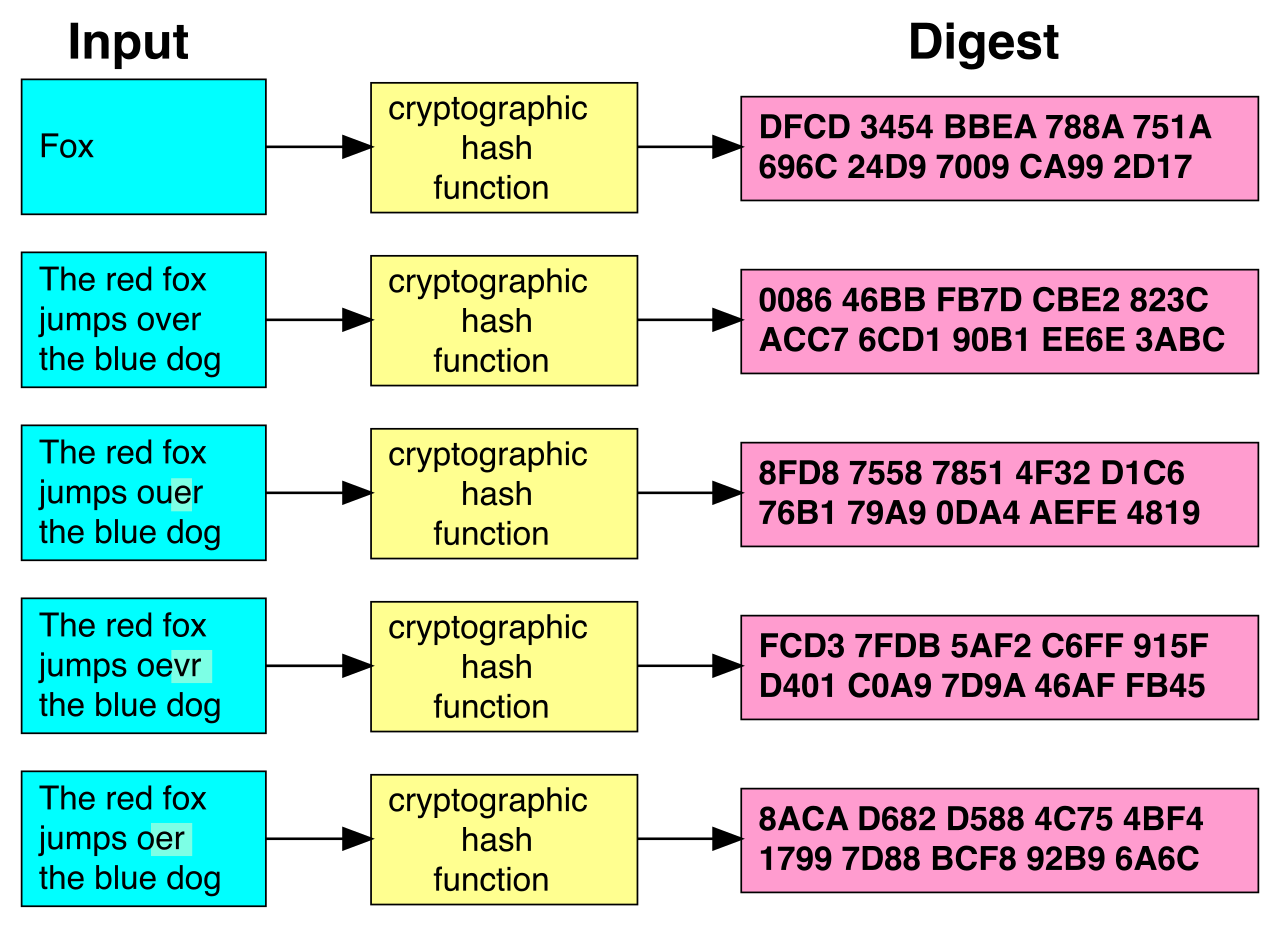
To monitor the integrity of the server itself, we deploy File integrity monitoring (FIM) tools. These tools scan server file systems to detect unauthorized modifications to critical configuration files. If an attacker breaches a server and subtly alters a configuration script to create a backdoor, the FIM detects the change in the file's cryptographic hash and fires an immediate alarm.
The modern network is no longer confined to a single physical building. Our hardening strategies must adapt to cloud infrastructure, network routing hardware, and non-traditional smart devices.
Hardening the Cloud
Cloud environments are notoriously easy to misconfigure due to their rapid elasticity and complex permission models.
| Hardening Target | Risk | Hardening Strategy |
|---|---|---|
| Object Storage | Accidental data exposure (e.g., leaving a customer database open to the internet). | Hardening cloud storage involves disabling public read and write access on object storage buckets by default. |
| Permissions | Stolen static access keys (API keys) hardcoded into scripts. | Identity and Access Management (IAM) roles harden cloud resources by assigning specific permissions directly to cloud services rather than using static access keys. |
| Environment Creation | Human error during manual deployment of virtual private clouds. | Infrastructure as Code (IaC) templates allow administrators to deploy cloud environments with pre-configured secure baselines built into the code. |
To continuously verify that these dynamic cloud environments remain secure, security teams deploy Cloud Security Posture Management (CSPM) tools. Much like continuous monitoring tools on-premise, CSPM tools continuously monitor cloud environments against secure baselines to identify misconfigurations—such as an administrator accidentally opening SSH access to the entire internet.
Network Infrastructure: Routers and Switches
The nervous system of an organization—its routers and switches—must be rigorously defended. Network administrators harden routers and switches by completely disabling insecure management protocols like Telnet and HTTP. These protocols transmit administrative credentials in cleartext, where they can be easily intercepted by network sniffers. We replace them with secure equivalents like SSH and HTTPS.
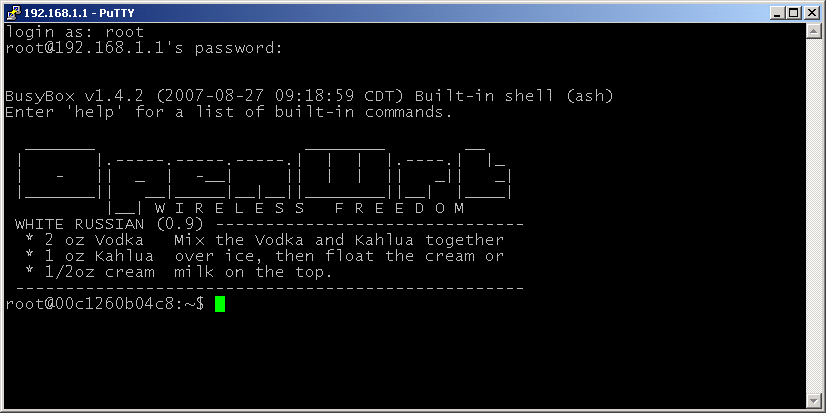
Even with secure protocols, we do not want just anyone to see the login prompt of a core router. Access Control Lists (ACLs) on network devices harden the management plane by restricting login access to authorized administrator IP addresses only. If an attacker tries to connect from the guest Wi-Fi, the router will drop the packet before a login prompt even appears.
The Mobile and IoT Frontier
Finally, we must consider the endpoints that live in our pockets and on our factory floors.
For smartphones, Mobile Device Management (MDM) software enforces secure baselines by mandating screen locks and device encryption. If an employee's phone is stolen, the MDM ensures the data cannot be accessed and allows the administrator to send a remote wipe command.
Internet of Things (IoT) devices—like smart thermostats, security cameras, and network-attached printers—present a unique nightmare. They often lack the hardware to run host-based firewalls or robust endpoint protection. To mitigate this, hardening Internet of Things (IoT) devices requires isolating the IoT devices on a dedicated network segment away from critical corporate assets. If a smart thermometer in a fish tank is compromised, network isolation ensures the attacker cannot pivot from the thermometer into the financial database.
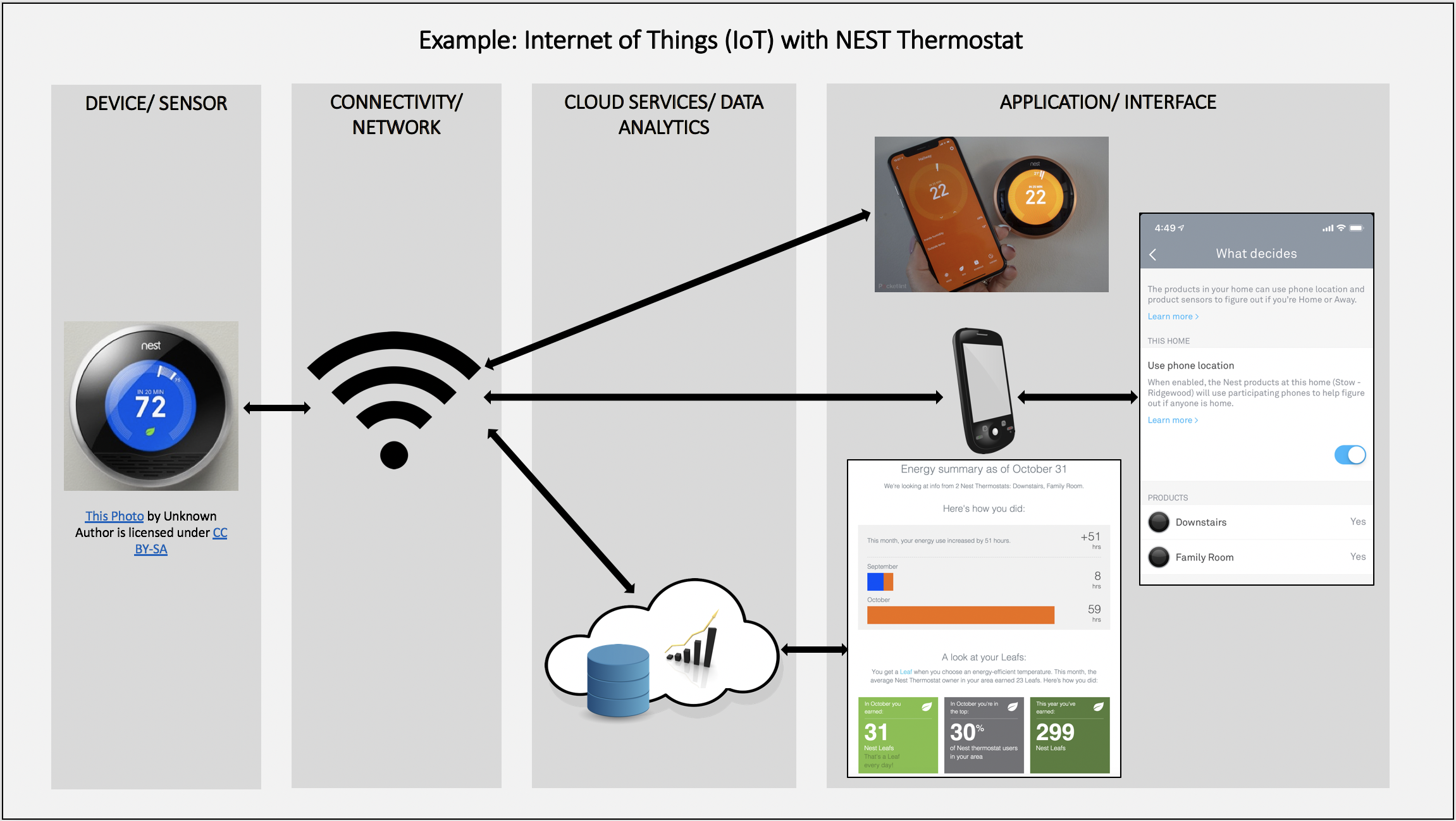
Furthermore, IoT devices are infamous for shipping with publicly documented administrative credentials (like admin/admin). Administrators harden Internet of Things (IoT) devices by immediately changing factory-default administrator passwords upon deployment.
A hardened environment is a resilient environment. By utilizing secure baselines (like CIS or STIGs), relying on automated management and continuous monitoring to prevent configuration drift, and systematically reducing the attack surface across endpoints, servers, cloud infrastructure, and network devices, we ensure that an organization's digital submarine can survive whatever depths it operates in.