Common Safety Procedures
Not sure you’re ready?
Take the ~3-minute readiness diagnostic and see where you stand.
When you walk across a carpet and touch a metal doorknob, the resulting shock represents thousands of volts of electricity equalizing in a fraction of a second. To a human being, this is a minor physiological annoyance. To the microscopic silicon pathways of a modern computer processor, it is a catastrophic lightning strike. As an IT professional, you are the steward of highly engineered, fragile systems and frequently work in potentially lethal electrical environments. Mastering safety procedures is not an administrative formality; it is the strict application of physics to neutralize invisible electrical threats, prevent sudden hardware failure, and ensure your physical survival in a workspace filled with hazardous currents, toxic particulates, and heavy machinery.
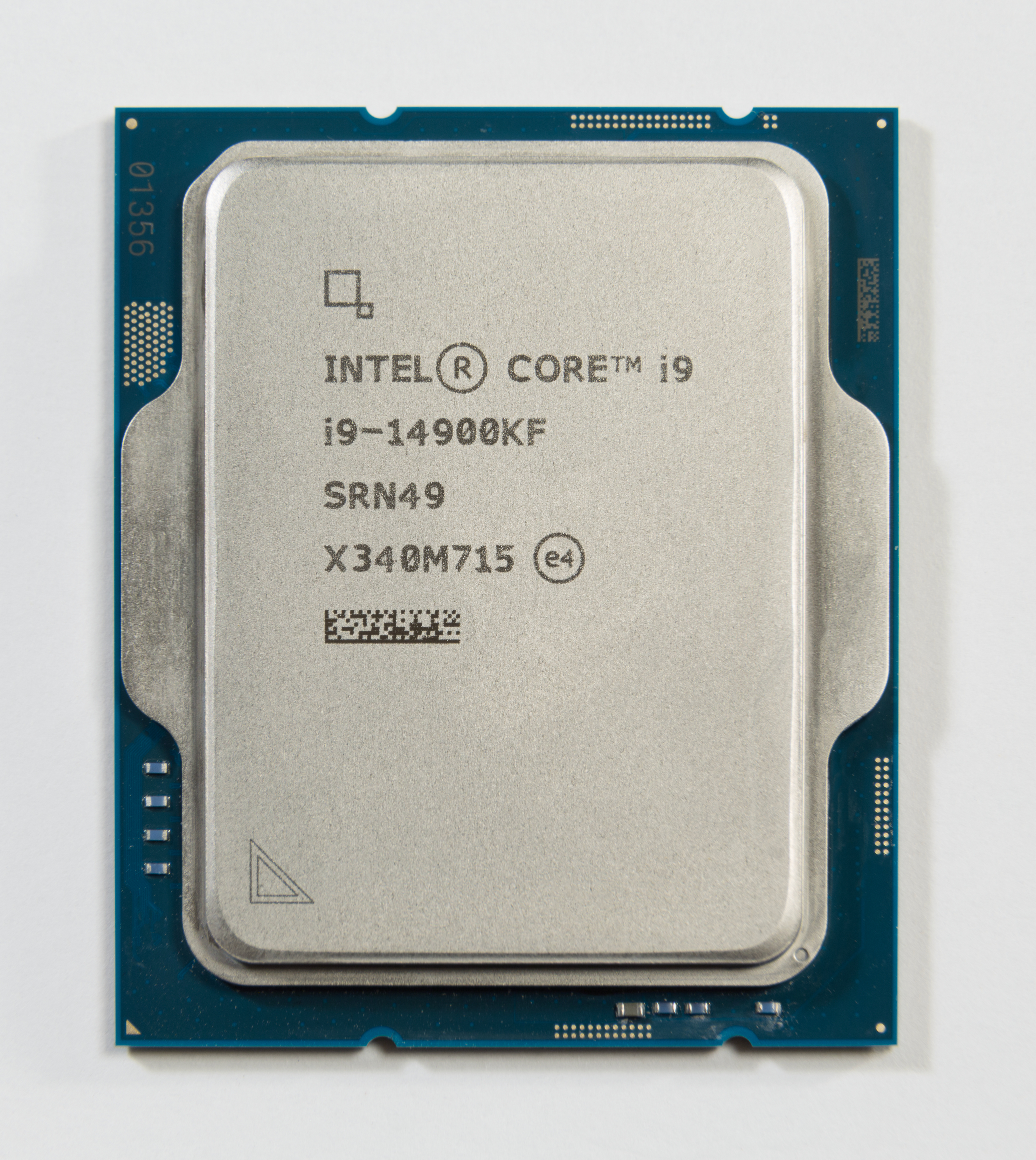
At the microscopic level, all matter is an arrangement of electrical charges. Electrostatic discharge occurs when two objects with different electrical charges come into contact. Because nature seeks equilibrium, electrons rapidly jump from the negatively charged object to the positively charged one to equalize the difference.
The human nervous system is remarkably insulated against low-voltage fluctuations. Humans can feel an electrostatic discharge when the discharge reaches approximately 3,000 volts. However, the microprocessors, memory modules, and motherboards you handle daily operate on minute electrical tolerances. Electronic components can be damaged by an electrostatic discharge of as little as 10 to 30 volts.
This massive sensory gap is why ESD is so dangerous in IT support: you can irreparably destroy a piece of enterprise hardware without seeing a spark, hearing a snap, or feeling a shock.

The Atmospheric Factor
The environment dictates how easily these charges build up. Low environmental humidity increases the likelihood of electrostatic discharge buildup because dry air acts as a fantastic insulator, allowing static charges to quietly accumulate on your clothes and skin. Conversely, maintaining relative humidity between 40 and 60 percent in a workspace significantly reduces the risk of electrostatic discharge, as the moisture in the air helps bleed off static charges harmlessly into the environment.
To bridge the gap between our high-voltage bodies and low-voltage components, we use specific tools to ensure charges equalize slowly and safely before components are touched.
- Anti-Static Wrist Straps: An anti-static wrist strap prevents electrostatic discharge by equalizing the electrical charge between a technician and a computer. It physically tethers you to the machine. However, for this to work, an anti-static wrist strap must be attached to an unpainted metal part of the computer chassis. Paint acts as a chemical insulator; bare metal is the required conductor.

- Self-Grounding: If a strap is unavailable, you must manually equalize your charge. Self-grounding is the practice of touching an unpainted metal part of a computer chassis to safely discharge static electricity before handling internal components.
- Anti-Static Mats: Working directly on standard desks can generate static. Anti-static mats safely dissipate static electrical charges from a workbench or floor, ensuring that any components laid upon them remain at a neutral charge relative to the workspace.
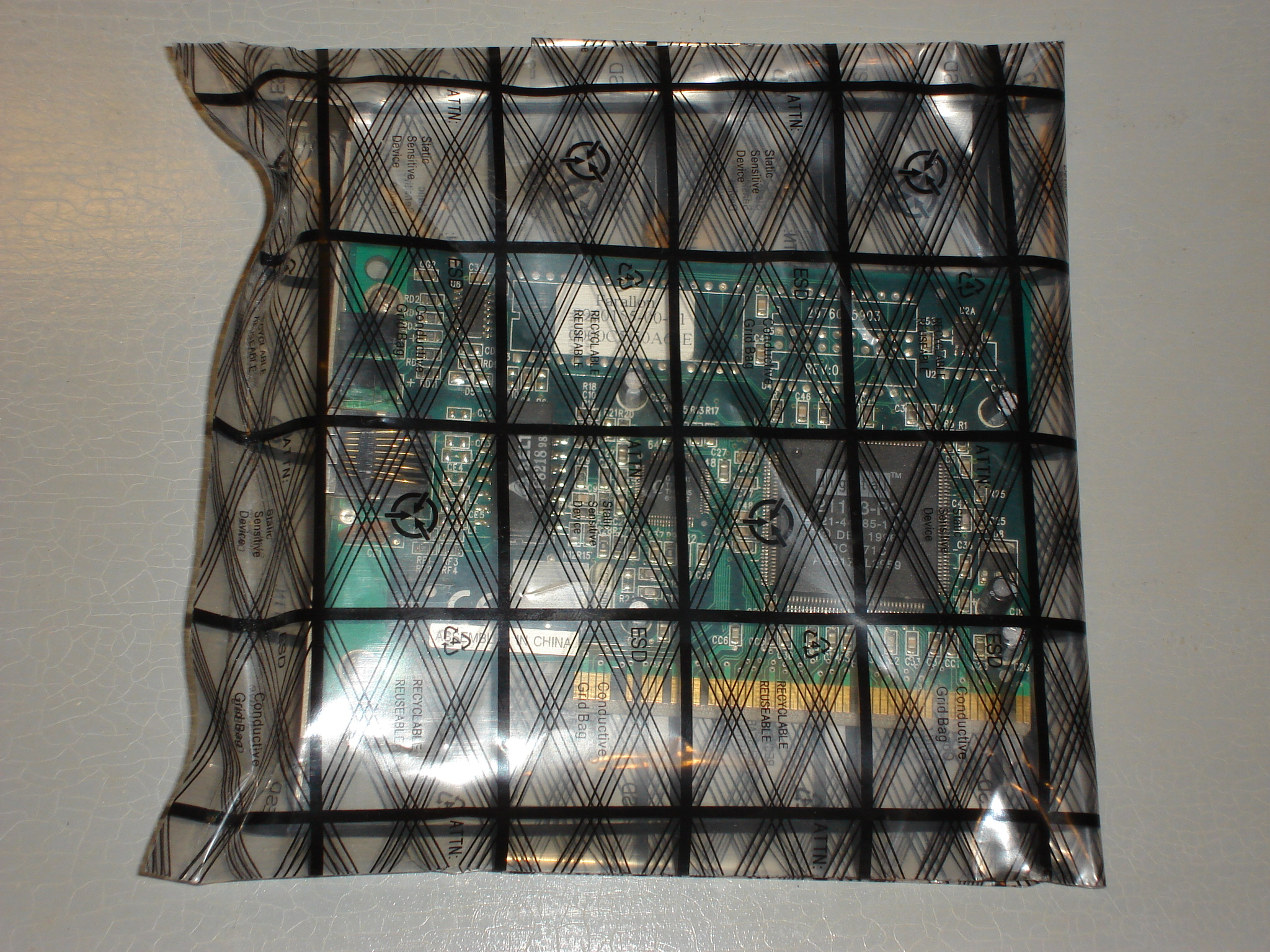
- Anti-Static Bags: When components are removed from the chassis, they lose their grounded protection. Anti-static bags protect sensitive electronic components from electrostatic discharge during storage and transport by creating a localized Faraday cage that shields the contents from external electrical fields.
Understanding when not to ground yourself is a matter of life and death. An anti-static strap intentionally makes you part of an electrical circuit. This is ideal for bleeding off harmless static electricity, but it is fatal when interacting with high-voltage hardware.
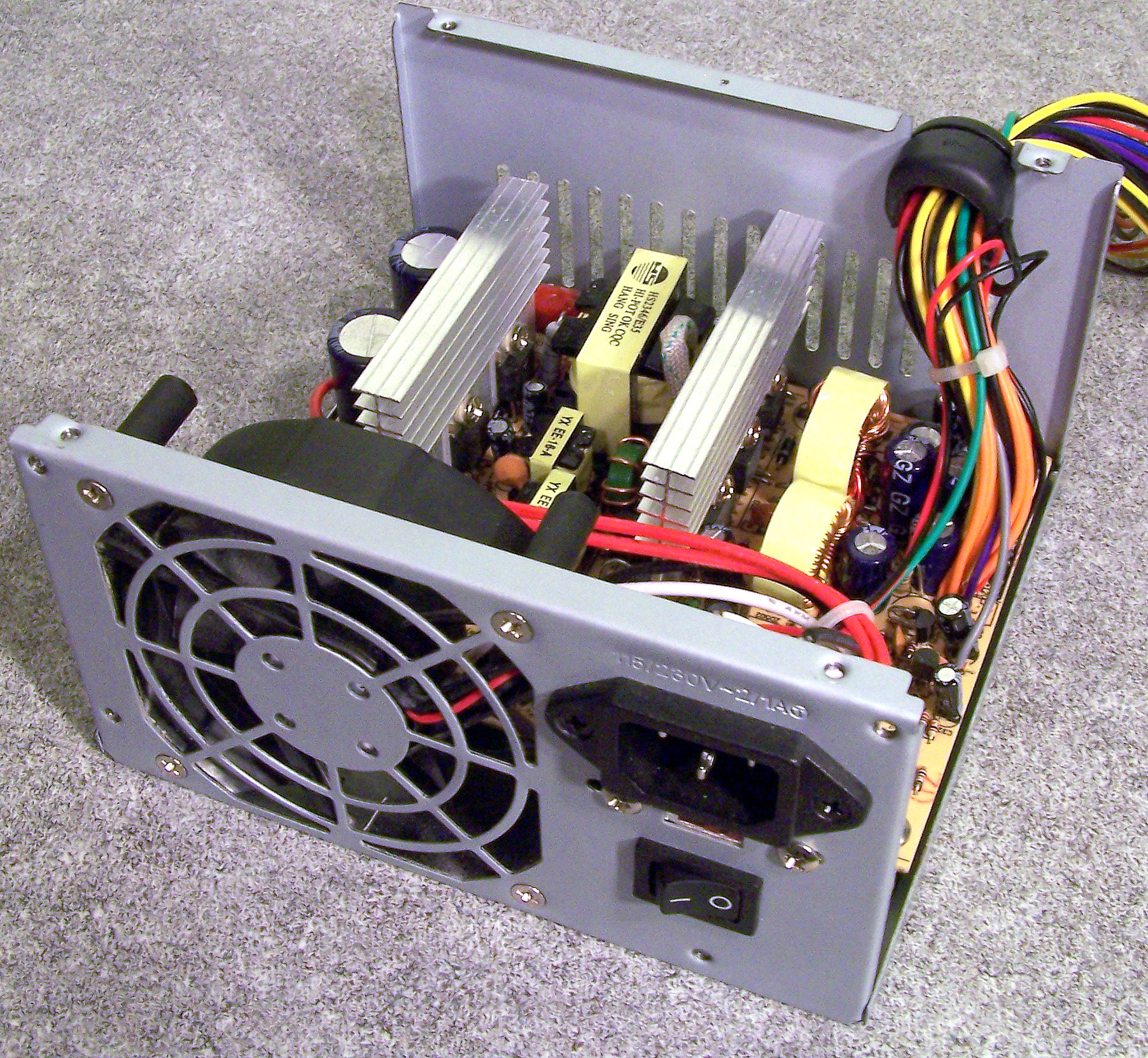
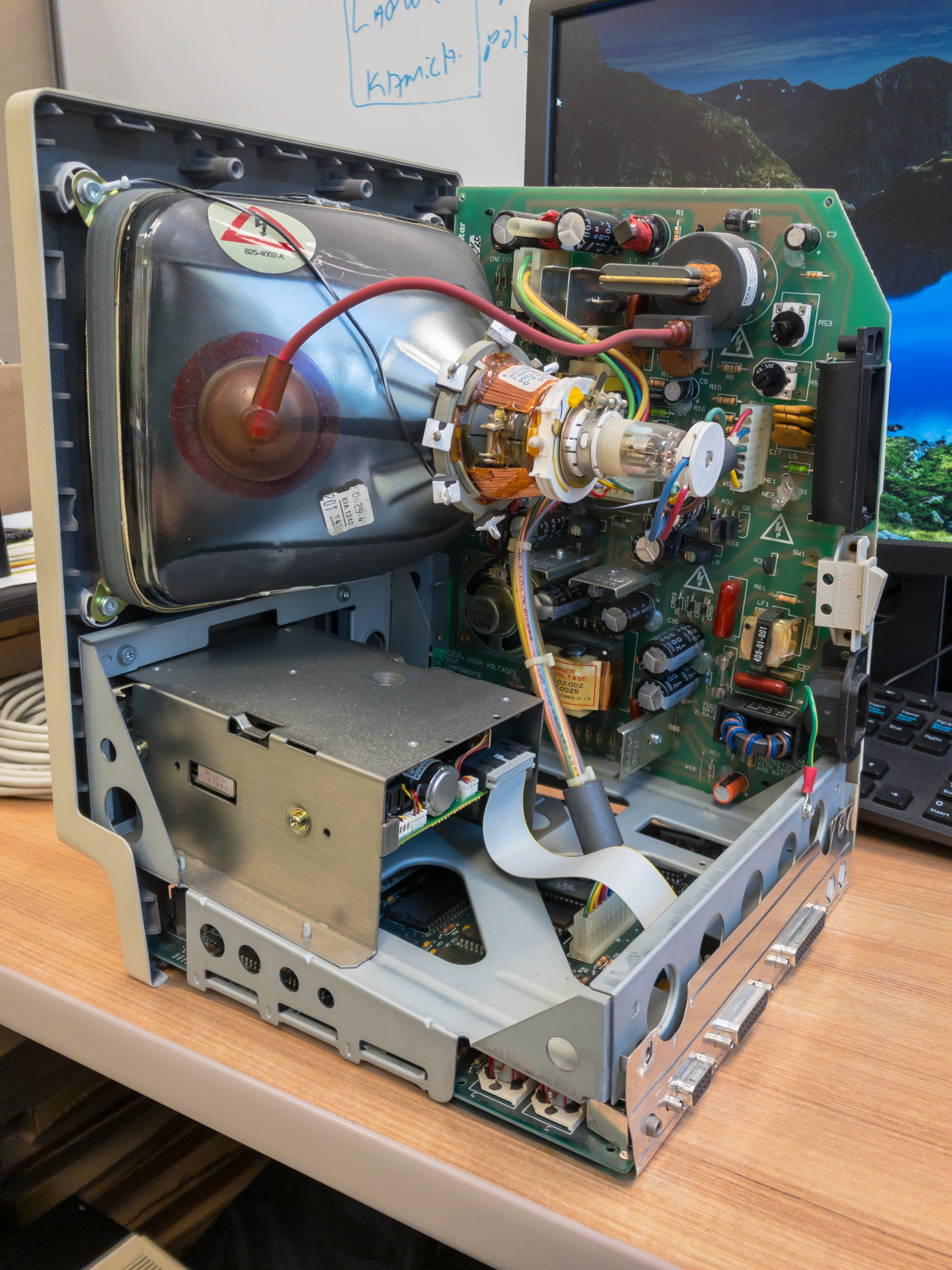
Critical Safety Rule: A technician should never wear an anti-static wrist strap when working on a high-voltage device like a power supply or CRT monitor. If you accidentally touch a live high-voltage component while tethered to a ground, the current will use your body as the path of least resistance to the earth.
Standard Operating Procedures for High Voltage
- Disconnect the Source: Disconnecting a computer from the main power source is the first required step before opening the computer case for repair. Never rely solely on a power switch; physically pull the plug.
- Beware the Capacitors: Even unhooked from the wall, hardware can kill you. Computer power supplies contain capacitors that can hold a lethal electrical charge long after the power supply is unplugged. Because of this immense risk, an IT technician should replace a faulty power supply entirely instead of attempting to open the power supply unit for repair.
- Legacy Hazards: If you work with legacy audiovisual or arcade equipment, be aware that Cathode Ray Tube (CRT) monitors contain high-voltage components that hold a lethal charge long after the monitor is unplugged.
- Remove Conductors: A technician should remove all metal jewelry before working inside a computer to prevent accidental electrical short circuits. A dropped necklace or a metal watch band brushing across a live circuit can cause a massive short, destroying the board and causing severe thermal burns.
- Equipment Grounding: Ensure facility power strips and wall outlets are properly wired. Proper equipment grounding provides a safe path for stray electrical current to return to the ground, routing fatal currents harmlessly into the earth rather than through your hands.
| Voltage Type | Primary Hazard | Technician Posture | Required Action |
|---|---|---|---|
| Low Voltage (CPUs, RAM, Motherboards) | Component Damage (ESD) | Grounded (Wrist Strap) | Equalize charge via bare metal chassis. |
| High Voltage (Power Supplies, CRTs) | Lethal Electrocution | Ungrounded (No Strap) | Disconnect power, do not open component. |
IT support is intensely physical. Technicians routinely unbox heavy rack servers, route miles of cabling, and clean neglected hardware. Applying mechanical safety principles preserves your biological hardware—your spine, lungs, and eyes.
Mechanical Lifting
The human spine is a highly inefficient lever. Proper lifting techniques require a person to lift with the legs rather than lifting with the back. Furthermore, when lifting heavy IT equipment, a person must keep the load close to the body to prevent back injuries. Holding a 50-pound server rack out at arm's length multiplies the mechanical stress on your lower back exponentially.
Navigating the Workspace
A server room floor is often a web of copper, fiber, and power cords. Proper cable management prevents physical tripping hazards in the workplace. A tripped technician is a danger to themselves and to the equipment they pull down with them. To maintain a safe environment, cable ties and raceways are used to bundle and route cables safely away from walkways.
Personal Protective Equipment (PPE)
When dismantling, cutting, or cleaning, micro-debris becomes airborne projectiles.
- Eye Protection: Safety goggles protect a technician's eyes from flying debris when cutting cables or using compressed air.
- Respiratory Protection: Cleaning a PC that has been sitting on a warehouse floor for a decade will release years of accumulated, highly concentrated debris. Air filters and particulate masks protect a technician's respiratory system from toxic dust when cleaning old computer equipment.
Technology relies heavily on toxic chemicals, dense heavy metals, and massive power draws. When things go wrong, the resulting fires and spills require strict, regulated protocols.
Extinguishing Electrical Fires
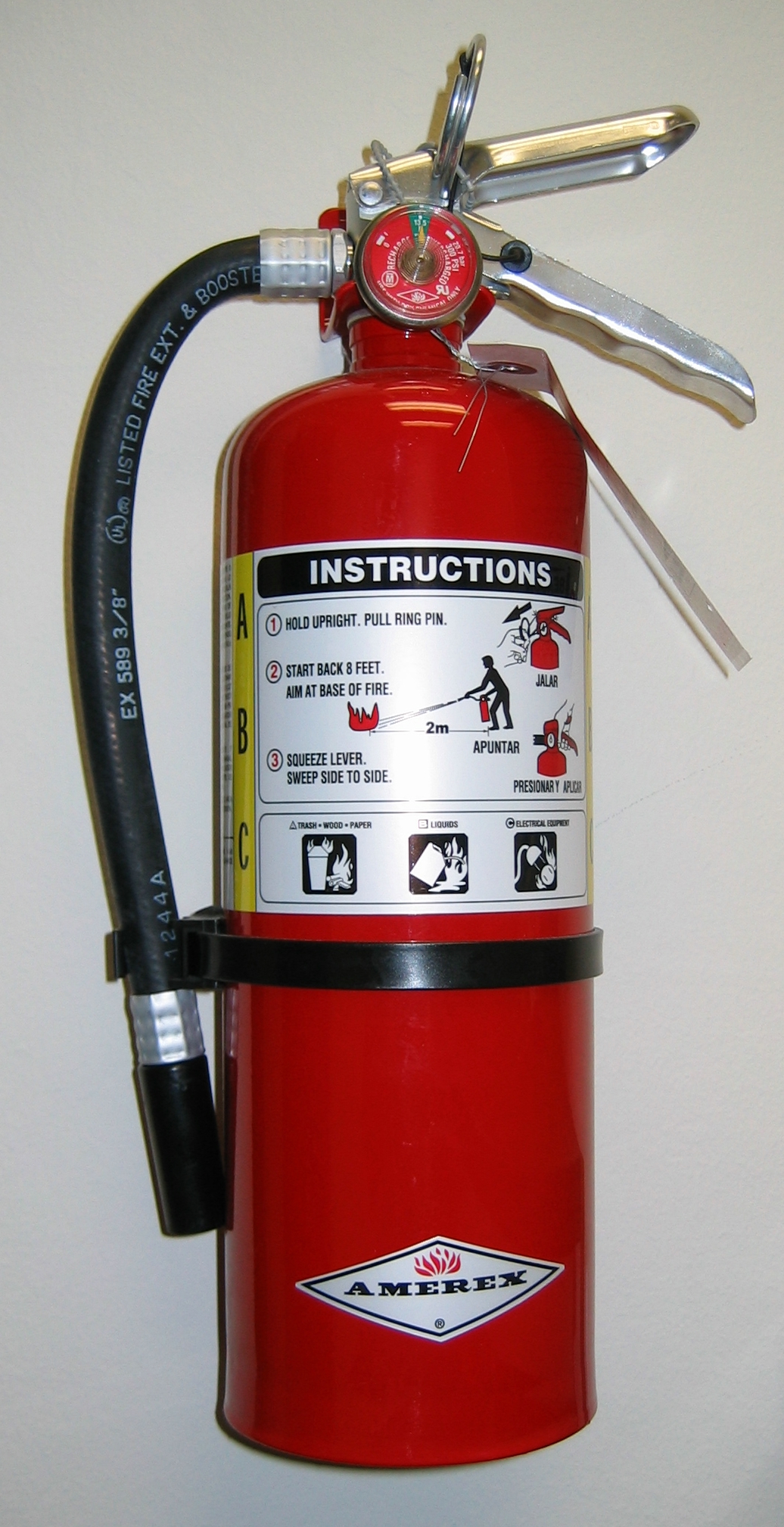
If a server shorts out and ignites, standard firefighting instincts will get you killed. Water must never be used to extinguish an electrical fire. Because water is highly conductive, throwing it onto an active circuit will instantly electrocute the user. Instead, Class C fire extinguishers are specifically designed to extinguish electrical fires safely by deploying non-conductive dry chemicals or carbon dioxide to smother the flame.
Understanding the Law and Documentation
In the United States, your safety is legally protected and standardized. The Occupational Safety and Health Administration (OSHA) is the United States federal agency responsible for enforcing workplace safety regulations.
Under these regulations, chemical and hazardous materials must be accompanied by specialized documentation. Safety Data Sheets (SDS) provide detailed handling instructions and hazard information for chemical products used in IT, such as isopropyl alcohol or thermal pastes.
Crucially, an SDS is not just for active handling; it dictates the end of a product's lifecycle. A Safety Data Sheet contains specific instructions for the safe disposal of hazardous materials like printer toner and batteries.
Ecological Compliance and E-Waste
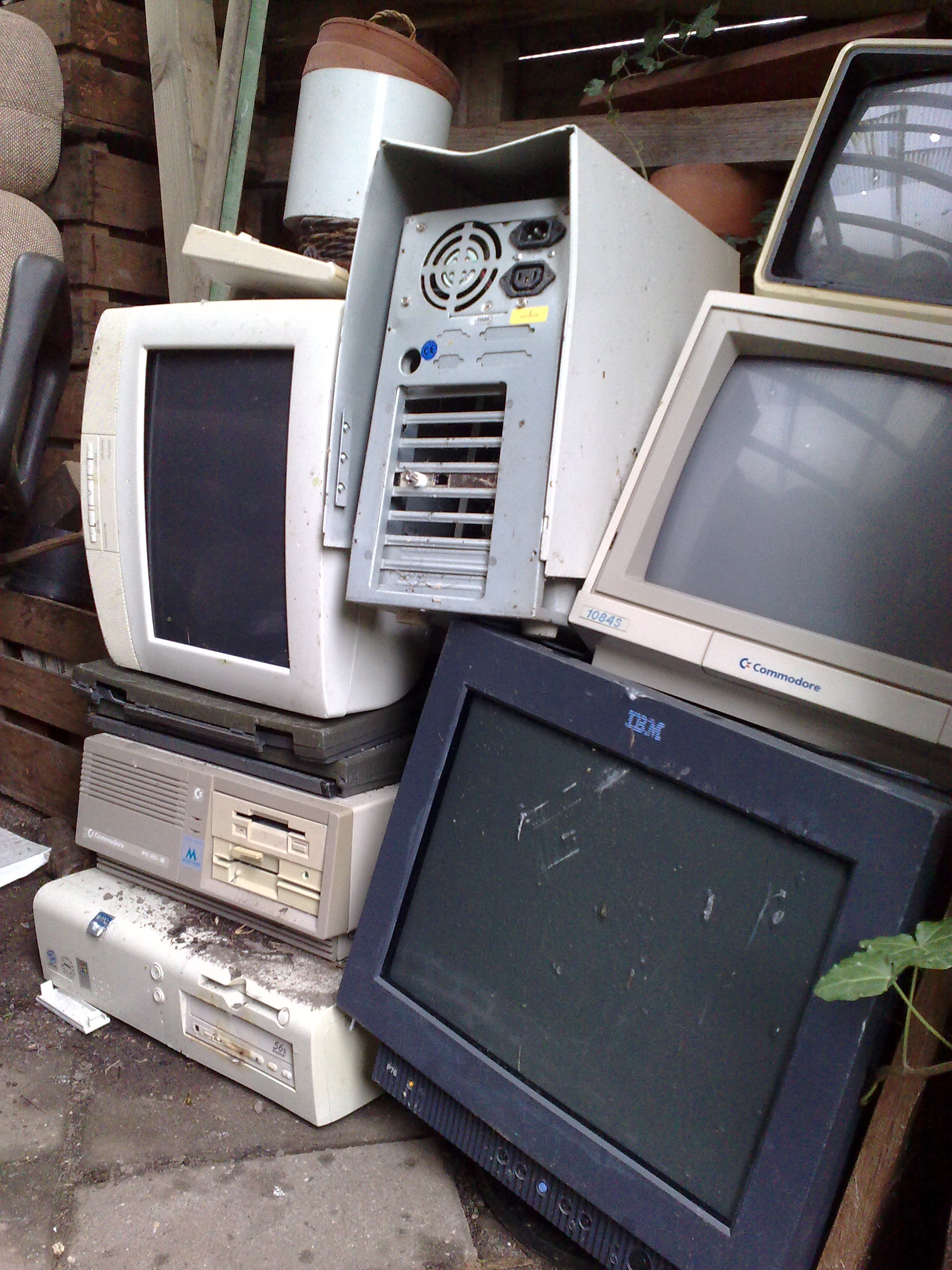
Electronic components are packed with lead, mercury, lithium, and cadmium. They cannot go into the municipal garbage.
- Strict Recycling: Compliance with government environmental regulations dictates that batteries must be recycled at designated facilities rather than thrown in standard trash. A punctured lithium-ion battery in a standard trash compactor is a severe fire hazard.
- Jurisdictional Variations: There is no universal law for the disposal of monitors, boards, and cables. Local government regulations determine the exact legal requirements for disposing of electronic waste. An IT professional must interface with local municipal waste authorities to ensure the enterprise remains compliant with the law and protective of the surrounding environment.