Data Destruction and Disposal Methods
Not sure you’re ready?
Take the ~3-minute readiness diagnostic and see where you stand.
Imagine trying to erase a book by simply tearing out the table of contents. The chapters, paragraphs, and words remain perfectly legible; only the map to find them has been removed. This is precisely how modern operating systems handle file deletion. As an IT professional, when you right-click a file and select "Delete," or even when you format a drive for a new user, you are not destroying the information. You are merely destroying the directions to it.
In the lifecycle of corporate hardware, the moment a storage drive leaves an employee’s hands, it becomes a severe liability. Whether that drive is being repurposed for a new hire or shipped off for final recycling, your responsibility is to ensure that proprietary company data, protected health information, and sensitive consumer data cannot be recovered. Data privacy regulations strictly dictate the specific sanitization methods required for destroying this sensitive consumer data. Understanding the profound physical and logical differences between file erasing, standard wiping, cryptographic erasure, and physical destruction is what separates a certified technician from a massive data breach.
To understand how to destroy data, we must first understand how it is written and indexed.
File erasing simply deletes the file pointer in the operating system index. When you empty the Recycle Bin, the operating system simply marks that sector of the disk as "available for use." It leaves the actual data payload intact on the storage disk. Until the operating system happens to write new data over that exact physical space, the original file is entirely accessible.
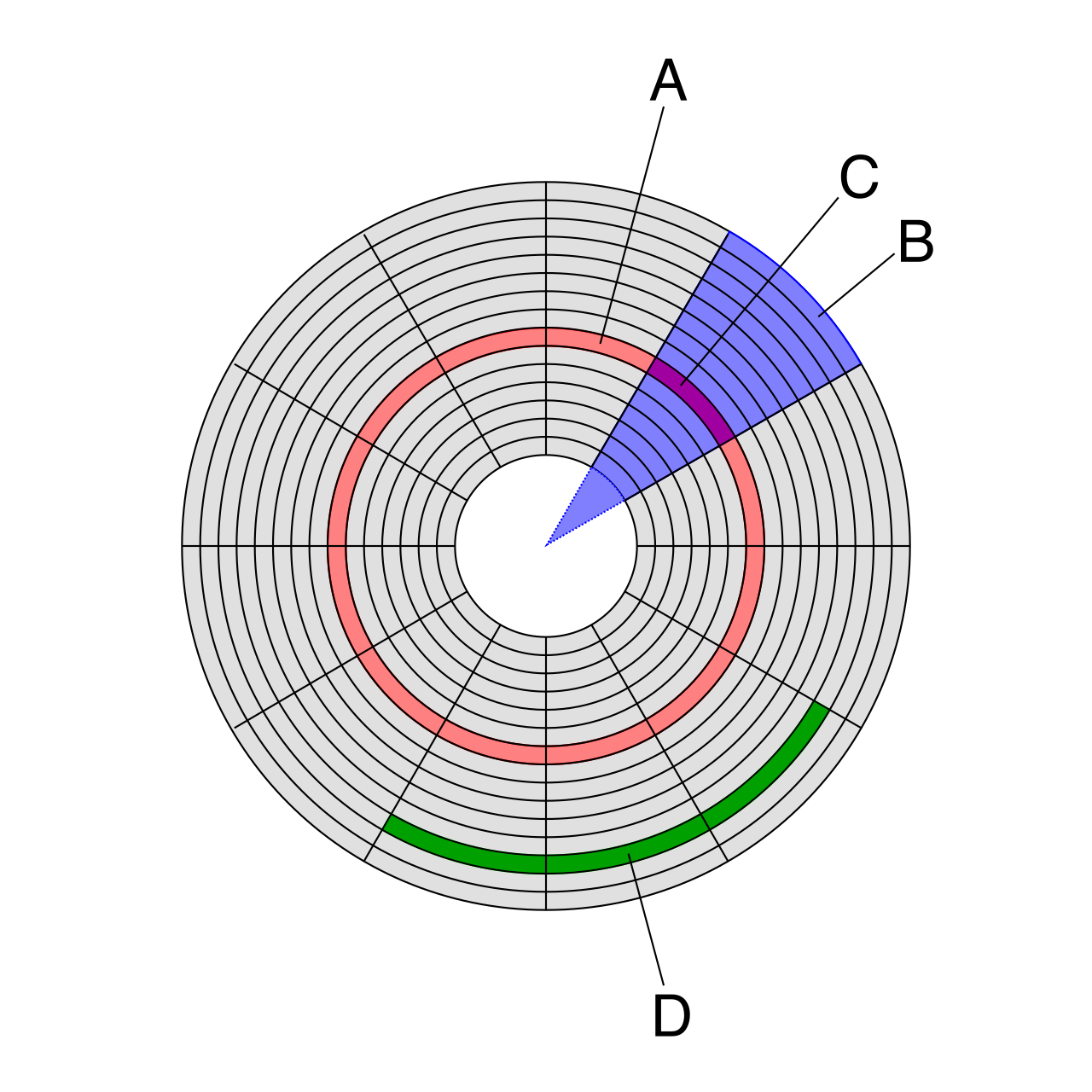
Similarly, standard formatting creates a new file system on a storage volume and removes the file system pointers to existing data. However, standard formatting does not physically overwrite the existing data payload on a storage drive. If you hand a standard-formatted drive to an eager adversary, or even just run a quick scan, you will find that data remains recoverable after a standard formatting process using specialized data recovery software.
The Low-Level Formatting Misnomer
Historically, low-level formatting creates the physical tracks and sectors on a hard drive. Today, true low-level formatting can only be performed at the factory by the storage drive manufacturer. However, the term low-level formatting is colloquially used in IT to describe writing zeros to every sector of a storage drive. This is more accurately defined as a data wipe.
When an organization wants to reuse a working hard drive, it must be thoroughly sanitized. Data wiping is a software-based sanitization method that allows a storage drive to be safely repurposed.
During a wipe, the software systematically overwrites the entire storage drive with zeros, or it can overwrite the entire storage drive with random data. By replacing the actual data payload with mathematical noise, a successful data wipe prevents data from being recovered using standard data recovery tools.
A famous tool you will encounter in the field is DBAN, which stands for Darik's Boot and Nuke. DBAN is a popular open-source software utility used for securely wiping hard disk drives (HDDs). You boot from a USB drive, target the HDD, and DBAN painstakingly overwrites every sector.
The Solid-State Drive Conundrum
Here is a critical warning: DBAN is not recommended for securely wiping solid-state drives.
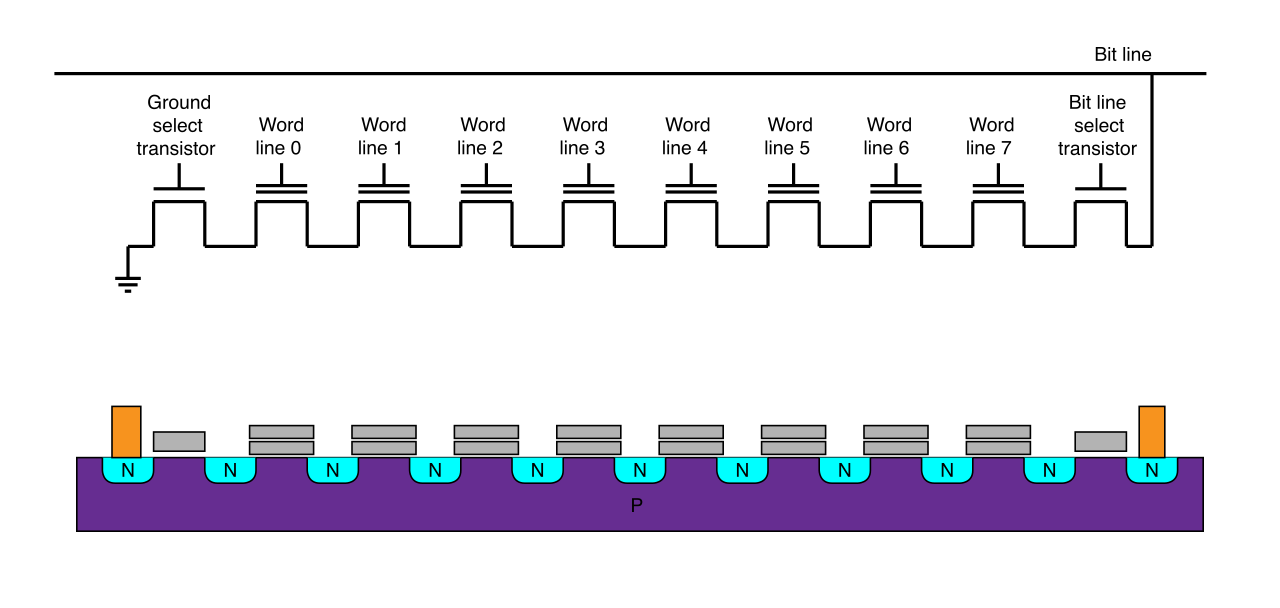
Why? Because solid-state drives do not use spinning magnetic platters; they use NAND flash memory, which degrades slightly every time it is written to. To prevent premature drive failure, solid-state drives use wear leveling algorithms. These algorithms dynamically distribute write operations evenly across memory cells.
If you attempt a traditional zero-fill wipe on an SSD, the drive controller intercepts the command. To protect the memory cells, the wear leveling algorithms can hide traces of data in unallocated blocks during standard data wiping processes. You might think you wiped the drive, but the SSD hardware actively prevented you from reaching certain sectors.
To properly sanitize an SSD, you must rely on commands built directly into the drive's hardware:
- ATA Secure Erase: This is an erasure command built into the firmware of modern storage drives. Rather than writing data over the cable, the ATA Secure Erase command instructs the storage drive controller to erase all stored data internally. Because it bypasses wear leveling and operates at the hardware level, ATA Secure Erase is highly effective for safely sanitizing solid-state drives.
- Cryptographic Erase: This is a sanitization method designed specifically for self-encrypting drives (SEDs). On these drives, all data is automatically encrypted as it is written. Cryptographic Erase permanently deletes the media encryption key from the storage drive controller. Deleting a media encryption key renders all encrypted data on the associated drive instantly unreadable. It takes mere seconds and is mathematically impenetrable.
Because data destruction is so critical, the federal government standardizes how it should be done. NIST Special Publication 800-88 provides standard federal guidelines for media sanitization.
The NIST framework categorizes media sanitization into three distinct methods:
Clear The NIST Clear sanitization method applies logical techniques to sanitize data in all user-addressable storage locations. (Example: A standard zero-fill wipe on a hard drive before assigning it to a new user).
Purge The NIST Purge sanitization method can apply logical techniques, or it applies physical techniques, to render target data recovery infeasible. (Example: Using an ATA Secure Erase on an SSD, or Cryptographic Erase).
Destroy The NIST Destroy sanitization method renders target data recovery infeasible and results in the permanent inability to use the media. (Example: Grinding a drive into dust).
When a drive reaches the end of its life, or if it held highly classified data, software wiping is no longer sufficient. Physical destruction renders a storage device completely unusable and completely unreadable.
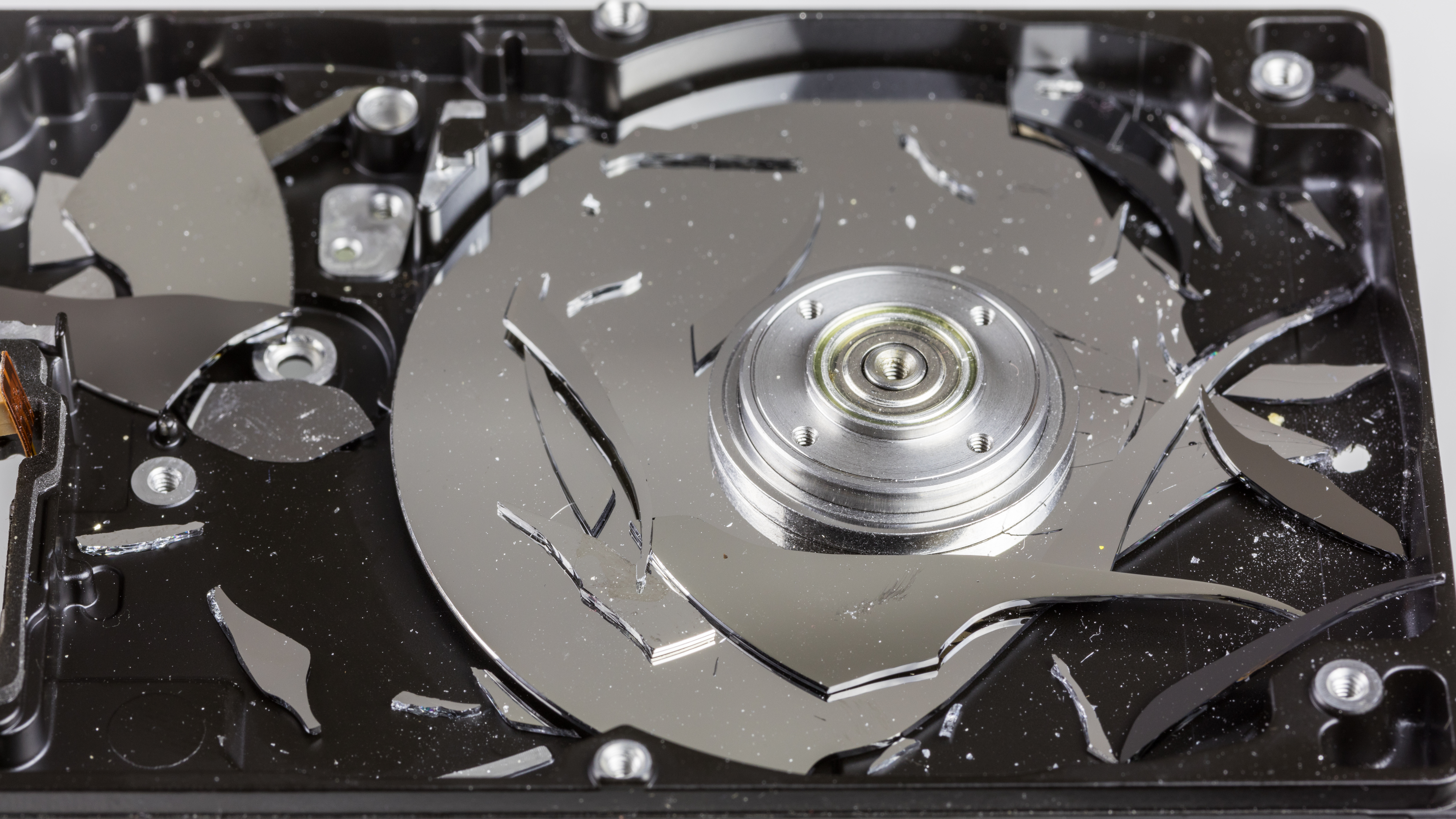
There are several approved physical destruction methods:
| Destruction Method | Mechanism & Effectiveness |
|---|---|
| Degaussing | Degaussing is a data destruction method that uses a strong magnetic field to eliminate magnetic data. It permanently destroys data on magnetic storage media. Hard disk drives and magnetic tapes are examples of magnetic storage media susceptible to degaussing. Critical Note: Solid-state drives do not use magnetic storage. Therefore, degaussing is completely ineffective for erasing solid-state drives. |
| Shredding | Shredding is a physical data destruction method that grinds storage devices into tiny metallic pieces. Industrial shredding is an effective physical destruction method for hard disk drives, solid-state drives, and optical media. |
| Drilling | Drilling is a physical data destruction method that involves creating holes completely through a hard drive platter. By shattering or warping the platters, drilling physically prevents a hard drive platter from spinning, and physically prevents a hard drive platter from being read by a drive head. |
| Pulverizing | Pulverizing is a physical data destruction method that physically crushes storage media into extremely small fragments, essentially turning the drives into metallic gravel. |
| Incineration | Incineration is a physical data destruction method that involves burning storage media at extremely high temperatures, reducing the platters and memory chips to ash and melted slag. |
IT departments rarely keep an industrial shredder or incinerator in the server room. Instead, organizations often outsource data destruction tasks to specialized third-party vendors. These third-party data destruction vendors provide secure hardware disposal services, typically arriving with a mobile shredding truck to destroy the drives on-site before taking the scrap metal away.
When you hand over fifty company hard drives to a vendor, you cannot simply take their word that the drives were destroyed. You need proof. A Certificate of Destruction is a formal compliance document that verifies the secure disposal of physical hardware. It acts as a shield, providing a legal audit trail for organizational regulatory compliance.
If your organization is audited, an inspector will ask for this document. To be valid, a Certificate of Destruction MUST include:
- The specific serial numbers of the destroyed electronic devices.
- The date of destruction for the electronic devices.
- The signature of the authorized destruction agent.
Environmental Stewardship: Electronic Waste
Finally, the destruction of IT assets is not merely a data security issue; it is a serious environmental concern. Circuit boards, platters, and controllers are packed with heavy metals. The Environmental Protection Agency (EPA) provides federal guidelines for safe electronic waste disposal in the United States.

Hardware recycling involves processing electronic waste. When done correctly, hardware recycling extracts valuable materials from electronic waste, which allows the reuse of valuable materials like gold, copper, and palladium in future manufacturing. More importantly, proper hardware recycling prevents toxic materials like lead and mercury from contaminating the environment.
As a technician, your job ends only when the data is irrevocably destroyed, the legal documentation is signed, and the physical toxic waste is safely processed out of the environment.