SOHO Network Security Settings
Not sure you’re ready?
Take the ~3-minute readiness diagnostic and see where you stand.
Imagine a modern house placed directly in the middle of a chaotic, high-traffic public intersection. Every passerby can walk up to the front door, jiggle the handle, or peek through the windows. In networking, that intersection is the public internet, and the front door is the Small Office/Home Office (SOHO) router.
An edge firewall sits at the absolute boundary between the internal SOHO network and the public internet. If this boundary is poorly configured, no amount of internal endpoint security will save the network from compromise. Your job as an IT support professional is not merely to connect devices so they can reach the internet; your job is to engineer a secure perimeter. Let us examine the mechanics of how we fortify this boundary, secure the airwaves, and architect safe zones for network traffic.
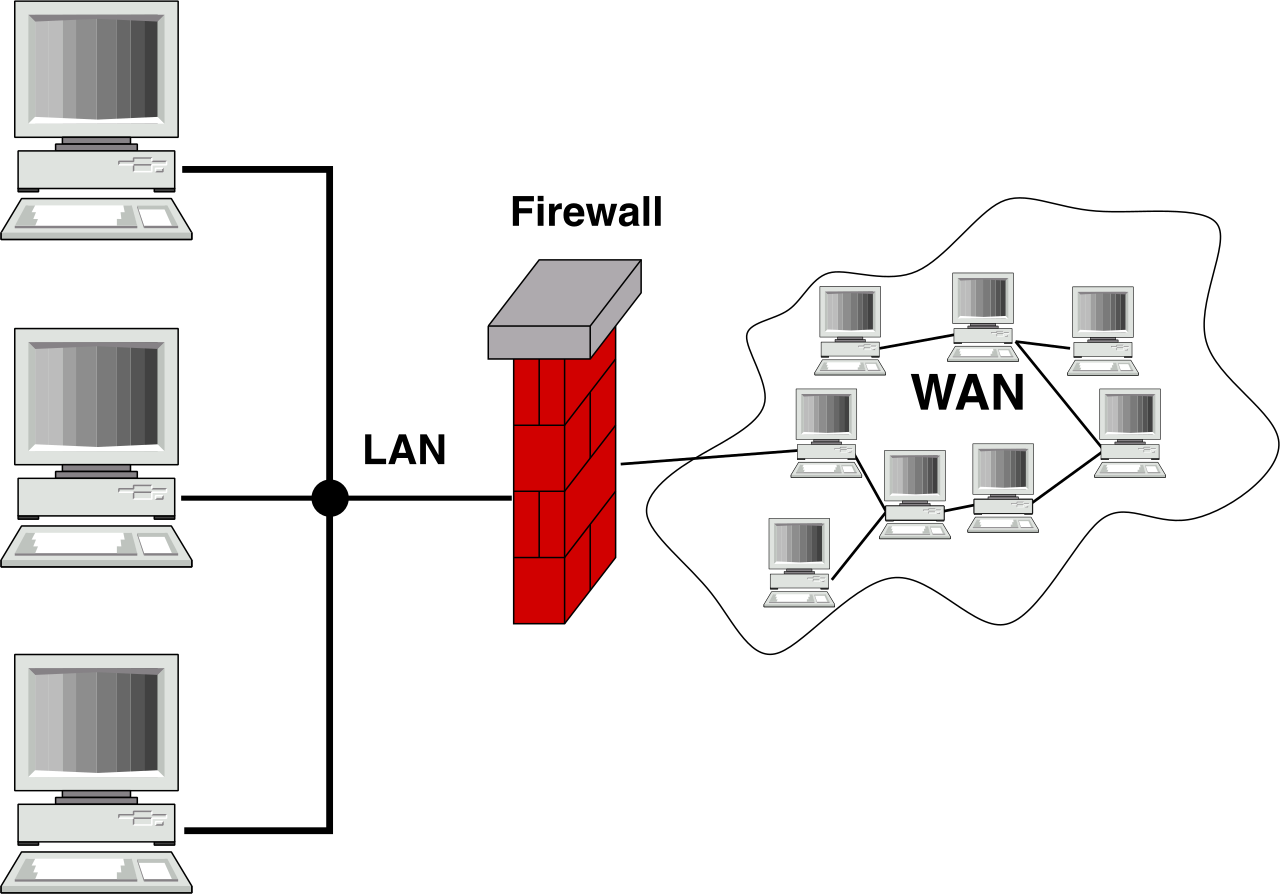
The router is the brain of a SOHO network. If an attacker compromises it, they control everything routing through it.
We begin with the most glaring vulnerability: the factory default state. SOHO routers are manufactured with default administrative usernames and passwords (e.g., admin/admin). Leaving default administrative credentials on a router allows attackers to easily gain unauthorized control of the network device. Because these defaults are published in manuals and widely known, the default administrator password on a SOHO router must be changed to a strong custom password immediately upon initial installation.
Once the password is changed, we must dictate how and from where that administrative interface can be accessed.
Encryption and Access Control
If you configure a router while connected to the local network, you navigate to a web interface. Accessing a router configuration interface via HTTP transmits administrative credentials across the network in easily intercepted unencrypted plain text. Anyone running a basic packet sniffer on the network can read your password. Therefore, secure management access requires configuring the router administrative interface to exclusively use the encrypted HTTPS protocol.
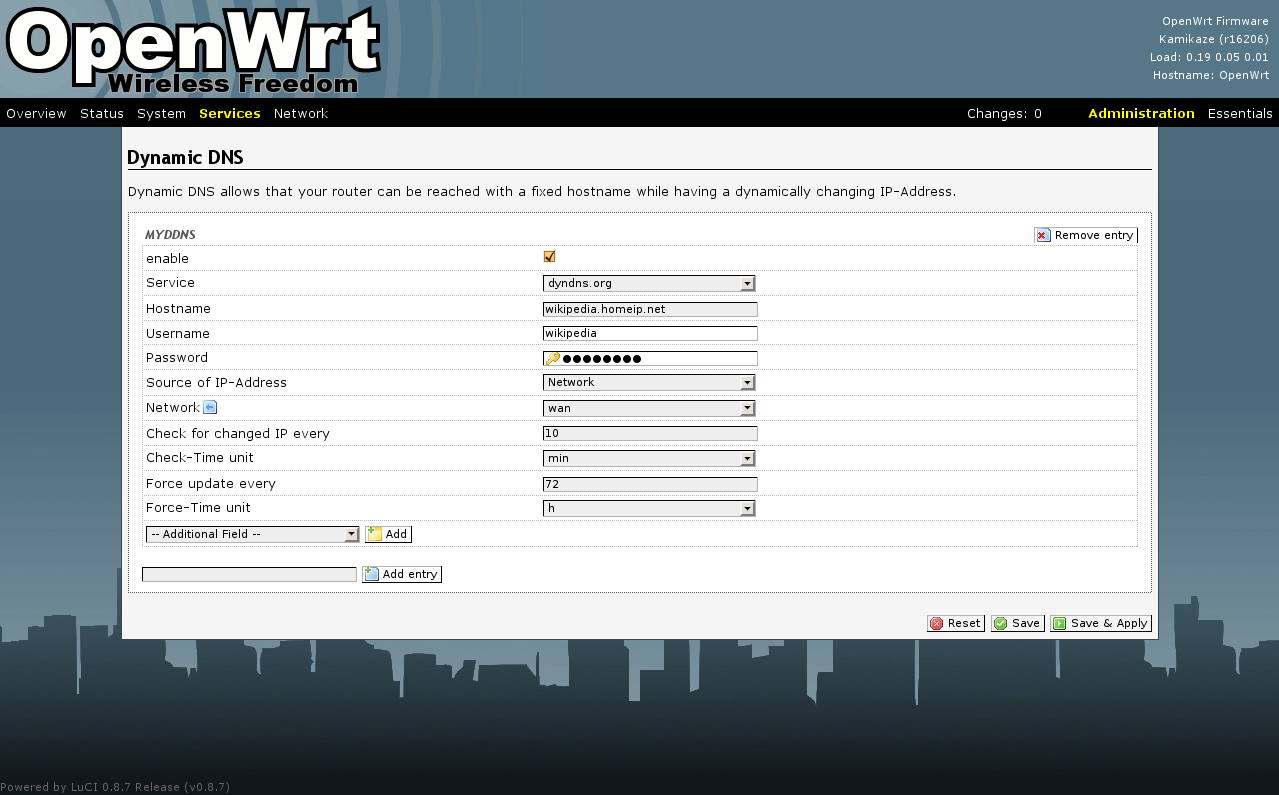
Next, we must cut off outside access. Modern routers often include a feature allowing you to log in from anywhere in the world. However, remote management from the Wide Area Network (WAN) interface exposes the router administrative login page directly to the public internet. This is the equivalent of putting your safe's keypad on the exterior of your house. Remote management from the WAN interface should be disabled by default to prevent external remote brute-force login attacks against the router. To maximize security, administrative access to a SOHO router must be restricted entirely to internal local network connections.
The Maintenance Imperative
A router is a computer, and like all computers, its software has flaws. Router firmware updates provide critical software patches for newly discovered hardware security vulnerabilities. Because threat actors constantly scan the internet for known router exploits, SOHO router firmware must be checked and updated regularly to maintain security against emerging network threats.
Wired networks require physical access to a cable. Wireless networks broadcast data in every direction, through walls and into the street. We secure this broadcast through naming conventions, encryption, and authentication.
The SSID and the Illusion of Hiding
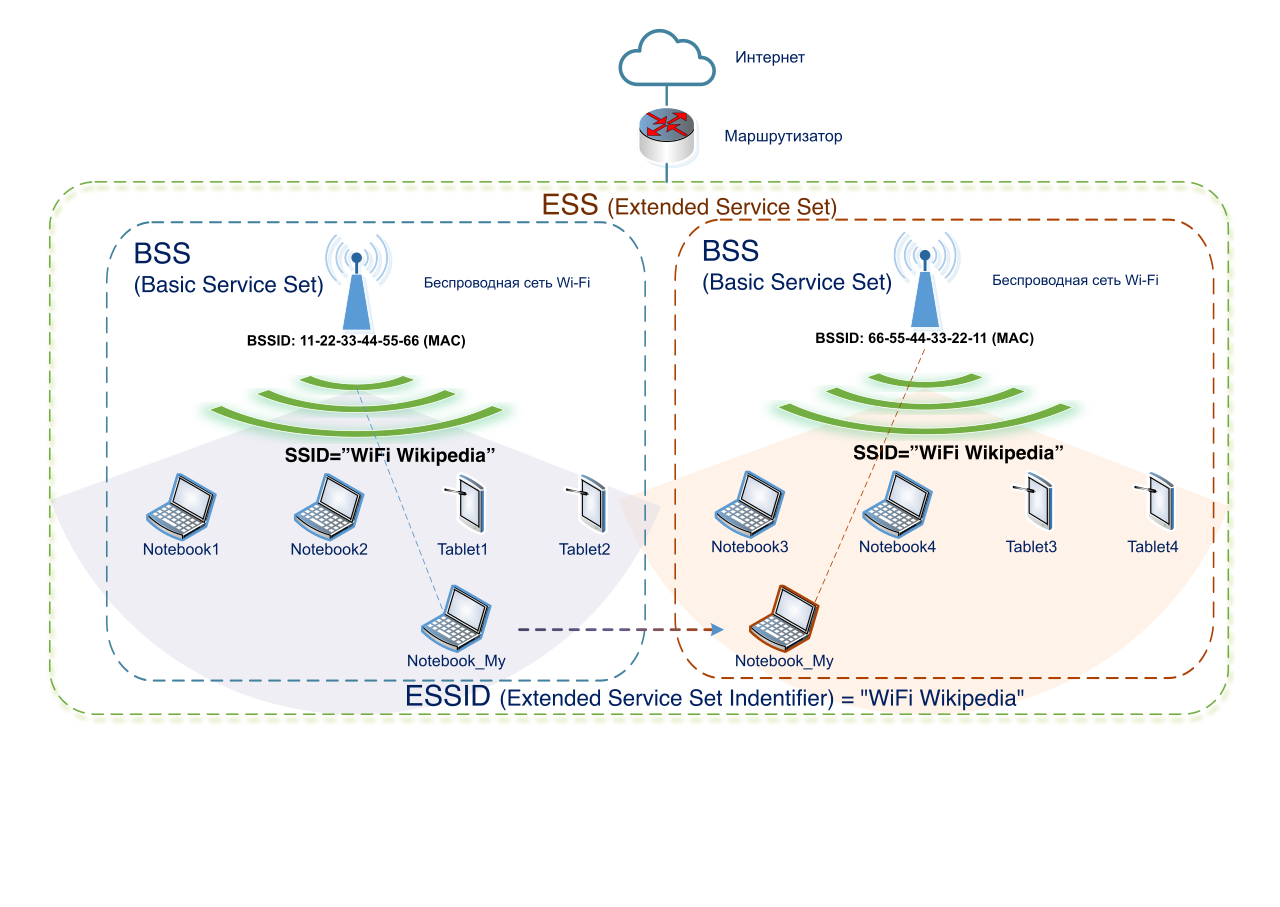
The Service Set Identifier (SSID) serves as the broadcasted name of a wireless network. Routers often ship with a default SSID that advertises the manufacturer and model (e.g., Netgear_Nighthawk_5G). Changing the default SSID prevents attackers from easily identifying the specific router manufacturer to exploit known hardware model vulnerabilities.
Many technicians assume they can secure a network simply by hiding the name. Disabling SSID broadcasting stops the wireless network name from appearing in casual user network search menus. However, this is merely security through obscurity. Disabling SSID broadcasting does not prevent determined attackers from discovering the hidden network using wireless packet sniffing tools. The data is still flying through the air; the router is just omitting the nameplate.
The Mathematics of Wireless Encryption
Because we cannot stop the physical broadcast of radio waves, we must encrypt the data traveling over them. Over the decades, these protocols have evolved to counter increasingly sophisticated attacks.
| Encryption Standard | Status | Cryptographic Mechanics |
|---|---|---|
| WEP | Critically Vulnerable | Wired Equivalent Privacy (WEP) is an obsolete and highly vulnerable wireless encryption protocol that must never be used on any network. Its mathematical flaws allow attackers to crack it in minutes. |
| WPA2 | Standard / Phasing Out | Wi-Fi Protected Access 2 (WPA2) utilizes the Advanced Encryption Standard (AES) for securing wireless traffic. While AES is secure, WPA2's reliance on a standard Pre-Shared Key (PSK) exchange leaves it vulnerable if a weak password is used. |
| WPA3 | Modern Standard | Wi-Fi Protected Access 3 (WPA3) is the most current and secure wireless encryption standard for modern SOHO networks. |
WPA3 represents a massive leap forward because of how it handles the password. WPA3 replaces the Pre-Shared Key (PSK) exchange with Simultaneous Authentication of Equals (SAE).
Think of SAE as a clever cryptographic puzzle. Instead of handing the password over the air to see if it matches, both the device and the router perform a mathematical operation that proves they both know the password without ever transmitting the password itself. Consequently, the SAE mechanism in WPA3 prevents offline dictionary attacks against the wireless network password. Even if an attacker captures the initial handshake, they cannot take it home and run millions of password guesses against it, because the handshake does not contain the necessary mathematical material to verify a guess.
The Failure of MAC Filtering
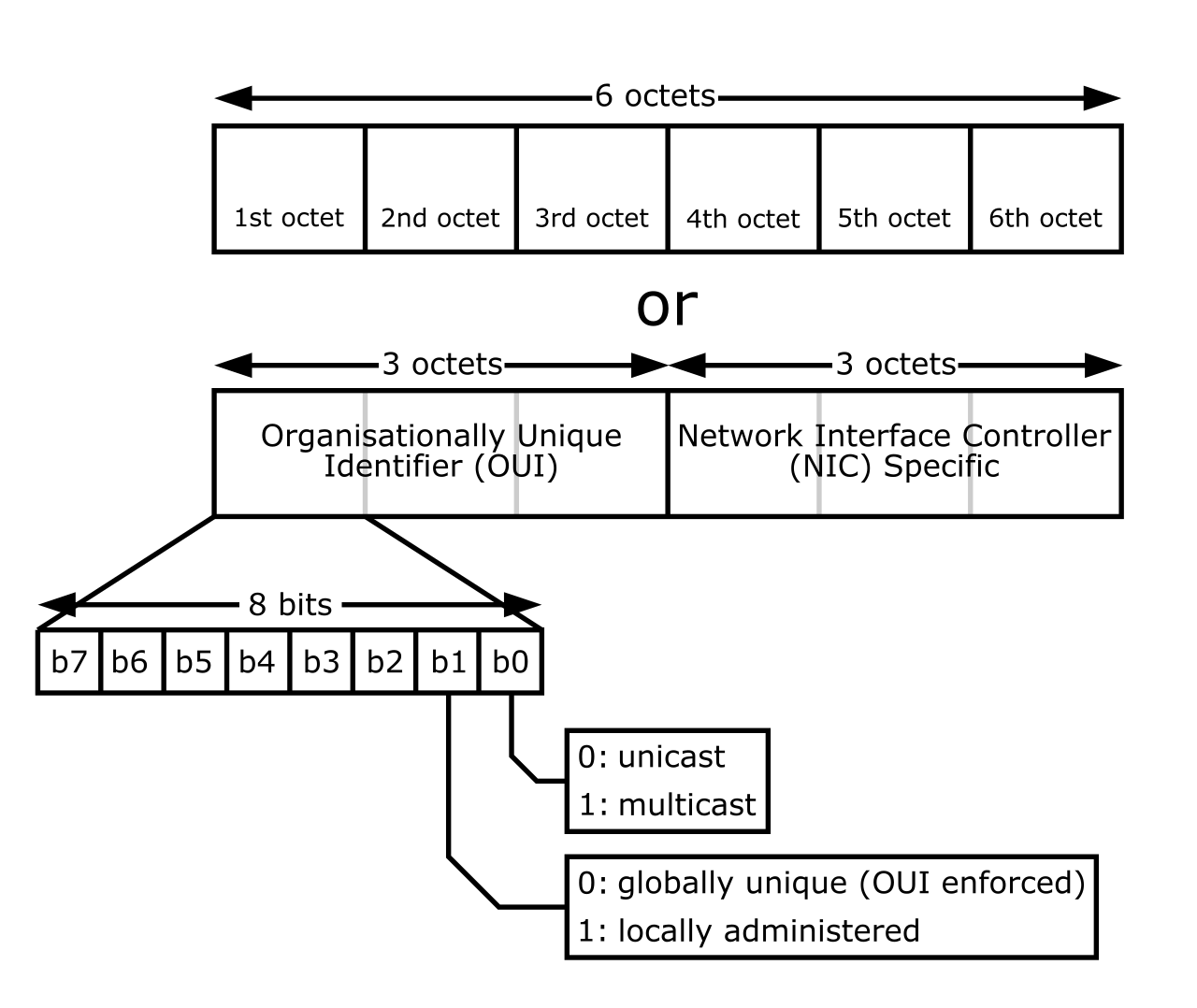
Every network card in existence has a unique, factory-assigned physical address. Media Access Control (MAC) filtering explicitly permits or denies local network access based on physical device hardware addresses.
It sounds foolproof: just make a list of approved devices, and block the rest. Unfortunately, MAC filtering provides minimal security against targeted wireless network attacks. Because MAC addresses are transmitted in plain text to coordinate network traffic, an attacker simply listens to the airwaves, copies a MAC address belonging to a legitimate device, and programs their own computer to mimic it. Attackers can bypass MAC filtering by intercepting authorized hardware addresses and spoofing an allowed MAC address on an attacking device.
A secure network assumes that a breach will happen and designs the architecture to contain it. We achieve this through network isolation.
Managing Guests and IoT
When a visitor connects to your Wi-Fi, you have no idea if their laptop is riddled with malware. A wireless guest network provides internet connectivity to visitors while completely isolating guest devices from the primary internal local area network.
By ensuring these devices cannot communicate with your file servers or workstations, isolating untrusted devices on a guest network prevents compromised visitor hardware from infecting internal private network resources.
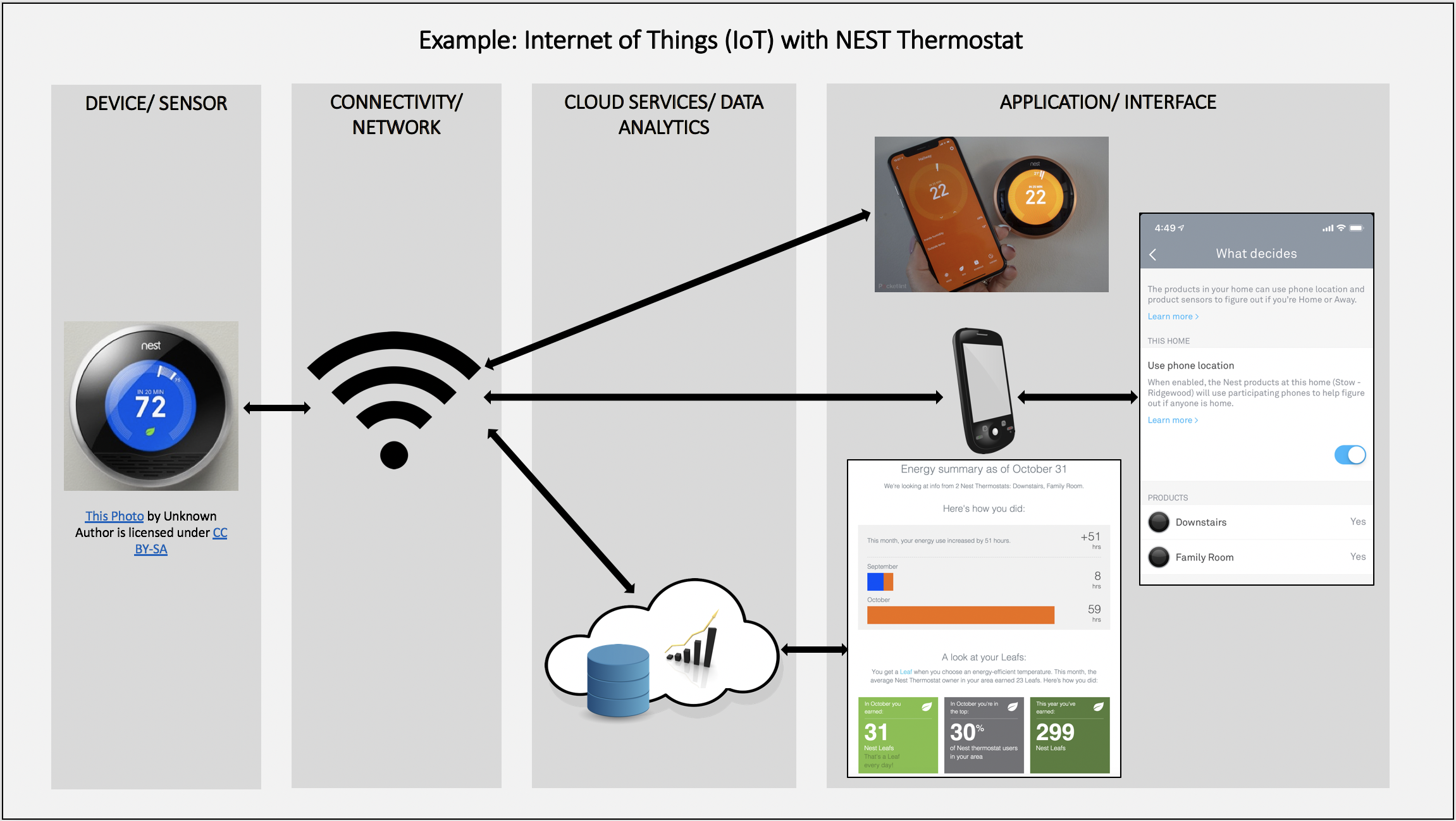
This principle applies equally to "smart" devices. Cheap IoT devices—smart lightbulbs, thermostats, security cameras—often have terrible security. Network isolation techniques prevent malicious lateral movement between compromised smart home devices and critical personal computers. If a smart fridge is hacked, network isolation ensures the fridge cannot pivot and attack the user's banking laptop.
The Screened Subnet (DMZ)
Sometimes, you want the public to access a resource on your network, such as a web server or an email server. Putting this server on your private internal network is incredibly dangerous.
Instead, we use a specialized architecture: A screened subnet is an isolated network segment designated specifically for hosting public-facing servers. Historically and in many interfaces, a screened subnet is formally and commonly referred to as a Demilitarized Zone (DMZ).
The Concept of the DMZ: Imagine the DMZ as a glass room in the lobby of an office building. The public can walk into the lobby and interact with the receptionist inside the glass room. However, the receptionist has no keys to the private offices in the back. Placing a server inside a screened subnet ensures that a compromised public-facing server does not grant attackers access to the trusted internal network.
In enterprise networks, a DMZ is created using complex firewall rules spanning multiple network interfaces. However, in consumer gear, this is heavily simplified. A typical SOHO router DMZ feature functions by forwarding all unrequested inbound internet traffic to a single designated internal host IP address. This host is completely exposed to the internet, absorbing all traffic that the router doesn't know what else to do with.
To manipulate exactly what traffic is allowed through the edge firewall, we rely on rule-based filtering and stateful inspection.
Deny by Default
The foundational rule of any secure firewall is strict paranoia. Implicit deny is a fundamental firewall configuration that automatically blocks all traffic unless explicitly permitted by an administrator rule. If a packet arrives and there is no specific rule saying "Allow this," the firewall drops it into the void.
To determine if traffic is legitimate, modern edge firewalls do not just look at individual packets; they look at the context of the conversation. A stateful firewall tracks the operational status of active network connections to distinguish legitimate returning traffic from unauthorized inbound packets. If you request a webpage from compTIA.org, the firewall remembers that you initiated the request. When the webpage data arrives at the firewall, the firewall allows it through because it belongs to an active, established "state." If unprompted data suddenly arrives from a random IP address, the stateful firewall drops it.
Reducing the Attack Surface
Every open port is a potential entry point. Disabling unused physical and logical network ports on an edge firewall reduces the attack surface available to external threat actors.
Furthermore, we can restrict who is even allowed to knock on the door. Internet Protocol (IP) filtering restricts network traffic based on specific source or destination IP addresses. If you only want your office branch in New York to access a specific resource, you apply an IP filter that drops connection attempts from any IP address outside of New York.
Port Forwarding and the Danger of UPnP
Because of the implicit deny rule and the fact that SOHO networks hide their internal devices behind a single public IP address, external users cannot naturally reach internal devices.
If an employee needs to remotely access an internal security camera or a desktop PC, we must build a specific tunnel. Port forwarding routes incoming public traffic on a specific exterior port to a designated private IP address on the internal network. Ultimately, port forwarding allows external internet users to access an internal resource hosted behind Network Address Translation (NAT).
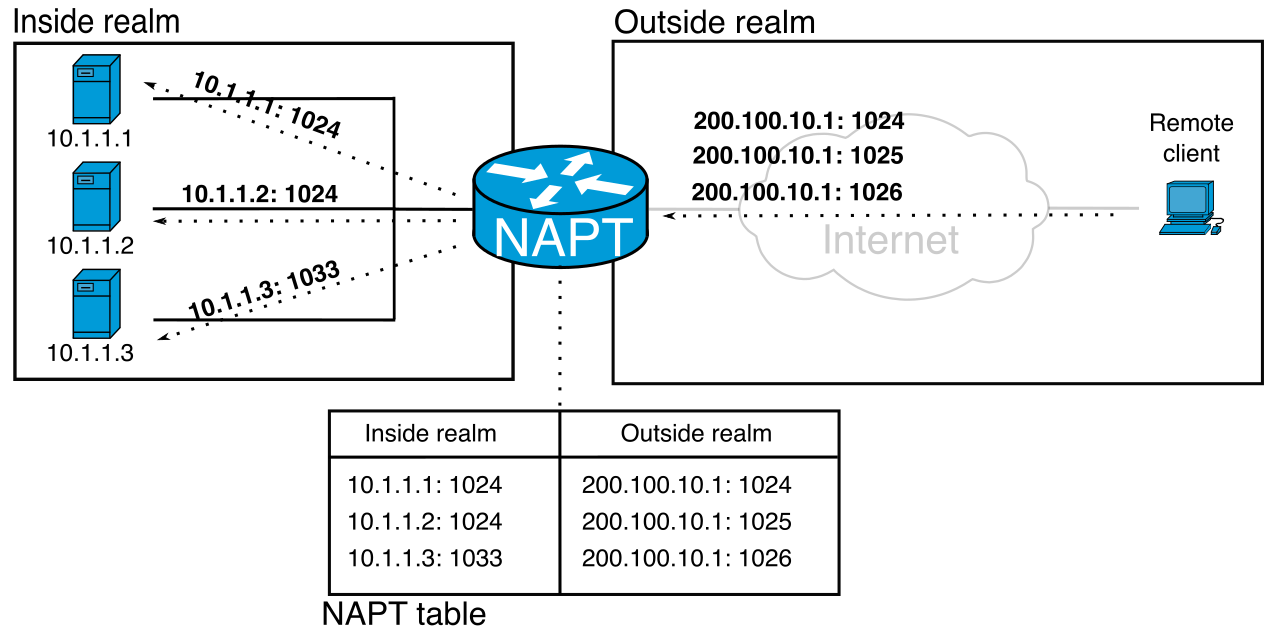
Configuring port forwarding is tedious. To make life easier for consumers, the tech industry created Universal Plug and Play. Universal Plug and Play (UPnP) is a network protocol that allows local devices to automatically discover each other and establish connections.
In the context of edge firewalls, UPnP allows applications to automatically configure router port forwarding rules without requiring manual user interaction. If you boot up a gaming console, UPnP tells the router, "Open port 3074 to the internet and point it at me." The router complies immediately.
While incredibly convenient, UPnP is an absolute security nightmare. Malicious software can exploit UPnP to silently open external firewall ports. If a user accidentally downloads malware, that malware can simply ask the router via UPnP to open a port, granting a remote hacker direct access to the network without the administrator ever knowing. For this reason, UPnP should be permanently disabled on SOHO routers to prevent unauthorized software modifications to inbound firewall rules.
Mastering SOHO network security is about understanding these distinct layers of defense. By locking down the management interface, deploying modern WPA3 encryption, strictly controlling inbound traffic through a stateful edge firewall, and ruthlessly isolating untrusted devices, you transform a fragile consumer network into a hardened, resilient infrastructure.