Securing Mobile Devices
Not sure you’re ready?
Take the ~3-minute readiness diagnostic and see where you stand.
A smartphone is no longer merely a communication device; it is an unprotected, pocket-sized server containing an organization's most sensitive data, traversing hostile physical and digital environments daily. When an executive leaves a company tablet in a coffee shop or connects to a public airport network, the corporate perimeter suddenly shifts to a device the IT department cannot physically touch. Securing mobile endpoints requires a fundamental inversion of traditional network security. Rather than building a fortress around the data, the security must be embedded within the device itself, dictating how data is stored, how users authenticate, and how the hardware communicates with central command.
Before we can address sophisticated network threats, we must secure the physical interface. For an IT support specialist, the most common security failure you will encounter is a lost, stolen, or unattended device.
At the most fundamental level, a screen lock prevents unauthorized physical access to the user interface of a mobile device. Without it, anyone holding the device possesses the exact same privileges as the authorized user. To implement this barrier, we rely on several authentication mechanisms:
- The PIN: A Personal Identification Number for a mobile device screen lock consists solely of numerical digits. Because it is purely numerical, the mathematical complexity is lower than an alphanumeric password, making it vulnerable to brute-force attacks if not paired with lockout policies.
- Swipe Patterns: A swipe pattern requires the user to trace a specific continuous shape across a grid of dots to unlock a mobile device screen. While convenient, these are highly susceptible to "smudge attacks"—where an attacker reads the oily residue left on the glass by the user's finger.
- Biometrics: Modern devices lean heavily on biometric authentication, which uses unique physical characteristics to unlock a mobile device. For example, facial recognition relies on the front-facing camera and depth sensors to verify user identity. By mapping the three-dimensional contours of a face rather than just taking a flat photograph, depth sensors mathematically ensure a printed picture cannot fool the system.
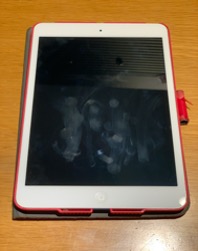
The Self-Destruct Protocol: What happens when an attacker systematically attempts to guess a PIN? To prevent brute-force attacks, a mobile device can be configured to automatically erase all internal data after a specified number of failed unlock attempts. As an IT technician, you must educate users about this policy; forgetting a PIN and repeatedly guessing it will result in total data loss.
If an attacker cannot bypass the screen lock, their next logical step is to dismantle the device, remove the solid-state storage chip, and read the raw data directly using external hardware. To render this physical extraction entirely useless, we use encryption.
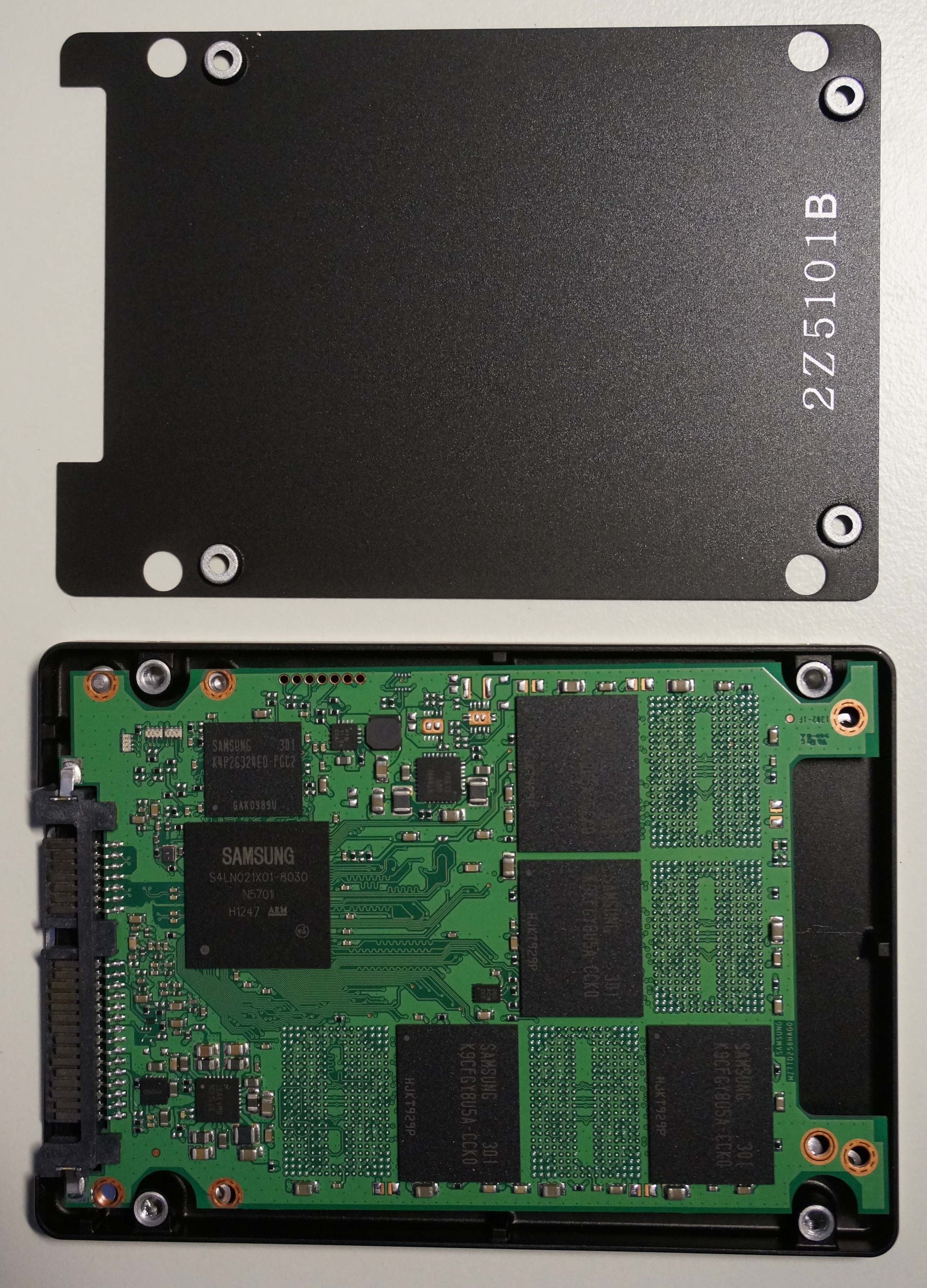
Full device encryption scrambles all stored mobile data to protect information from unauthorized data extraction methods. Even if an attacker perfectly clones the storage drive, they are left with mathematically illegible ciphertext. The major mobile operating systems approach this in distinct but equally fascinating ways:
| Operating System | Encryption Architecture | Mechanism of Action |
|---|---|---|
| Apple iOS | Hardware-Backed Encryption | Modern Apple iOS devices enable hardware-based data encryption by default upon the creation of a screen passcode. The encryption keys are entangled with the device's unique hardware silicon, meaning the data cannot be decrypted on any other physical device. |
| Google Android | File-Based Encryption (FBE) | Modern Android devices utilize File-Based Encryption to encrypt individual files with unique cryptographic keys. This granular approach allows the device to boot and receive phone calls or alarms without decrypting the entire file system until the user provides their authentication. |
Once the physical device and its data are secured, your focus as an administrator shifts to the software ecosystem. Vulnerabilities in code are inevitable; how quickly you close those vulnerabilities determines the security of your fleet.
Patch Management
Software requires constant maintenance. Operating system patches resolve known software vulnerabilities on mobile computing platforms, altering the core code to patch exploits. Because mobile devices are rarely tethered to corporate networks via cables, Over-The-Air updates deliver operating system patches to mobile devices directly via wireless networks.
Similarly, mobile application patches update specific software programs to fix programming bugs and close security loopholes. An outdated PDF reader app can easily become the attack vector that compromises an otherwise fully patched operating system.
Active Threat Mitigation
Just as a desktop requires endpoint protection, mobile devices need active shields against dynamic threats:
- Mobile Antivirus: Though the sandboxed nature of mobile operating systems limits traditional virus propagation, mobile antivirus software scans installed applications for known malicious code signatures.
- Content Filtering: Users are frequently the weakest link. Content filtering software restricts mobile web browsers from accessing known malicious internet domains, stopping phishing attacks and drive-by downloads before the device even connects to the hostile server.
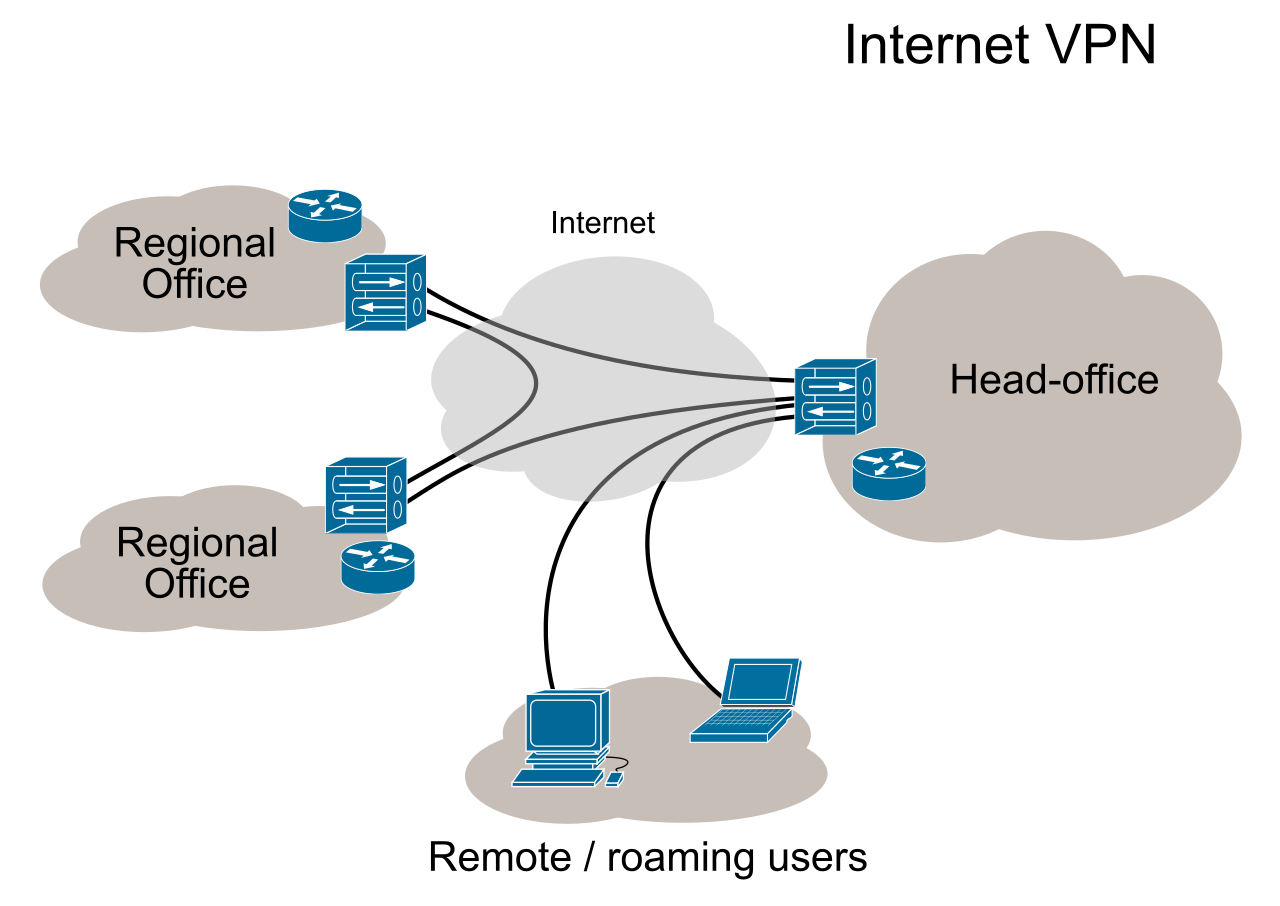
- Securing the Transport Layer: When a user sits in a public terminal, their network traffic is highly vulnerable. A mobile Virtual Private Network (VPN) encrypts network traffic to protect data transmitted over unencrypted public Wi-Fi hotspots, creating a secure cryptographic tunnel back to the corporate network.
When a user calls the help desk to report a missing device, time is the critical variable. Modern operating systems offer tools to mitigate the damage.
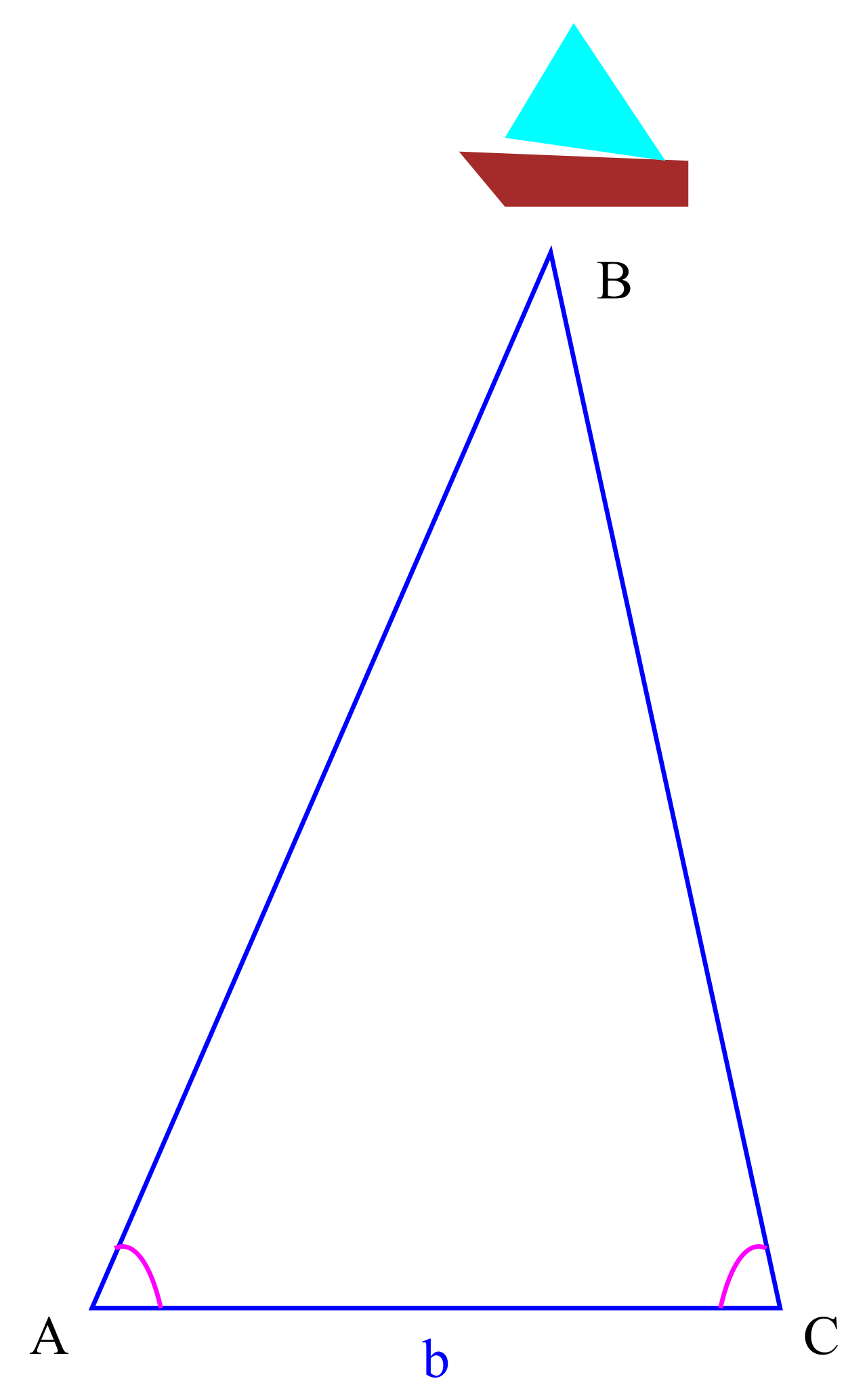
First, we attempt to locate the hardware. Device locator applications use Global Positioning System (GPS) signals to map the physical location of a missing mobile phone. But what if the executive left the phone inside a sprawling convention center where GPS satellites cannot penetrate the concrete roof? Ingeniously, device locator applications can utilize surrounding Wi-Fi network mapping to determine the location of a mobile device indoors. By comparing the MAC addresses of nearby routers to a global database, the device can triangulate its position down to a specific hallway.
If the device is irretrievable or confirmed stolen, the IT administrator must execute a remote wipe command. This permanently deletes all data on a lost mobile device across an active network connection, effectively turning the expensive smartphone into a clean, factory-reset brick.
Naturally, a remote wipe destroys the user's local information. To ensure business continuity, remote backup tools synchronize mobile device data to a cloud storage server to enable data recovery during hardware replacement. When the user receives their new phone the next day, their contacts, documents, and settings are seamlessly restored.
Managing a single smartphone is trivial. Managing five thousand smartphones across different time zones requires centralized orchestration.
Mobile Device Management (MDM) software provides centralized administrative control over organizational smartphones and tablets. Think of MDM as a remote control for the entire fleet. Administrators use Mobile Device Management tools to enforce mandatory security policies across an entire fleet of mobile devices—ensuring, for instance, that every single phone requires a 6-digit PIN and automatically wipes after 10 failed attempts. Furthermore, rather than asking users to manually search for and install corporate tools, MDM platforms can remotely push mandatory application installations to enrolled mobile devices.
The BYOD Paradigm and Containerization
Historically, corporations purchased and owned the mobile devices they managed. Today, the modern workforce operates differently. Bring Your Own Device (BYOD) policies allow employees to access corporate networks using personally owned mobile devices.
BYOD introduces a profound conflict: the corporation needs absolute control over its data, but the employee has a legal right to personal privacy regarding their photos, personal emails, and browsing history.
To solve this, we use containerization, which creates an isolated digital workspace on a personal mobile device to secure corporate data. A corporate container prevents organizational data from interacting with personal applications on a mobile device. An employee cannot copy text from a confidential corporate email and paste it into their personal social media application.
This leads to a specialized subset of management known as Mobile Application Management (MAM). While MDM manages the physical hardware, MAM applies security controls exclusively to specific corporate applications rather than managing the entire device. If an employee quits, the IT department can remotely wipe the corporate container via MAM, leaving the employee's personal photos and data entirely untouched.
Identity Verification via Mobile
Mobile devices also serve as authentication tools for other corporate systems. Authenticator applications generate time-based one-time passwords (TOTP) to satisfy multi-factor authentication login requirements. By tying the authentication token to the user's securely encrypted phone, an attacker would need both the user's password and physical possession of their unlocked mobile device to breach the network.

Security policies are only effective if the underlying operating system obeys them. However, advanced users often attempt to bypass manufacturer guardrails to customize their devices or install unauthorized software. This introduces severe vulnerabilities.
- Rooting an Android device bypasses operating system security restrictions to grant the user elevated administrative privileges.
- Jailbreaking an Apple device removes manufacturer security restrictions to allow the installation of unapproved software.
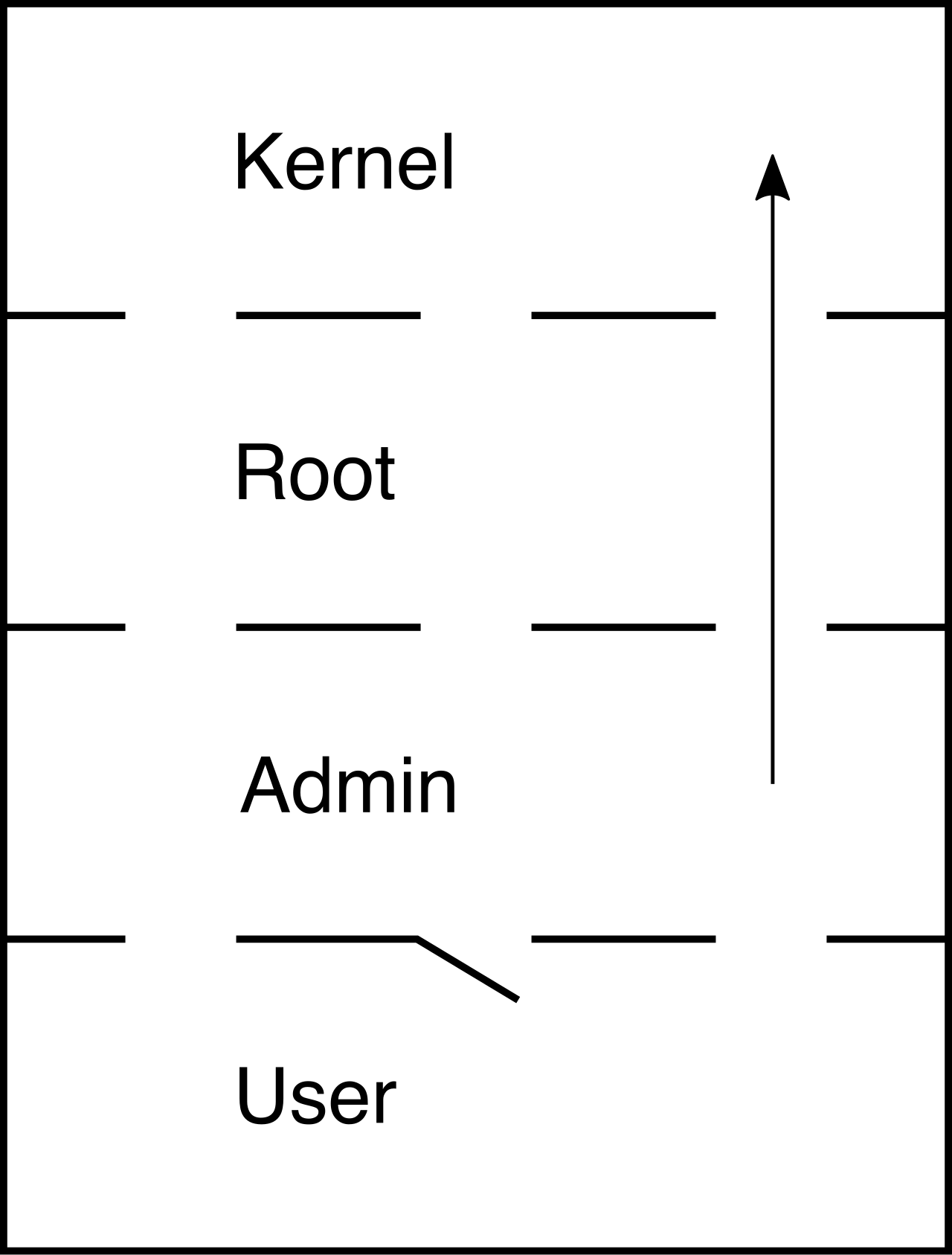
Why are these actions so dangerous to an enterprise? Because if a user has "root" access, so does any malware that user accidentally installs. Rooting and jailbreaking destroy the application sandboxing that keeps the OS secure.
Furthermore, these users often engage in sideloading, which involves installing applications on a mobile device from sources other than the official vendor application store. Without the vendor's security vetting, users often inadvertently install trojans disguised as legitimate tools or games. Consequently, organizational security policies often prohibit sideloading to prevent the installation of unvetted and potentially malicious software.
The MDM Enforcer: IT administrators do not have to rely on the honor system to prevent these behaviors. Mobile Device Management systems can automatically detect rooted or jailbroken devices by checking the integrity of the operating system's core files. Once detected, Mobile Device Management systems can block non-compliant devices from accessing internal corporate network resources. The moment a user jailbreaks their phone, their access to corporate email, VPN, and files is instantly severed.
By understanding how physical security, encryption, patching, and administrative policies interlock, you move beyond merely fixing broken phones. You become an architect of secure mobile environments, capable of protecting your organization's data no matter where the hardware travels.