Filesystem Types and Compatibility
Not sure you’re ready?
Take the ~3-minute readiness diagnostic and see where you stand.
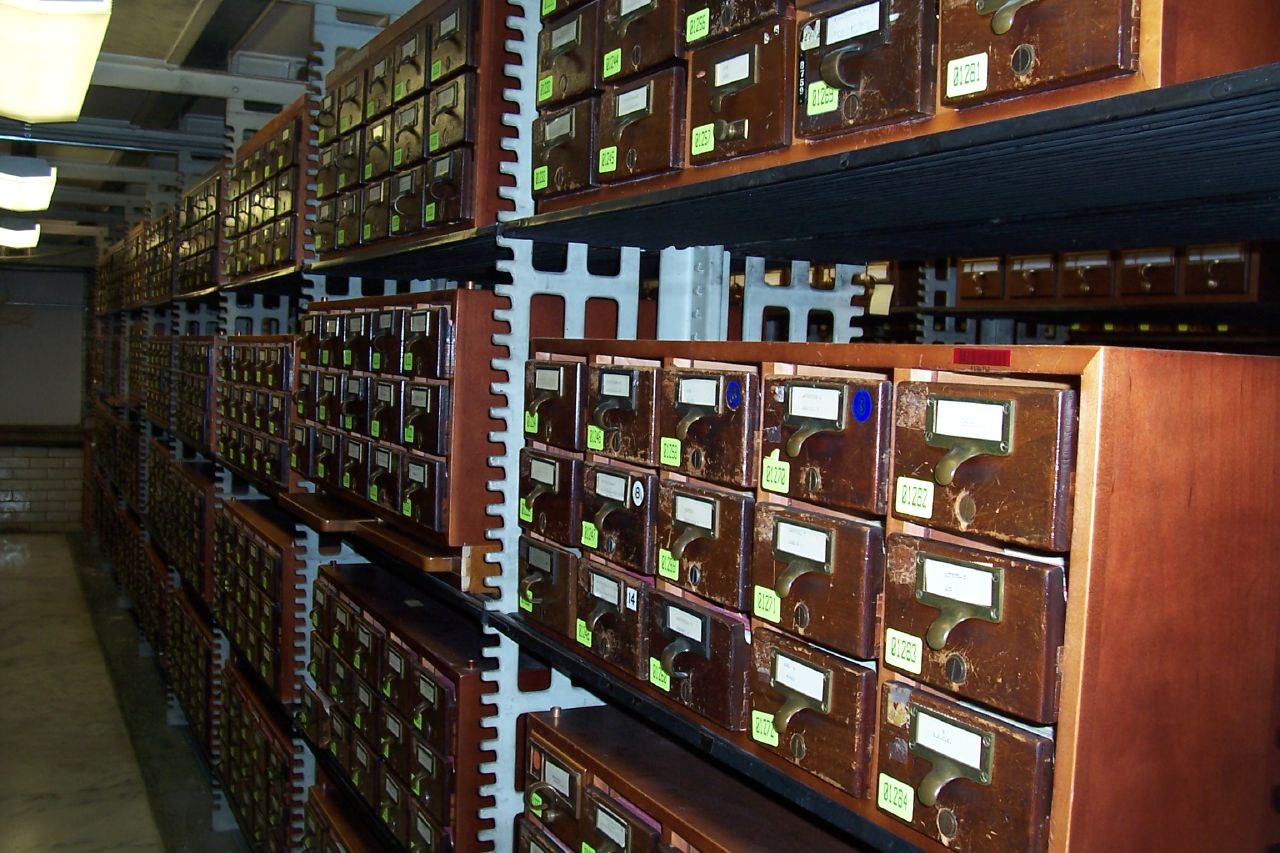
Imagine a massive library where millions of pages are scattered across the floor in no discernible order. Without a cataloging system, finding a single sentence is mathematically impossible in any reasonable timeframe. A computer’s storage drive without a filesystem is exactly the same: a vast, featureless expanse of magnetic polarities or trapped electrons. Filesystems provide the mathematical scaffolding—the indexes, boundaries, and rules—that transform this raw, chaotic data into the cohesive files, folders, and applications you interact with every day.
As an IT professional, you will constantly navigate the boundaries between these foundational systems. You will encounter external drives formatted for legacy systems, flash media designed for cross-platform portability, and cutting-edge solid-state drives running encrypted, self-healing architectures. Understanding how these filesystems organize data, where their limits lie, and how they behave when connected to foreign operating systems is the difference between seamlessly recovering a client's data and accidentally rendering a multi-terabyte drive unreadable.
Every operating system has a native language for writing data to disk. Over the decades, these languages have evolved to accommodate larger capacities, faster physical media, and heightened security demands.
The Microsoft Ecosystem
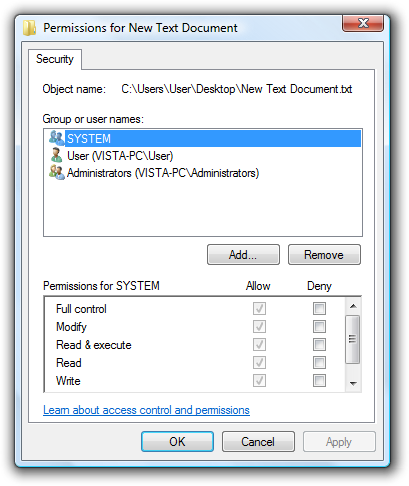
NTFS (New Technology File System) NTFS is the default file system used by modern Microsoft Windows operating systems. It was engineered to replace older, simpler systems by introducing robust enterprise-grade features. When you deploy a Windows machine in a corporate environment, NTFS is what allows you to maintain order. The NTFS file system supports granular file-level and folder-level security permissions, meaning you can dictate exactly which users or groups can read, modify, or execute specific data.
Furthermore, storage optimization and security are built directly into its architecture. The NTFS file system provides native support for transparent file compression, allowing the system to shrink files on the fly to save disk space without requiring third-party archiving tools. For security, the NTFS file system includes support for the Encrypting File System (EFS) to secure individual files, tying cryptographic keys directly to the user's Windows login credentials.
FAT32 and exFAT (The Portable Standards) Before NTFS became the standard for internal drives, the computing world relied on the File Allocation Table (FAT) architecture. FAT32 is an older file system with nearly universal compatibility across different operating systems, from Windows and macOS to smart TVs and digital cameras.
However, FAT32 was designed in an era when massive files were unthinkable, resulting in strict mathematical limits. Most notably, the FAT32 file system cannot store individual files larger than 4 gigabytes. If a user tries to copy a 5 GB high-definition video file to a FAT32 drive with 50 GB of free space, the transfer will fail. Additionally, while FAT32 can theoretically support large volumes, the native Windows operating system formatting tool limits FAT32 partitions to a maximum size of 32 gigabytes to encourage users to adopt more modern formats.
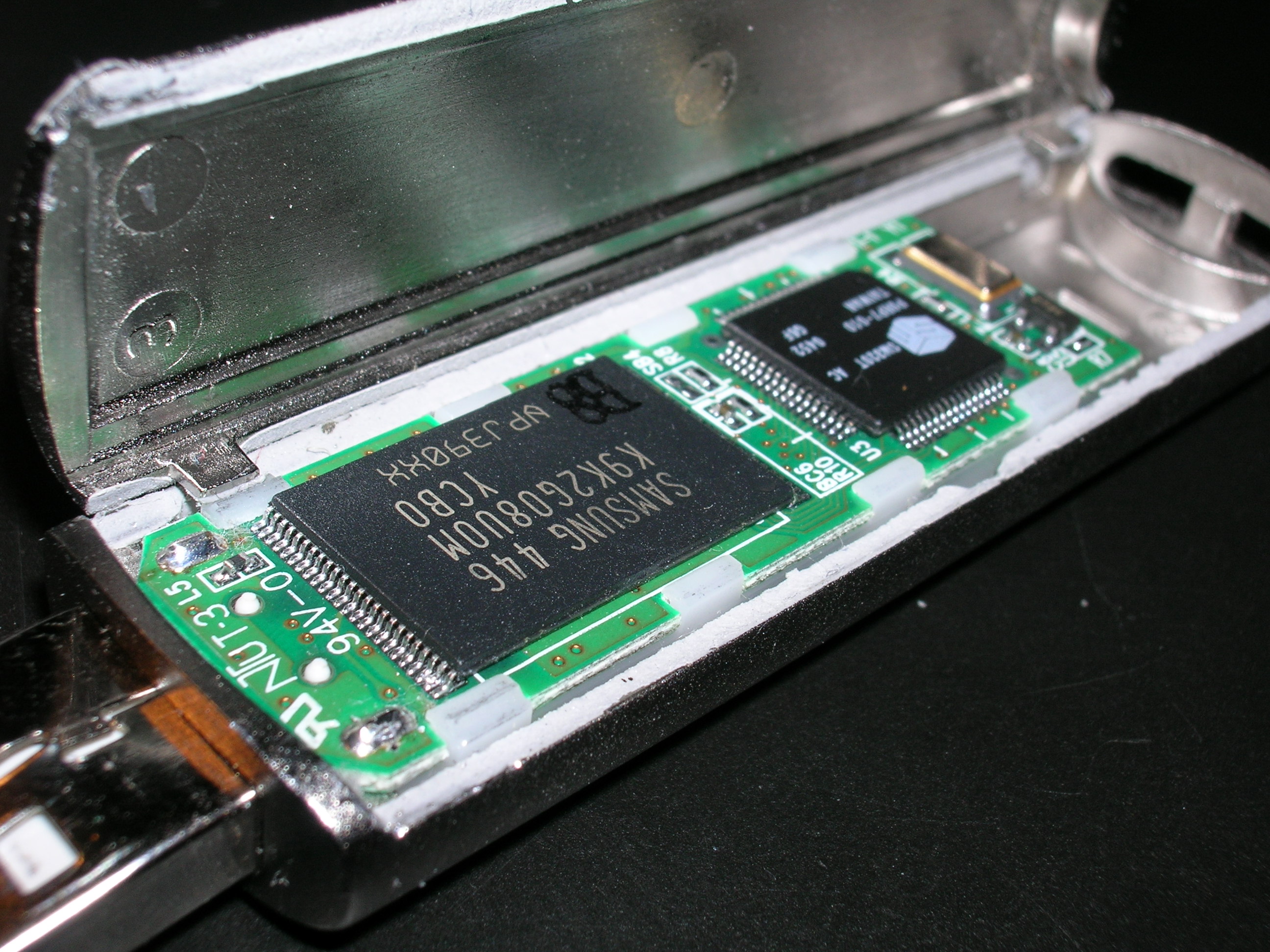
To solve the limitations of FAT32 without sacrificing portability, Microsoft created exFAT (Extensible File Allocation Table). The exFAT file system was designed primarily for use on flash memory drives, such as USB thumb drives and SD cards. Crucially, the exFAT file system removes the 4-gigabyte individual file size limit present in the FAT32 file system, allowing for the storage of massive video files and database backups.
The Apple Ecosystem
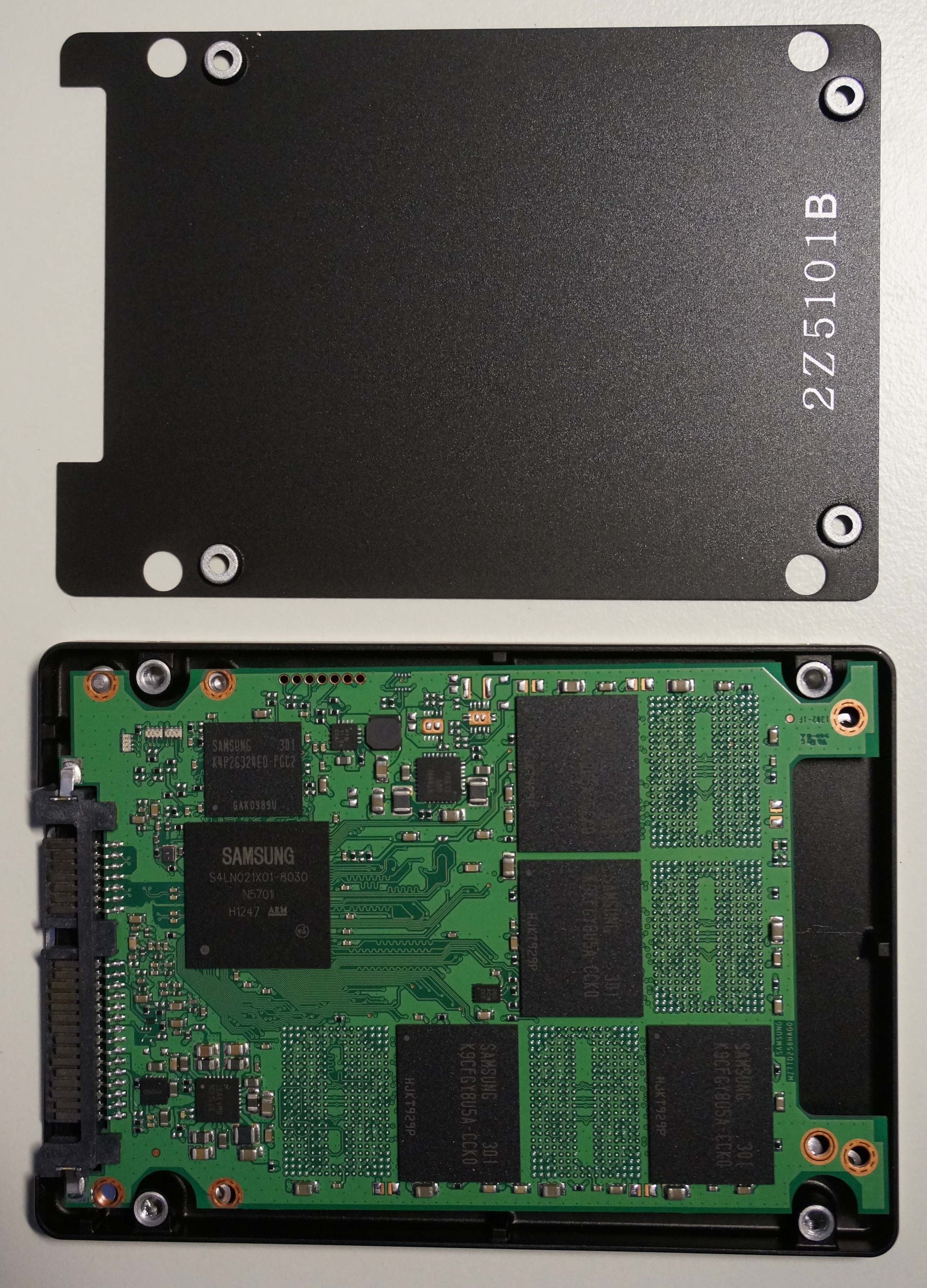
APFS (Apple File System) As physical storage transitioned from spinning magnetic platters to silicon, Apple engineered a filesystem specifically for this new physical reality. APFS is the default file system for Apple macOS version 10.13 High Sierra and later. The defining characteristic of the APFS file system is that it is natively optimized for use on solid-state drives (SSDs) and flash memory. It utilizes techniques like "cloning" (where duplicated files share the same physical blocks on the drive until modified) to dramatically reduce write-wear on SSD silicon.
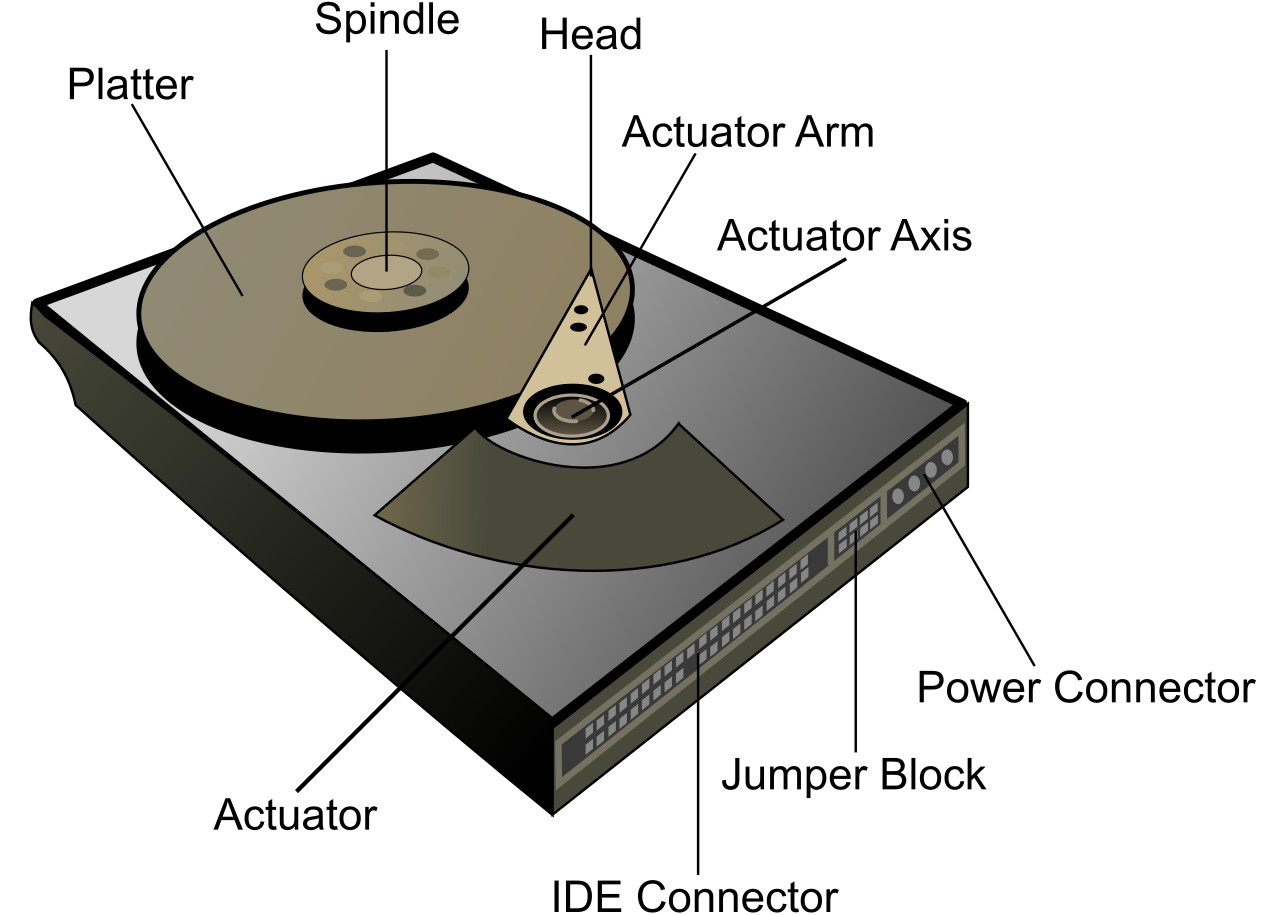
HFS+ (Mac OS Extended) Before APFS, Apple computers relied on HFS+, a legacy Apple file system commonly referred to as Mac OS Extended. Today, you will primarily encounter the HFS+ file system when it is typically used on older macOS versions or mechanical hard drives in Apple computers, as its architecture is better suited for the rotational latency of traditional spinning disks.
The Linux & Optical Environments
ext4 and ext3 The ext4 (Fourth Extended File System) is the default file system for many modern Linux distributions. It is fundamentally a journaling file system that tracks uncommitted changes to prevent data corruption. If a machine loses power mid-write, the filesystem simply looks at the "journal" upon reboot, sees what was partially written, and rolls back the incomplete operation, keeping the structure perfectly intact. The ext3 file system is an older journaling Linux file system that was superseded by ext4, which brought support for much larger volumes and faster performance.
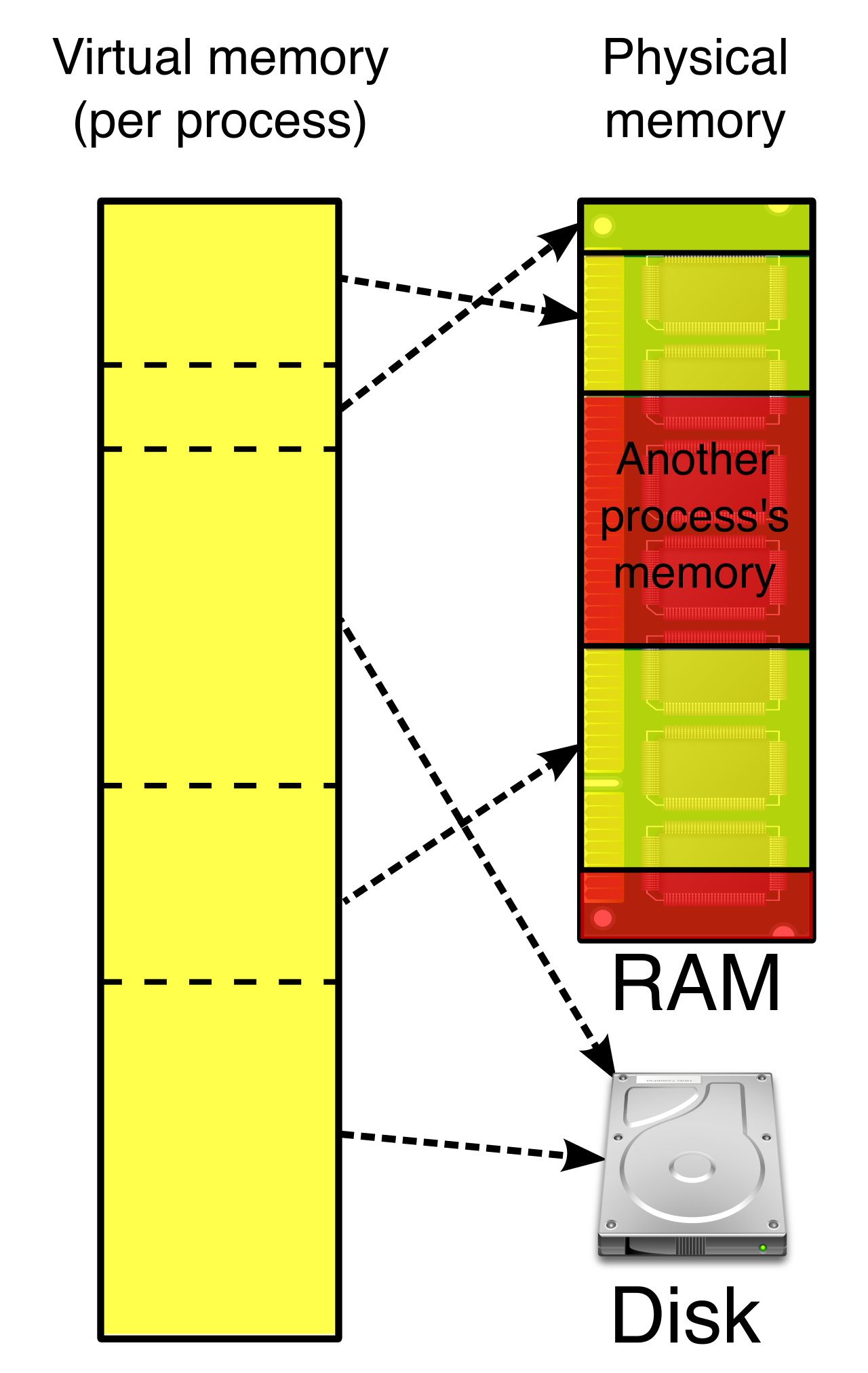
Linux Swap Beyond standard file storage, Linux utilizes disk space in a unique way to manage active memory. Linux operating systems use a dedicated swap partition to function as virtual memory. When the system's physical RAM fills up, the Linux kernel seamlessly moves inactive data pages from RAM into this dedicated filesystem partition to prevent system crashes.
CDFS For read-only physical media, the CDFS (Compact Disc File System) file system is used to format data on optical media like compact discs, establishing a universal standard so that an audio CD or software installation disc can be read by almost any operating system.
One of the most frequent tickets you will receive as an IT professional goes something like this: "The marketing agency sent us a hard drive. I plugged it into my computer, but I can't save anything to it."
This is a filesystem compatibility collision. Operating systems are highly protective of how data is written, and they deliberately lack native drivers to manipulate the proprietary filesystems of their competitors.
The Golden Rule of External Drives: If a drive must move frequently between Mac and PC environments, format it as exFAT. The exFAT file system allows native read and write operations on both Windows and macOS operating systems without any third-party software.
Here is exactly how the major operating systems handle foreign filesystems natively:
- macOS vs. NTFS: The macOS operating system can natively read data from an NTFS-formatted drive. You can open a document or copy a video from the drive to your Mac. However, the macOS operating system cannot natively write data to an NTFS-formatted drive. The moment a user attempts to edit that document and hit "Save," macOS will throw an error.
- Windows vs. APFS and ext4: Windows is notoriously rigid. The Windows operating system cannot natively read or write to Apple APFS-formatted drives. If you plug a Mac drive into a PC, Windows will ask to format it. Similarly, the Windows operating system cannot natively read or write to Linux ext4-formatted drives.
- The Linux Translator: Linux is the great neutral territory. Most modern Linux distributions can natively read and write to NTFS-formatted drives. Furthermore, most Linux distributions can natively read and write to FAT32 and exFAT formatted drives. This makes a bootable Linux USB drive an incredibly powerful diagnostic tool for recovering data from failing Windows or Mac machines.
Compatibility Matrix
| File System | Windows Native Support | macOS Native Support | Linux Native Support |
|---|---|---|---|
| NTFS | Read & Write | Read-Only | Read & Write |
| APFS | None | Read & Write | None (requires 3rd party tools) |
| ext4 | None | None | Read & Write |
| FAT32 | Read & Write (32GB format limit) | Read & Write | Read & Write |
| exFAT | Read & Write | Read & Write | Read & Write |
Managing technology is an exercise in managing decay. Software architectures that were secure and performant ten years ago inevitably become obsolete as hardware advances and cyber threats evolve. Operating system developers manage this decay through a structured vendor life-cycle.
End of Life vs. End of Support
These two terms are frequently confused, but they represent very distinct phases of an operating system's death.
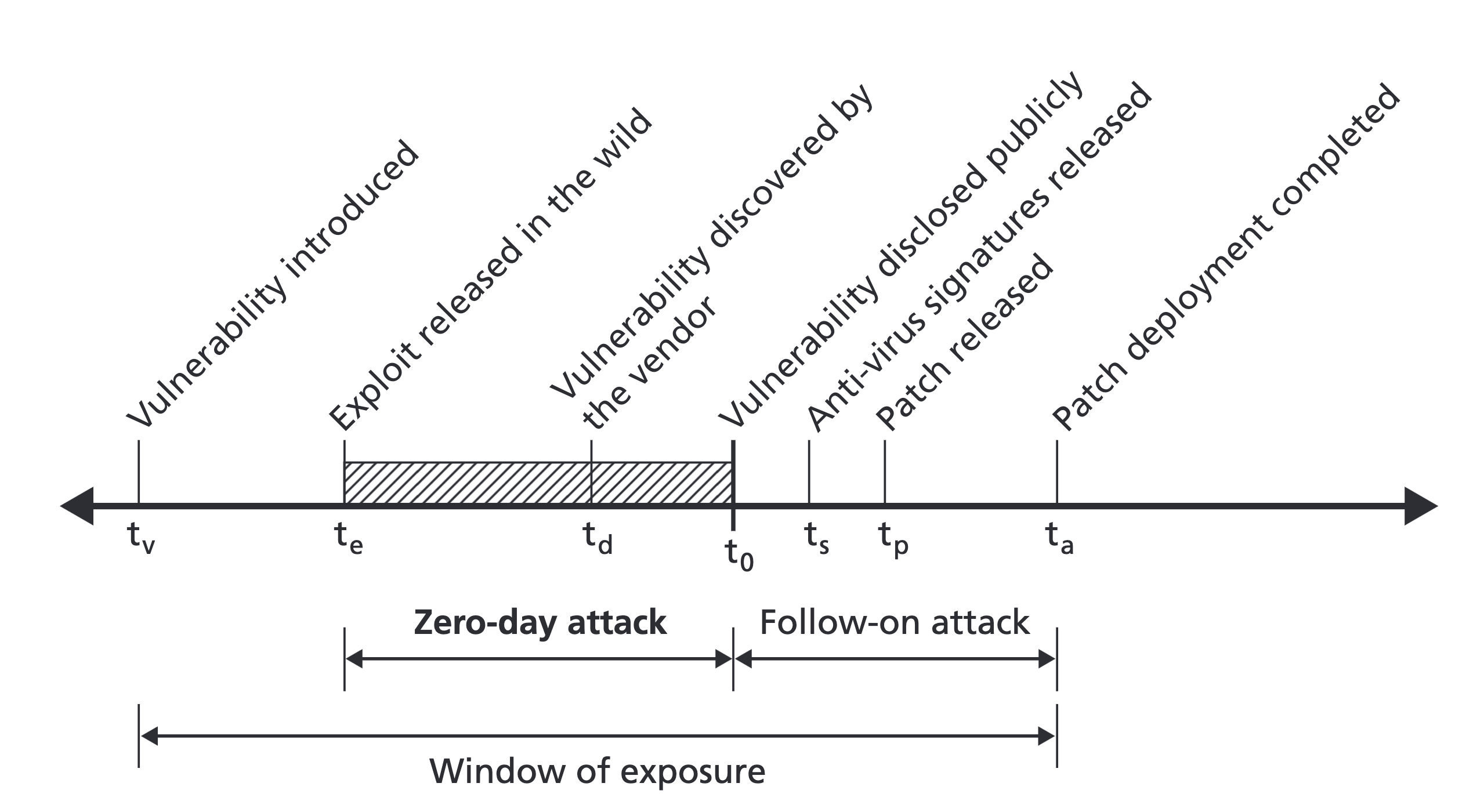
End of Life (EOL) describes an operating system version that the vendor no longer actively sells or supports. When an OS hits EOL, the marketing stops, and the manufacturer shifts its focus to the next generation of software. However, the true danger arises in the next phase.
End of Support (EOS) indicates the software vendor will no longer provide security patches for the operating system. This is a critical red flag for any IT professional. Running an End of Support operating system exposes a computer system to unpatched security vulnerabilities. When hackers discover a new exploit in an EOS system like Windows 7 or older macOS versions, Microsoft and Apple will not write code to fix it. The door is simply left open.
Furthermore, a dead operating system creates a cascading failure across the software ecosystem. Software developers eventually stop releasing compatible application updates for End of Life operating systems. Modern web browsers, endpoint security agents, and productivity software will flatly refuse to install, isolating the machine from modern workflows.
Hardware-Enforced Update Constraints
If running an old OS is so dangerous, why don't users simply upgrade? Often, it is a matter of physics and architecture, not user stubbornness.
Hardware limitations often prevent older computer systems from upgrading to newer operating system versions. As filesystems and operating systems become more complex, they demand more computational overhead. Modern operating system update constraints include strict minimum hardware requirements like memory sizes and physical security chips.
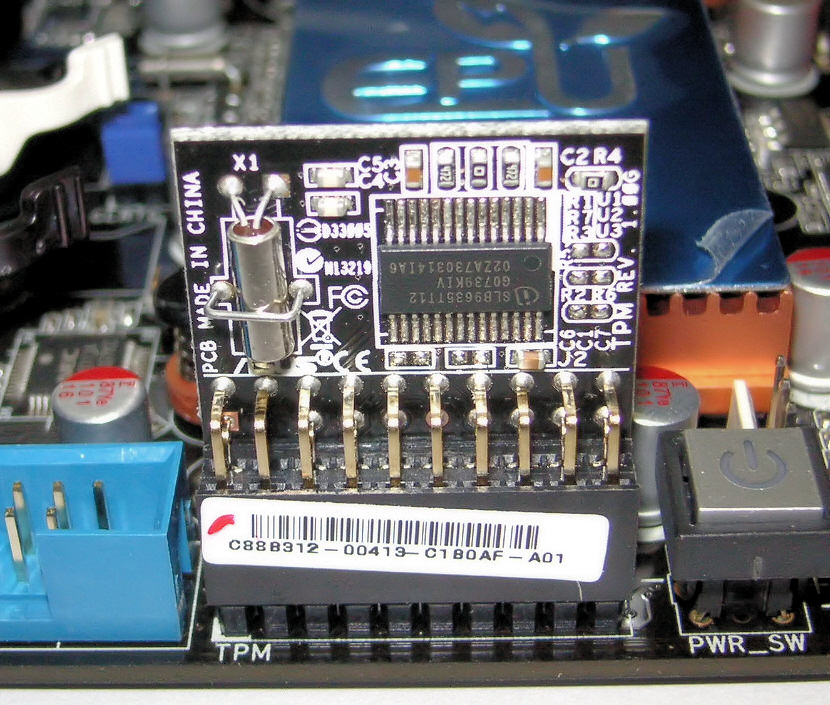
For instance, you cannot install a modern OS on a machine with only 2 gigabytes of RAM; the OS kernel and modern filesystems (like the overhead required for an APFS snapshot or an NTFS encrypted volume) will consume all available memory before a single application is even launched. Similarly, physical constraints like the requirement for a Trusted Platform Module (TPM) version 2.0 cryptoprocessor restrict modern operating systems to newer motherboards capable of handling hardware-level encryption handshakes.
Understanding this interplay—how filesystems demand specific hardware, how hardware ages out of the vendor lifecycle, and how differing systems communicate—is the foundation of expert-level IT troubleshooting. When you master these structural rules, you stop guessing why a drive is failing or an install is blocking, and you start seeing the underlying logic of the machine.