Malware Types and Detection Tools
Not sure you’re ready?
Take the ~3-minute readiness diagnostic and see where you stand.
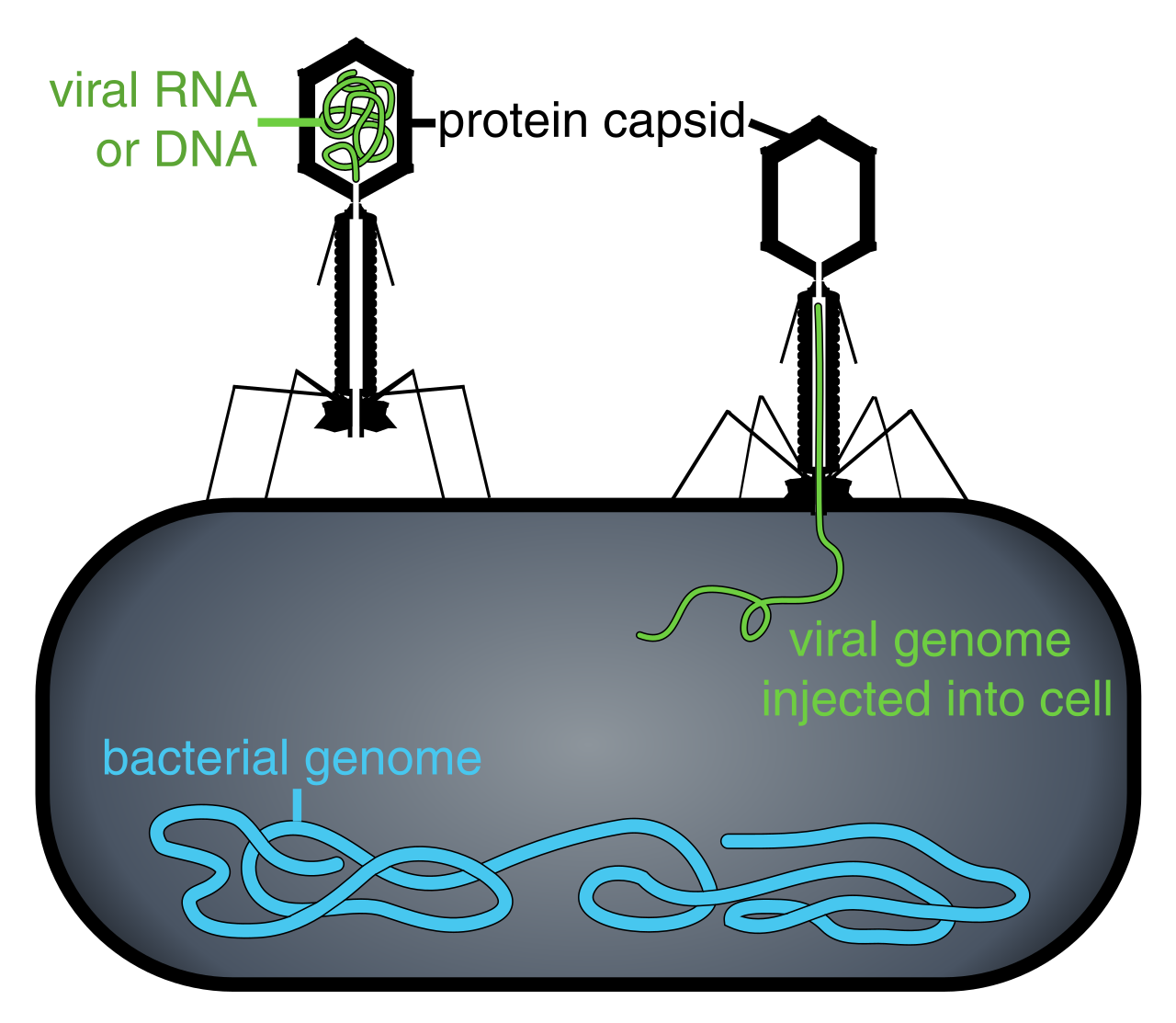
Imagine a microscopic ecosystem where organisms survive not by consuming physical resources, but by hijacking instruction sets. In a biological system, a pathogen might alter a host's cellular behavior to facilitate its own reproduction. In a digital computing environment, we observe the exact same phenomenon. Malware is an umbrella term for software intentionally designed to cause damage to a computer system.
As an IT support professional, your ability to diagnose a compromised system relies entirely on understanding the specific mechanical nature of the threat you are facing. You cannot simply prescribe a broad "antivirus scan" to every problem. You must understand how the code behaves, how it spreads, and where it hides.
Here, we will dissect the anatomy of modern malicious software, the gray areas of unwanted applications, the sophisticated tools enterprise networks use to detect them, and the procedures required to eradicate them.
When users complain that their computer is acting strangely, they often call everything a "virus." But to a technician, precision matters. Malicious applications are defined by their intent: they intentionally inflict harm on computer systems or intentionally steal data from computer systems. How they achieve this dictates their classification.
Viruses vs. Worms: The Mechanics of Spreading
The fundamental difference between a virus and a worm lies in their autonomy.
A computer virus is a type of malware requiring user interaction to execute. Much like a biological virus requires a host cell, a computer virus attaches itself to legitimate executable files to spread across a system. It waits dormant until a user double-clicks the infected application.
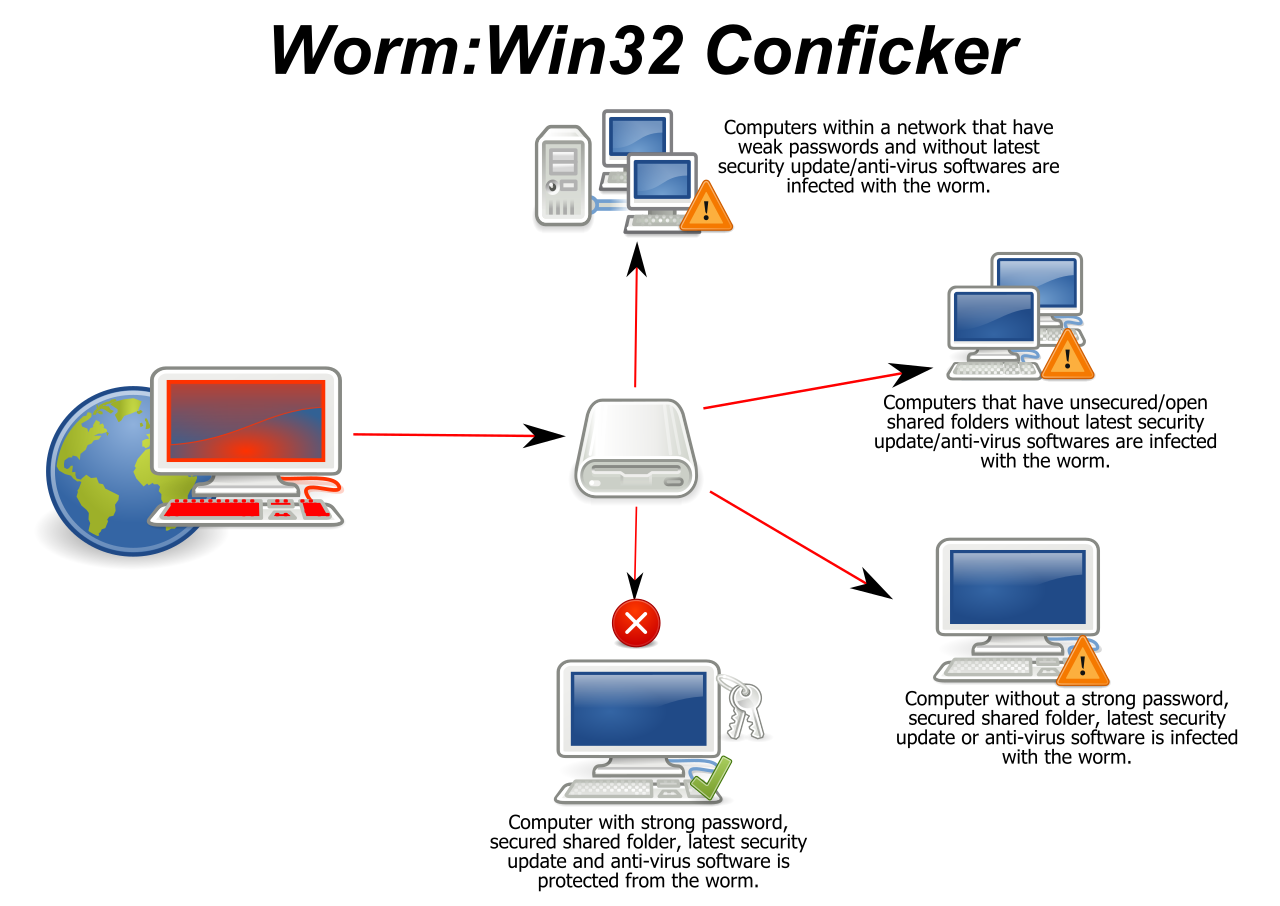
A computer worm, however, is a standalone malicious program. It does not wait for a user to launch a file. Instead, a computer worm automatically replicates itself across networks without human interaction, aggressively seeking out unpatched vulnerabilities on neighboring machines. If one laptop in a corporate branch office is infected with a worm, the entire subnet can be compromised in minutes.
The Deceivers: Trojans and Backdoors
If an attacker cannot breach a network's defenses by force, they will rely on deception. A Trojan is malicious software disguised as benign software. Whether it is packaged as a fake software update, a pirated game, or a seemingly harmless PDF, a Trojan relies on tricking users into executing the malicious payload.
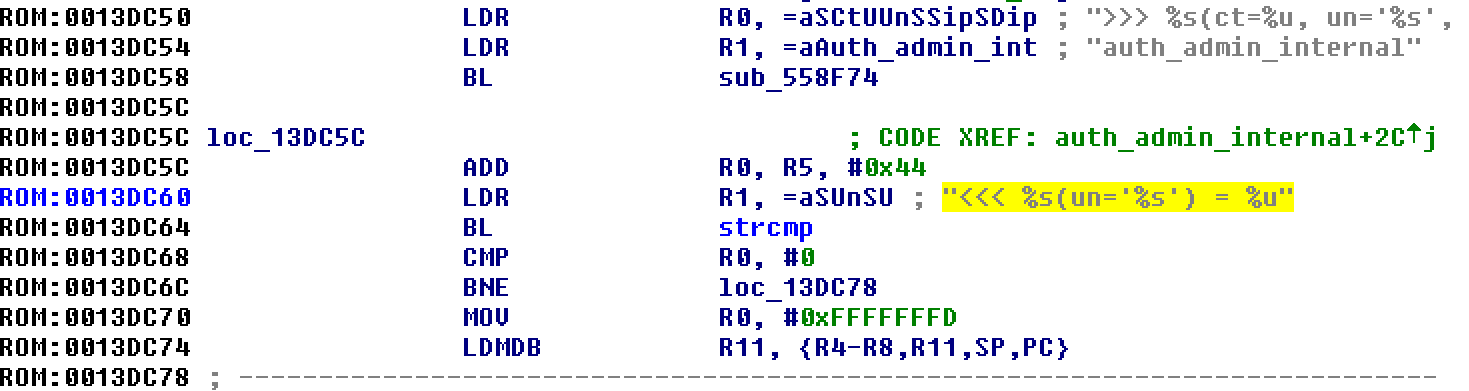
Once executed, the Trojan often establishes a foothold. A common payload is a back door, which is a hidden method used to bypass standard authentication procedures in a computer system. With a back door installed, the attacker can return to the compromised machine at will, without needing the user's password.
Spies and Saboteurs: Spyware, Keyloggers, and Logic Bombs
Once inside a system, malware may quietly gather intelligence or wait to strike.
- Spyware is malicious software designed to secretly monitor user activity.
- A keylogger is a specific type of spyware that records every keystroke typed on a computer keyboard. It captures passwords, credit card numbers, and confidential corporate communications before they are even encrypted.
- A logic bomb is malicious code inserted into software that remains entirely dormant until triggered. It executes its payload only when specific predetermined conditions are met—such as a specific date, or the deletion of a specific employee's user account.
The Zombie Army: Botnets
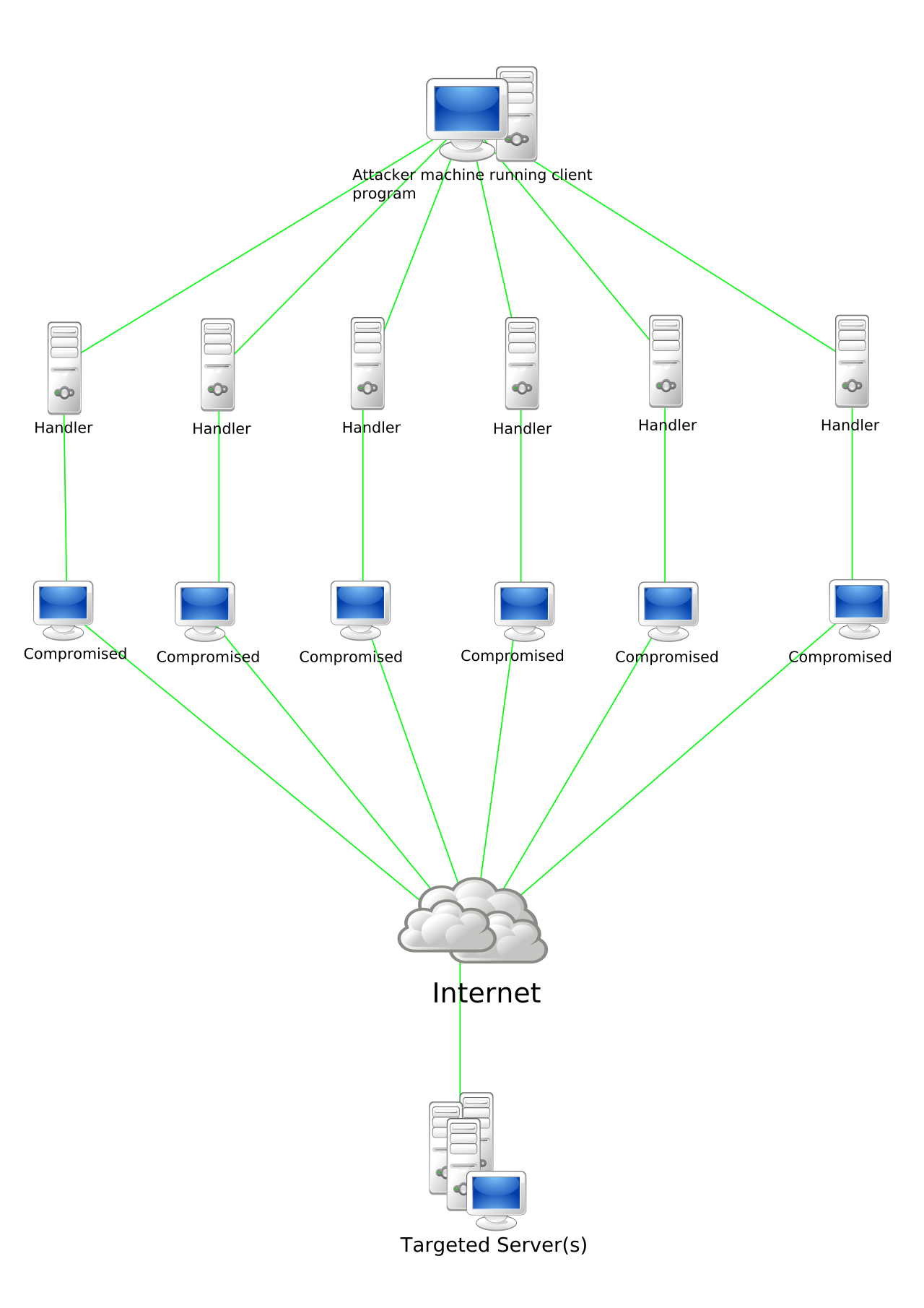
A compromised computer rarely operates in isolation. Often, an infected machine is silently enlisted into a larger collective. A botnet is a network of compromised computers that is controlled remotely by an attacker to perform coordinated malicious tasks. These tasks range from launching massive Distributed Denial of Service (DDoS) attacks to churning out billions of spam emails.
In the modern landscape, malware is a highly lucrative business. Threat actors are no longer just causing chaos for fun; they are monetizing your users' endpoints.
Ransomware
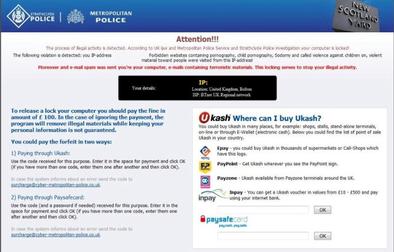
If a user calls the help desk in a panic because their desktop wallpaper has been replaced by a threatening message and all their file extensions have changed, you are looking at ransomware. Ransomware is malicious software that demands financial payment to unlock access to a compromised system.
More specifically, modern variants are crypto-ransomware, which encrypts user data to extort payment for the decryption key. The operating system itself might still boot, but every document, spreadsheet, and database is locked behind military-grade encryption.
Cryptomining Malware
Sometimes the profit is generated invisibly. Cryptomining malware secretly uses host processing power to calculate mathematical hashes for cryptocurrency networks.
Diagnostic clue: If a user complains that their laptop battery dies in thirty minutes and the cooling fans are screaming while the machine is completely idle, check the CPU usage. Cryptomining malware causes significant processing performance degradation on the infected host system. The attacker is essentially stealing your company's electricity and hardware lifecycle to print their own digital money.
Traditional antivirus software looks for specific files on a hard drive. But what happens when the malware doesn't exist as a file, or operates at a deeper privilege level than the antivirus itself?
Rootkits
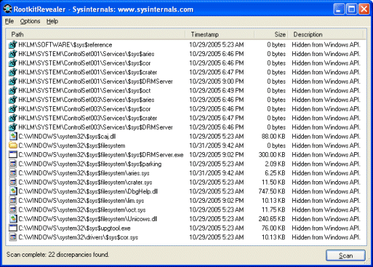
A rootkit is malware designed to gain administrative control over a computer system (the "root" level). Because it operates at the very foundation of the operating system, rootkits actively hide their presence from standard operating system diagnostic tools. If you open Task Manager or run a standard virus scan, the rootkit intercepts the request and feeds back a clean report. The system lies to you because the system itself is compromised at its core.
Fileless Malware
Why bring your own weapons to a crime scene when the victim's house is full of knives? Fileless malware operates directly in system memory and avoids writing traditional executable files to the hard drive.
Instead of dropping a .exe file that an antivirus might catch, fileless malware leverages legitimate system tools like PowerShell to execute malicious commands. Because PowerShell is a trusted, native administrative tool built into Windows, security software often allows the malicious scripts to run unimpeded.
Not everything that frustrates a user is technically a cyberattack. As an IT technician, you will spend a vast amount of time cleaning up software that sits in a legal and ethical gray area.
PUP stands for Potentially Unwanted Program. A Potentially Unwanted Program is software that users typically perceive as undesirable, but it does not strictly meet the technical definition of malicious software. It doesn't intentionally destroy data or steal passwords, but it degrades the user experience.
The most common example is adware. Adware is a type of software that automatically displays advertising material to a computer user. You will frequently find that adware is frequently bundled with legitimate free software applications. When a user hastily clicks "Next" through an installation wizard for a free PDF reader, they inadvertently agree to install a browser toolbar that redirects their search results and injects pop-up ads.

Because threats like fileless malware and zero-day rootkits easily bypass traditional, signature-based antivirus software, the IT industry has evolved its defensive tooling. Organizations now rely on behavioral analysis and continuous monitoring.
EDR (Endpoint Detection and Response)
EDR stands for Endpoint Detection and Response. Instead of just scanning files, Endpoint Detection and Response systems monitor individual host devices to detect cyber threats based on anomalous behavior—like Word launching PowerShell to download a script. Crucially, Endpoint Detection and Response systems provide automated remediation capabilities on infected hosts, such as automatically isolating a compromised laptop from the corporate network before a worm can spread.
MDR (Managed Detection and Response)
Not every company has the budget to staff a 24/7 Security Operations Center. MDR stands for Managed Detection and Response. It provides an outsourced third-party cybersecurity service where highly specialized providers actively monitor client networks for security threats. It is essentially security-as-a-service.
XDR (Extended Detection and Response)
Threat actors do not just attack endpoints; they attack cloud services, email servers, and network infrastructure simultaneously. XDR stands for Extended Detection and Response. Extended Detection and Response platforms correlate security telemetry from multiple distinct infrastructure domains. By stitching together a login anomaly in the cloud, a weird network connection on the firewall, and a strange process on a laptop, XDR provides a unified picture of a complex attack.
A robust defense requires layers: blocking the threat before it arrives, training the user to recognize it, and knowing how to definitively eliminate it if defenses fail.
Filtering the Perimeter
Most malware arrives via email. An email security gateway scans incoming messages for malicious attachments before they ever reach the user's inbox. Furthermore, an email security gateway uses reputation filtering to block messages from known malicious sender domains entirely.
The Human Firewall
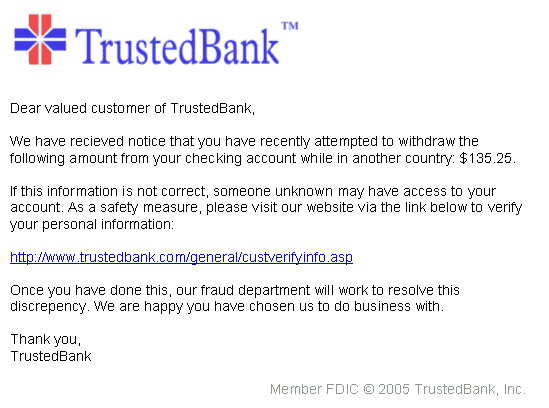
Technology alone cannot stop a user who is determined to open an infected file. This is why antiphishing training is a critical security control. Antiphishing training educates employees on recognizing fraudulent communication attempts, transforming your users from the weakest link in your security chain into an active layer of defense.
The Nuclear Option: Eradication
When a system is infected with something deeply evasive, like a rootkit, standard removal tools cannot be trusted. How do you clean a system that is actively lying to you? You destroy the environment it lives in.
Formatting a storage drive deletes the active file system structure containing the malware infection. It wipes the slate clean. From there, reinstalling the operating system from known good media completely removes deeply embedded malware like rootkits. In enterprise IT, this "nuke and pave" approach is often the fastest, safest, and most cost-effective way to guarantee an endpoint is secure and return it to a trusted state.