OS Partitioning, Drive Formatting, and Upgrades
Not sure you’re ready?
Take the ~3-minute readiness diagnostic and see where you stand.
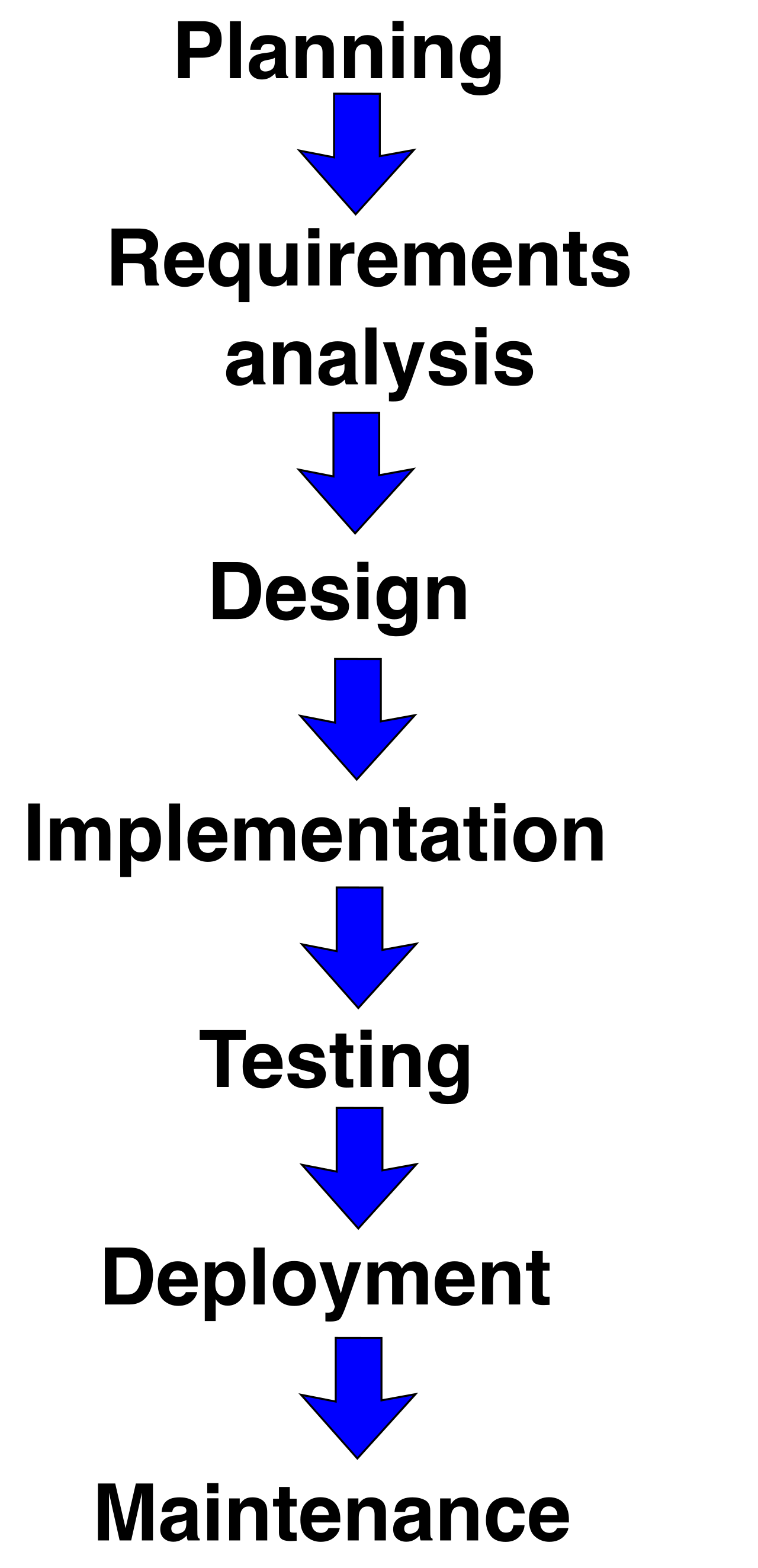
A bare storage drive fresh from the factory is nothing but an immense, empty warehouse. It has physical dimensions and raw capacity, but no structural organization, no aisles, and no tracking system. Before an operating system can read a single file—or even boot—you must architect the building. You must erect walls to divide the space, install specialized shelving to hold the inventory, and establish strict rules for how goods are moved in and out. In the realm of IT support, erecting those walls is known as partitioning, installing the shelving is formatting, and migrating the entire business to a newer, better warehouse without losing a single invoice is the delicate art of the operating system upgrade.
For an IT professional, mastering this lifecycle is non-negotiable. Whether you are provisioning a fleet of new laptops for the accounting department, recovering data from a corrupted flash drive, or executing an enterprise-wide migration to Windows 11, you are manipulating partitions and file systems. Let us dissect the exact mechanisms of how we structure storage and execute operating system upgrades.
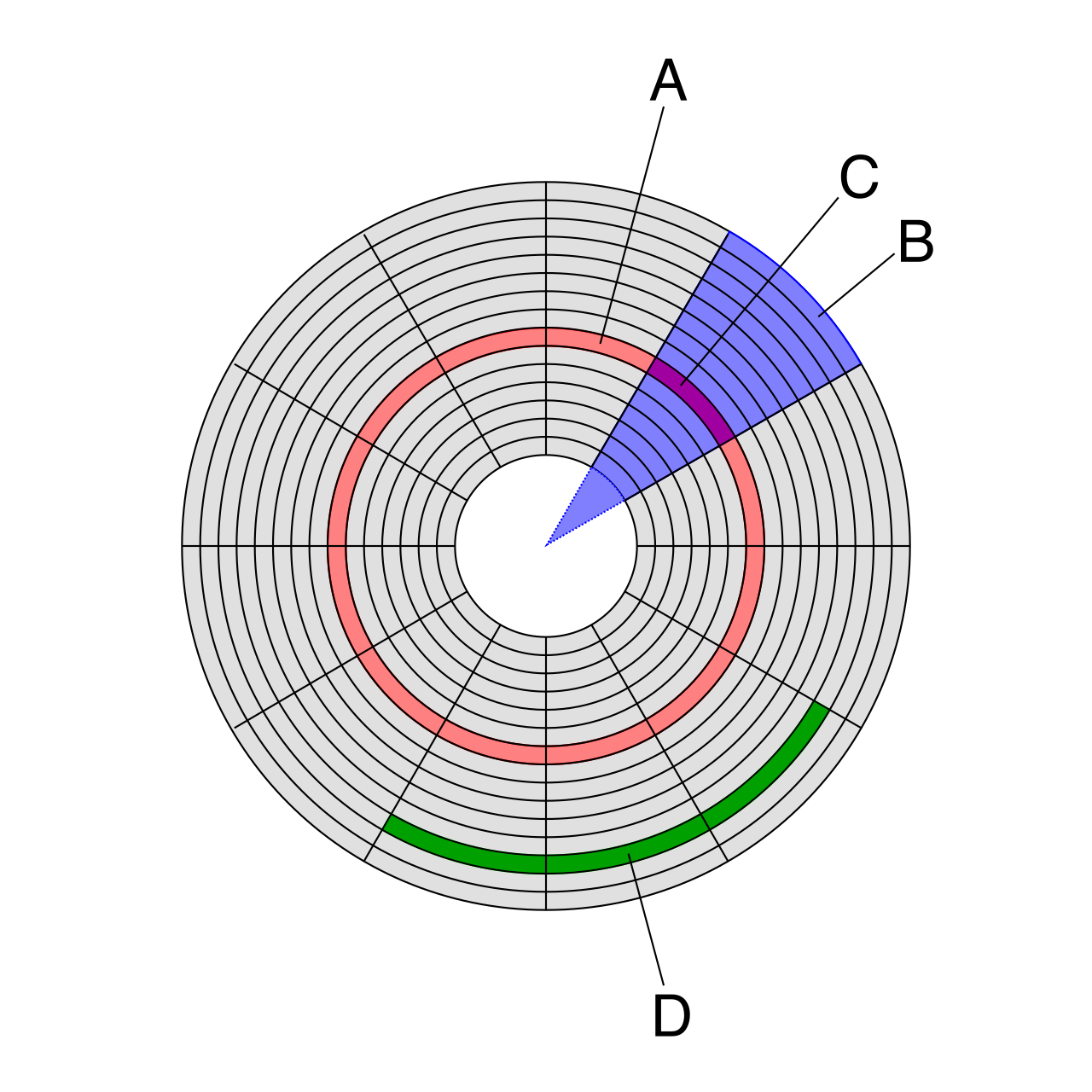
Before a computer can store data, the raw physical drive must be logically divided into distinct sections called partitions. The blueprint that tells the computer where these partitions begin and end is the partition table.
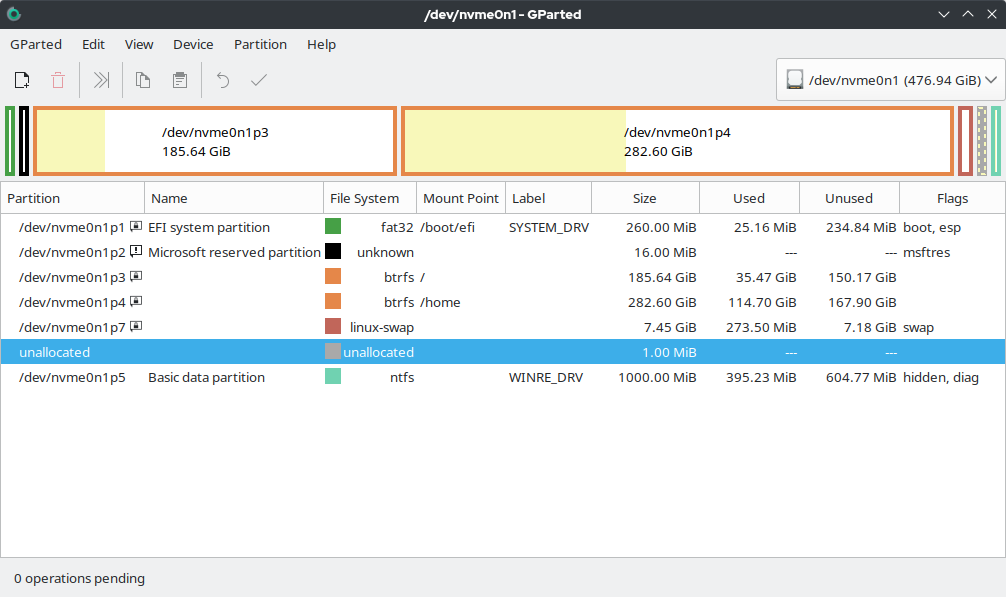
There are two primary architectures you will encounter in the field: MBR and GPT.
Master Boot Record (MBR)
MBR stands for Master Boot Record. Developed in the early 1980s, MBR was the undisputed standard for decades. However, its age means it carries strict mathematical limitations that restrict modern hardware.
- Partition Limits: An MBR partition table supports a maximum of four primary partitions per physical drive.
- Size Limits: Because it uses 32-bit logical block addressing, an MBR partition table limits individual partition sizes to a maximum of 2 terabytes. If you plug a modern 8 TB drive into a system and format it as MBR, 6 TB will remain invisible and unusable.
To get around the strict four-partition limit, engineers developed a clever workaround. An MBR partition table can use an extended partition to bypass the four-partition limit. Instead of making a fourth primary partition, you create one extended partition. An MBR extended partition acts as a structural container for creating multiple logical drives. Inside this single extended container, you can carve out numerous logical drives (e.g., E:, F:, G:), effectively bypassing the limit.
GUID Partition Table (GPT)
Modern infrastructure has largely abandoned MBR in favor of GPT. GPT stands for GUID Partition Table. It is a vastly superior, mathematically expansive blueprint designed for contemporary high-capacity storage.
- Massive Scale: A GPT partition table supports drive sizes up to 18 exabytes. (For scale, one exabyte is roughly one million terabytes).
- Abundant Partitions: A GPT partition table supports up to 128 primary partitions per drive in a Windows environment, completely eliminating the need for messy extended partitions and logical drives.
- Resilience: Unlike MBR, which stores its boot data in a single vulnerable sector at the beginning of the drive, a GPT partition table stores redundant copies of partition data across the disk for corruption recovery. If the primary header is damaged, the system can rebuild itself from the backup at the end of the disk.
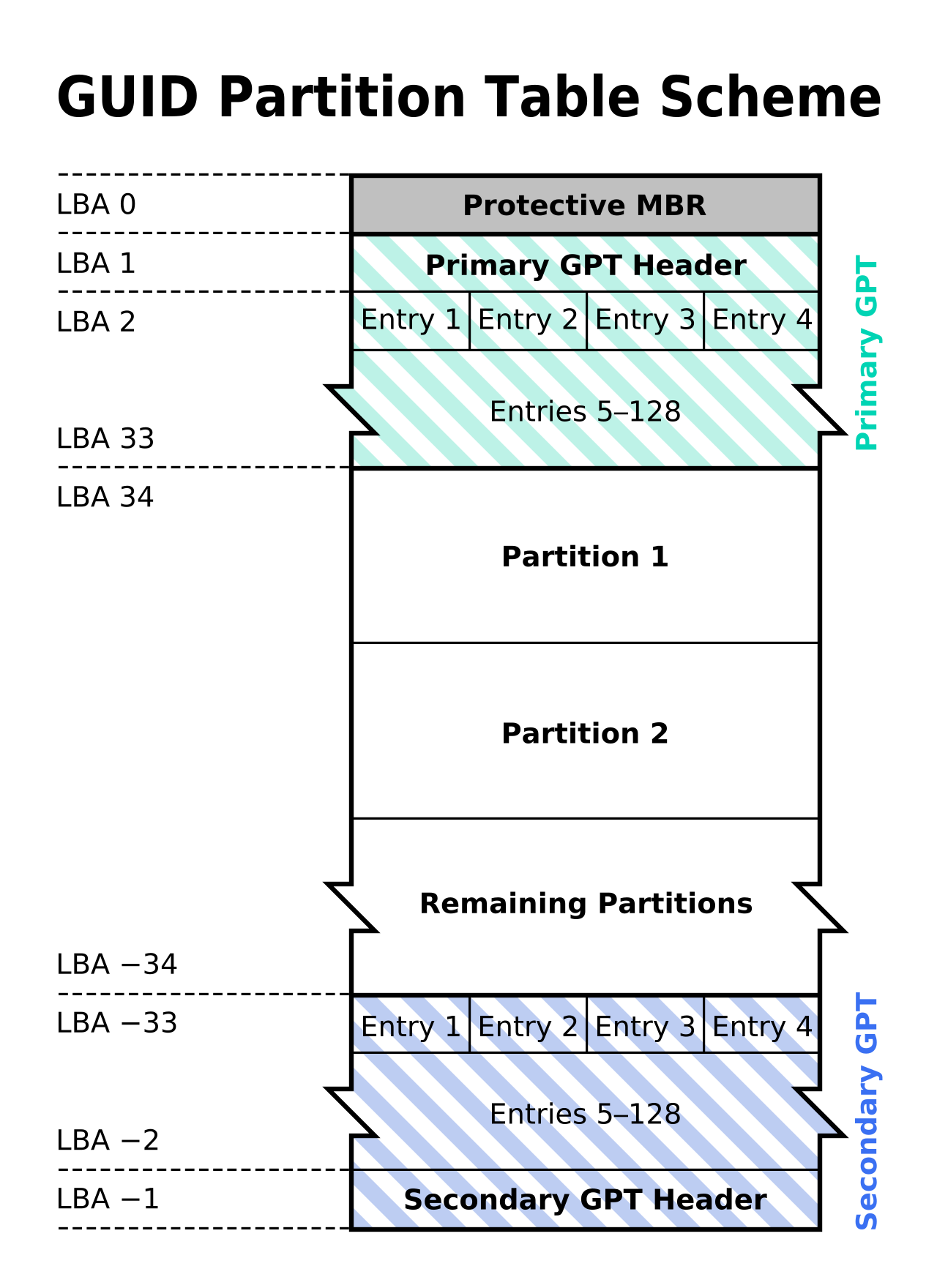
Crucial Hardware Dependency: You cannot use GPT in a vacuum. A GPT disk requires a UEFI-based motherboard firmware to successfully boot a Windows operating system. Legacy BIOS systems cannot boot from GPT disks.
Once the drive is partitioned, the spaces are still just empty rooms. Formatting a storage drive prepares the disk by creating a structured file system. The file system dictates exactly how bits of data are organized, indexed, and retrieved.
Choosing the Right File System
As a technician, you must select the appropriate file system based on the operating system and the intended use case.
| File System | Primary Use Case & Characteristics |
|---|---|
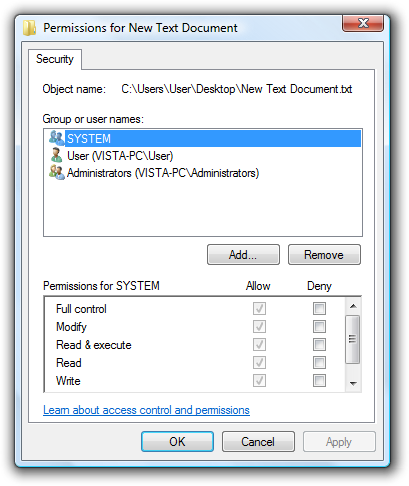
| NTFS | NTFS is the default file system for modern Windows operating system installations. It is robust and designed for enterprise environments. Crucially, the NTFS file system supports file compression, file-level encryption, and advanced security permissions, allowing you to lock down specific files to specific user accounts. |
| FAT32 | A legacy, highly compatible format. However, it has severe limitations: The FAT32 file system limits individual file sizes to a maximum of 4 gigabytes. Furthermore, the FAT32 file system limits partition sizes to a maximum of 32 gigabytes natively within the Windows operating system (Windows Disk Management will refuse to format a FAT32 partition larger than 32 GB). |
| exFAT | Designed specifically to bridge the gap between platforms. The exFAT file system is heavily optimized for use on portable flash storage devices (like USB thumb drives and SD cards). Critically, the exFAT file system eliminates the 4-gigabyte individual file size limit found in the older FAT32 standard, making it perfect for transferring large 4K video files between Macs and PCs. |
| APFS | The Apple File System. APFS is the default file system utilized in modern macOS installations. It is heavily optimized for solid-state drives (SSDs) and native Apple encryption. |
| ext4 | The Fourth Extended Filesystem. The ext4 file system is a standard default file system for many modern Linux distributions, known for high performance and reliability. |
Formatting Execution: Quick vs. Full
When executing the format procedure, Windows will ask you to choose between a Quick Format and a Full Format. Understand the mechanical difference:
- A Quick Format operation creates a new file allocation table without scanning the physical disk for bad sectors. It simply writes the new blank index over the old one. The old data is technically still there until overwritten. This takes seconds.
- A Full Format operation comprehensively scans the entire storage drive for physical bad sectors during the formatting process. It checks the physical integrity of the platters or flash cells. If you are deploying a repurposed, older hard drive, a Full Format ensures the drive isn't silently failing—though it may take hours.
Eventually, the software running your beautifully partitioned and formatted drive will reach the end of its lifecycle. When an organization moves to a new OS, IT professionals must carefully evaluate the deployment strategy.
Clean Installation vs. In-Place Upgrade
There are two primary ways to move to a new operating system:
1. The In-Place Upgrade An in-place operating system upgrade installs a newer version of the operating system while retaining existing user files. This is often the preferred method for end-user convenience because an in-place operating system upgrade preserves previously installed software applications and system configuration settings. The user logs into the new OS and finds their desktop shortcuts and documents exactly where they left them.
2. The Clean Installation Sometimes, a fresh start is mandatory. A clean installation explicitly wipes the existing target partition before copying the new operating system files. Because the slate is wiped entirely blank, a clean operating system installation requires the technician to manually reinstall all third-party software applications and restore user data from backups.
Architectural Shifts: You cannot perform an in-place upgrade across different CPU architectures. Transitioning from a 32-bit operating system architecture to a 64-bit operating system architecture strictly requires a clean installation. The foundational code libraries are entirely different.
Pre-Flight Checks: Upgrade Considerations
Before executing an upgrade, professional technicians never simply click "Next." They perform rigorous evaluations to prevent catastrophic downtime.
- Application Backward Compatibility: Before upgrading the accounting department to Windows 11, technicians must verify application backward compatibility to ensure critical legacy software functions correctly on the upgraded operating system. If a proprietary database tool only runs on Windows 10, an in-place upgrade will halt business operations.
- Storage Capacity: Operating systems are massive. Technicians must evaluate available storage capacity to ensure adequate drive space exists for downloaded operating system installation files and the subsequent decompression process.
- Hardware Support and Drivers: The new OS communicates with hardware differently. An operating system upgrade frequently requires downloading new third-party hardware drivers to ensure component functionality. Displays might revert to basic resolutions, or Wi-Fi cards might stop working until you supply the modern driver.
The Windows 11 Paradigm
Microsoft instituted strict hardware minimums for Windows 11, primarily focused on hardware-level security. To automate the checking of these prerequisites, Microsoft provides a specific tool: The Windows PC Health Check utility verifies if a computer meets the mandatory hardware requirements for a Windows 11 upgrade.
If that utility fails a machine, it is almost always due to two mandatory security requirements:
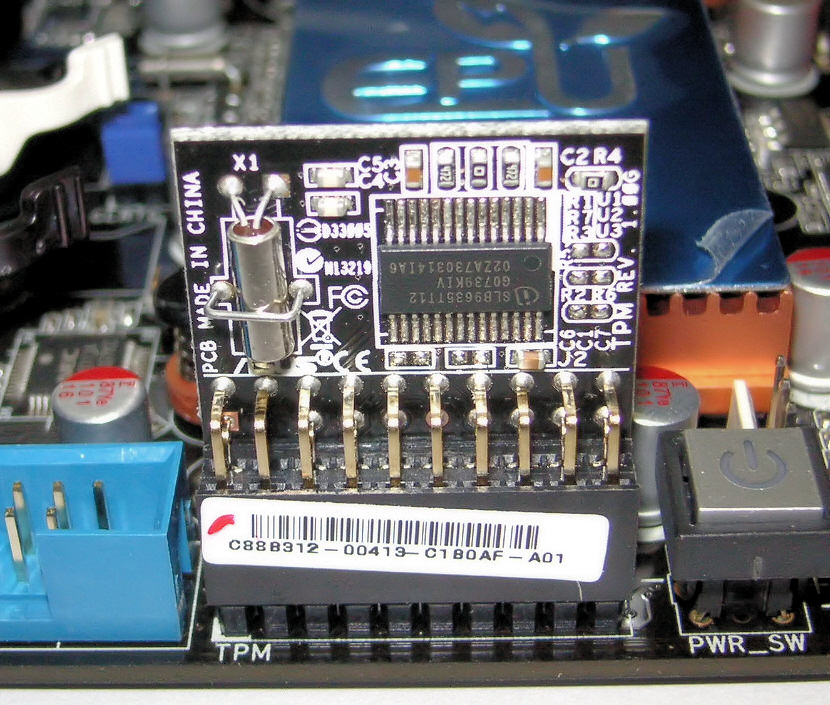
- A Windows 11 operating system upgrade natively requires the presence of a Trusted Platform Module version 2.0 chip. The TPM 2.0 is a dedicated cryptoprocessor that secures hardware-level encryption keys.
- A Windows 11 operating system upgrade requires a motherboard UEFI firmware configuration with the Secure Boot feature enabled. Secure Boot ensures that no malicious code or rootkit can hijack the system during the boot sequence.
The Safety Net: Rollbacks
Even with perfect planning, an upgrade can occasionally fail—perhaps a critical driver refuses to initialize, or an unseen compatibility issue crashes the system. Windows provides a parachute. A Windows operating system upgrade typically generates a Windows.old folder to facilitate a potential rollback to the previous version. This folder contains an archive of the previous operating system's system files and registry. If the user realizes their workflow is broken on Monday morning, the technician can trigger a rollback, using the Windows.old folder to revert the system to its pre-upgrade state in a matter of minutes.