Lifecycle and Change Management
Not sure you’re ready?
Take the ~3-minute readiness diagnostic and see where you stand.
Managing a live network infrastructure is fundamentally the act of rebuilding a suspension bridge while thousands of vehicles continue to drive over it at highway speeds. Every modification—whether replacing a core routing engine, updating a firewall's firmware, or altering an access control list—carries the inherent risk of structural collapse. In network engineering, "collapse" translates to catastrophic downtime, compromised data, and paralyzed business operations. To survive this high-stakes environment, we rely on lifecycle and change management. This is the rigorous, systematic discipline of controlling how network components are introduced, configured, modified, and ultimately destroyed. It is the invisible scaffolding that separates a resilient, professional IT infrastructure from sheer, unpredictable chaos.

When a junior technician logs into a core switch and makes a "quick fix" on the fly, they are gambling with the stability of the entire organization. Professional networking eliminates this gamble. Change management is a systematic approach to controlling modifications to a network environment to minimize disruptions.
To ensure everyone speaks the same language, the Information Technology Infrastructure Library (ITIL) framework formally defines standardized IT change management processes. ITIL provides the blueprint for how changes are requested, reviewed, and deployed.
The Request for Change (RFC)
The engine of change management is the Request for Change (RFC). An RFC is a formal proposal submitted to alter a configuration item within an IT environment.
You cannot simply state, "I want to upgrade the router." To be valid and actionable, a formal Request for Change (RFC) must include the purpose of the change, the scope of the change, and a comprehensive risk analysis.
- Purpose: Why are we doing this? (e.g., Resolving a bandwidth bottleneck).
- Scope: What specific systems, users, and subnets will this touch?
- Risk Analysis: What is the absolute worst-case scenario if this change fails, and how likely is it to happen?
The Change Advisory Board (CAB)
Once an RFC is submitted, it does not go into a void; it goes to a committee. A Change Advisory Board (CAB) is a group of stakeholders that evaluates, authorizes, and prioritizes requested network changes. The CAB isn't just made up of IT engineers; it includes business managers, security officers, and department heads. An engineer might understand the technical risk of a firewall update, but the finance director knows that taking the network offline on the last day of the fiscal quarter is a business catastrophe.
Categories of Change
Not all changes require the same level of scrutiny. We categorize changes to keep the bureaucracy proportional to the risk.
| Change Type | Definition & Execution | Example |
|---|---|---|
| Standard | Standard changes are pre-authorized, low-risk network modifications that follow an established procedure. Because they are proven safe, they do not require a CAB meeting every time. | Adding a new employee workstation to a specific pre-configured VLAN. |
| Normal | Normal changes require a full review and approval process by a Change Advisory Board (CAB) before implementation. These carry moderate to high risk. | Replacing a building's core distribution switch with a new model. |
| Emergency | Emergency changes are implemented immediately to resolve critical incidents and bypass the standard advance approval process. The CAB will review the change after the fire is put out. | Deploying a firewall rule to block an active ransomware attack currently spreading on the LAN. |
The Logistics of Deployment
Approval is only half the battle. Executing the change requires precise logistical choreography.
- Stakeholder notification: You must never surprise your users. Stakeholder notification ensures that affected users and management are aware of upcoming network changes and potential downtime.
- Maintenance window: You do not replace core hardware at 2:00 PM on a Tuesday. Changes are restricted to a maintenance window, which is a specifically scheduled time period during which planned network outages or changes are permitted (often late at night or over weekends).
The Golden Rule of Network Engineering: Never walk into a dark cave without a string to guide you back out. Before executing any change, you must have a rollback plan. A rollback plan is a documented procedure designed to revert a system to its previous operational state if a network change fails. If the new router configuration breaks IP routing, your rollback plan is the exact sequence of commands to restore the old, working configuration immediately.
In physics, entropy dictates that closed systems naturally move from order to disorder. In networking, we call this configuration drift.
Baselines and Golden Configurations
To maintain order, we must first define what "order" looks like. A baseline configuration establishes the standard, thoroughly documented, and approved state of a network device's operational settings. It is the known-good state of the network.
By establishing this state, network administrators compare current device settings against baseline configurations to identify unauthorized changes.
When you leave a network alone, it inevitably changes. A support tech adds a temporary access rule for troubleshooting and forgets to remove it. A vendor requests a specific port to be opened. Over months and years, configuration drift occurs when a device's actual settings gradually deviate over time from the established baseline configuration. Left unchecked, configuration drift leads to bizarre routing loops, performance degradation, and massive security holes.
To scale our defense against drift across hundreds of devices, we use templates. A golden configuration is an idealized, master template used to universally configure all similar devices across a network infrastructure. Instead of configuring fifty identical access switches by hand, you build one perfect golden configuration.
Automation and Tracking
Modern network environments are simply too large for humans to manage via manual command-line interfaces.
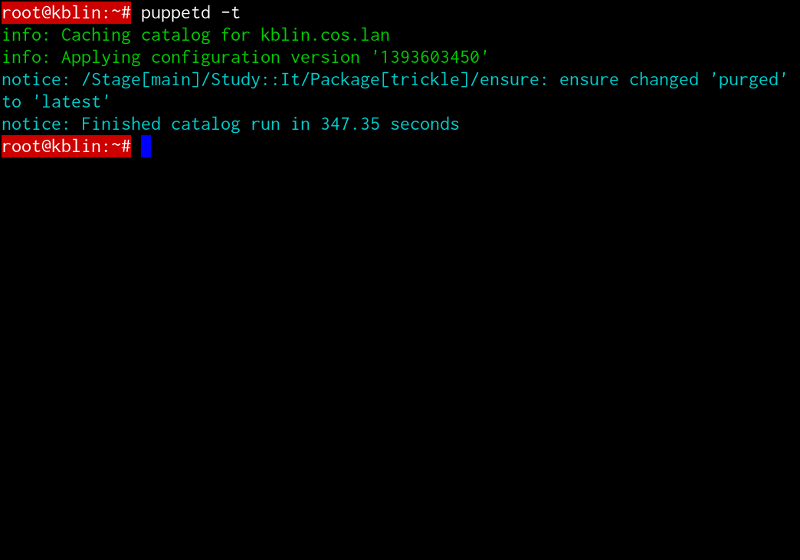
- Configuration management systems (like Ansible, Puppet, or Chef) automate the deployment of golden configurations to ensure consistency across multiple network devices. If you need to update the SNMP string on 500 switches, the configuration management system pushes the change to all of them simultaneously, ensuring zero drift.
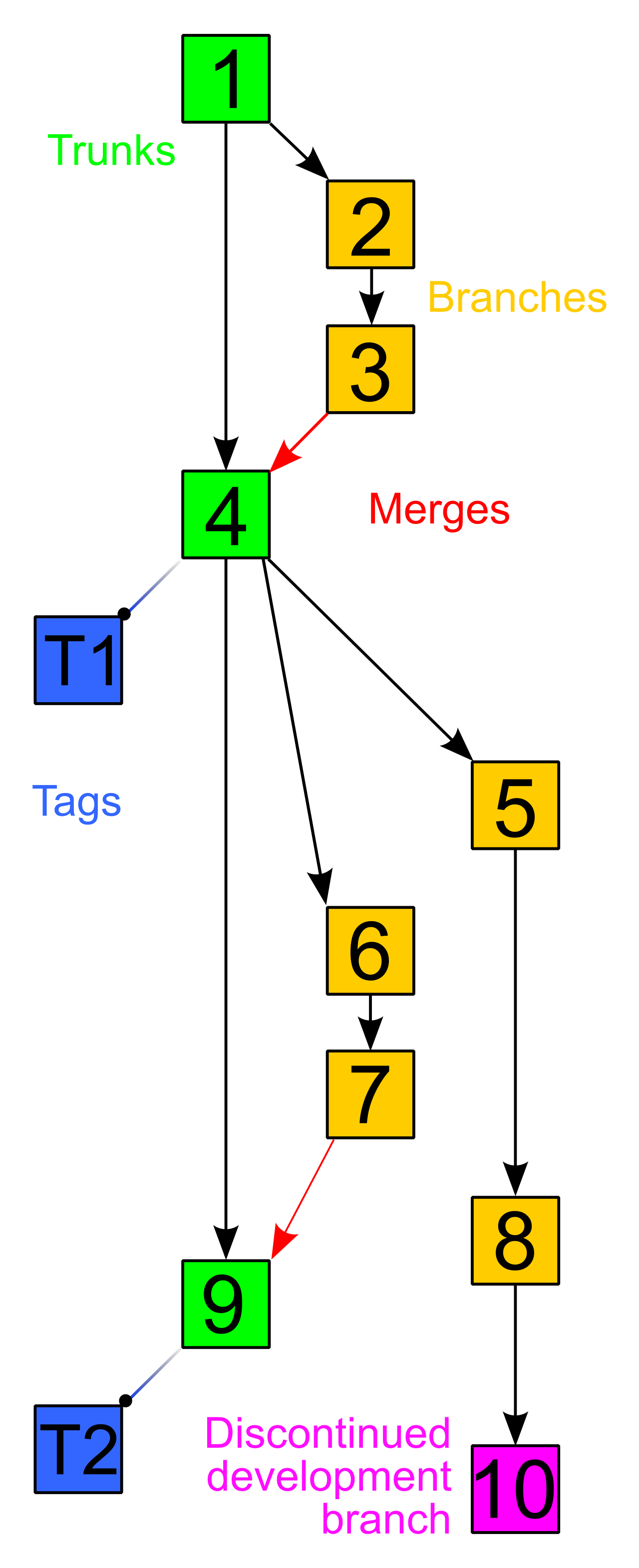
- But what if a deployed configuration introduces a bug? We rely on version control systems (like Git) to track historical modifications to network configuration files to facilitate auditing and rapid rollbacks. With version control, you can look at the exact line of code that changed between yesterday's working network and today's broken network.
Network hardware and software are not immortal. From the moment a switch is powered on, a countdown begins. Managing this lifecycle is critical for security and performance.
EOL vs. EOS
Manufacturers eventually want you to buy new equipment, and they force this transition through two critical lifecycle milestones.
| Milestone | Meaning | Impact on the Administrator |
|---|---|---|
| End of Life (EOL) | End of Life (EOL) indicates the specific date a manufacturer stops selling and marketing a particular hardware or software product. | You can no longer buy this device new. However, you will still receive patches and support if you already own it. |
| End of Support (EOS) | End of Support (EOS) indicates the date a manufacturer completely stops providing technical assistance and software updates for a product. | Critical Danger. You are entirely on your own. No more bug fixes, and more importantly, no more security patches. |
Security Warning: Operating network devices past their End of Support (EOS) date introduces severe security vulnerabilities due to a lack of vendor patches. If hackers discover a zero-day exploit in an EOS router, the manufacturer will not issue a fix. The device becomes a permanent, unpluggable hole in your network's armor.
The Art of Patch Management
While a device is alive and supported, it requires constant maintenance. Patch management involves systematically acquiring, testing, and installing updates to software, firmware, or operating systems.
There are two primary types of updates you will perform on network devices:
- Operating System (OS) patching specifically addresses security vulnerabilities and performance bugs within a device's core operating software. (e.g., Updating Cisco IOS or Juniper Junos).
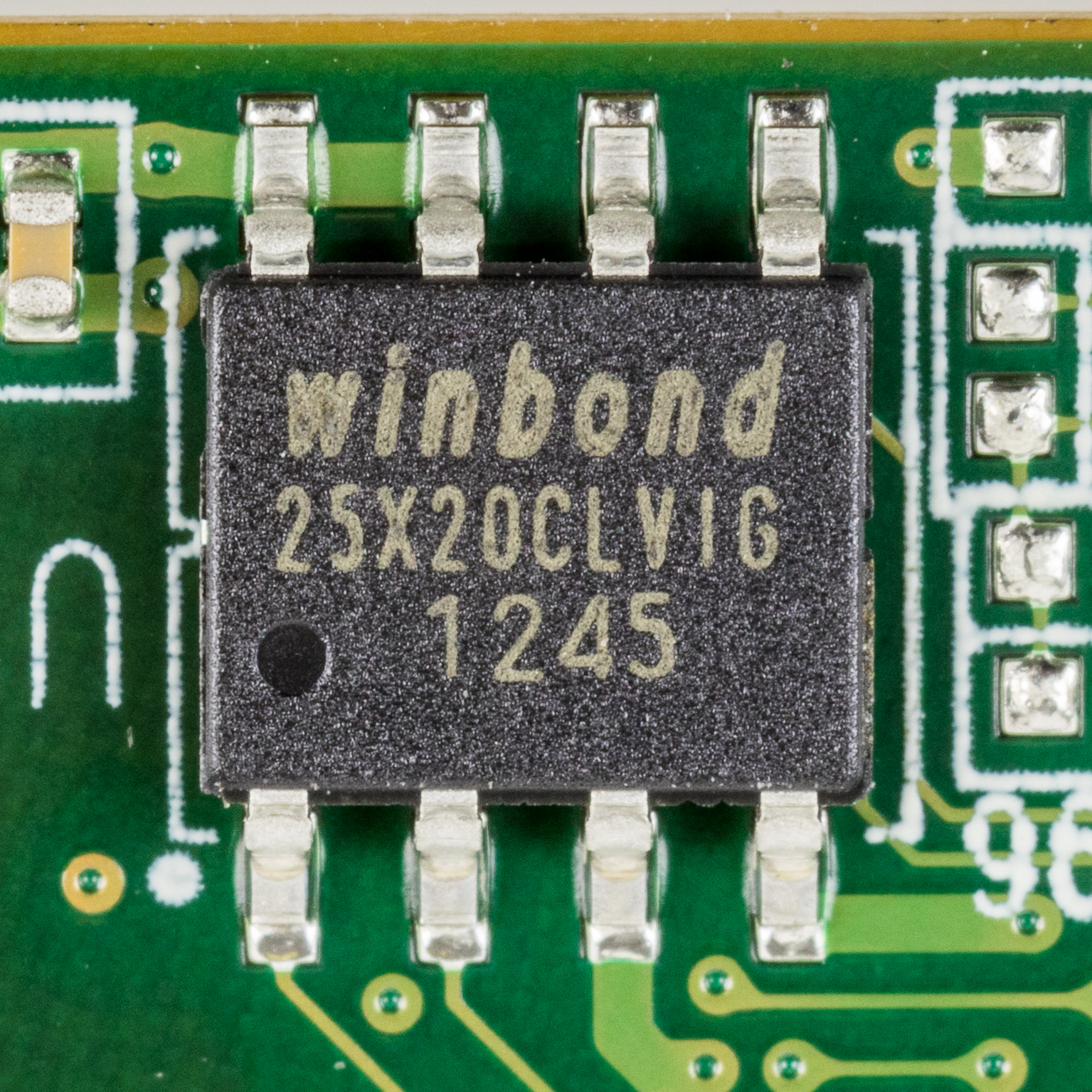
- Firmware updates modify the low-level control software permanently programmed into the read-only memory of a hardware device. Firmware sits just above the physical hardware, controlling how the microchips interface with the OS.
Patches, ironically, can break the very systems they are meant to fix. A patch might resolve a security flaw but inadvertently break a routing protocol your organization relies on. Therefore, administrators must thoroughly test software patches in a staging environment before deploying the patches to a live production network. A staging environment is an isolated, simulated replica of your network where you can safely observe how the patch behaves before applying it to the real world.
Eventually, a device reaches EOS, or its hardware fails, and it must be put out to pasture. You cannot simply unplug a core router and throw it in the corporate dumpster.
Device decommissioning is the formal, documented process of permanently removing network hardware from an active production environment. This process requires immense care, primarily due to the data the device holds. Routers and firewalls contain cryptographic keys, password hashes, routing tables, and proprietary network topologies.
Before a device leaves your physical control, data sanitization cryptographically wipes or physically destroys storage media to remove sensitive configuration files before device disposal. If a storage drive cannot be securely wiped, it must be physically shredded. You never want to see your organization's internal firewall configuration show up on a used equipment auction site.
Once sanitized, the physical hardware must be discarded legally. Network asset disposal must follow organizational security policies and environmental regulations regarding electronic waste (e-waste). Heavy metals and toxic chemicals in circuit boards mean that hardware must be handed over to certified e-waste recycling facilities, complete with a chain-of-custody document.

Finally, the lifecycle loop closes where it began: in the documentation. Upon successful disposal, administrators must update the organization's Configuration Management Database (CMDB) to reflect the removal of a decommissioned network device. The CMDB is the central repository of every asset on your network. If the CMDB isn't updated, automated monitoring systems will throw false alarms looking for a ghost device, and security audits will fail.
By mastering these lifecycle and change management procedures, you elevate yourself from someone who merely fixes broken electronics into a true systems architect—someone who dictates the order, security, and inevitable evolution of the enterprise network.