Network Management Methods
Not sure you’re ready?
Take the ~3-minute readiness diagnostic and see where you stand.
Imagine maintaining a vast, automated transit system where millions of vehicles speed through intricate intersections every second. You, the infrastructure engineer, cannot simply walk into the active traffic lanes to reprogram the signaling lights. You require dedicated access tunnels, encrypted communication frequencies, and heavily guarded control rooms to manage the system securely without disrupting the flow of traffic or exposing the controls to malicious actors. In enterprise networking, the routers, switches, and firewalls that direct immense volumes of data require similar specialized management pathways. Mastering how to securely access, configure, and rescue these devices is what separates the operators who keep the digital world moving from those who accidentally cause gridlock.

To manage a network effectively, we must understand the precise mechanisms of how we speak to our infrastructure. Network management is not merely about knowing which commands to type; it is fundamentally about how we safely deliver those commands to the device.
Every network device possesses a management plane—the logical interface where administrative configurations are processed. Depending on the state of the device, we reach this management plane through different physical and cryptographic avenues.
The Console Connection: The Ground Truth
When a network device is first unboxed, it has no IP address, no routing table, and no awareness of the surrounding network. You cannot ping it; you cannot browse to it. To give it a digital identity, we rely on a console connection.
A console connection is a direct physical link between a management computer and a specific network device. To establish this link, administrators typically utilize a rollover serial cable connected to an RS-232, RJ-45, or USB port on the network device.
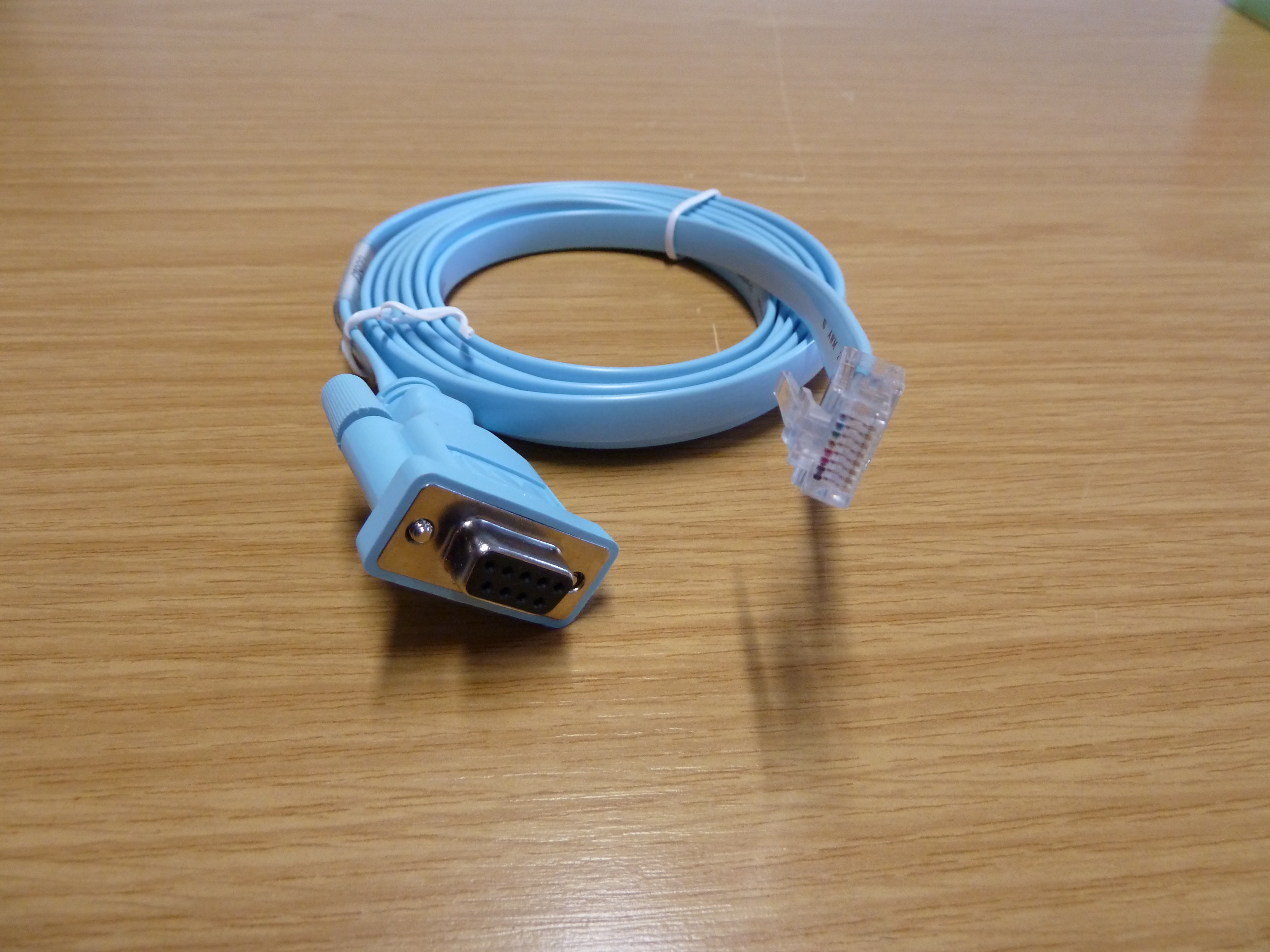
We use console connections for two critical scenarios:
- Initial Provisioning: Administrators use a console connection for initial device configuration before any IP network access is established.
- Disaster Recovery: If you mistakenly apply an access control list (ACL) that denies all traffic to the router, the network drops you immediately. You are locked out. Because the console port operates entirely independently of network routing, administrators use a console connection to restore device access when software misconfigurations lock out remote IP access.
Remote Command-Line Access: Cryptography over Convenience
Once a device is configured and deployed onto the network, walking into the server room with a console cable every time a change is needed becomes wildly impractical. We must manage devices remotely over the network, but the network itself is an inherently hostile environment where traffic can be sniffed and intercepted.
Historically, administrators used Telnet, a protocol that transmits network management data and login credentials in unencrypted plain text. Under no circumstances should Telnet be used in a modern enterprise. Any packet analyzer running on the network can casually pluck a Telnet password out of the air.
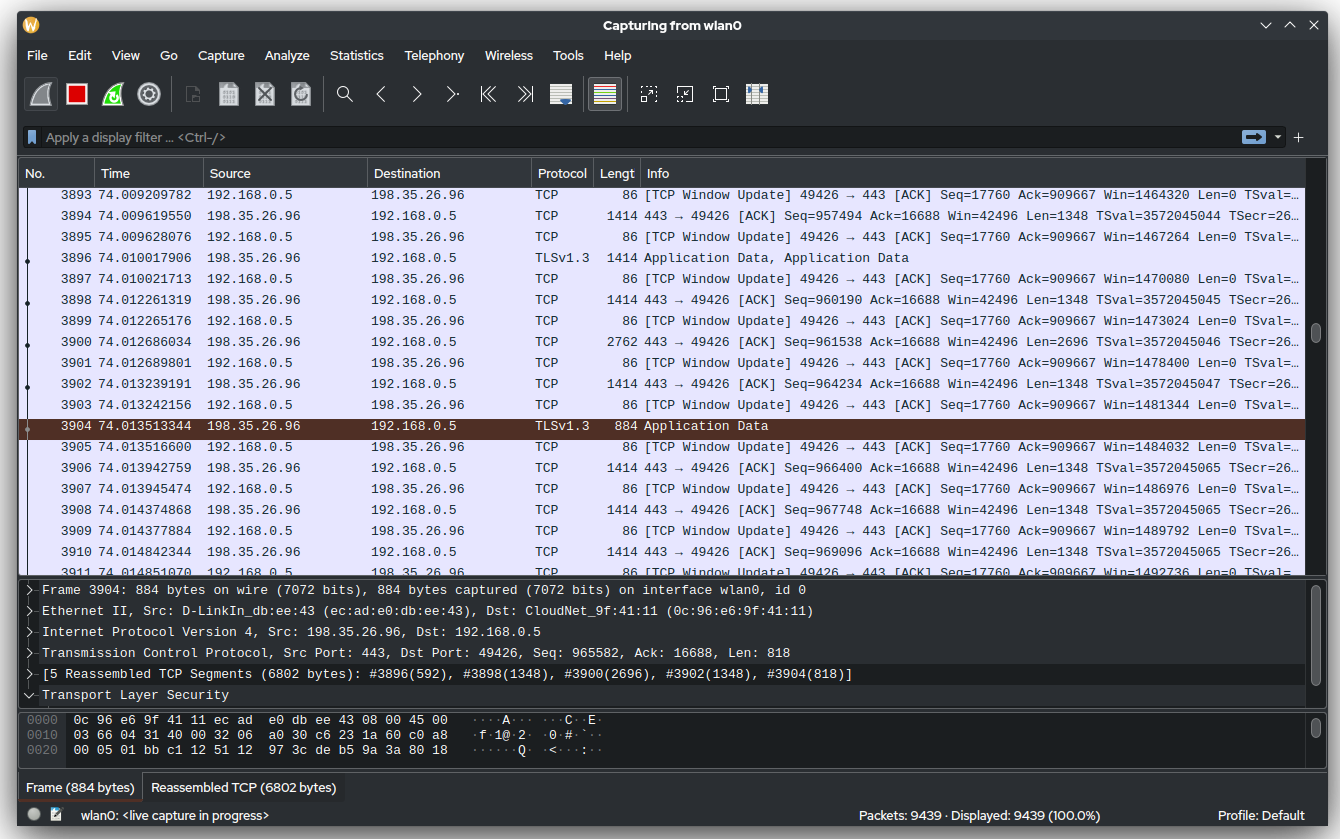
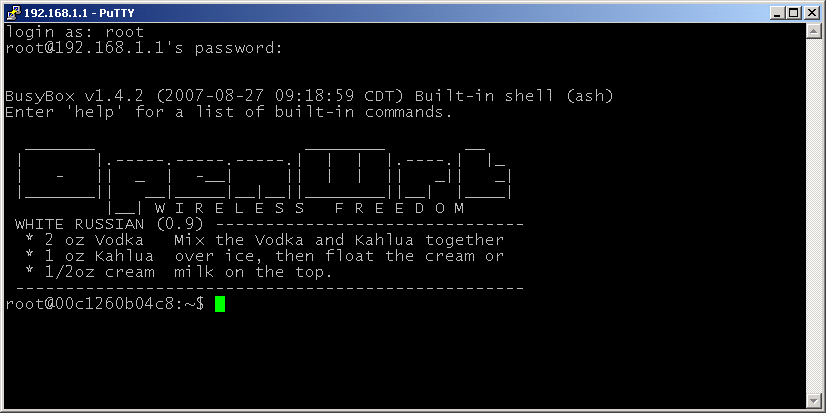
The SSH Standard: Today, network administrators use SSH instead of Telnet to prevent plain-text interception of management credentials. Secure Shell (SSH) is a cryptographic network protocol that operates over TCP port 22. SSH provides a secure, encrypted channel over an unsecured network for remote command-line login.
Graphical and Programmatic Access
While the command-line interface (CLI) is powerful, modern networking offers alternative interfaces tailored for different workflows.
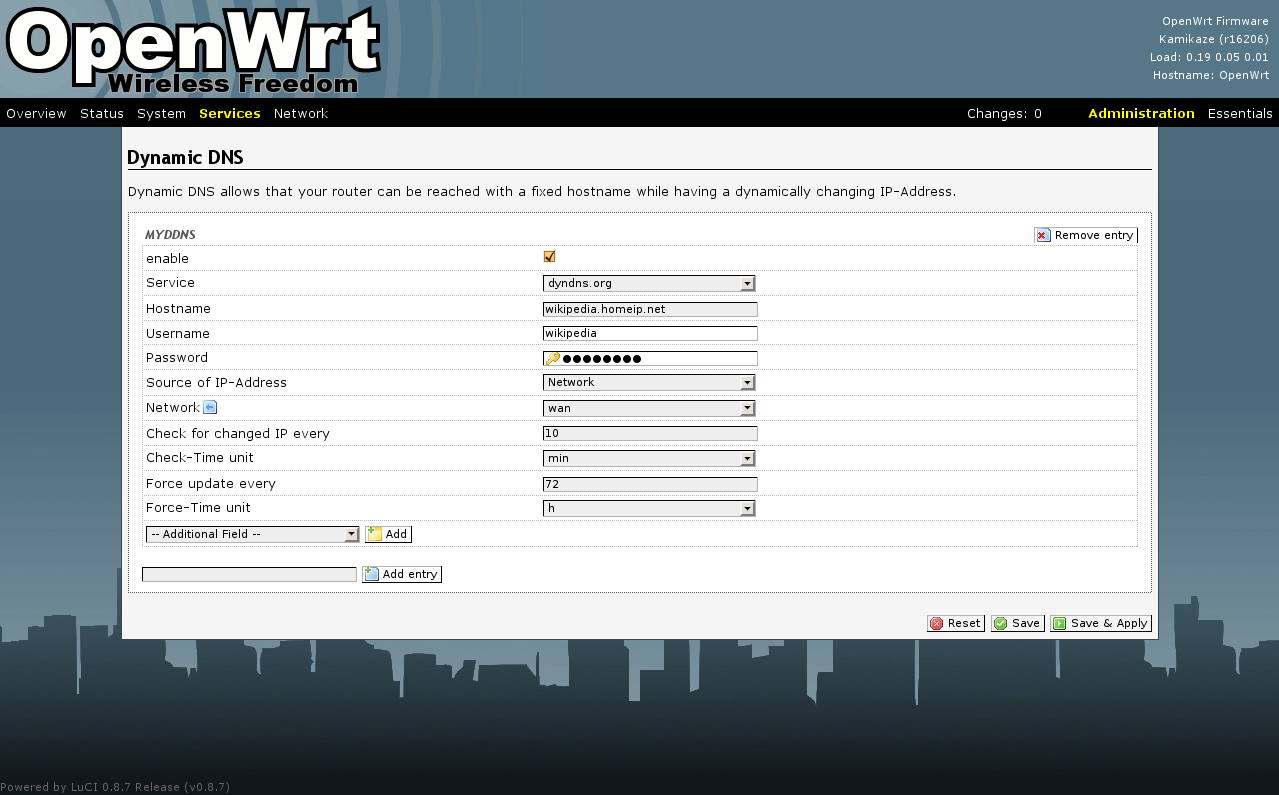
- Graphical User Interfaces (GUIs): Many administrators utilize web interfaces that provide a visual, web-based dashboard for configuring and monitoring network devices. This is highly useful for visualizing traffic flows or managing complex firewall rule sets. However, the security imperative remains: web-based network device GUIs must be accessed using HTTPS rather than HTTP to encrypt the administrative sessions.
- Application Programming Interfaces (APIs): As networks scale to hundreds or thousands of devices, manual human interaction becomes a bottleneck. APIs allow software scripts and external applications to programmatically configure network devices. Because APIs enable automated network provisioning without requiring manual interactions via a command-line interface, they are the backbone of modern Infrastructure as Code (IaC) architectures. Just like the GUI, RESTful APIs for network management commonly operate over HTTPS to ensure encrypted communication.
| Management Interface | Connection Method | Security Standard | Primary Use Case |
|---|---|---|---|
| Console | Physical rollover serial cable | Local physical security | Initial configuration, catastrophic lockouts |
| CLI | Over-the-network (TCP 22) | SSH | Day-to-day granular device configuration |
| GUI | Over-the-network (TCP 443) | HTTPS | Visual monitoring and configuration dashboards |
| API | Over-the-network (TCP 443) | HTTPS (RESTful) | Automated scripts and programmatic provisioning |
Establishing secure protocols like SSH and HTTPS is only half the battle. If every router and switch exposes its management ports directly to the wider corporate network (or worse, the public internet), the surface area for a potential cyberattack is massive. A vulnerability in one device's SSH daemon could compromise the entire fleet.
To solve this, we alter the architecture of how we reach those devices by implementing a jump box.
A jump box is a highly secured computer located on a network used exclusively to access devices in a separate security zone. In cybersecurity circles, a jump box is frequently referred to as a bastion host—evoking the image of a heavily fortified tower in a castle wall.

The Workflow: Network administrators connect remotely to a jump box before establishing a secondary connection from the jump box to internal network devices.
A jump box sits between an untrusted network and a secure management network to prevent direct external routing to internal devices. By forcing all administrative traffic to flow through this single choke point, implementing a jump box reduces the network attack surface by centralizing remote administrative access into a single heavily monitored gateway. If an attacker wants to probe your core switches, they must first breach the bastion host, which is typically stripped of all non-essential software, fiercely monitored, and fortified with multi-factor authentication.
Now we must step back and look at the physical pathways our management traffic takes. When you SSH into a core router from your jump box, whose physical cables is that traffic traversing? The answer defines your management architecture.
In-Band Management: Sharing the Highways
In-band network management transmits administrative traffic over the exact same physical network infrastructure as regular user data. When you send a configuration command to a switch via in-band management, your SSH packets travel alongside standard employee emails, database queries, and video calls.
To prevent utter chaos and provide a layer of logical security, administrators rarely let this traffic mingle freely. Instead, Management VLANs logically separate administrative traffic from user data traffic within an in-band management architecture.
Advantages of In-Band:
- In-band management is highly cost-effective because the architecture does not require dedicated physical cables or separate switches for management traffic.
The Fatal Flaw of In-Band:
- In-band management relies entirely on the primary network infrastructure functioning properly to allow administrative access.
- Consequently, a primary network outage will completely sever in-band management access to the affected network devices. If a bad routing loop crashes the primary network, your management connection crashes with it, exactly when you need it most.
Out-of-Band Management: The Utility Tunnels
When the main highway collapses, you need a utility tunnel to reach the wreckage. Out-of-band (OOB) network management utilizes a dedicated communication path completely separate from the primary data network.
Out-of-band management provides higher security than in-band management by physically isolating administrative traffic from regular user traffic. There is no possibility of a user intercepting management traffic on the main network because the management traffic physically resides on a different set of wires.
More importantly, out-of-band management allows administrators to access and reboot a network device during a complete failure of the primary data network.
To achieve this physical separation, out-of-band management often employs:
- Dedicated management Ethernet ports: Special ports on enterprise devices wired into a completely isolated, secondary physical switch fabric.
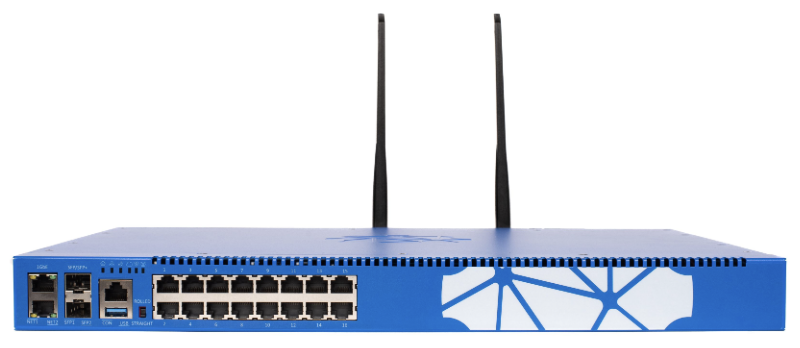
- Separate console servers: Devices that plug into the physical console ports of all nearby switches and routers, offering consolidated serial access.
- Cellular modems: Wireless 4G/5G connections wired into a remote branch router, providing a "backdoor" into the equipment if the primary fiber-optic connection is severed by a backhoe.
By understanding how these connection methods and architectural strategies interlock, you are not merely learning how to log in to a switch. You are learning how to engineer resilient, secure control mechanisms that guarantee you always maintain command over your network, no matter what digital weather comes your way.