Presentation of Knowledge and Ideas
Not sure you’re ready?
Take the ~3-minute readiness diagnostic and see where you stand.
When a mind possesses a new piece of knowledge, transferring that knowledge into another mind is not a simple act of broadcasting. It requires translating abstract thought into a linear, sequential stream of symbols—words, tones, and images—that the receiving mind can reconstruct. For an elementary student, the gap between understanding a concept internally and presenting it externally is vast. They are not merely learning facts; they are learning the architecture of communication. Teaching presentation skills is teaching the physics of idea transfer: how to sequence thought logically, tune vocal delivery to the precise frequency of the environment, and deploy visual media as load-bearing structural support rather than superficial decoration.
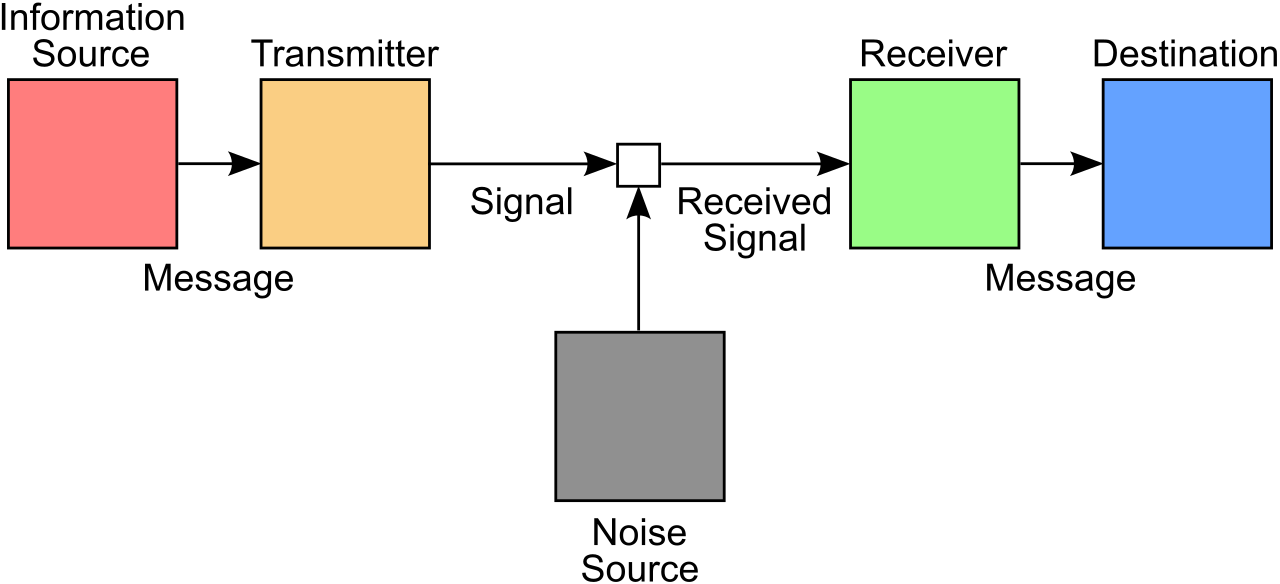
Before a student utters a single syllable, they must build a mental scaffolding for their audience. An oral presentation without a logical structure is like pouring out a bucket of LEGO bricks and calling it a house. The audience needs a blueprint.
Structuring Information
Different academic tasks demand different organizational blueprints, known as text structures. You must teach students to select the structure that best fits the nature of the information they are trying to convey:
| Text Structure | Function | When to Use It |
|---|---|---|
| Chronological Order | A text structure that sequences events in the exact order they occurred over time. | Explaining the stages of the butterfly life cycle or recounting a historical timeline. |
| Spatial Order | A text structure that organizes information according to physical location. | Describing the geography of a continent or mapping the physical layout of the solar system. |
| Cause-and-Effect | A structure requiring presenters to clearly link an action to its corresponding outcome. | Explaining how deforestation impacts local wildlife populations. |
| Problem-and-Solution | Organizes ideas by first detailing an issue and then proposing a remedy. | Discussing plastic pollution in the oceans and presenting recycling initiatives. |
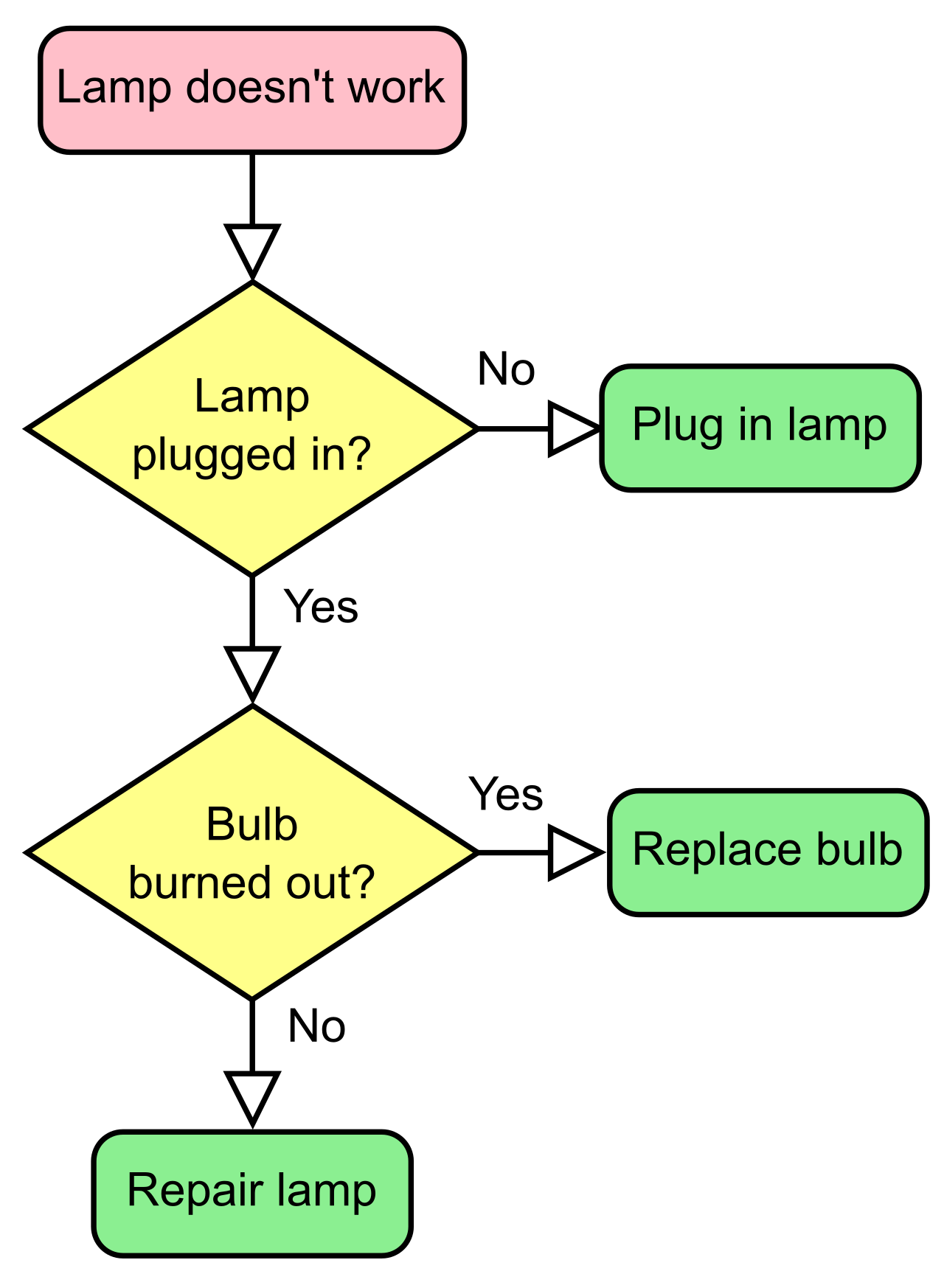
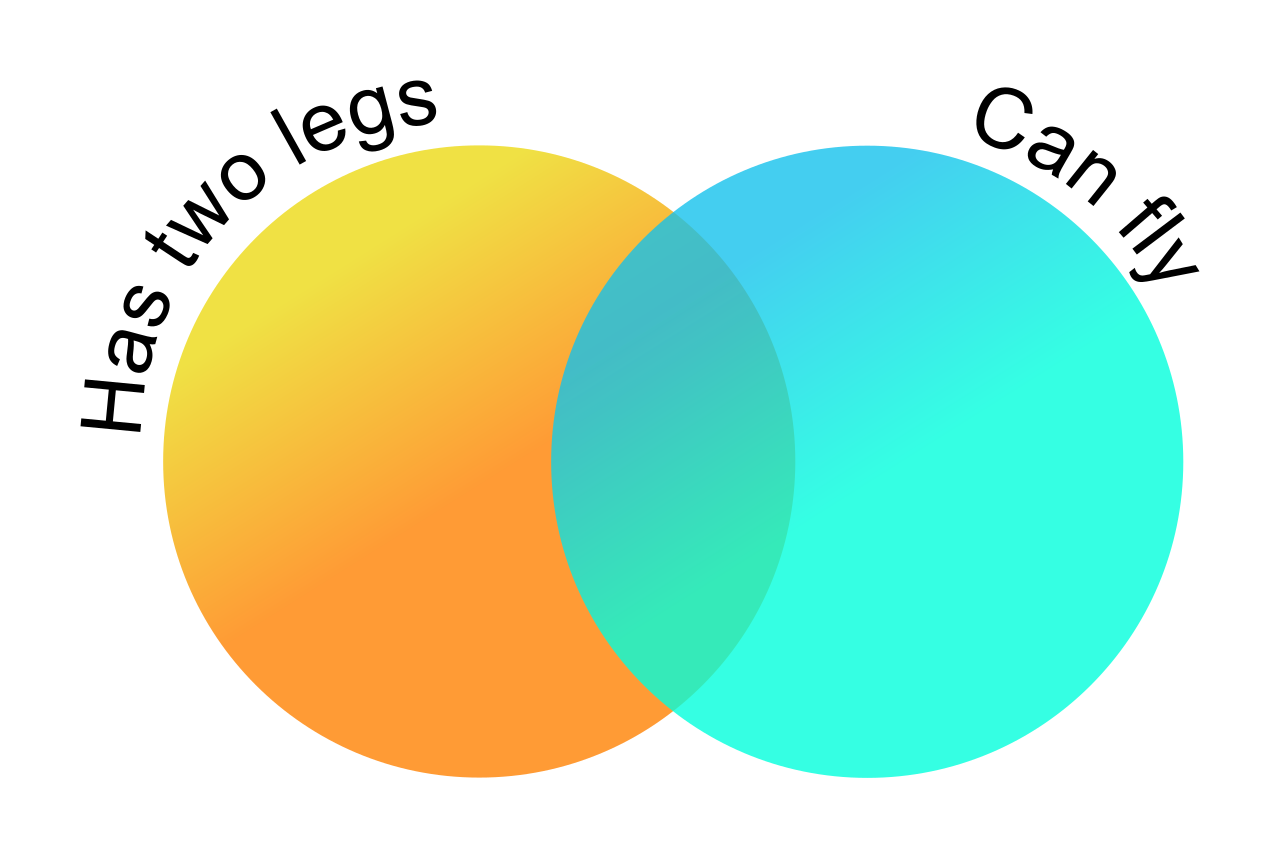
To move these abstract structures into concrete plans, graphic organizers help elementary students visually map the sequence of their ideas before presenting. Whether it is a flow chart for a chronological sequence or a Venn diagram for a comparison, the graphic organizer serves as the student’s engineering schematic.
Building the Line of Reasoning
Having a sequence is only half the battle; the audience must be guided through it. A clear line of reasoning requires explicit transitional words to connect distinct ideas. Words like furthermore, consequently, or meanwhile act as the mortar between the conceptual bricks.
For many students, particularly English Language Learners (ELLs), generating these transitions spontaneously during a presentation requires immense cognitive load. Providing sentence frames helps English Language Learners orally structure a logical sequence of ideas (e.g., "First, I observed ____. As a result, ____ happened."). This scaffolding allows the student to focus on communicating their content knowledge rather than wrestling with syntactic mechanics.
How do we know if the logic holds up before the final presentation? We test it on an audience. Peer feedback routines help students identify areas where their presentation logic is unclear to an audience. When a peer says, "I didn't understand how you got from step two to step three," the presenter realizes they have dropped a crucial transition.
Instructional Reality Check: Do not assume a logical sequence is obvious. What seems like a self-evident leap in logic to an adult is often a chasm for a child. Force them to build the bridge with explicit transitions.
Once the structure is built, the student must deliver it. Human speech is not a flat transmission of data; it is an acoustic performance. When students present, they must control their pacing, their prosody, and their language choices.
Vocal Mechanics: Pace, Prosody, and Volume
Watch an elementary student walk to the front of the room. Their heart rate spikes. The adrenaline hits. And as a result, elementary students frequently speak too quickly during oral presentations due to performance anxiety. They treat the presentation as a sprint to the finish line. Simply telling a nervous child to "slow down" is rarely effective because they cannot accurately perceive their own speed in the moment. Instead, leverage technology: recording audio allows students to independently monitor and adjust their speaking pace during rehearsals. Hearing their own voice played back forces them to recognize the auditory blur they are creating.
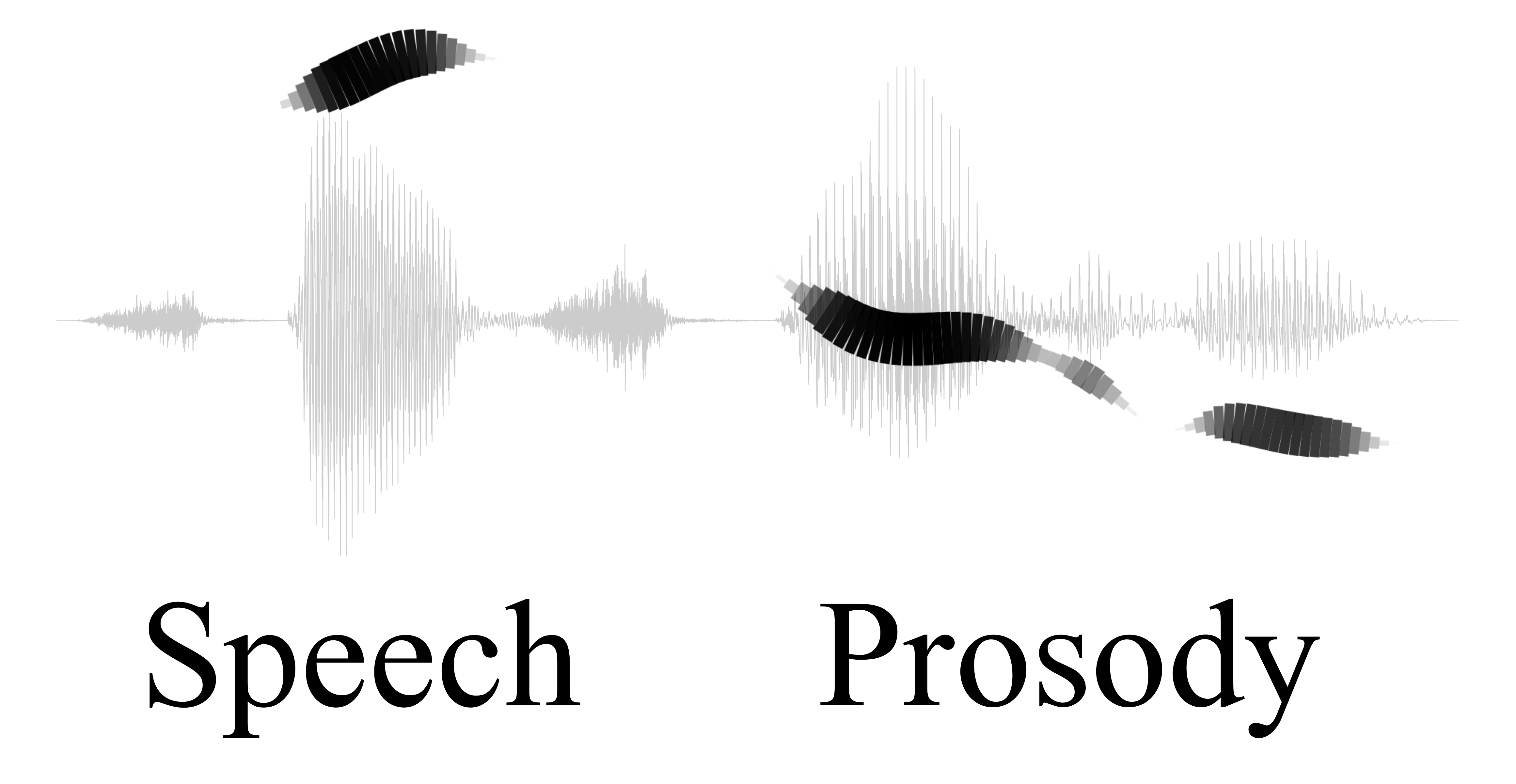
Speed is not the only variable. We must also teach prosody, which includes the rhythm, stress, and intonation of speech. If a student reads a passionate argument in a flat, robotic monotone, the audience disengages. Strong prosody improves the clarity of an oral presentation by using vocal emphasis to signal which words carry the most conceptual weight.
Furthermore, presenters must adjust their vocal volume based on the physical size of the presentation room. A voice calibrated for a small reading group will not carry across a cafeteria.
The Physical Connection: Eye Contact
Vocal delivery must be anchored by physical presence. Eye contact establishes a direct connection between the speaker and the audience, signaling confidence and keeping listeners engaged. However, staring at a sea of faces is intimidating for an eight-year-old. Modeling appropriate eye contact is a key pedagogical strategy for teaching presentation skills to elementary students. You must explicitly demonstrate the "sweep"—looking at different zones of the room—rather than staring intensely at the teacher or looking at the floor.
Language and Register
The language a student uses on the playground is beautifully efficient for its context, but it is not built for academic presentations.
Speaking register refers to the level of formality used in a specific communication setting. We generally divide this into two categories for elementary students:
- Informal register is typically used when communicating with peers. By its nature, informal register includes colloquialisms (slang) and fragmented sentences.
- Formal register is characterized by standard vocabulary and complete grammatical sentences.
Students do not automatically know when to switch between these modes. Explicit instruction is required to teach elementary students the difference between formal academic language and casual language. You must model scenarios: How do you explain the rules of kickball to your friend? How do you explain the rules of kickball to the school principal?
As you teach this, you will encounter code-switching, which is the practice of alternating between two or more language varieties in a single conversation. Code-switching is a highly sophisticated linguistic skill, often utilized by bilingual or bidialectal students to navigate different social contexts. When a student slips into an informal register during an academic presentation, do not treat it as an inherent lack of knowledge; treat it as an opportunity to discuss audience and purpose.
To ensure fairness and transparency in evaluating all these complex delivery metrics, a rubric provides explicit criteria for evaluating a student's oral presentation skills. A rubric objectifies the grading process, shifting the feedback from "you did a good job" to "you maintained a formal register and adjusted your volume appropriately."
We live in a multimedia world, and presentation software is introduced in elementary schools earlier than ever. But visual media is a double-edged sword. Used correctly, it illuminates the mind. Used poorly, it creates cognitive gridlock.
The Purpose of Media
Here is the golden rule of presentation media: Visual media in an academic presentation must clarify the presented information. It is an explanatory tool. Therefore, visual media in a presentation should not serve merely as aesthetic decoration. If a student is presenting on the water cycle, a random, spinning clip-art image of a smiling cloud does not aid understanding—it is merely a distraction.
Avoiding Cognitive Overload
When a student discovers presentation software, their first instinct is to type their entire speech onto the slide. This is disastrous for the audience's attention. Overloading a presentation slide with text distracts the audience from the speaker's oral message. The human brain cannot simultaneously read one dense block of text and listen to someone speaking a different text. The audience will try to read the slide, tune out the speaker, and ultimately comprehend neither. Teach students the "billboard rule": slides should be quickly scannable visual anchors, not teleprompters.
Strategic Media Integration
Different types of data require different types of media:
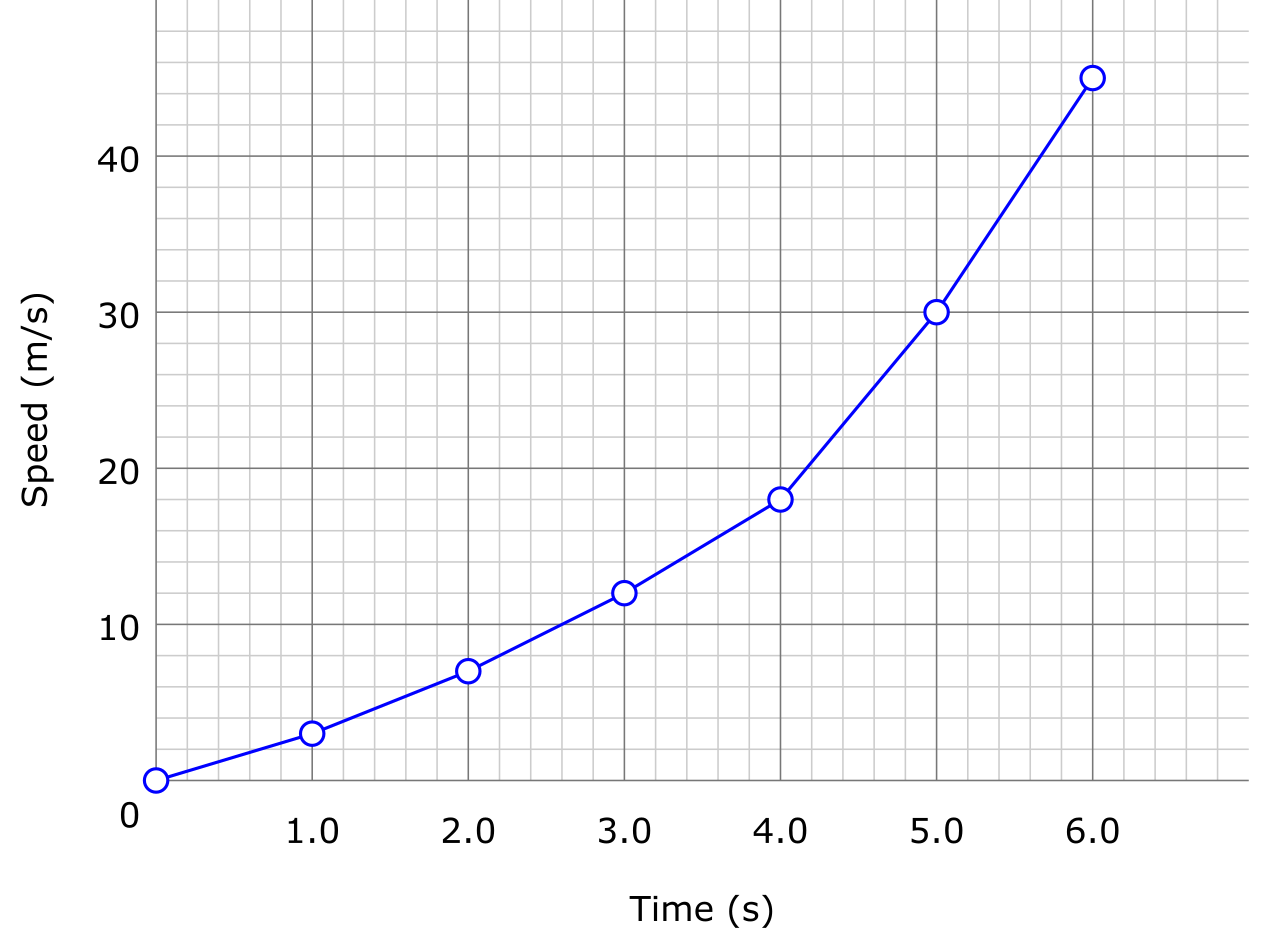
- Quantitative Data: Charts and graphs assist audiences in interpreting numerical data during an oral presentation. Telling the audience "temperatures rose 2 degrees while ice density dropped 14%" is hard to hold in working memory. A simple line graph makes the inverse relationship instantly, visually obvious.
- Historical Evidence: Audio clips embedded in a presentation can provide primary source evidence for historical topics. Hearing the actual static-filled radio broadcast of the moon landing transports the audience in a way a transcribed quote cannot.

- Audience Engagement: Interactive media elements require the audience to actively engage with the presentation materials. This might be a digital poll the audience takes, or an interactive map where the presenter clicks a region to reveal data.
Planning and Accessibility
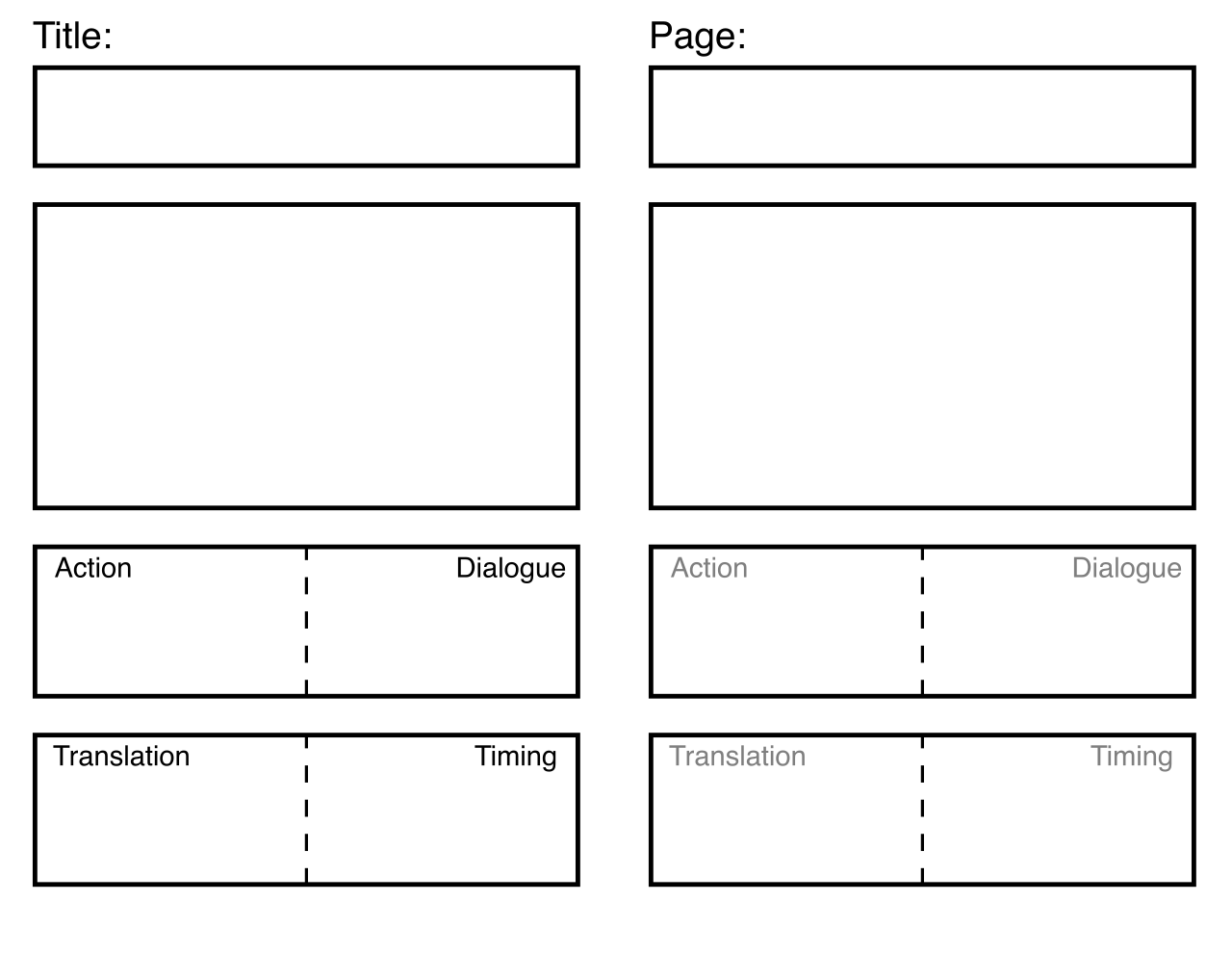
How do we teach children to coordinate their words with their visuals? Digital storyboarding helps students plan the specific integration of visual media with oral narration. A storyboard is a two-column table: on the left, what the student will say; on the right, the specific image or chart that will appear on screen at that exact moment. It forces deliberate design.
Finally, remember that as a teacher, your presentation media is also an instructional scaffold. Multimedia tools provide scaffolding for struggling readers to access complex academic texts. When you are presenting new content, pairing difficult academic vocabulary with high-quality, clarifying images or short video models allows students with lower reading proficiency to grasp the conceptual heavy lifting. Media, when deployed strategically, bridges the gap between text and comprehension.
The Professor's Summary: A successful presentation in the elementary classroom is the triumph of engineered communication. We teach students to structure their logic (chronological, spatial, cause-and-effect), control their acoustic delivery (prosody, pace, register), and curate their visuals to clarify rather than decorate. We are not just teaching them to speak; we are teaching them to be understood.