Imagine designing the security apparatus for a sprawling, multinational corporate headquarters. You would never hand a universal master key to every employee, contractor, and delivery driver who walks through the lobby. Instead, you would issue carefully programmed ID badges. The receptionist’s badge opens the front doors; the database administrator’s badge opens the server room; the chief financial officer’s badge grants access to the executive suites and the financial records. If a badge is lost, you disable it immediately. If a contractor leaves, their access vanishes automatically.
A master key unlocking a physical lock serves as a real-world analogy for unrestricted access, a risk AWS IAM mitigates by replacing universal keys with precise permissions.
In Amazon Web Services, the infrastructure is digital, but the physical reality of access control remains identical. We manage this through AWS Identity and Access Management (IAM). For professionals in sales, finance, or project management, understanding IAM is not merely a technical exercise—it is the foundational mechanism for risk management, regulatory compliance, and cost control in the cloud. We must precisely define who can enter our digital building and exactly what they are permitted to do once inside.
Just as a security guard verifies physical ID badges before granting entry, AWS IAM verifies digital identities and permissions before allowing interaction with cloud resources.
To govern our AWS environment, we must first define the entities interacting with it. In AWS, every action—whether launching a server, reading a database, or viewing a billing statement—begins with an identity.
Users and Groups
When an individual joins your organization, or when an application needs a permanent digital identity to interact with your cloud resources, you create an AWS IAM User. Fundamentally, an AWS IAM User is a resource created in AWS to represent a single person or application.
However, managing access for hundreds of individual IAM Users one by one is an operational nightmare. If a dozen financial analysts all require the same access to billing dashboards, assigning permissions individually invites human error. To solve this, we use an AWS IAM Group, which is a logical collection of AWS IAM Users. By grouping identities by job function or department, we simplify management.
Policies and Least Privilege
Identities alone cannot do anything; they possess no default permissions. To grant them capabilities, we use an AWS IAM Policy. An AWS IAM Policy is a document defining specific allow or deny permissions for AWS resources. These policies are highly precise and are written in JSON (JavaScript Object Notation) format.
The Principle of Least Privilege
The principle of least privilege is the practice of granting a user only the absolute minimum permissions necessary to complete a designated task.
If a project manager only needs to read a project status report from a storage bucket, their policy should explicitly allow reading, but implicitly deny deleting or modifying the report. Attaching an AWS IAM policy to an IAM Group grants the specified permissions to every IAM User assigned to the group. If an analyst switches from Marketing to Finance, you simply move their IAM User to the new group, automatically revoking their old permissions and granting their new ones.
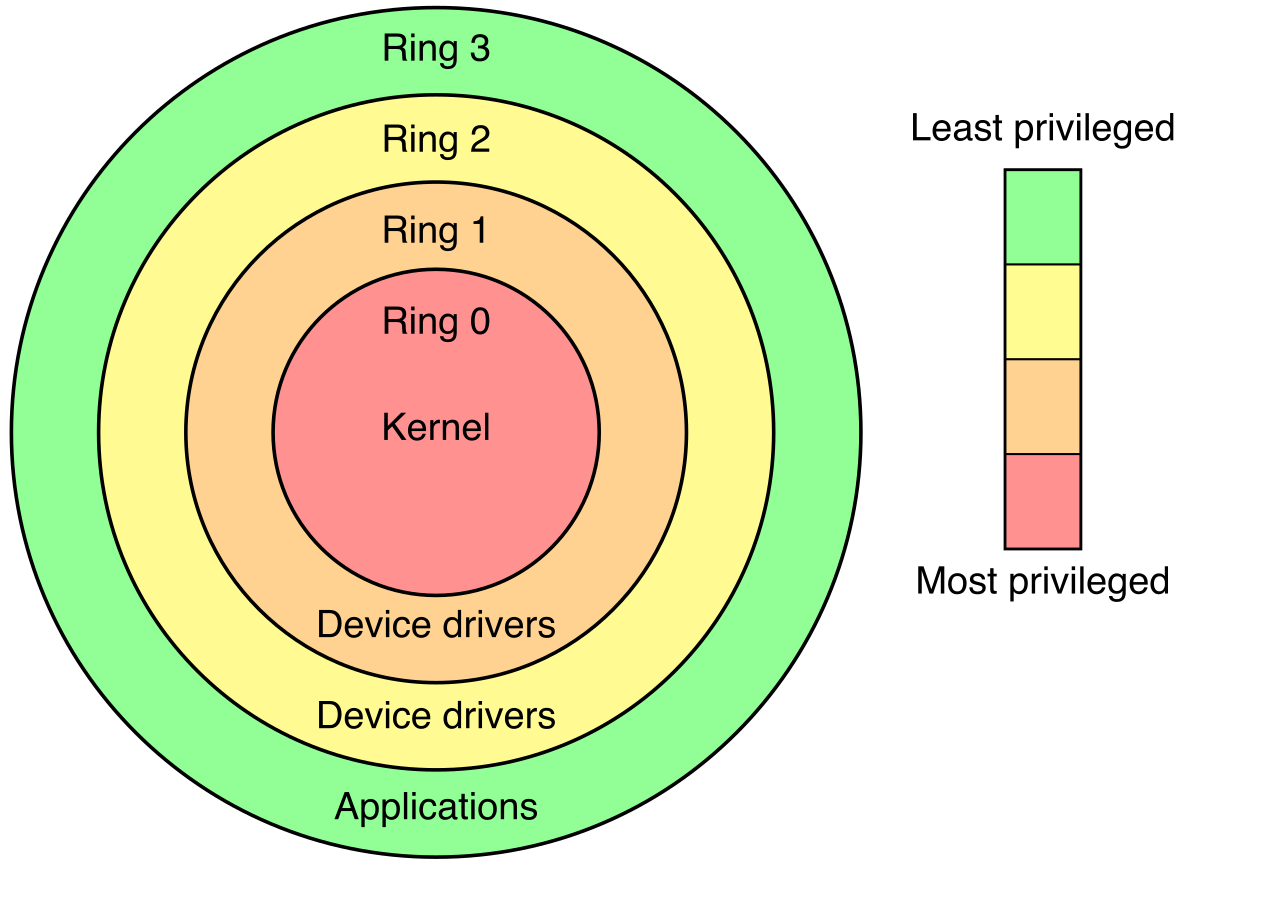
The principle of least privilege, conceptualized here as privilege rings, restricts user permissions to the innermost, least-sensitive level required to complete a specific task.
Sometimes, an identity requires permissions for only a short duration. Consider an auditor reviewing your architecture for an afternoon, or an application running on an AWS server that needs to temporarily write a file to a database.
For these scenarios, we use AWS IAM Roles. AWS IAM Roles are identities designed to be temporarily assumed by authorized users, applications, or AWS services. Instead of acting as a permanent ID badge, a role functions more like a valet key or a temporary visitor pass. Critically, AWS IAM Roles rely entirely on temporary security credentials rather than long-term passwords. When the session ends, the credentials expire automatically, vastly reducing the risk of compromised access.
When an organization first decides to build in the cloud, someone enters a credit card and an email address to create the account. This initial act automatically generates a unique identity.
The AWS account root user is created automatically during the initial creation of a new AWS account. This identity is distinct from any IAM User you will subsequently create. The AWS account root user has unrestricted access to all resources and billing details within the AWS account. It can close the account, alter support plans, and delete massive databases with a single click.
Because its power is absolute, the root user presents an existential security risk.
Root User Best PracticesBest practices dictate completely avoiding the AWS account root user for everyday administrative tasks. Administrators should create a separate IAM User or IAM Role for daily AWS account management tasks.
Furthermore, to lock down this master key, AWS strongly dictates that you must secure it. Multi-Factor Authentication must be enabled on the AWS account root user to prevent unauthorized system access. Finally, AWS recommends deleting any programmatic access keys associated with the AWS account root user, ensuring no automated script can ever wield unrestricted administrative power.
Defining identities is only half the equation; we must also verify that the person or system claiming an identity is authentic. AWS provides multiple mechanisms to secure both human and programmatic access.
Human Authentication: Passwords and MFA
For humans logging into the AWS Management Console, the primary defense is a password. Administrators maintain control over credential strength by enforcing an AWS IAM password policy. An AWS IAM password policy enforces complexity requirements for IAM user passwords, ensuring they are not easily guessed.
A robust password policy does not stop at complexity. An AWS IAM password policy can mandate a strict password expiration period (e.g., forcing a reset every 90 days), and it can prevent IAM users from reusing past passwords. Furthermore, to reduce IT overhead, administrators can configure AWS IAM to permit IAM users to change personal passwords without submitting a support ticket.
Multi-Factor Authentication requires a unique authentication code from an approved device in addition to a standard password. It combines something you know (the password) with something you have (the device). AWS strongly recommends enabling Multi-Factor Authentication for all human users to improve account security.
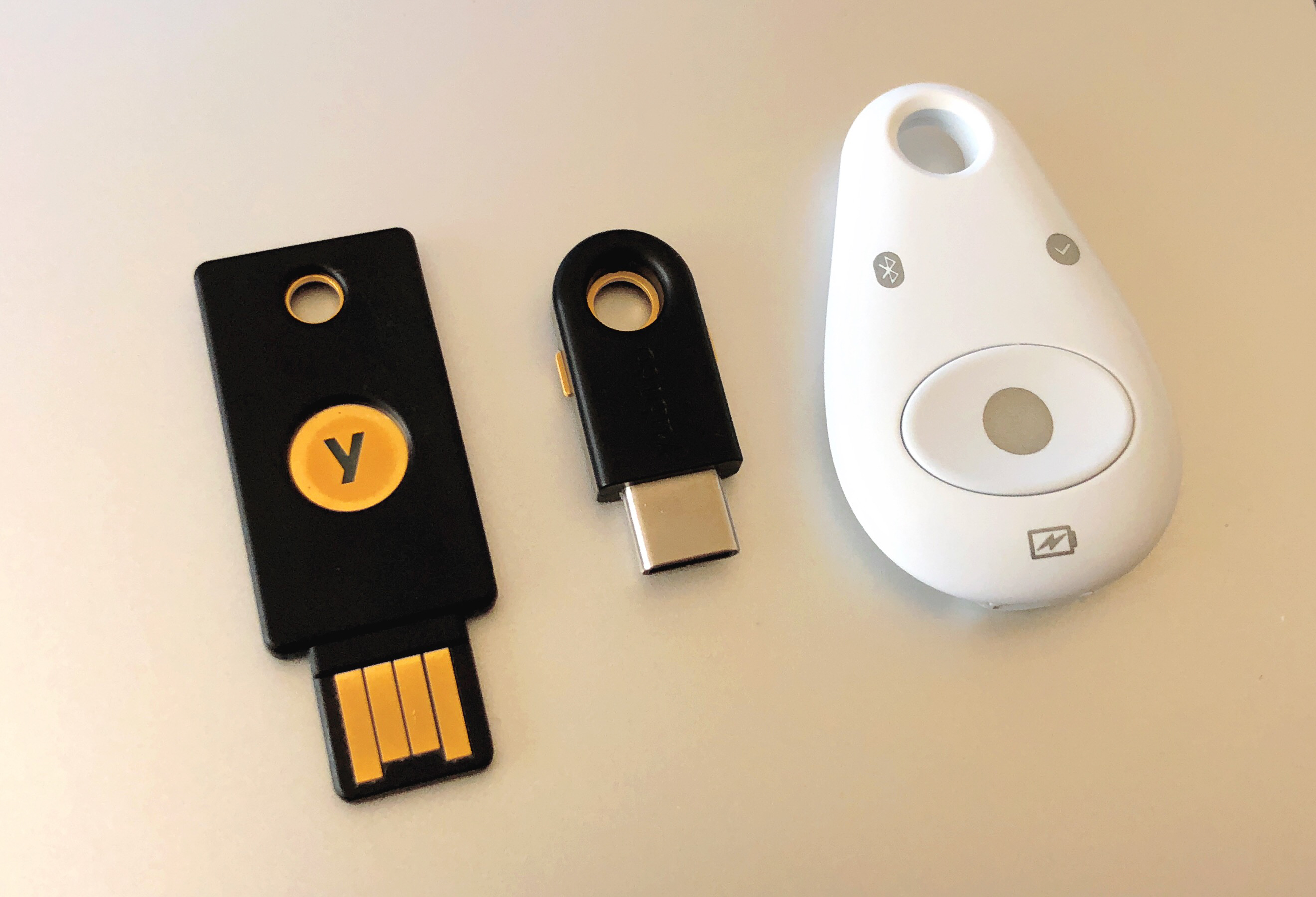
Hardware Multi-Factor Authentication: These devices are physical key fobs generating time-based authentication codes, often distributed to executives or database administrators who require highly secure, offline authentication tools.
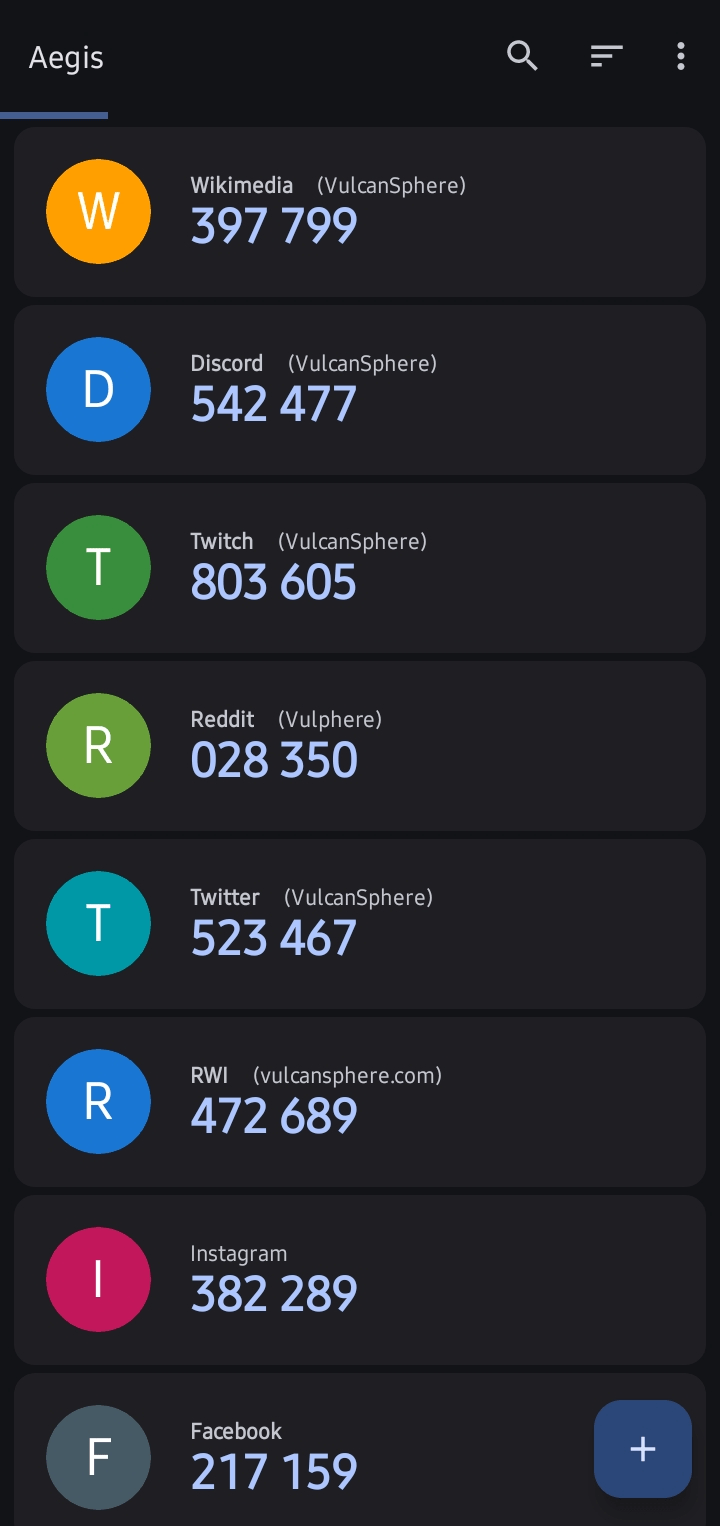
Virtual multi-factor authentication applications generate temporary, time-based passcodes that must be entered alongside a standard password to successfully log in.
Programmatic Authentication: Access Keys and Secrets Manager
While humans use passwords, applications and command-line tools require a different mechanism. AWS IAM access keys are used to make programmatic calls to AWS APIs from the command line or applications.
AWS IAM access keys consist of a public access key ID (similar to a username) and a secret access key (similar to a password). Because these keys grant direct access to your AWS resources, developers must avoid embedding AWS IAM access keys directly into application source code. If source code is accidentally published to a public repository, embedded keys can be scraped by malicious actors in seconds.
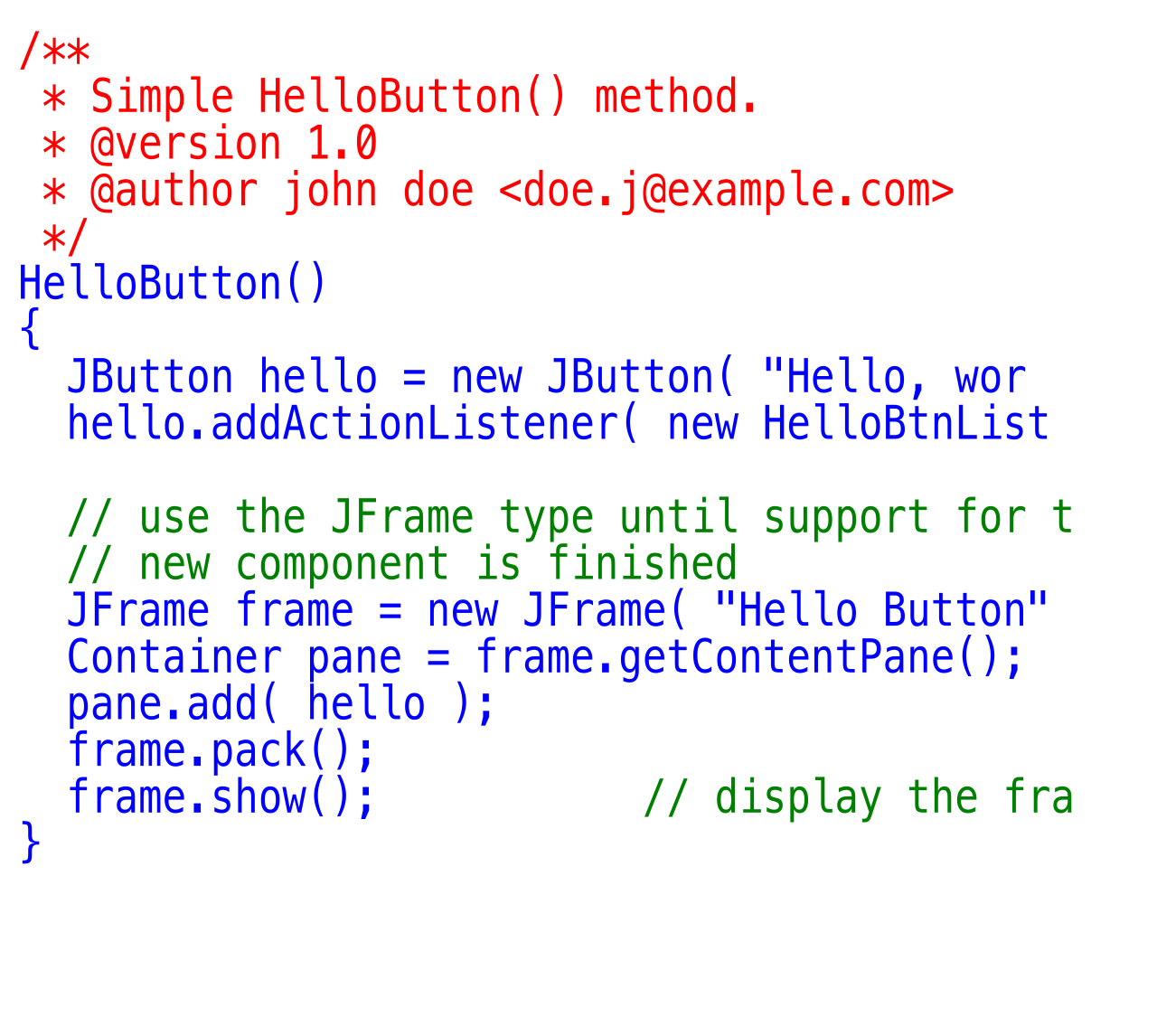
Hardcoding sensitive access credentials directly into application source code introduces critical vulnerabilities if the code is ever exposed or published.
Source: CodeCmmt002 by The original uploader was Dreftymac at English Wikipedia ., CC BY 2.5.
Instead of hardcoding sensitive data, organizations utilize AWS Secrets Manager. AWS Secrets Manager is a service designed to securely store database credentials and API keys. Rather than placing a database password in an application's configuration file, the application queries Secrets Manager at runtime to securely retrieve the password. Even more powerfully, AWS Secrets Manager can automatically rotate stored database credentials on a schedule, frequently changing the lock to ensure that even if a credential were leaked, it would quickly become useless.
As an organization matures, it rarely relies on a single AWS account. A typical enterprise will have separate AWS accounts for development, testing, and production, often alongside dozens of third-party business applications like Salesforce or Microsoft 365. Managing isolated IAM Users across every individual system is inefficient and dangerous.
To solve this, AWS provides AWS IAM Identity Center.
AWS IAM Identity Center is the successor to the AWS Single Sign-On service. It serves as your organization's centralized passport control. AWS IAM Identity Center provides a central location to manage human access to multiple AWS accounts. Instead of a developer having five different usernames for five different AWS accounts, they authenticate once through the Identity Center and are granted seamless access to their authorized environments.
Furthermore, it integrates beautifully with existing corporate infrastructure. AWS IAM Identity Center can connect with external identity providers like Microsoft Active Directory. This means when an employee is off-boarded by Human Resources in Active Directory, their access to all AWS accounts and services is revoked instantly. Finally, AWS IAM Identity Center provides single sign-on capabilities for third-party business applications, creating a unified, highly secure, and easily auditable perimeter for the entire organization's digital workflow.
Single sign-on interfaces provide a centralized portal, streamlining user access across various isolated AWS accounts and third-party corporate applications.