Application and Edge Security
Not sure you’re ready?
Take the ~3-minute readiness diagnostic and see where you stand.
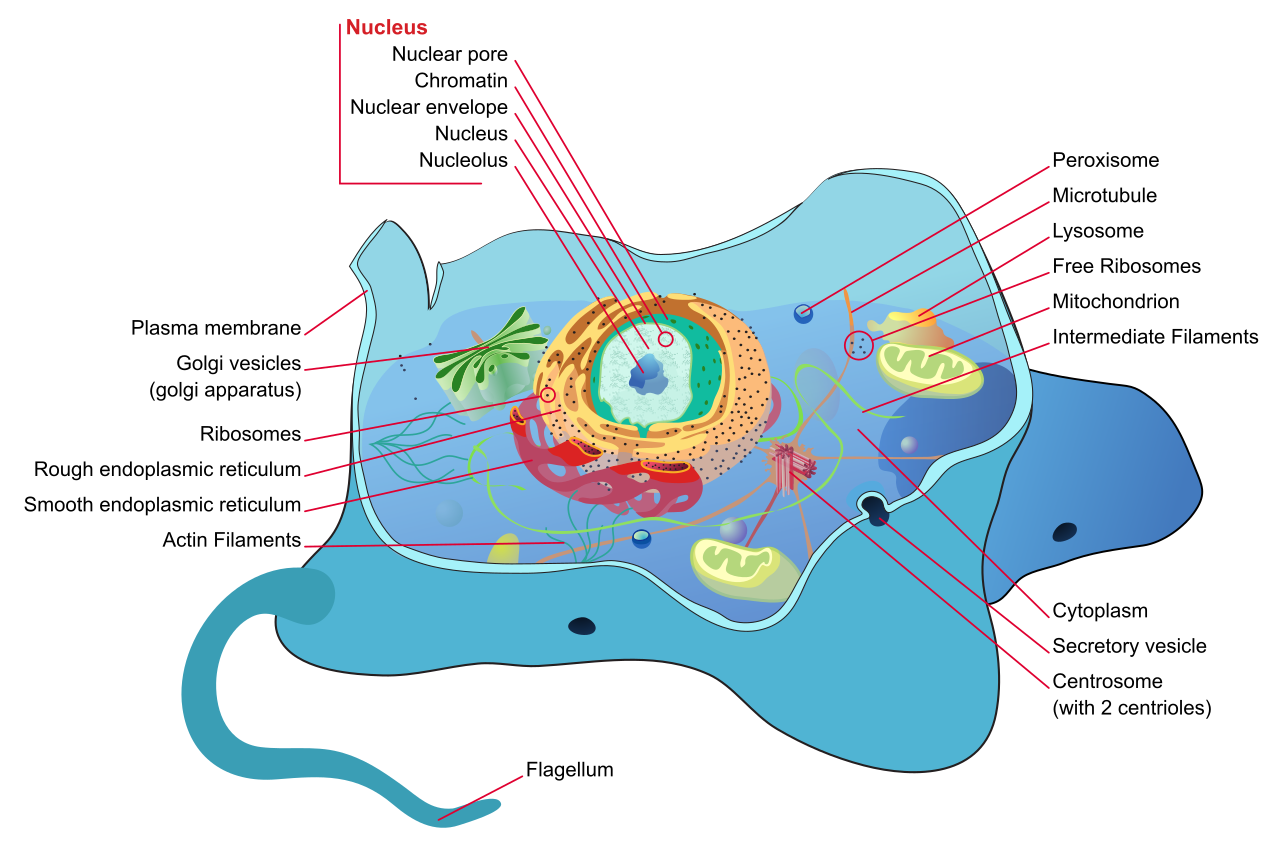
An exposed application running on the public internet is functionally identical to a biological cell dropped into a hostile, pathogen-rich environment. Within seconds of an IP address becoming reachable, automated scanners, botnets, and malicious actors begin probing its defenses. They look for misconfigured ports, susceptible input fields, and easily exhausted memory buffers. In cloud architecture, hoping you will not be targeted is not an engineering strategy; assuming you are currently being targeted is. To survive, a cloud workload requires an intelligent, multi-layered immune system. It needs an outer membrane to absorb brute-force impacts, an adaptive filtering mechanism to neutralize toxic inputs, an internal nervous system to detect anomalous behavior, and a fiercely guarded nucleus to protect its most critical secrets.
Denial of Service attacks are not elegant. They are brute-force physics problems. An attacker attempts to push more traffic through your network pipes than your infrastructure can process, overwhelming your compute resources and locking out legitimate users. To mitigate this, AWS provides a dedicated layer of defense.
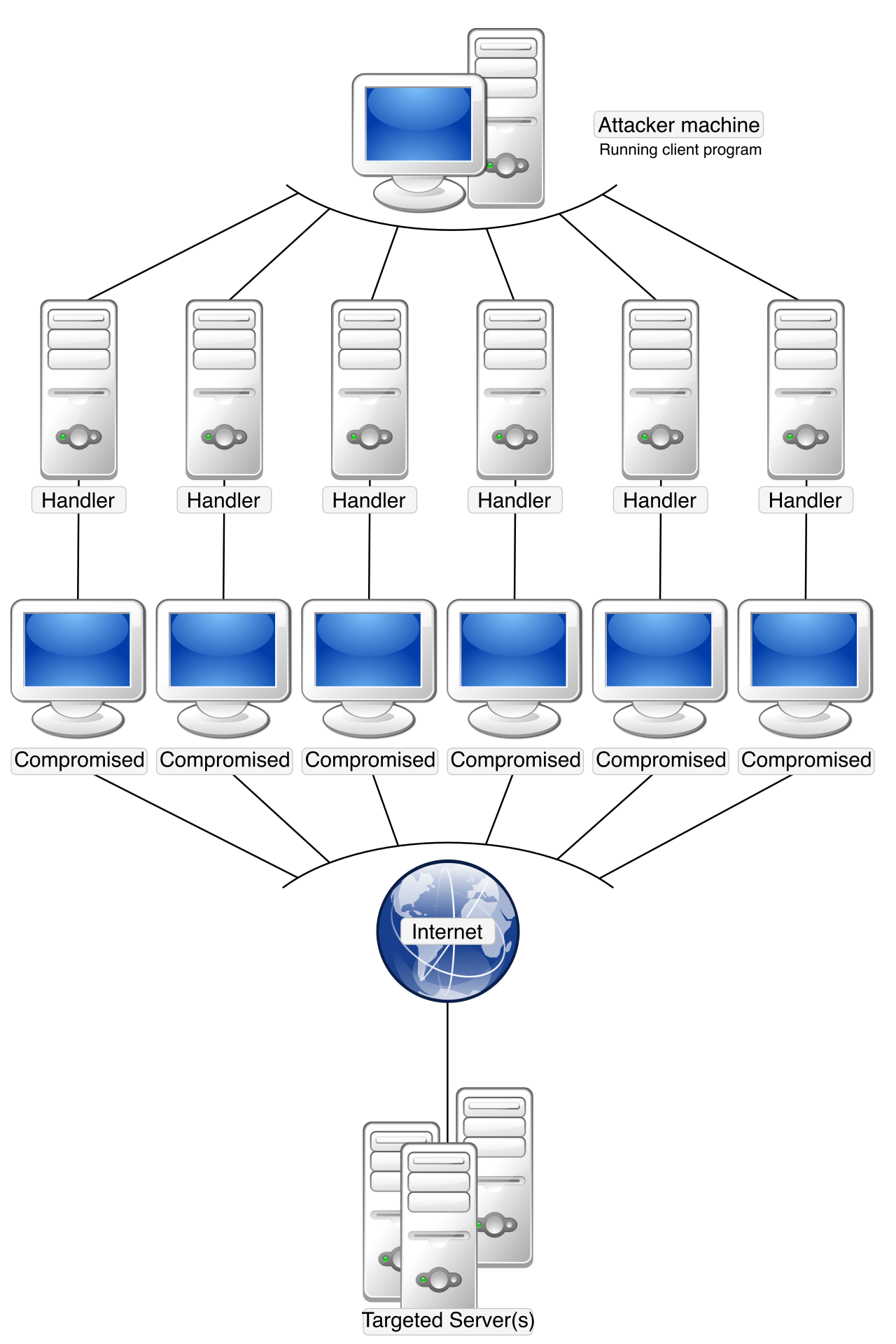
AWS Shield is a managed Distributed Denial of Service protection service. It operates as your infrastructure’s shock absorber, designed to handle immense floods of malicious traffic before they ever reach your application logic.
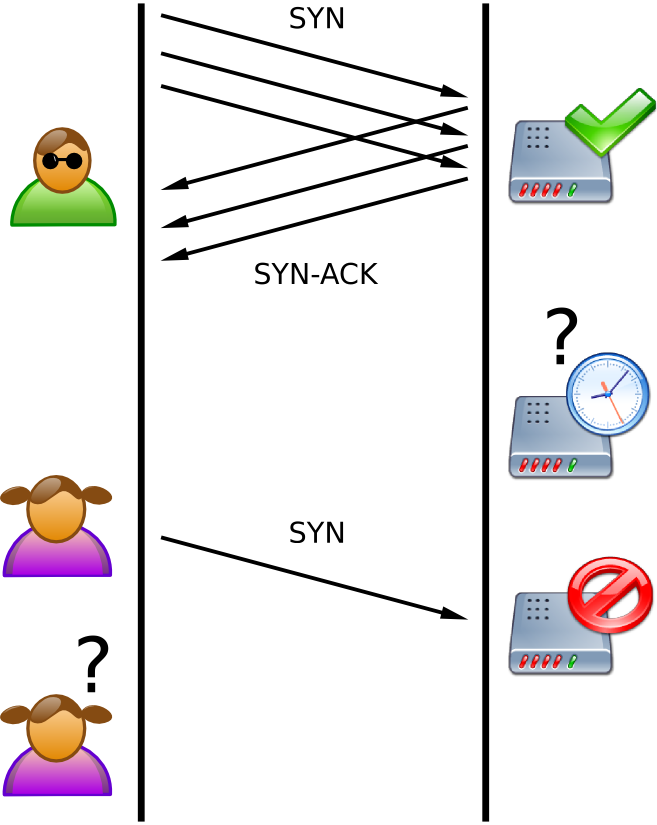
Every single architecture you deploy inherently benefits from a baseline level of this defense. AWS Shield Standard is automatically enabled for all AWS customers at no additional charge. You do not configure it; it operates transparently in the background. AWS Shield Standard provides automatic protection against common network and transport layer Distributed Denial of Service attacks. When SYN floods, UDP reflection attacks, or other Layer 3 and Layer 4 volumetric attacks strike, Shield Standard silently absorbs and drops the malicious packets using Amazon's immense global network capacity.
However, enterprise workloads running highly visible web applications require more granular visibility and specialized support. For these, AWS offers an upgraded tier. AWS Shield Advanced provides expanded Distributed Denial of Service attack protection for web applications running on specific AWS resources.
When you enable the Advanced tier (which carries a flat fee of $3,000 per month, covering your entire organization), you bind it to the specific entry points of your architecture. AWS Shield Advanced supports Amazon Elastic Compute Cloud instances and Elastic Load Balancing for your regional workloads. Furthermore, it explicitly protects global edge resources: AWS Shield Advanced supports Amazon CloudFront and Amazon Route 53, as well as the anycast IP routing of AWS Global Accelerator.
Why pay for Advanced when Standard is free? Because complex attacks require human expertise and financial insulation. First, AWS Shield Advanced includes access to the AWS Shield Response Team during active Distributed Denial of Service events. You can literally pick up the phone and have Amazon's top security engineers write custom mitigation rules for your specific attack. Second, because modern architectures auto-scale to meet demand, a massive DDoS attack can cause your application to horizontally scale to its limits, resulting in a staggering month-end bill. To prevent this, AWS Shield Advanced provides financial protection against resource consumption spikes caused by Distributed Denial of Service attacks. If an attack forces your Auto Scaling group to spin up fifty extra instances, AWS absorbs the cost.
While AWS Shield prevents your application from being knocked offline by brute force, it does not inspect the meaning of the traffic. An attacker might send a perfectly valid, low-volume HTTP request that contains a database command disguised as a username. To combat these surgical Layer 7 (Application Layer) attacks, you need a deep-packet inspection mechanism.
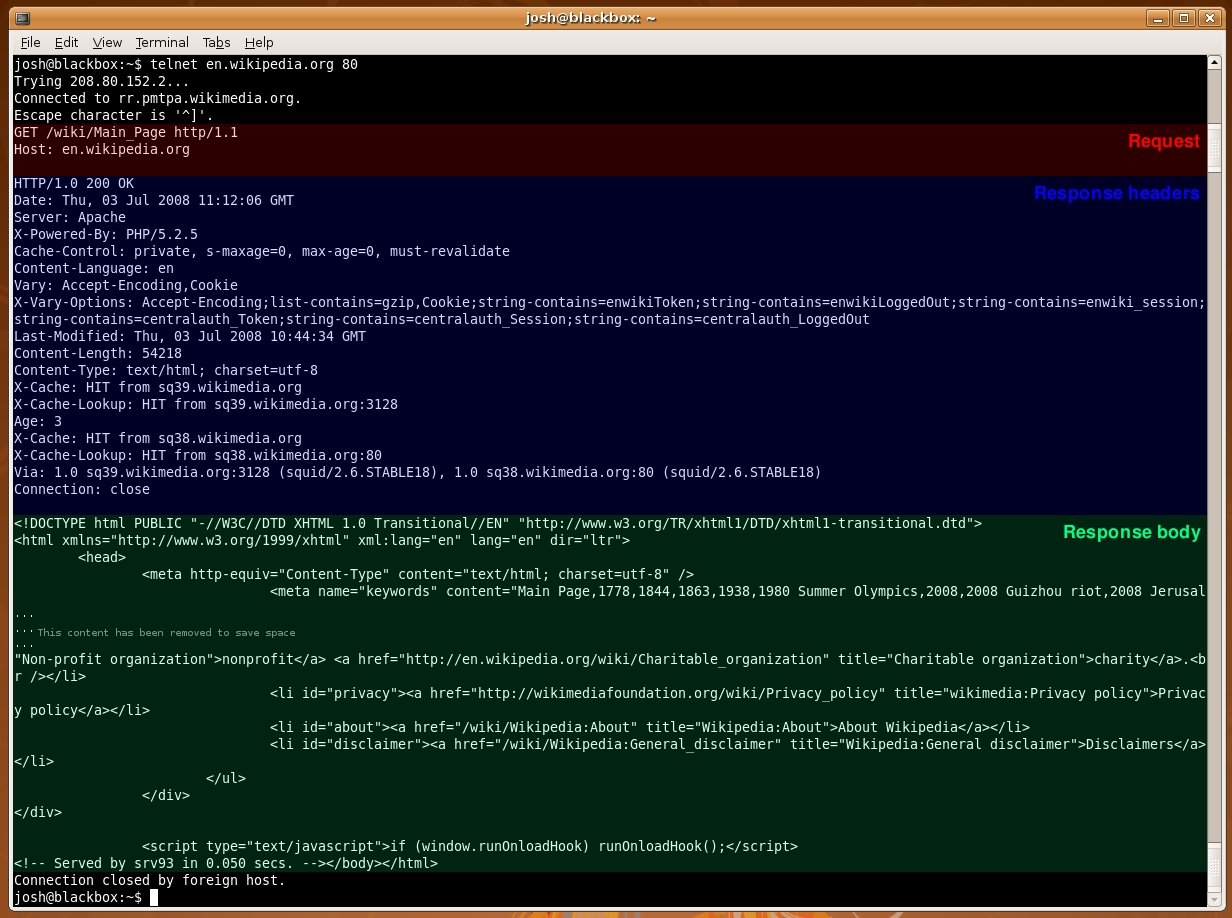
AWS WAF protects web applications from common web exploits. Think of WAF (Web Application Firewall) as a highly intelligent bouncer reading the contents of every single HTTP/HTTPS request before allowing it through the door.
To position this bouncer effectively, you attach WAF to the ingress points of your architecture. AWS WAF integrates directly with Amazon CloudFront distributions to stop attacks at the global edge. For regional architectures, AWS WAF integrates directly with Application Load Balancers. It is equally vital for protecting modern serverless backends; therefore, AWS WAF integrates directly with Amazon API Gateway REST APIs and AWS AppSync GraphQL APIs.
Architecture Rule: AWS WAF inspects Layer 7 traffic (HTTP/S). It cannot be attached to a Network Load Balancer (NLB), which operates at Layer 4.
You govern this service by creating AWS WAF Web Access Control Lists contain a set of rules to define web request inspection criteria. Inside a Web ACL, you define exactly what the bouncer should look for. For example, to prevent attackers from manipulating your backend database, AWS WAF rules can block requests containing SQL injection payloads. To prevent malicious scripts from being reflected back to your users' browsers, AWS WAF rules can block requests containing cross-site scripting payloads.
You also have behavioral controls. If an attacker tries to brute-force a login page by submitting hundreds of passwords a minute, AWS WAF rate-based rules limit the number of requests from a single IP address over a defined time period. If an IP exceeds your threshold (e.g., 100 requests per 5 minutes), WAF automatically blocks them until their request rate drops.
Writing these rules from scratch using regular expressions is tedious and error-prone. To solve this, AWS WAF Managed Rules provide pre-configured rule sets maintained by AWS and AWS Marketplace sellers. With a single click, you can deploy rules specifically designed to block known bad IP addresses, neutralize common WordPress exploits, or enforce the OWASP Top 10 security standards.
Even with a perfect perimeter, credentials can be leaked, or an insider might act maliciously. You must assume your network is eventually penetrable. Therefore, you need an automated nervous system that continuously monitors internal activity.
Amazon GuardDuty is a continuous security monitoring service for analyzing network activity and account behavior.
Notice the elegance of GuardDuty: it requires zero software agents installed on your EC2 instances. It operates entirely out of band, consuming foundational logs directly from the AWS control plane without impacting your application's performance. It analyzes three primary data streams:
- Amazon GuardDuty analyzes AWS CloudTrail event logs to identify anomalous account behavior. If a developer's IAM user, which normally logs in from Chicago, suddenly disables logging and provisions high-GPU instances in the
ap-southeast-1region, GuardDuty flags it. - Amazon GuardDuty analyzes Amazon VPC Flow Logs to identify unusual network traffic patterns. If a database server that only ever communicates with your application subnet suddenly initiates outbound connections to the internet, GuardDuty detects the anomaly.
- Amazon GuardDuty analyzes Amazon Route 53 DNS logs to detect queries to known malicious domains. If an EC2 instance becomes infected with malware and attempts to resolve the IP address of a known cryptocurrency mining pool or command-and-control server, GuardDuty catches the DNS request.
To minimize false positives, Amazon GuardDuty uses machine learning to identify deviations from normal AWS account baselines. It spends a few weeks learning your architecture's standard heartbeat before it starts alerting you to subtle irregularities.
Once a threat is detected, it must be acted upon. Amazon GuardDuty can automatically send security findings to AWS Security Hub, providing your security teams with a unified, single-pane-of-glass dashboard. For architects, however, the real power lies in automation: Amazon GuardDuty findings can trigger Amazon EventBridge rules to automate remediation actions.
Example: GuardDuty detects an EC2 instance communicating with a known malicious IP. It generates a finding. EventBridge captures this finding and instantly triggers an AWS Lambda function. The Lambda function automatically modifies the EC2 instance's Security Group, isolating it from the network while your team investigates. The threat is neutralized in milliseconds.
Hardcoding passwords or API keys in your application source code is a catastrophic anti-pattern. If that code is committed to a repository, the secret is compromised. Instead, we use a dedicated vault.
AWS applications retrieve credentials from AWS Secrets Manager through application programming interface calls rather than using hardcoded values.
AWS Secrets Manager securely stores and manages sensitive data like database credentials and API keys. When your application needs to query the database, it asks Secrets Manager for the password at runtime. But Secrets Manager does much more than just store strings—it actively defends them.
Over time, any static password will eventually be compromised. The mathematical defense against this is rotation: changing the password so frequently that even if it is stolen, it is useless by the time the attacker tries to use it. AWS Secrets Manager can automatically rotate secrets on a predefined schedule.
For native services, this requires no custom code. AWS Secrets Manager provides built-in automatic credential rotation for Amazon RDS databases, as well as Amazon Redshift clusters, and Amazon DocumentDB databases. It logs into the database, changes the password, updates the stored secret, and your application never drops a connection.
What if you are running a legacy database on an EC2 instance, or need to rotate an API key for a third-party payment gateway? AWS Secrets Manager uses AWS Lambda functions to execute custom rotation logic for unmanaged database types. You simply write a small piece of code detailing how to change the password, and Secrets Manager invokes it on your schedule.
Finally, we must protect the humans interacting with your application. Amazon Cognito provides authentication and user management for web and mobile applications. It is a massively scalable identity service that frees developers from building custom login pages and password-reset workflows.
Cognito is divided into two distinct halves, and understanding the difference is paramount for the Solutions Architect exam.
1. Amazon Cognito User Pools (Authentication)
Think of the User Pool as the "Directory." Amazon Cognito User Pools act as a user directory to manage sign-up and sign-in processes for applications. This is where usernames, passwords, and profile attributes live.
To ensure human accounts are not easily compromised by credential stuffing, Amazon Cognito User Pools support multi-factor authentication for application users. To reduce friction during onboarding, Amazon Cognito User Pools support federation with social identity providers like Google and Facebook, allowing users to log in with credentials they already own.
2. Amazon Cognito Identity Pools (Authorization)
Once a user proves who they are via the User Pool, they need permission to do things in AWS—like uploading a profile picture directly to an S3 bucket or invoking an API Gateway endpoint.
Amazon Cognito Identity Pools provide temporary AWS credentials to grant application users access to AWS services. They act as a broker, exchanging a valid login token for a short-lived IAM role.
Furthermore, Identity Pools do not strictly require a user to log in first. If you have an application where guests need to download a public catalog from S3 before creating an account, Amazon Cognito Identity Pools can grant unauthenticated guest users limited access to AWS resources.
| Feature | Cognito User Pools | Cognito Identity Pools |
|---|---|---|
| Primary Purpose | Authentication (Who is this user?) | Authorization (What AWS resources can they access?) |
| Returns | JSON Web Tokens (JWTs) | Temporary AWS STS Credentials (IAM Roles) |
| Supports | Sign-up, Sign-in, MFA, Social Federation | Authenticated and Unauthenticated (Guest) roles |
In a modern, fully integrated architecture, these two halves work in sequence: An Amazon Cognito Identity Pool can use an Amazon Cognito User Pool as an identity provider. The user logs into the User Pool, receives a token, passes that token to the Identity Pool, and receives the temporary AWS credentials required to securely interact with your backend infrastructure.
By layering Shield at the network edge, WAF at the application ingress, GuardDuty continuously monitoring the interior, Secrets Manager rotating your infrastructure keys, and Cognito governing human access, you transform an exposed workload into a deeply fortified, resilient architecture.