High-Performing Database Solutions
Not sure you’re ready?
Take the ~3-minute readiness diagnostic and see where you stand.
Every application ever built is ultimately a mechanism for storing, retrieving, and mutating state. In distributed systems, the bottleneck is rarely compute processing; it is the friction of moving data. When you architect a solution in AWS, your choice of database engine dictates the absolute upper limit of your system's performance. Choose the right engine, and your application scales effortlessly. Choose the wrong one, and you will spend your nights fighting database deadlocks, agonizing over replication lag, and paying for storage IOPS you do not actually need.
To design high-performing database solutions, we must strip away the marketing terminology and look at the fundamental physics of data access. We are dealing with two primary forces: data access patterns (how the application asks for data) and capacity planning (how much volume and velocity the system must absorb).
The first decision a solutions architect must make is architectural: how structured is the data, and how complex are the questions the application will ask of it?
Relational databases are optimized for complex joins and structured data schemas. They represent data in rigid tables. When an application needs to enforce strict relationships—such as ensuring a financial ledger balances perfectly across dozens of interlinked tables—relational databases shine. Amazon Relational Database Service (Amazon RDS) is the managed service for this paradigm. Under the hood, Amazon Relational Database Service supports MySQL, PostgreSQL, Oracle, SQL Server, and MariaDB database engines.
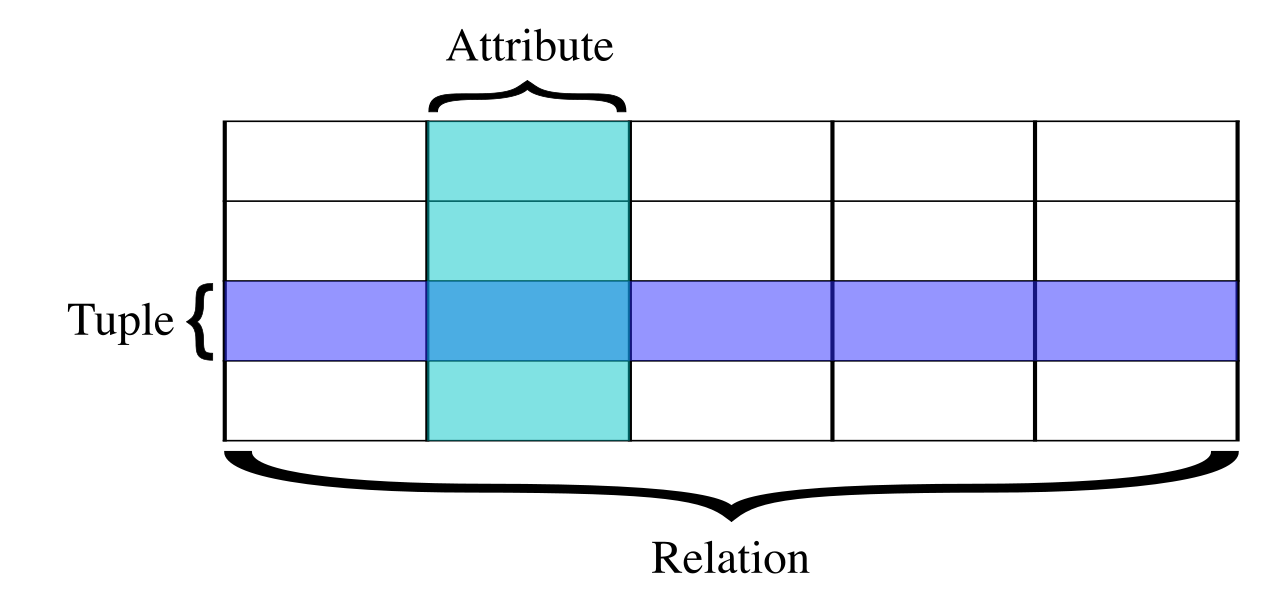
If you want the ultimate expression of the relational model in the cloud, you use Amazon Aurora, which is a MySQL-compatible and PostgreSQL-compatible relational database engine custom-built for the cloud. Because of its distributed storage architecture, Amazon Aurora is highly suitable for transactional enterprise applications requiring complex queries and strict ACID (Atomicity, Consistency, Isolation, Durability) compliance.
Conversely, we have the NoSQL world. Non-relational databases are optimized for flexible schemas and simple key-value lookups. They abandon the complexity of joins in favor of sheer, brute-force retrieval speed. Amazon DynamoDB is AWS's flagship non-relational offering: a fully managed, serverless, key-value NoSQL database service. Because it doesn't compute complex joins across tables, Amazon DynamoDB provides single-digit millisecond read and write performance at any scale. Whether your table holds ten items or ten billion, the retrieval time remains a flat, predictable fraction of a second.
| Feature | Relational (Amazon RDS / Aurora) | Non-Relational (Amazon DynamoDB) |
|---|---|---|
| Ideal For | Complex queries, joins, ACID compliance | High-velocity read/write, flexible schemas, serverless |
| Structure | Rigid schema (Tables, Rows, Columns) | Key-Value or Document (Items, Attributes) |
| Performance | Dependent on compute/IOPS scaling | Consistent single-digit millisecond at any scale |
Once you choose a paradigm, you must provision the physical resources to handle the load. In the cloud, compute (CPU/RAM) and storage (capacity/I/O) can often be managed independently.
Relational Capacity Planning
By default, Amazon Relational Database Service instances use Amazon Elastic Block Store (EBS) volumes for database and log storage. The performance of an EBS volume is measured in Input/Output Operations Per Second (IOPS).
If you select General Purpose SSD storage, the physics of AWS dictates that it provides a baseline performance of 3 IOPS per gigabyte for Amazon Relational Database Service workloads. If you provision a 100 GB volume, you get a baseline of 300 IOPS.
But what if you have a database that is only 50 GB in size, but requires 5,000 IOPS because it processes thousands of small, rapid transactions per second? If you relied on General Purpose SSDs, you would have to drastically over-provision your storage size just to get the speed you need.
Architectural Rule: When performance must be decoupled from storage size, you use Provisioned IOPS.
Provisioned IOPS SSD storage is designed specifically to deliver consistent performance for I/O-intensive database workloads. When you use this volume type, Provisioned IOPS storage guarantees a consistent, specified number of input/output operations per second regardless of the underlying volume size. You pay exactly for the performance you dial in.
To handle unexpected growth, Amazon Relational Database Service storage auto-scaling automatically scales up storage capacity without downtime when the database approaches its maximum capacity.
For the compute side of relational databases, scaling traditionally required manually changing the instance class (e.g., moving from an r6g.large to an r6g.xlarge), which incurs downtime. To solve this, AWS created Amazon Aurora Serverless, which automatically scales compute capacity up and down based on real-time application demand. If your application sees sudden, unpredictable spikes, Aurora Serverless provisions the necessary RAM and CPU on the fly.
DynamoDB Capacity Planning
Because Amazon DynamoDB is serverless, you do not provision EBS volumes or instances. Instead, Amazon DynamoDB capacity can be managed using either provisioned capacity mode or on-demand capacity mode.
- Amazon DynamoDB provisioned capacity mode requires specifying expected read capacity units (RCUs) and write capacity units (WCUs) in advance. This is highly cost-effective for predictable workloads.
- Amazon DynamoDB on-demand capacity mode automatically accommodates unpredictable workload spikes without requiring any capacity planning. You simply pay per request. If your new mobile game goes viral overnight, on-demand mode absorbs the massive influx of traffic without dropping a single write.
Most modern web applications are heavily read-biased. A social media feed, a product catalog, or a news site might experience 100 reads for every 1 write.
Offloading Relational Reads
If your primary RDS instance is overwhelmed by SELECT queries, you do not necessarily need a bigger instance. Instead, you scale horizontally using read replicas. Read replicas improve the overall performance of read-intensive relational database workloads by acting as identical, read-only copies of your primary instance.
Mechanically, read replicas asynchronously copy data from the primary database instance to offload read operations. This frees up the primary database to handle critical INSERT, UPDATE, and DELETE transactions.
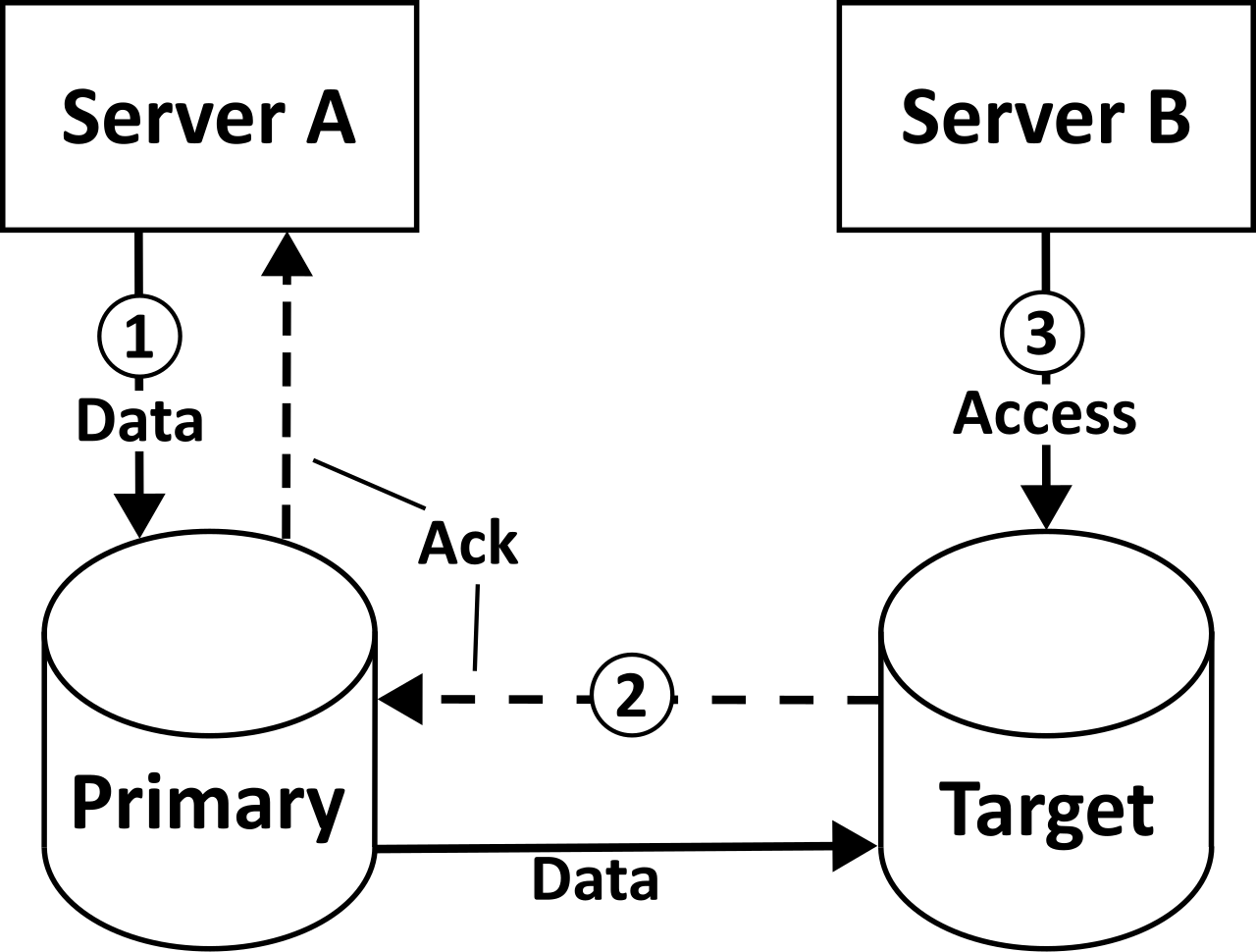
The underlying engine determines how far you can scale this:
- Amazon Relational Database Service allows the creation of up to 5 read replicas for standard relational database engines (like MySQL or PostgreSQL on RDS).
- Amazon Relational Database Service allows the creation of up to 15 read replicas for an Amazon Aurora cluster.
Why the disparity? Standard RDS uses separate EBS volumes for every replica, moving data across the network asynchronously. Aurora fundamentally reinvented the database storage layer. Amazon Aurora Replicas share the same underlying storage volume as the primary database instance. Because they don't have to copy the physical data over the network, Amazon Aurora Replicas experience minimal replication lag due to the shared underlying storage architecture.
To seamlessly direct your application's traffic to this fleet of replicas without hardcoding endpoints, Amazon Route 53 weighted routing can distribute read traffic across multiple Amazon Relational Database Service read replicas.
High Availability vs. Performance (A Critical Exam Distinction): Do not confuse read replicas with Multi-AZ. Amazon Relational Database Service Multi-AZ deployments provide high availability and failover support by maintaining a synchronous standby instance in another Availability Zone. However, the standby instance cannot be read from. Therefore, Amazon Relational Database Service Multi-AZ deployments do not scale read or write query performance. Multi-AZ is for survival; Read Replicas are for speed.
Caching for Microsecond Latency
Sometimes, even a database read is too slow or too expensive. For hyper-read-intensive workloads, you must move data out of disk-backed storage and into RAM.
Amazon ElastiCache improves read-intensive workload performance by caching frequently accessed data in memory. By placing an ElastiCache node between your application and your RDS instance, repeated database queries are intercepted and answered from RAM in sub-millisecond times. Amazon ElastiCache supports the Redis and Memcached in-memory data store engines.
DynamoDB already provides single-digit millisecond responses. But in fields like real-time bidding, gaming, or high-frequency trading, a millisecond is an eternity. For these workloads, Amazon DynamoDB Accelerator (DAX) is an in-memory cache specifically designed to reduce Amazon DynamoDB read response times to microseconds. Unlike ElastiCache, which requires you to rewrite application logic to check the cache first, DAX is API-compatible with DynamoDB. You point your DynamoDB SDK at the DAX cluster, and DAX automatically handles cache invalidation and write-throughs.
Scaling reads is easy; you just make copies of the data. Scaling writes is a profoundly difficult physics problem because you cannot simultaneously write the same record to two different places without risking split-brain inconsistencies.
For relational databases, vertical scaling (buying a bigger instance) is the easiest way to handle heavy writes. When you exhaust the largest available instance size, write-intensive relational database workloads can be scaled by partitioning data horizontally across multiple database instances. This process, known as sharding, is incredibly complex because it forces you to implement routing logic in your application layer.
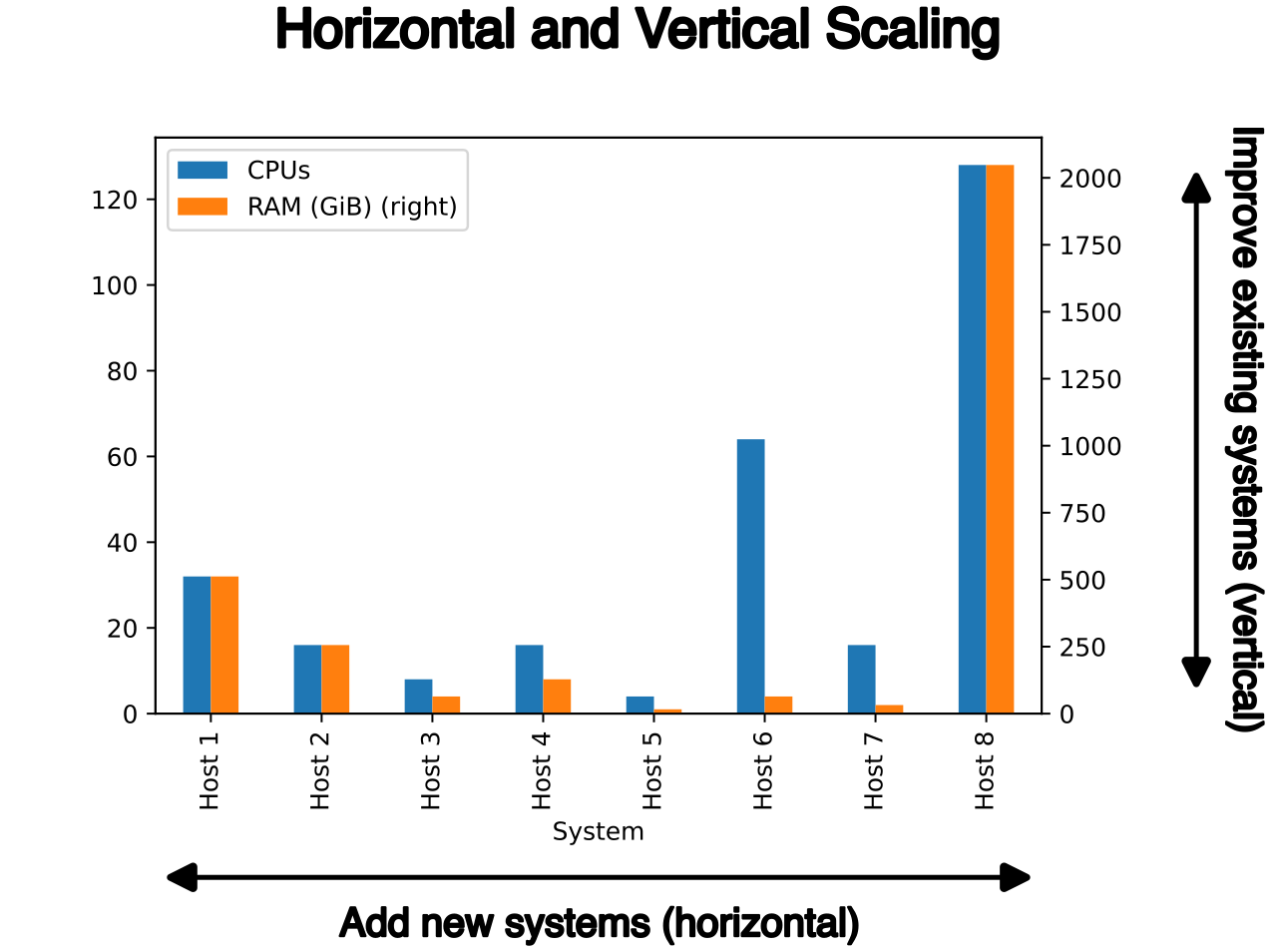
For non-relational databases, horizontal scaling is built-in, but it requires careful architectural design. DynamoDB splits your data across physical storage nodes based on a partition key. Therefore, write-intensive Amazon DynamoDB workloads require an even distribution of partition keys to avoid creating hot partitions.
If you design a voting app and use the candidate's name as the partition key, all writes for a popular candidate will flood a single physical underlying server—a hot partition—leading to throttled requests. A well-architected partition key (like a uniquely generated User_ID) scatters the writes evenly across all backend nodes like a shotgun blast.
Decoupling to Absorb Write Spikes
If your database simply cannot ingest writes fast enough during a massive traffic spike—say, a Black Friday flash sale—you must protect the database from crashing.
Instead of writing directly to the database, have your application send the writes to a queue. Amazon Simple Queue Service (SQS) can buffer write requests to a database to prevent overloading during sudden spikes in write-intensive workloads. A fleet of backend worker functions (like AWS Lambda) can then poll the SQS queue and write the data into the database at a steady, manageable rate. The queue acts as a shock absorber.
When you have users in Tokyo, London, and New York, you run into the ultimate limitation: the speed of light in fiber optic cables. If your database is located in us-east-1 (Virginia), a user in Tokyo will experience painful latency simply due to the geographic distance the query must travel. We solve this by placing the data physically closer to the user.
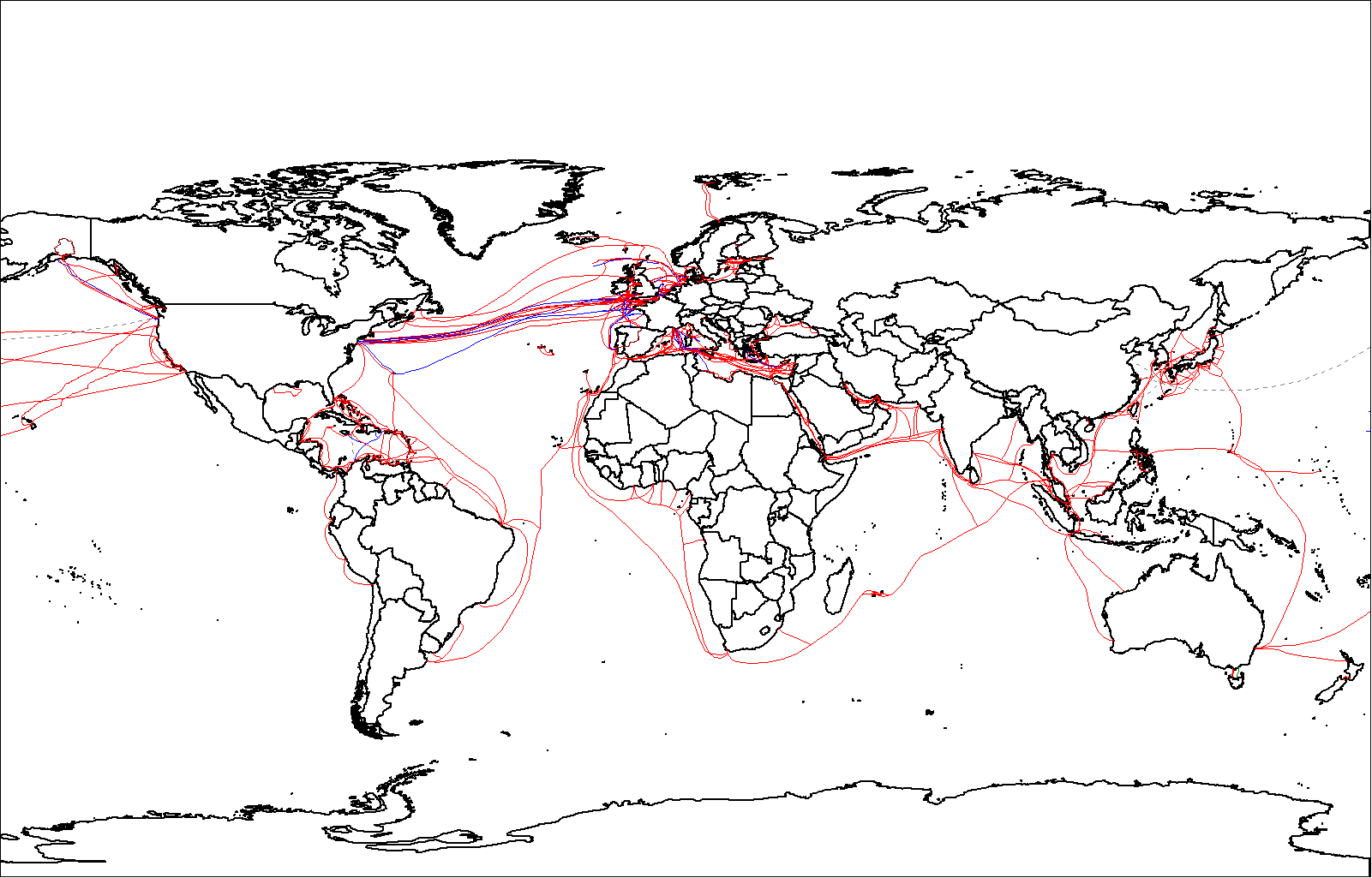
For non-relational workloads, Amazon DynamoDB global tables provide a fully managed solution for deploying a multi-region, multi-active database. If you write a record in Tokyo, DynamoDB automatically replicates it to London and New York. Because the application queries the regional endpoint nearest to it, Amazon DynamoDB global tables deliver fast, local read and write performance for globally distributed applications.
For relational workloads, setting up multi-region replication traditionally required complex third-party tools. AWS simplified this with Aurora. Amazon Aurora Global Database replicates data to a secondary AWS Region with typical latency of under one second. Because the replication occurs at the specialized storage layer rather than the compute layer, it imposes virtually no performance penalty on the primary database. Amazon Aurora Global Database provides low-latency global reads and fast disaster recovery across multiple AWS Regions. If your primary region goes entirely offline, you can promote a secondary region to take over read/write responsibilities in minutes.
The Architect's Synthesis Your role as a Solutions Architect is to navigate these trade-offs. You must look at the application and ask: Are we optimizing for strict schemas or flexible scale? Do we need to buffer writes, or cache reads? Are we fighting IOPS limits, or geography? By aligning the AWS database engines and their specific capacity controls to the actual physics of your data access patterns, you stop fighting the system and start letting the cloud do the heavy lifting.