Workload Visibility and Service Quotas
Not sure you’re ready?
Take the ~3-minute readiness diagnostic and see where you stand.
Understanding a complex, distributed microservices architecture is like trying to trace the path of a single drop of water through a city’s labyrinth of plumbing. When the faucet drips slowly or bursts entirely, traditional server logs only tell you that the water arrived or didn't. To understand why the pressure dropped, where the blockage occurred, and whether the pipes can handle the volume, you need a view of the entire pipeline. In cloud architecture, this is the essence of workload visibility and resilience. We must illuminate the microscopic journey of individual requests, map and manage the macroscopic capacity limits of the infrastructure, and engineer our systems to gracefully absorb sudden spikes in demand without failing.

When a user clicks "checkout" on an e-commerce platform, that single action cascades across load balancers, containers, authentication systems, databases, and third-party payment APIs. If the checkout takes five seconds, which component is to blame?
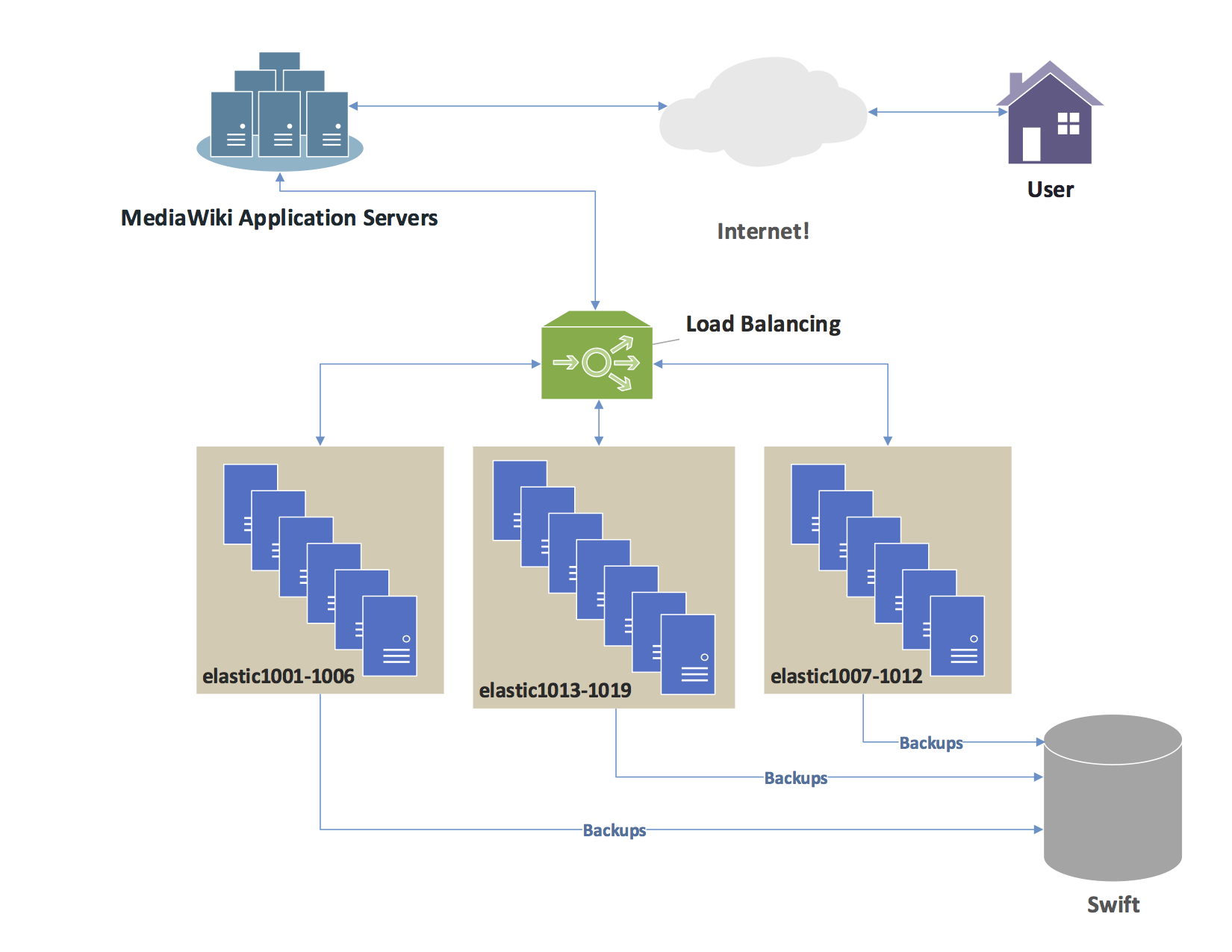
AWS X-Ray is an application performance management service that traces user requests from end to end. It pieces together the disjointed hops a request makes across your infrastructure. The ultimate output of this telemetry is an AWS X-Ray service map, which is a vivid visual representation of the architecture used to identify performance bottlenecks, elevated error rates, and high-latency connections between nodes.
Anatomy of a Trace: Segments and Subsegments
To build this service map, X-Ray relies on a hierarchical data model:
- An AWS X-Ray segment records information about the overall work done to process a single incoming request within a specific service. It acts as the parent record, capturing the moment the request hits the compute resource until the moment it returns a response.
- An AWS X-Ray subsegment provides granular timing information for downstream external service calls. If your backend makes a SQL query to an Amazon RDS database or an HTTP request to Stripe, the subsegment tracks the latency and status of that specific outbound hop.
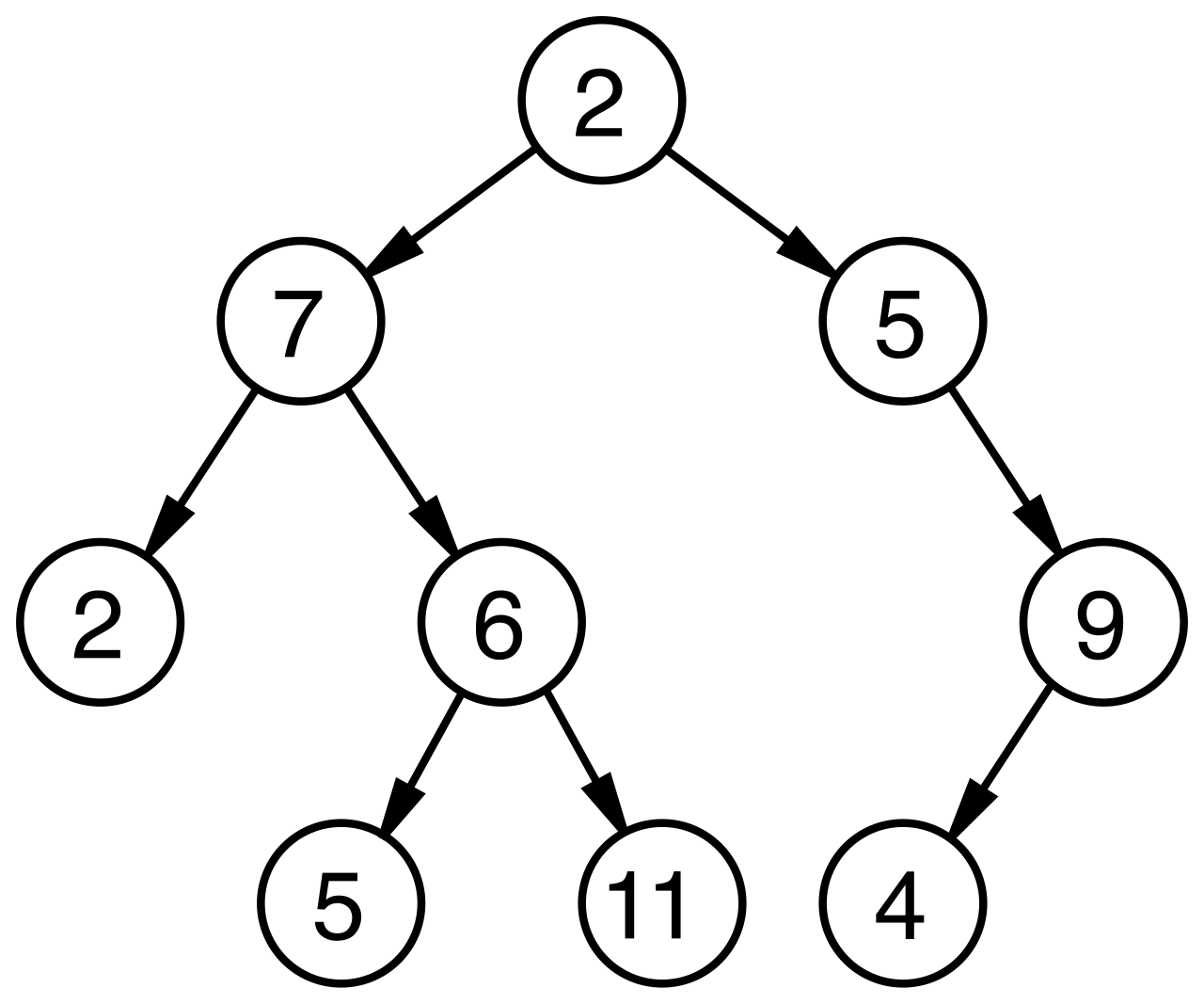
Telemetry Transport: The X-Ray Daemon
How does an application send this detailed telemetry to the X-Ray service without impacting its own performance? By offloading the heavy lifting to an agent.
The AWS X-Ray daemon listens for UDP traffic on port 2000. Because it uses the connectionless UDP protocol, your application code can simply "fire and forget" its trace data without waiting for network handshakes or acknowledgments. Behind the scenes, the AWS X-Ray daemon gathers raw segment data to relay to the AWS X-Ray API in batches, minimizing API overhead and ensuring telemetry transmission does not interfere with the critical path of the user's request.
How you deploy this daemon depends on your compute environment:
- Serverless: AWS Lambda automatically integrates with AWS X-Ray when active tracing is enabled in the function configuration. AWS manages the daemon deployment entirely invisibly.
- Containers: Amazon ECS requires deploying the AWS X-Ray daemon as a sidecar container to trace application tasks. You must define the X-Ray container alongside your application container within the same ECS task definition.
Managing Volume and Adding Context
In a system processing tens of thousands of requests per second, capturing every single trace is computationally expensive, financially wasteful, and creates too much noise. To solve this, AWS X-Ray sampling rules determine the percentage of requests that are actively recorded by the tracing service. You might configure a rule to capture the first request every second, and 5% of all subsequent requests, ensuring a statistically significant sample without the overwhelming volume.
For the traces you do capture, context is crucial for debugging. Developers can inject custom data into traces:
- AWS X-Ray annotations are custom key-value pairs that are indexed for use with trace filter expressions. If you add an annotation like
customer_tier = premium, you can instantly search and filter your traces in the console to only see traffic from premium users. - AWS X-Ray metadata are custom key-value pairs that are not indexed for search. You might store a massive JSON payload of the request headers here. You can't search by it, but when you open a specific trace to investigate, that deep diagnostic data is right there.
Every physical system has limits, and the AWS Cloud is no exception. AWS enforces capacity limits to protect their infrastructure from noisy neighbors and to protect you from catastrophic billing mistakes caused by runaway code.
Hard vs. Soft Limits
- Hard service quotas are fixed limits established by AWS that cannot be increased under any circumstances (e.g., the maximum size of an SQS message payload).
- Soft service quotas are default limits established by AWS that can be increased upon customer request (e.g., the number of EC2 On-Demand instances you can launch).
AWS Service Quotas enables users to view and manage AWS service limits from a central console location. But the most critical, often-overlooked architectural rule of quotas is geographical: AWS service quotas are scoped and applied on a per-Region basis.
The Disaster Recovery Trap
This regional scoping creates one of the most common pitfalls in cloud architecture.
A resilient standby disaster recovery environment requires matching service quotas to the primary AWS Region. Imagine you run your production workloads in us-east-1 and maintain a cold standby in us-west-2. Over three years, your team requests quota increases in us-east-1 to accommodate business growth. When a disaster strikes and you attempt to failover to us-west-2, AWS blocks your deployments because the standby region is still at the default baseline quotas. Failing to proactively increase service quotas in a standby region can cause deployment failures during a failover event.
Proactive Quota Management
You should never discover a quota limit by hitting it during a production deployment. AWS provides native mechanisms to monitor and automate this:
- AWS Trusted Advisor monitors service usage to provide warnings when resource limits approach eighty percent.
- For real-time observability, Amazon CloudWatch alarms can be created directly from the AWS Service Quotas console to monitor usage against limits.
- When a threshold is breached, AWS Service Quotas allows users to submit automated quota increase requests directly to AWS Support, removing the human bottleneck.
- For large enterprises managing multi-account environments, Service Quotas integration with AWS Organizations allows the creation of quota request templates for newly created AWS accounts. This ensures that the moment an account is vended, baseline quota increases are automatically requested.
Even with generous quotas, architectures face hard physical limits of compute and memory. API throttling occurs when the volume of requests exceeds a predefined limit, or more fundamentally, API throttling occurs when the volume of requests exceeds available backend service capacity.
When a system is pushed beyond its capacity, it must protect itself to prevent total collapse. It does this by rejecting excess traffic. HTTP 429 Too Many Requests is the standard status code returned when an API rate limit is exceeded.
Protecting the Control Plane and the Data Plane
Throttling happens at multiple layers of the cloud:
- The AWS API Layer: When your infrastructure-as-code scripts or client software calls AWS APIs (like
DescribeInstances), AWS API endpoints enforce hard API request limits to protect the control plane from denial of service attacks. You cannot ask AWS Support to increase these control plane limits. - The Gateway Layer: To protect your own application logic, Amazon API Gateway allows administrators to set throttling limits to protect backend services from traffic spikes.
Rate limiting in Amazon API Gateway is defined by requests per second using a token bucket algorithm. Imagine a bucket that fills with tokens at a steady rate. Every incoming request removes a token. If a sudden spike occurs, the bucket drains. Once empty, any further requests immediately receive a 429 error until the bucket accumulates more tokens.
By default, Amazon API Gateway applies a default account-level throttling limit across all APIs within a specific AWS Region (typically 10,000 requests per second). However, if you provide APIs to third parties, you need granular control. Amazon API Gateway usage plans allow administrators to configure specific API request limits for designated client API keys, ensuring a single aggressive customer cannot monopolize your backend capacity.
The Client's Responsibility: Backoff and Jitter
When a client receives an HTTP 429, how should it react?
If a microservice drops a request and a thousand clients immediately retry simultaneously, they create a "retry storm," hitting the empty token bucket again and guaranteeing another throttle.
To survive, clients must space out their retries. Exponential backoff is an error-handling strategy that progressively increases the wait time between retries (e.g., waiting 1 second, then 2, then 4, then 8). But exponential backoff alone isn't enough; if 1,000 clients all wait exactly 4 seconds, they will still collide.
Adding jitter to an exponential backoff algorithm introduces randomness to prevent simultaneous retry collisions. By randomizing the exact wait time (e.g., one client waits 4.1s, another 3.8s), the retry load is smoothed out.
As an architect, you rarely need to code this manually. AWS SDKs automatically implement exponential backoff mechanisms for handling throttling errors. Furthermore, the network itself is inherently unreliable, so AWS SDKs automatically implement retry mechanisms for handling transient network errors (like a dropped TCP packet).
Architectural Buffers: Decoupling for Resilience
Relying entirely on synchronous client retries is a precarious design. For ultimate resilience, architectures should absorb traffic spikes asynchronously rather than forcing clients to retry.
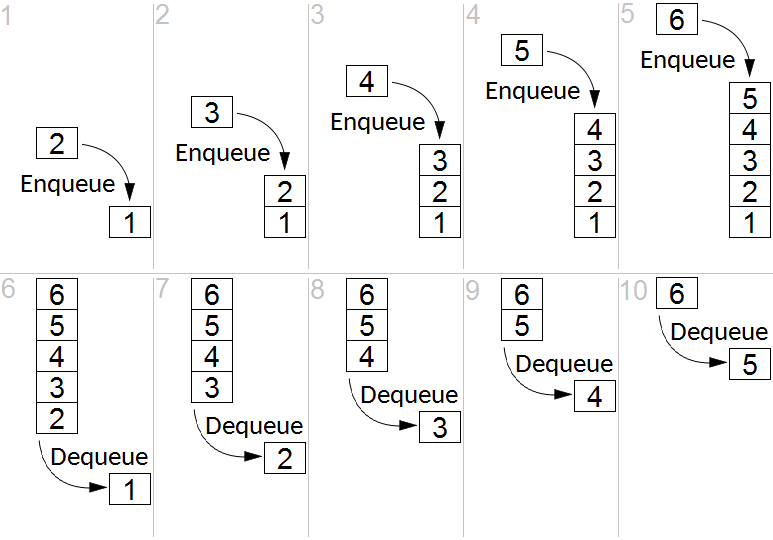
- Amazon SQS queues decouple application components by buffering incoming requests to prevent downstream API throttling. Instead of an API pushing data directly to a database, the API drops the message in an SQS queue. A worker pulling from the queue can consume messages at a steady, manageable rate, even if the queue briefly swells to millions of messages.
- For massive, continuous streaming data pipelines (like IoT telemetry or clickstream logs), Amazon Kinesis Data Streams can absorb sudden API traffic spikes to buffer requests for downstream processing, maintaining strict message ordering while protecting the backend from being overwhelmed.
By combining the end-to-end visibility of AWS X-Ray, the proactive boundary management of Service Quotas, and the elastic resilience of throttling buffers and backoff algorithms, you transform fragile architectures into robust, well-architected systems capable of weathering the realities of massive cloud scale.