Azure Directory Services and Authentication
Not sure you’re ready?
Take the ~3-minute readiness diagnostic and see where you stand.
The modern corporate perimeter is no longer defined by the physical walls of an office building or the routing tables of a corporate firewall; it is defined by identity. When an organization shifts its infrastructure to the cloud, the traditional method of securing assets—locking them behind a private corporate network—becomes obsolete. Employees, contractors, and applications now request access from coffee shops, home offices, and data centers across the globe. To govern this distributed reality, cloud platforms rely on a centralized ledger of trust. This ledger must rigorously verify exactly who is knocking at the door and enforce strict rules regarding what they are allowed to touch once inside.
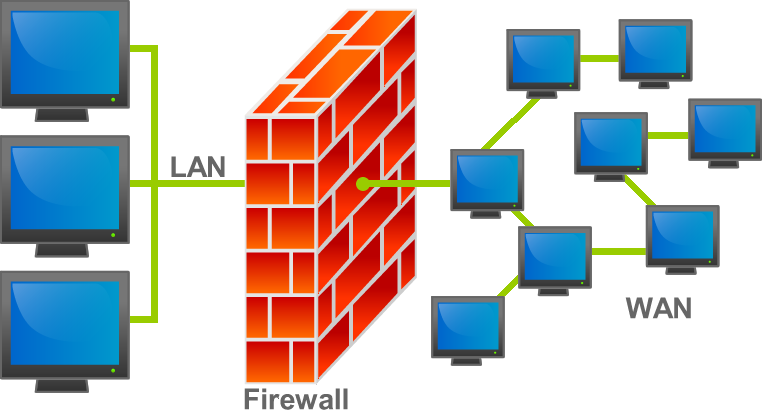
To master Azure’s security model, one must master the mechanics of this identity-based perimeter. We will examine how Microsoft Azure manages directories, validates credentials, and extends trust to partners, customers, and automated software.
At the center of Azure’s security architecture sits Microsoft Entra ID, which is a cloud-based identity and access management service. You will frequently see this service referenced in historical documentation or by veteran engineers because Microsoft Entra ID was formerly known as Azure Active Directory.
To understand how Entra ID organizes identities, we must define the boundary of an organization. In Azure, a Microsoft Entra tenant represents a single organization. A Microsoft Entra tenant is a dedicated instance of Microsoft Entra ID, completely isolated from all other tenants. When a finance manager logs into their corporate portal, or a sales team accesses customer data, they are authenticated against their organization's specific tenant.
Crucial Distinction: Authentication vs. Authorization Before proceeding, we must distinguish between two fundamental concepts that are often conflated:
- Authentication is the process of establishing the legitimate identity of a person or service. It answers the question: Are you who you say you are?
- Authorization is the process of determining what level of access an authenticated person or service has. It answers the question: What are you allowed to do?

Microsoft Entra ID acts as the definitive authority for both. It helps employees sign in and access internal and external resources, acting as the identity provider for a vast ecosystem. Specifically, Microsoft Entra ID provides identity services for Microsoft cloud applications like Microsoft 365 and the Azure portal, as well as thousands of third-party software-as-a-service (SaaS) applications.
For business stakeholders, the cost of entry is non-existent: Microsoft Entra ID Free edition is included with every Azure subscription, providing foundational security features out of the box.
Cloud-Native vs. Legacy Architecture
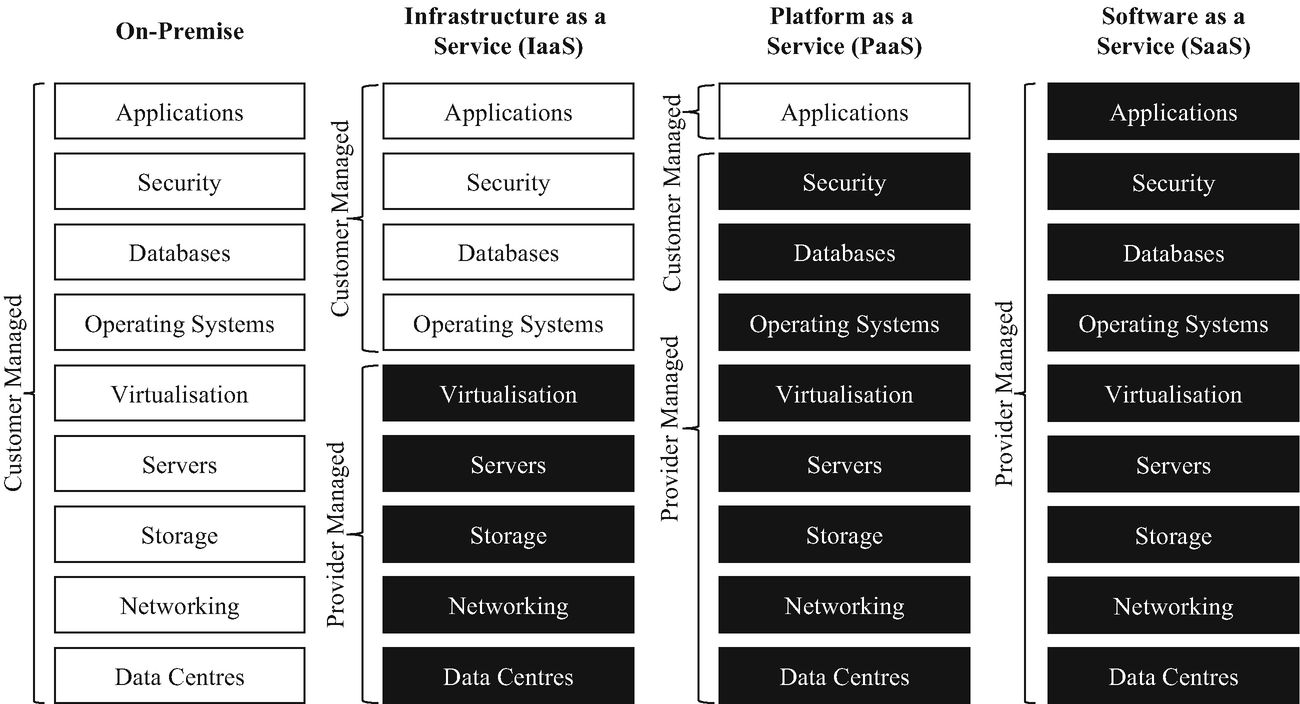
If you have a background in traditional IT, you may be familiar with on-premises Windows Active Directory. It is vital to understand that Microsoft Entra ID is not simply a server hosted in the cloud. Instead, Microsoft Entra ID is a flat directory structure designed primarily for cloud-based web applications. It communicates using modern web protocols rather than legacy network protocols.
However, organizations frequently possess legacy applications that cannot comprehend modern web authentication. For these scenarios, Microsoft provides Microsoft Entra Domain Services. This service acts as a bridge. Microsoft Entra Domain Services provides managed domain services such as domain join and group policy, and crucially, it provides traditional Active Directory features like Lightweight Directory Access Protocol (LDAP).
The profound operational advantage for an IT department is that Microsoft Entra Domain Services eliminates the need to deploy and manage Windows Server domain controllers in the cloud. The platform handles the patching, scaling, and uptime of the domain controllers invisibly.
Verifying identity requires evidence. Historically, this evidence was a password, but passwords are fundamentally flawed—they can be guessed, stolen, or inadvertently shared. Microsoft Entra ID offers several modern authentication methods to harden the perimeter while simultaneously reducing friction for the user.
Single Sign-On (SSO)
Every application an employee uses—from expense reporting to project management—traditionally requires its own login. Single sign-on allows a user to sign in exactly once to access multiple applications and resources.
For the user, single sign-on reduces the number of passwords a user needs to remember. For the IT and security teams, single sign-on simplifies identity management by creating a single identity tied to a single set of credentials. When an employee departs the organization, disabling that one identity instantly revokes access to all SSO-integrated systems.

Multifactor Authentication (MFA)
Because single sign-on concentrates access into a single set of credentials, protecting that primary login is paramount. Multifactor authentication requires users to provide two or more forms of identification during sign-in. This dramatically increases security by making unauthorized access difficult even if a password is compromised.
MFA relies on three distinct categories of evidence:
- Knowledge: Multifactor authentication can require something the user knows, such as a password or a PIN.
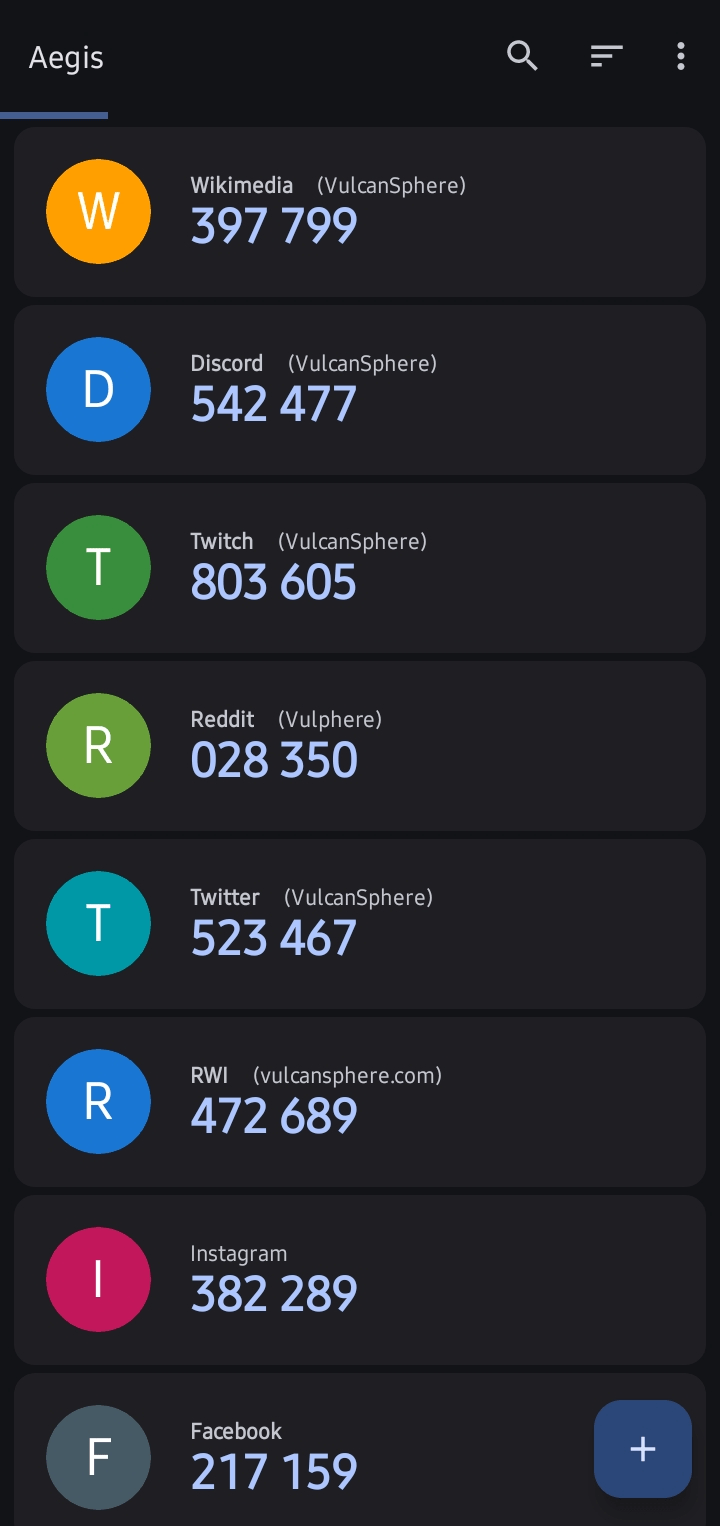
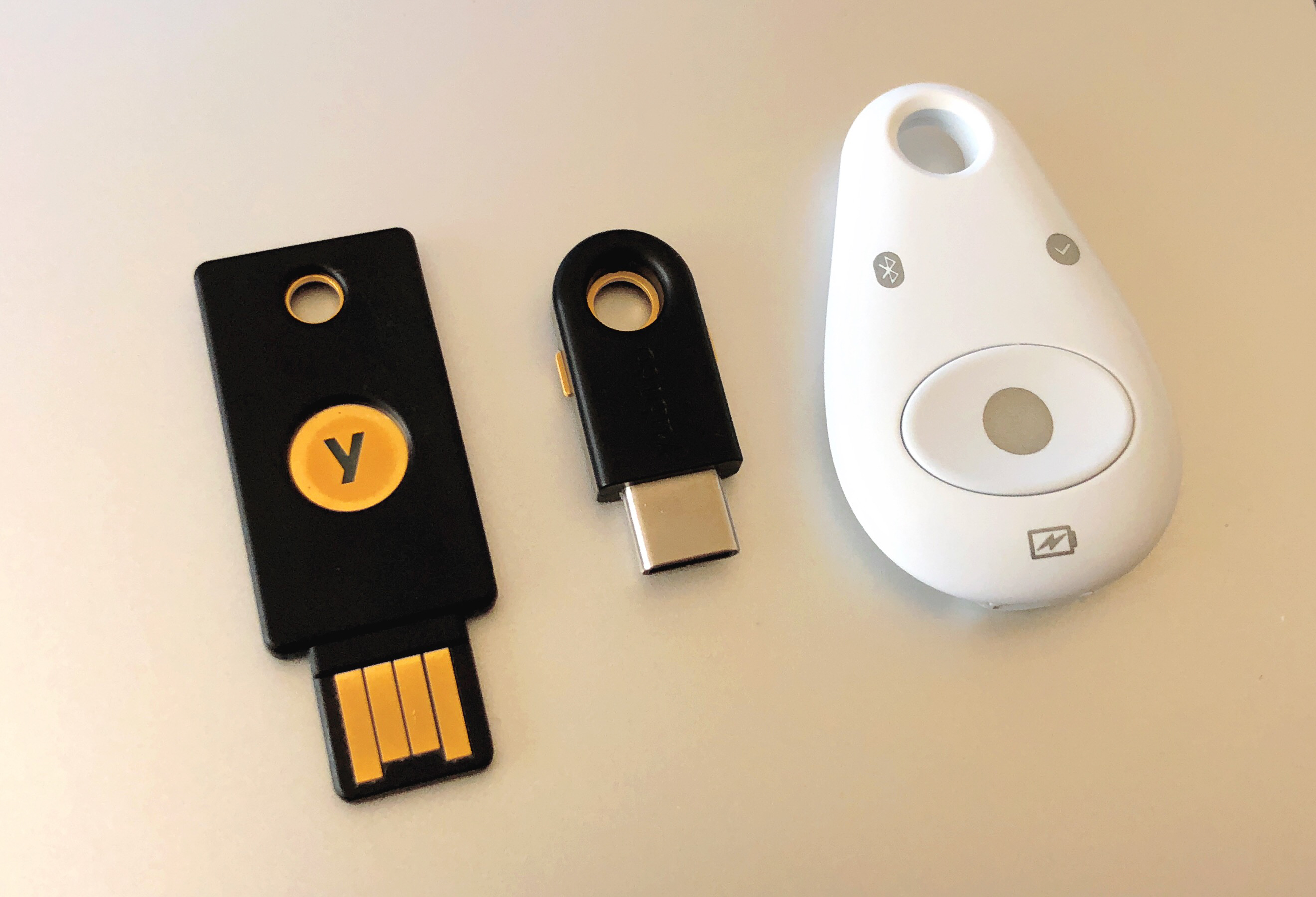
- Possession: Multifactor authentication can require something the user has, such as a trusted mobile device or a hardware key.
- Inherence: Multifactor authentication can require something the user is, such as a fingerprint or a facial scan.
By forcing an attacker to compromise at least two completely different vectors—for instance, guessing a password and physically stealing the user's mobile phone—MFA effectively neutralizes the vast majority of identity-based cyberattacks.
Passwordless Authentication
The most secure password is one that does not exist. Passwordless authentication entirely removes the need for a traditional password during the sign-in process. Instead, it relies purely on possession and inherence.
Microsoft Entra ID supports several robust passwordless methods:
- Microsoft Authenticator: The smartphone app becomes the primary credential. Microsoft Authenticator is a supported method for passwordless authentication in Microsoft Entra ID, typically using a number-matching prompt combined with the phone's biometric unlock.
- Windows Hello for Business: This binds an identity directly to a specific device. Windows Hello for Business is a supported method for passwordless authentication in Microsoft Entra ID, utilizing a biometric scan (face or fingerprint) or a PIN on a managed Windows machine.
- FIDO2 Security Keys: For highly secure or restricted environments, FIDO2 security keys provide a hardware-based method for passwordless authentication in Microsoft Entra ID. The user plugs in a physical USB key or uses NFC to authenticate.
Organizations do not operate in a vacuum. Project managers collaborate with external vendors; marketing teams build web portals for consumers. Microsoft Entra External Identities allows secure interaction with users outside of the hosting organization. This is divided into two distinct models:
Business-to-Business (B2B) Collaboration
When you hire an external consultant, you do not want the administrative overhead of creating and managing a new username and password for them. Business-to-Business collaboration allows an organization to share internal applications and resources with external guest users.
The elegance of B2B is the delegation of trust. Guest users in Business-to-Business collaboration use their own organization's credentials to sign in. If the consultant leaves their home company, their home IT department disables their account, which instantly and automatically terminates their access to your Azure resources as well.
Business-to-Customer (B2C)
If your organization builds a consumer-facing application—such as a retail storefront or a patient healthcare portal—the identity requirements shift. Business-to-Customer identity management allows customers to sign in to custom web or mobile applications.
Consumers demand low friction. Therefore, Business-to-Customer identity management allows users to sign in using social identities like Google or Facebook, alongside traditional email sign-ups. Because consumer identities possess entirely different security and lifecycle requirements than corporate employees, Business-to-Customer identities can be managed within a dedicated Microsoft Entra directory, keeping them completely segregated from your internal corporate tenant.
Human beings are not the only entities that require authentication. Modern cloud environments are filled with automated tools, scripts, and microservices that must interact with Azure resources. If a web application needs to pull data from an Azure Storage Account, it must prove its identity just as a human would.
Historically, developers solved this by hardcoding passwords or "connection strings" directly into the application's source code—a massive security vulnerability. Azure solves this using non-human identities.
First, we have Service principals, which are specific identities created for applications or automated tools to access Azure resources. You can think of a service principal as an "ID badge" issued specifically to a piece of software.
However, managing the lifecycle and credentials of service principals still requires effort. To further automate security, Azure provides Managed identities. Managed identities provide an automatically managed identity in Microsoft Entra ID for Azure applications.
When a developer enables a managed identity on a virtual machine or a web app, Azure handles the creation, rotation, and deletion of the underlying credentials behind the scenes. This is a profound architectural improvement: Managed identities eliminate the need for developers to manually manage credentials in application code. The software simply asks the Azure platform for an authentication token, and Azure securely brokers the connection.
The transition to the cloud fundamentally elevates identity to the primary security perimeter. By leveraging a dedicated Microsoft Entra tenant, organizations can seamlessly unify human and machine identities. Transitioning from legacy flat directories to modern authentication—enforcing single sign-on, implementing multifactor or passwordless methods, and properly gating external access through B2B and B2C architectures—ensures that both authorized access is frictionless and unauthorized access is mathematically improbable.