Benefits of Cloud Services: Security and Manageability
Not sure you’re ready?
Take the ~3-minute readiness diagnostic and see where you stand.
Imagine a mid-sized retail company deciding to construct its own regional bank to store daily cash deposits. To do so, the executives must purchase land, pour concrete, construct a steel vault, hire armed guards, install surveillance systems, and establish rigorous auditing procedures just to ensure their money is secure. This is precisely the operational posture of traditional on-premises IT: an organization assumes the entirety of the physical and infrastructural burden before a single line of business logic is executed. Cloud computing fundamentally dismantles this model. By migrating to a global cloud service provider like Microsoft Azure, an enterprise ceases to be in the data center business. Instead, it becomes a consumer of unprecedented scale, benefiting from billions of dollars invested in infrastructure. For the technology professional, project manager, or financial stakeholder, understanding how cloud platforms architect security, enforce governance, and streamline management is the key to unlocking the true agility of the cloud. The transition is not merely a change in where servers live; it is a profound shift in operational leverage.

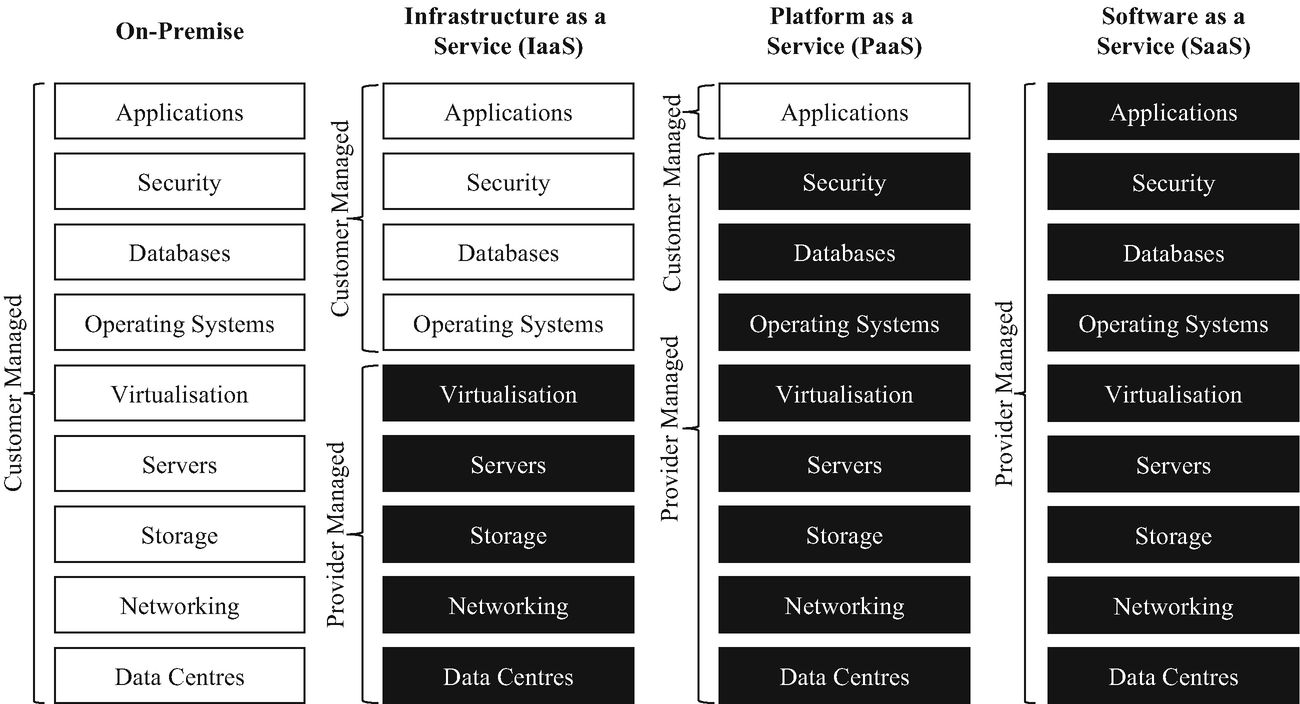
When an organization moves to the cloud, it adopts the Shared Responsibility Model. This is arguably the most critical operational paradigm in modern technology. It dictates an absolute rule: the cloud provider always manages the physical security of the underlying datacenter infrastructure, while the customer is responsible for what they build on top of it.
Physical Datacenter Security
If you were to approach a Microsoft Azure datacenter, you would not find a glass building with a massive logo. You would find an unmarked, highly fortified concrete structure. Cloud service providers offer robust physical security measures to protect datacenter hardware from unauthorized access. Because they operate at a global scale, they can implement defenses that would bankrupt a standard enterprise.
These physical security measures at cloud datacenters include continuous video surveillance, biometric access controls, and highly trained security guards. They utilize multi-factor authentication for physical entry, metal detectors, and isolated security zones. As a customer, you inherit this multi-million-dollar physical security perimeter for the price of your monthly compute consumption.
Digital Security and Identity
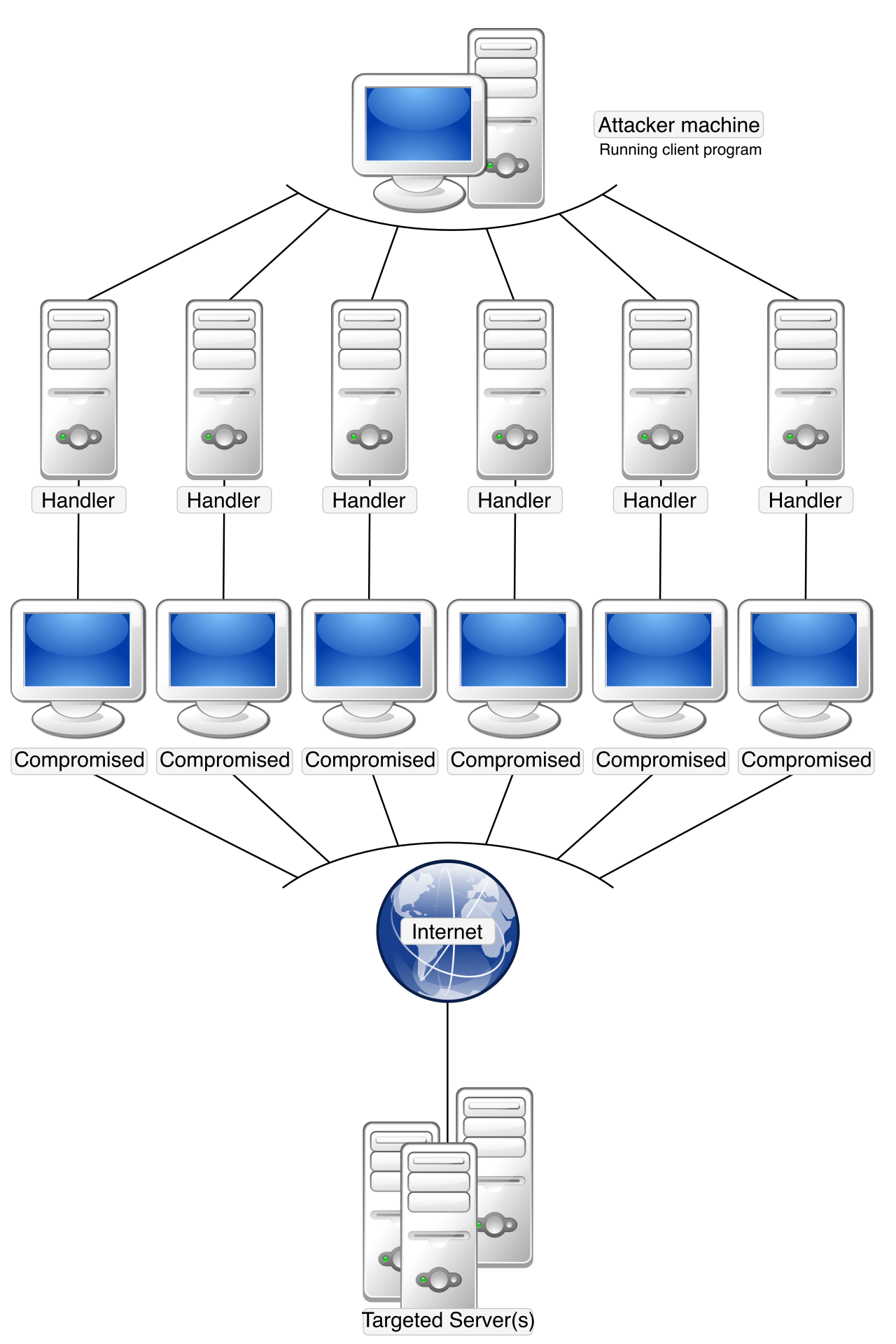
Beyond the concrete and guards, the cloud secures your digital assets at an infrastructural level. For example, malicious actors routinely attempt to overwhelm servers with massive floods of traffic. To combat this, cloud platforms provide built-in mitigation tools to protect applications against Distributed Denial of Service (DDoS) attacks. The cloud provider's network is so vast that it can absorb and scrub malicious traffic before it ever reaches your specific servers.
Inside your cloud environment, access is governed not by physical keys, but by digital identities. Cloud platforms utilize centralized identity and access management (IAM) tools to enforce strict user permission boundaries. Whether you are an IT administrator or a financial auditor analyzing billing, IAM ensures that you can only see, touch, or modify exactly what you need to perform your job, and nothing more.
Why this matters for your business: You no longer need to spend capital on firewall hardware or physical security guards. By leveraging the cloud provider's economies of scale, your engineering and security teams can focus entirely on securing your data and applications, rather than defending a building.
If security is about keeping the bad actors out, governance is about keeping the good actors in line. When an organization provisions hundreds of servers, databases, and network connections, chaos can quickly ensue. Cloud governance enables organizations to enforce internal standards and corporate rules across all deployed cloud resources.
Guardrails vs. Gates
In traditional IT, governance was a "gate." A developer needed a server, so they submitted a ticket, a manager approved it, procurement bought the hardware, and IT racked it—a process taking weeks. In the cloud, deployment takes seconds. Therefore, governance must be an automated "guardrail."
Cloud governance tools can automatically block the provisioning of any resource that violates established organizational policies. For example, a project manager can establish a rule stating, "Our team is only allowed to deploy low-cost virtual machines in the East US region." If an engineer attempts to deploy a $10,000-a-month supercomputer in Europe, the governance tool will instantly block the action.
Compliance, Auditing, and Organization
Organizations operating in finance, healthcare, or government must constantly prove that their infrastructure meets strict legal standards. Cloud governance platforms provide built-in templates to help organizations verify compliance with international regulatory standards (such as HIPAA, GDPR, or ISO 27001).
Furthermore, cloud providers offer centralized auditing tools to record and track all configuration changes made to cloud resources. If a database is suddenly exposed to the public internet, the auditing logs will show exactly who made the change, from what IP address, and at what precise millisecond.
Finally, to make sense of large cloud environments, teams rely on cloud resource tagging. Tagging is a manageability and governance feature used to categorize assets for billing and logical organization. By attaching metadata—such as Department: Marketing or Environment: Production—finance teams can easily generate reports to see exactly which departments are driving cloud consumption.
To fully understand cloud manageability, we must split it into two distinct halves: how the cloud itself is managed, and how you manage your resources within it. Think of it like renting a high-end apartment. The landlord fixes the plumbing and the roof; you decide where the furniture goes and what color to paint the walls.
Management OF the Cloud (The Provider's Job)
Management of the cloud refers to the cloud service provider maintaining the underlying datacenter hardware and host infrastructure. This is the invisible labor that you, the customer, no longer have to perform.
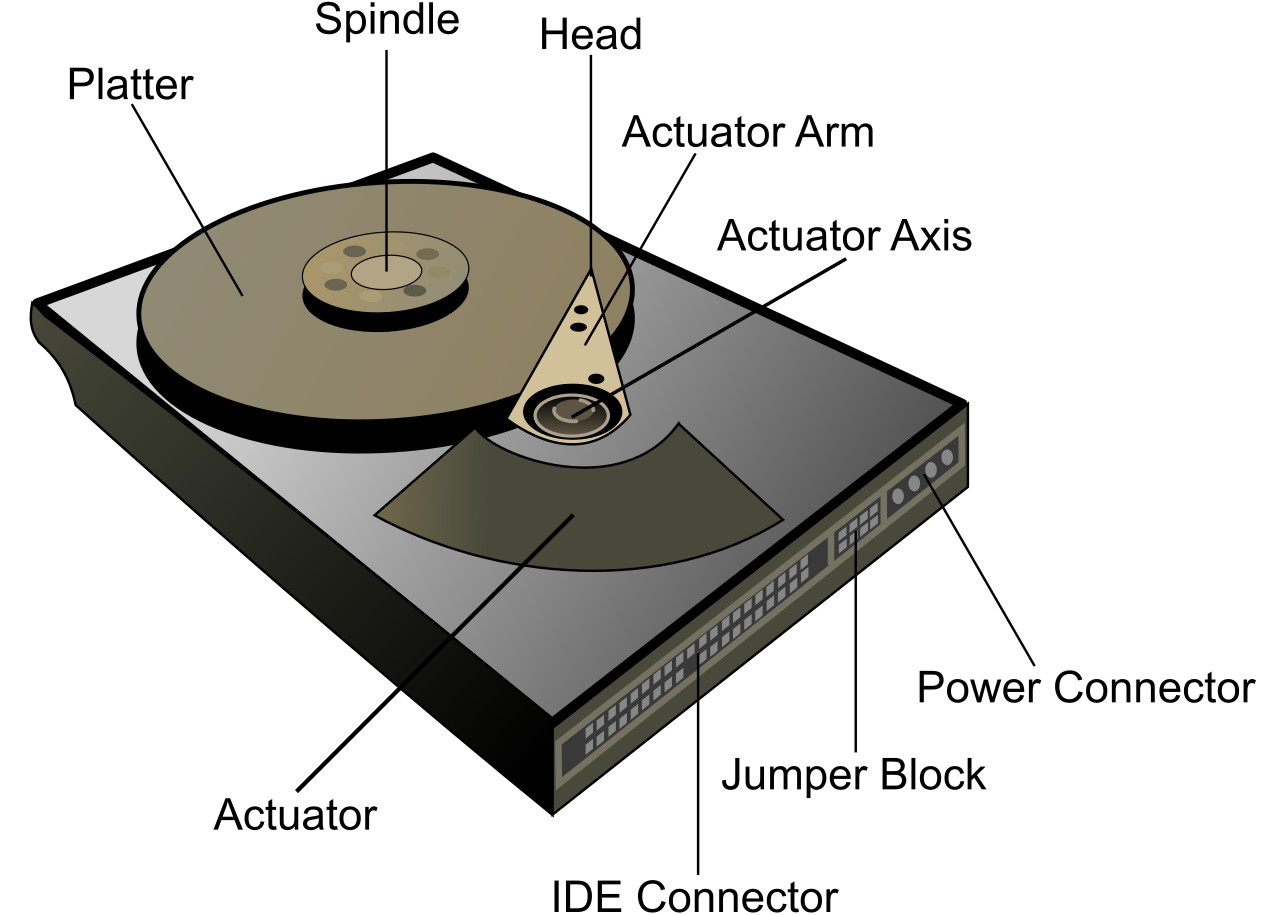
- Hardware Reliability: Hard drives fail. Power supplies burn out. Management of the cloud includes the cloud service provider automatically replacing failing hardware components without user intervention. If the physical server hosting your virtual machine detects a memory failure, the cloud platform can live-migrate your workload to healthy hardware, often without you even noticing a blip in service.
- Host Security: Management of the cloud includes the cloud service provider applying security patches to the underlying physical host machines. You are responsible for patching your own virtual machine's operating system, but the physical server rack running the virtualization software is patched and secured by the provider.
Management IN the Cloud (Your Job)
Conversely, Management in the cloud refers to the methods and tools users employ to deploy, configure, and monitor their specific cloud resources. Depending on your role and technical expertise, cloud platforms offer multiple ways to interact with your resources:
| Method | How it works | Best used for |
|---|---|---|
| Graphical Web Portal | Management in the cloud includes provisioning cloud resources manually through a graphical web portal (e.g., the Azure Portal). | Visualizing environments, exploring new services, or one-off administrative tasks. Highly intuitive for non-technical stakeholders. |
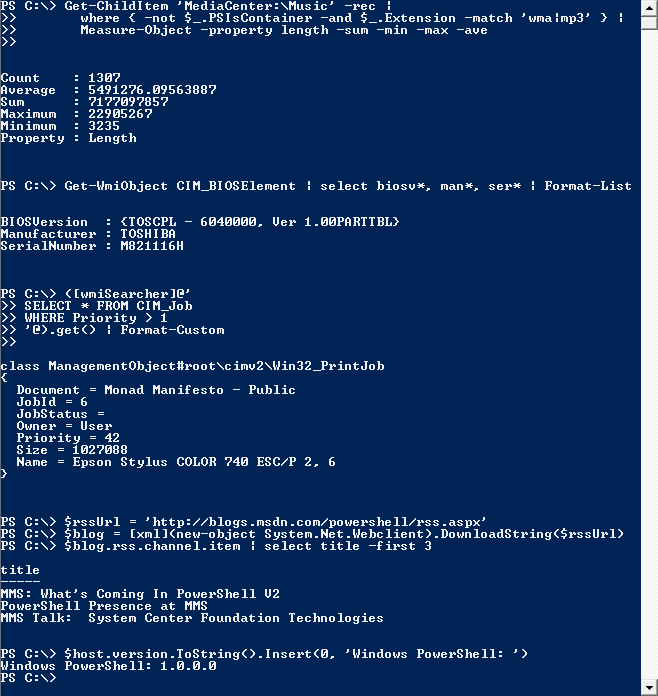
| Command-Line Interface (CLI) | Management in the cloud includes configuring cloud resources programmatically via a command-line interface. | IT professionals who want to execute rapid, repeatable commands without clicking through web menus. |
| Application Programming Interfaces (APIs) | Management in the cloud supports interacting with cloud resources dynamically using RESTful Application Programming Interfaces. | Software applications directly requesting infrastructure. For instance, an application scaling itself up by sending an API call to Azure when customer traffic spikes. |
When an enterprise scales, manually clicking through a graphical web portal to build infrastructure becomes a liability. Human beings make typos; they forget to check critical security boxes. To solve this, the industry utilizes Infrastructure as Code (IaC).
Infrastructure as Code is a cloud manageability model that enables the automated deployment of resources using declarative templates.
Instead of manually building a network, a database, and a server in the cloud portal, an engineer writes a text file (the template) that simply declares what the environment should look like. They hand this file to the cloud platform, and the cloud builds the entire environment exactly as specified.
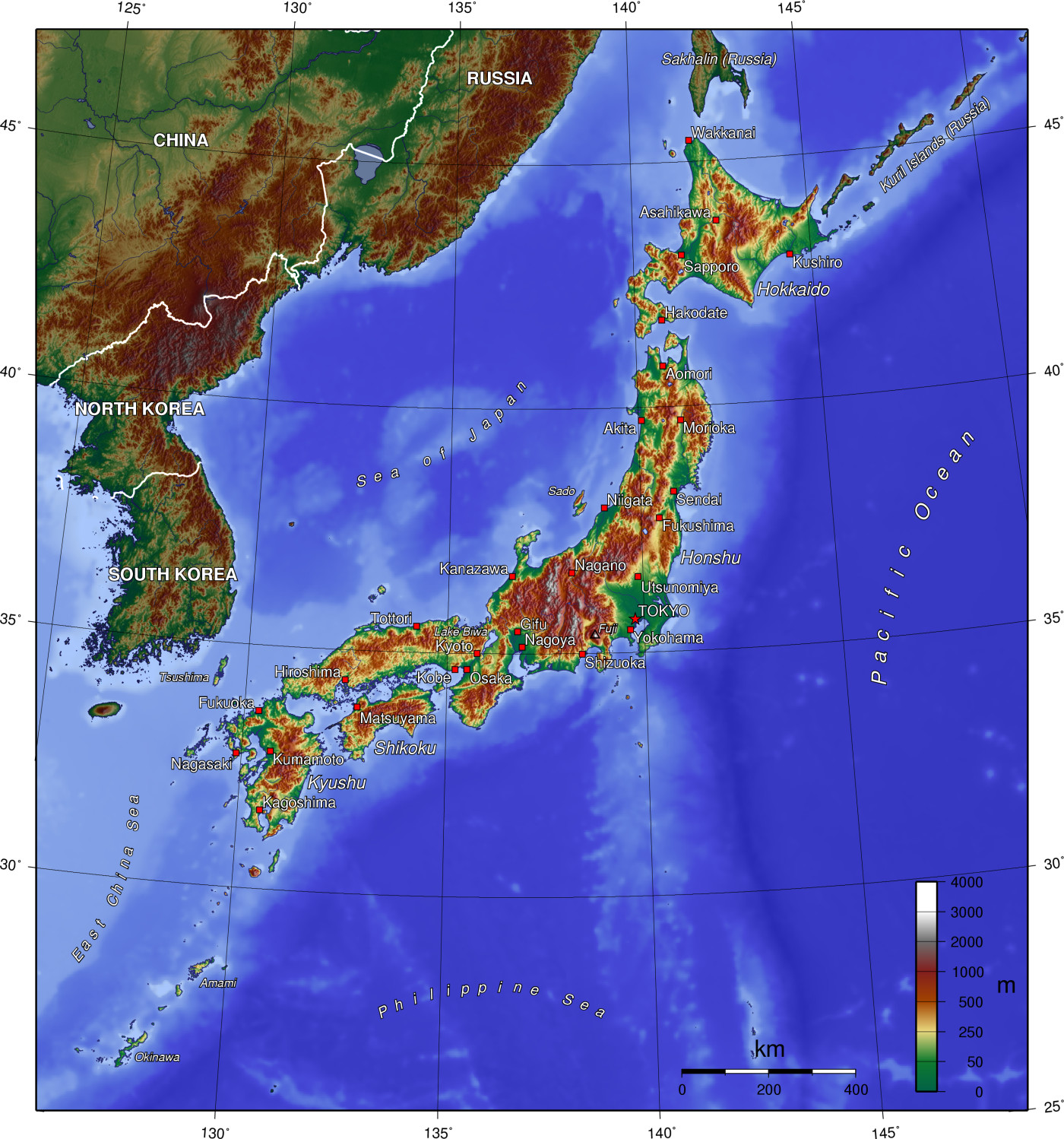
Because your entire data center is now represented as text code, Infrastructure as Code allows organizations to quickly replicate identical cloud environments across different geographical regions. If your company suddenly expands from the United States to Japan, you do not need to spend months re-architecting your IT environment. You simply take your IaC template, change the deployment region from "US-East" to "Japan-East", and the cloud provisions an exact, error-free replica of your corporate infrastructure in minutes.
Why this matters for your business: Manageability in the cloud transforms IT from an artisan craft—where every server is a uniquely hand-configured pet—into an automated, scalable factory line. This allows businesses to move faster, recover from disasters instantly, and expand globally with the click of a button.