Infrastructure as Code and ARM Templates
Not sure you’re ready?
Take the ~3-minute readiness diagnostic and see where you stand.
Imagine requesting the construction of a corporate skyscraper, but instead of handing the foreperson a comprehensive set of architectural blueprints, you verbally dictate every swing of the hammer, every placement of a beam, and every pour of concrete. If your business later requires a second, identical skyscraper in another city, you must repeat the entire exhausting dictation from memory, hoping you make no deviations or mistakes. Historically, the IT industry built its infrastructure exactly this way. System administrators relied on manual hardware configurations or clicked through interactive configuration tools to set up servers, networks, and databases one by one. The modern cloud fundamentally rejects this artisan approach in favor of industrial precision.

To achieve massive scale, reliability, and auditability in Microsoft Azure, we replace the artisan with the architect. We capture our infrastructure in code.
Infrastructure as Code (IaC) is the process of provisioning and managing computing infrastructure through machine-readable definition files. Instead of an engineer physically racking servers or clicking through web portals, they write a text file that describes the exact network and compute resources the business needs.
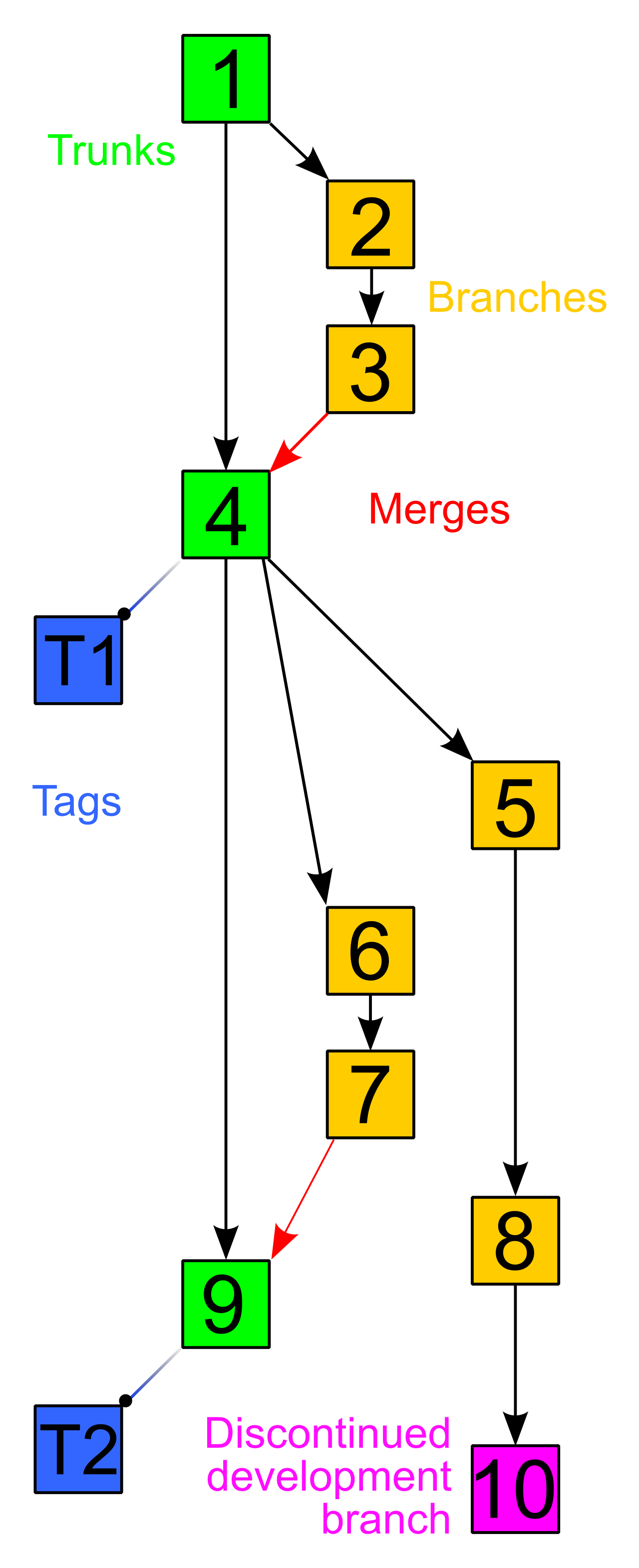
By utilizing these machine-readable definition files, Infrastructure as Code completely replaces manual hardware configurations and interactive configuration tools. For professionals in project management, finance, or compliance, this shift is revolutionary. Because infrastructure is now just text, Infrastructure as Code definition files can be stored in version control systems (like Git). Version-controlling Infrastructure as Code files enables teams to track infrastructure changes over time, line by line. If a system goes down, you no longer have to guess who changed a server setting; you simply review the version history. Furthermore, Infrastructure as Code drastically reduces human errors caused by manual deployment processes, ensuring predictable project timelines and stable production environments.
The "How" vs. The "What"
When writing code to build infrastructure, there are two distinct methodologies: imperative and declarative.
- Imperative Infrastructure as Code specifies the exact sequence of commands required to create the infrastructure. Think of this like giving a taxi driver turn-by-turn directions: "Drive 400 yards, turn left, wait at the light, merge onto the highway." If a road is closed, the sequence fails.
- Declarative Infrastructure as Code defines the desired final state of the environment. You simply tell the driver: "Take me to the airport." The system figures out the best route. Declarative Infrastructure as Code actively avoids defining the step-by-step commands to achieve the desired infrastructure state, focusing entirely on the end goal.
Azure predominantly champions the declarative model, allowing you to state what you want, while Azure handles how to build it.
To understand how Azure interprets these infrastructure requests, we must look at the central brain of the platform: Azure Resource Manager (ARM).
Azure Resource Manager is the central deployment service and the central management service for Microsoft Azure. Whether you are a developer writing code or a finance manager checking billing tags, you are interacting with ARM. It provides a unified management layer for interacting with Azure resources.
To appreciate the elegance of ARM, consider how users interact with the cloud. A sales engineer might use a graphical web interface, a system administrator might use command-line scripts, and an automated software pipeline might use API calls. Because ARM is a unified layer:
- The Azure portal interacts directly with the Azure Resource Manager API.
- Azure PowerShell interacts directly with the Azure Resource Manager API.
- The Azure Command-Line Interface (CLI) interacts directly with the Azure Resource Manager API.
Security Checkpoint: ARM is not just a router; it is a strict gatekeeper. Every single request—whether from the Portal, CLI, or PowerShell—must pass through ARM first. Azure Resource Manager authenticates and authorizes user requests before routing the requests to the underlying Azure services. If you do not have the proper permissions, ARM rejects the command before it ever reaches the database or virtual machine you are trying to modify.
If Azure Resource Manager is the engine, Azure Resource Manager templates are the blueprints fed into that engine.
Azure Resource Manager templates define the infrastructure configuration for an Azure deployment. They are written as JavaScript Object Notation (JSON) files and utilize a declarative syntax. You hand the JSON file to ARM, and ARM builds the environment exactly as described.
Customization Through Parameters
Businesses rarely need just one environment. A development team needs a small, cheap environment to test software, while the production team requires a massive, highly resilient environment to serve real customers.
Instead of writing entirely separate blueprints for each scenario, Azure Resource Manager templates allow parameters to be passed during deployment. Azure Resource Manager template parameters enable the customization of resource creation for different deployment environments. You can write one template, but pass a parameter during deployment specifying "Environment = Dev" (which deploys inexpensive servers) or "Environment = Prod" (which deploys premium, high-capacity servers).
The Magic of Idempotence
One of the most critical, yet frequently misunderstood, concepts in cloud deployments is idempotence.
Azure Resource Manager templates are idempotent. Idempotence in Azure Resource Manager templates ensures that repeated deployments of the same template yield the exact same resource state.
Think of a traditional light switch (imperative). If you push it, the state changes. Push it again, the state changes back. If you execute a "turn on" command twice, you might cause an error or flip the system off. Now, think of a digital thermostat (declarative and idempotent). You set it to 72 degrees. If you tell the thermostat to set the temperature to 72 degrees ten times in a row, the room doesn't heat up to 720 degrees; the thermostat simply verifies the state is 72 degrees and does nothing.

Because of this property, idempotent template deployments prevent the creation of unintended duplicate Azure resources. You can confidently deploy your template every single day. If the resources already exist and match the template, ARM touches nothing. If a server is missing, ARM creates only the missing server.
Orchestration: Speed and Dependencies
When ARM receives your template, it acts as an incredibly efficient project manager. It analyzes all the requested resources to determine the fastest way to build them.
- Parallel Deployment: Azure Resource Manager orchestrates the deployment of independent resources in parallel. If you request five independent web servers, ARM builds all five simultaneously. Parallel resource deployment by Azure Resource Manager maximizes overall deployment speed.
- Sequential Deployment: Sometimes, order matters. You cannot connect a web application to a database if the database does not exist yet. Azure Resource Manager templates allow users to define dependencies between different Azure resources. Resource dependencies in Azure Resource Manager templates ensure that related resources are created in the correct sequential order.
While JSON-based ARM templates are powerful, JSON was originally designed for computers to exchange data, not for humans to write code. Native JSON can be highly verbose and difficult to read, peppered with excessive brackets and quotation marks.
To solve this, Microsoft introduced Bicep.
Bicep is a domain-specific language (DSL) designed specifically for deploying Azure resources declaratively. Think of it as a shorthand version of ARM templates built purely for human readability. Bicep provides a simpler authoring syntax for Azure deployments compared to JSON-based Azure Resource Manager templates.
However, remember that ARM—the engine—only natively understands JSON. Therefore, Azure Resource Manager transpiles Bicep files into standard JSON Azure Resource Manager templates prior to deployment. "Transpiling" is simply the automated process of translating the clean, human-readable Bicep code back into the strict, machine-readable JSON format that the ARM API expects.
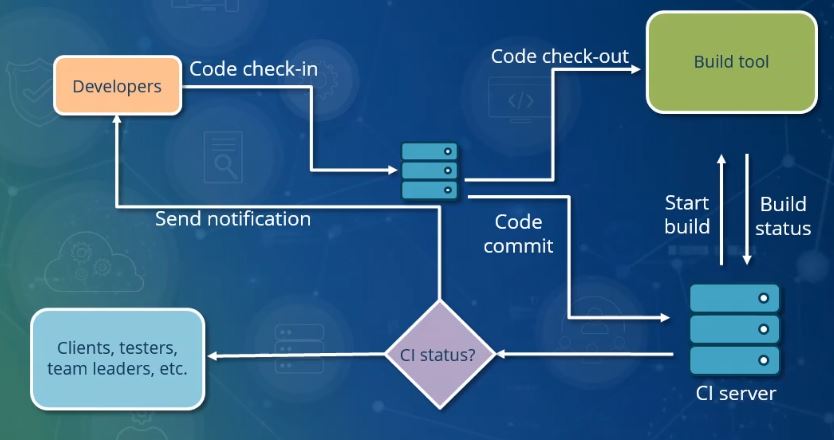
Ultimately, the goal of Infrastructure as Code is to treat your data centers exactly like software. Because our infrastructure is now defined in idempotent files, Azure Resource Manager templates can be integrated into Continuous Integration (CI) pipelines and Continuous Deployment (CD) pipelines.
When a team updates a Bicep or JSON file, an automated CI/CD pipeline can immediately test the code for security flaws, seek managerial approval, and automatically push the new infrastructure changes to Azure without a single manual click. For the business stakeholder, this means infrastructure changes that used to take months of planning and weekend outage windows can now be executed in minutes, securely, reliably, and with a complete audit trail.