Automation and Orchestration Use Cases
Not sure you’re ready?
Take the ~3-minute readiness diagnostic and see where you stand.
A modern enterprise network is not a static structure; it is a highly active, constantly shifting biological system. On any given day, thousands of endpoints negotiate connections, hundreds of employees require varying degrees of access to proprietary data, and monitoring tools generate an unceasing torrent of alerts. A system administrator attempting to manually configure every server, evaluate every alert, or securely offboard every departing employee is facing a profound mathematical deficit. The scale of modern computing vastly outpaces the speed of manual human interaction. To bridge this gap, modern cybersecurity and IT administration rely entirely on the systematic translation of operational intent into code.
Before we examine specific implementations, we must establish a precise taxonomy for how systems perform work without us. In everyday conversation, "automation" and "orchestration" are often used interchangeably, but in systems engineering, they represent distinctly different scales of action.
Automation is the use of technology to perform a single task with reduced human assistance.
Think of automation as a single, highly specialized function. A script that runs at midnight to back up a database to a secondary drive is automation. It has one job, and it does it perfectly every time.
Orchestration is the automated configuration, coordination, and management of multiple separate computer systems.
If automation is the individual musician playing their instrument, orchestration is the conductor. Orchestration strings together multiple automated tasks to execute a complex organizational workflow. For example, when a new server is deployed, orchestration might trigger an automation script to provision the virtual machine, call another script to install the operating system, communicate with a firewall to open specific ports, and finally notify a load balancer to begin routing traffic to it.
By mastering both, IT professionals transition from being manual laborers in the digital realm to architects of self-sustaining systems.
One of the most dangerous and time-consuming tasks an IT administrator faces is the management of human access. User provisioning involves creating, modifying, and disabling user accounts across IT systems. When done manually by a human administrator copying and pasting attributes from an HR ticket, disaster is virtually guaranteed. A forgotten checkbox or a mistyped permission group can silently grant an intern access to financial databases.
By translating this process into code, automated user provisioning reduces the risk of human error during account creation processes.
When a new employee is hired, a script can pull their department and job title from the HR database. Role-based access control templates are used in provisioning scripts to automate standard permission assignments. If the user is an accountant, the script inherently knows to apply the "Finance" template. This guarantees that scripting automates user provisioning to ensure consistent application of the principle of least privilege—giving the user exactly the access they need to do their job, and absolutely nothing more.
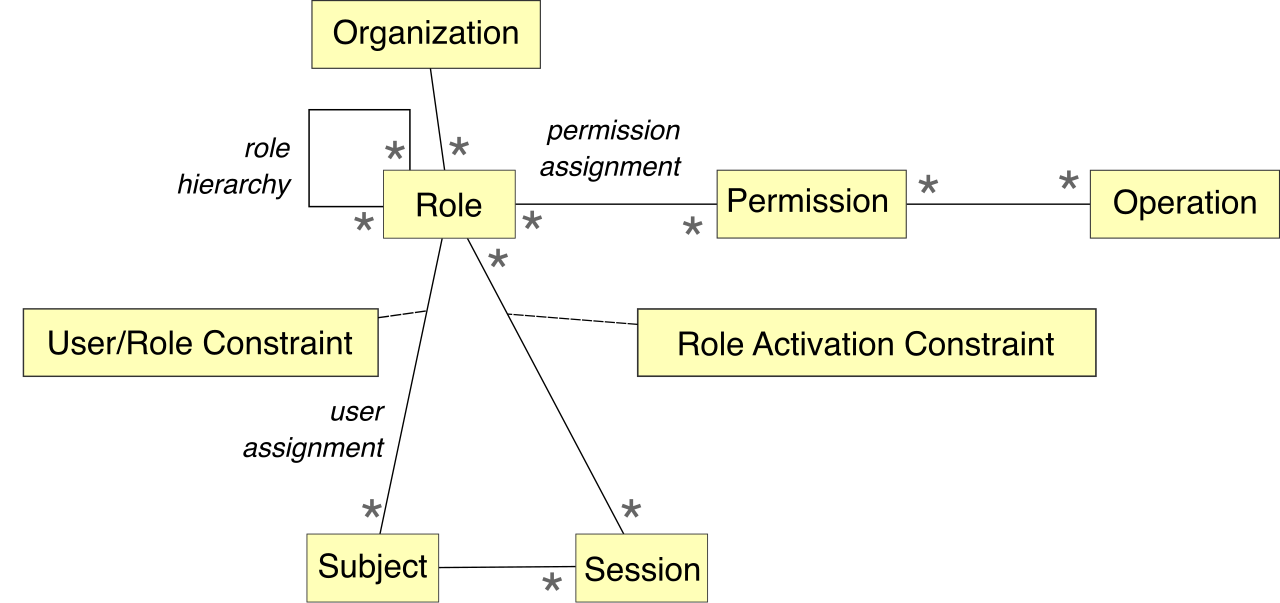
The defensive counterpart to this is equally critical. When an employee leaves a company, their access must vanish instantaneously. Automated user deprovisioning mitigates insider threats by immediately revoking access upon employee termination. You do not want a terminated, potentially disgruntled employee retaining VPN access for three hours while a helpdesk technician gets around to closing their ticket. Deprovisioning scripts sever access across all systems the millisecond the HR status changes.
If an intrusion detection system fires an alert in a forest, and no analyst is awake to log it, does it make a sound?
In a traditional environment, a security analyst monitors a dashboard, notices an anomaly, opens an IT Service Management (ITSM) tool like Jira or ServiceNow, and types out a summary of the event. This manual latency gives an attacker precious minutes to move laterally.
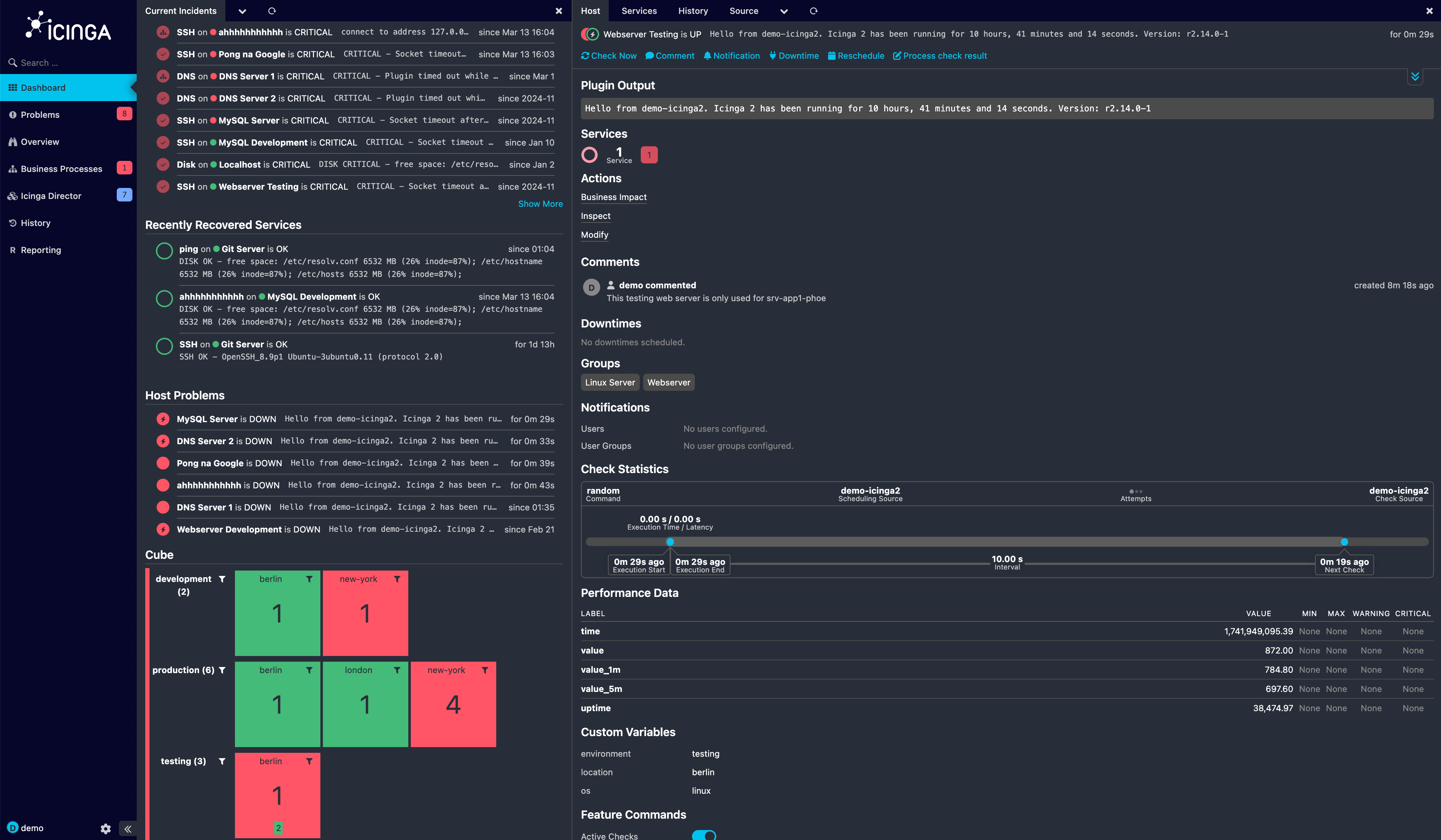
To eliminate this gap, modern security operations centers use code to bridge systems. Automated ticketing scripts integrate directly with IT Service Management platforms. Through this integration, automated ticket creation systems generate incident reports immediately when a monitoring tool detects a security event.
This changes the fundamental reality of incident triage. Automating ticket creation ensures all detected security alerts are documented without relying on manual data entry. Furthermore, ticket creation scripts standardize incident data collection to improve security analyst triage efficiency. Instead of relying on how much detail an exhausted analyst decided to type at 3:00 AM, the automated script instantly populates the ticket with the exact IP address, the triggered rule, the timestamp, and the affected asset. The analyst opens the ticket to find a perfectly organized dossier waiting for them.
Software development is no longer about writing code for six months and handing it to an IT team to deploy. Modern software is built continuously. Continuous Integration and Continuous Deployment (CI/CD) pipelines automate the building, testing, and deployment of software code.
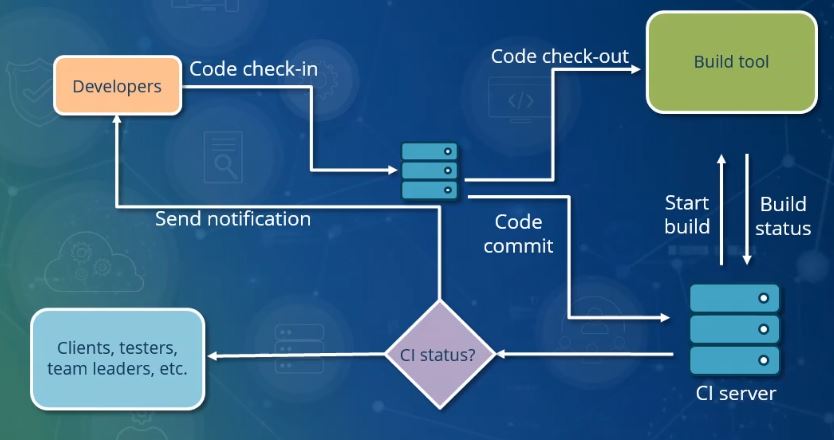
Historically, security was treated as a roadblock at the very end of this process. Today, we embed security directly into the machinery. Automated security testing in Continuous Integration pipelines is a foundational element of DevSecOps, ensuring security scales alongside rapid development.
We perform this testing in two distinct phases:
| Testing Type | Pipeline Stage | How It Works |
|---|---|---|
| Static Application Security Testing (SAST) | Continuous Integration (Code Pipeline) | Static Application Security Testing is automated within a code pipeline to analyze raw source code for vulnerabilities. It proofreads the developer's raw code for known bad practices, like hardcoded passwords or SQL injection vulnerabilities, before the application is even built. |
| Dynamic Application Security Testing (DAST) | Continuous Deployment (Deployment Pipeline) | Dynamic Application Security Testing is automated in a deployment pipeline to test running applications for exploits. It fires simulated attacks at the compiled, running application to see how it responds in reality. |
By chaining SAST and DAST together, automating security tests within deployment pipelines prevents code with known vulnerabilities from reaching production. If the code fails the automated tests, the pipeline intentionally breaks, rejecting the software before it can expose the organization to risk.
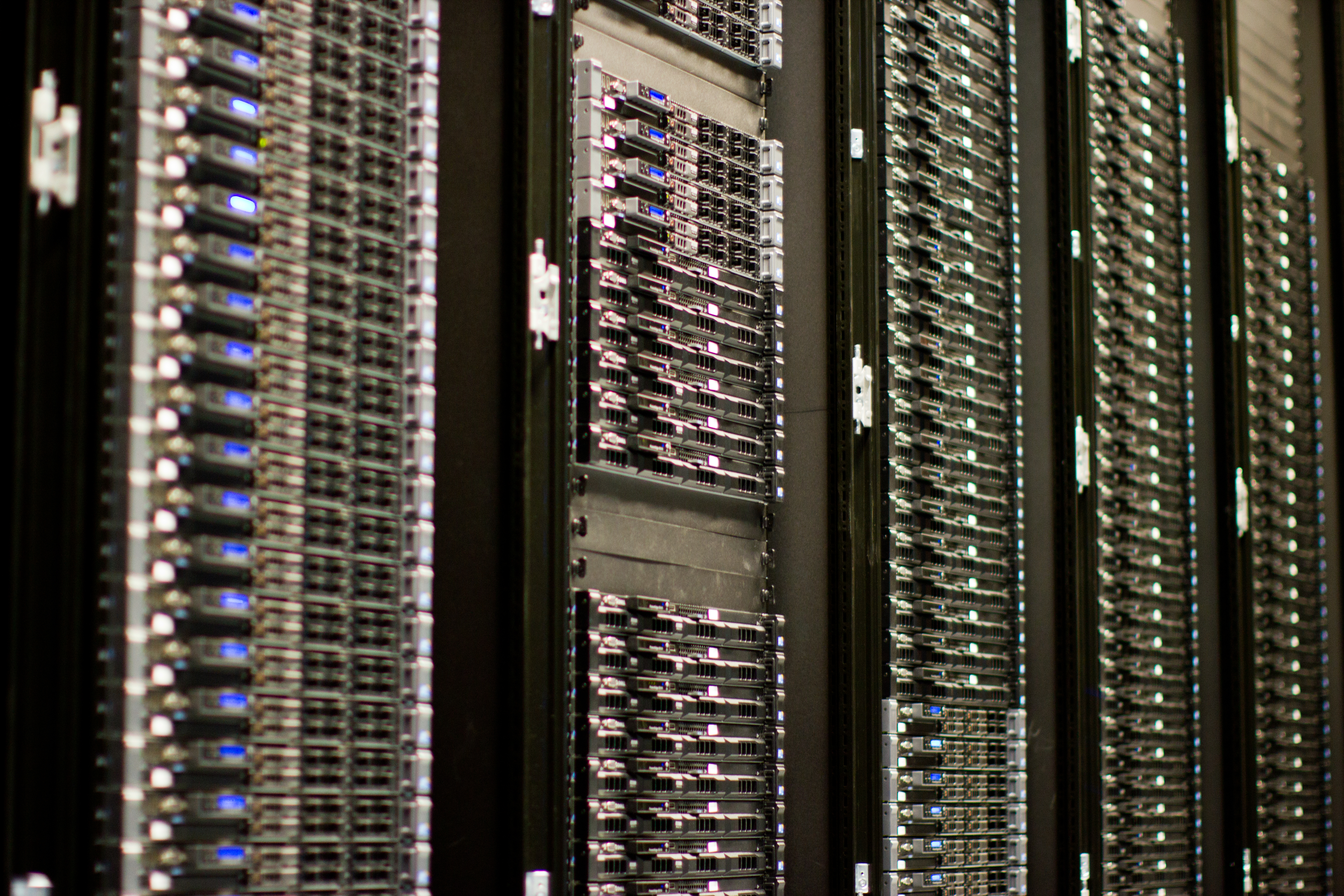
To secure a system, you must first define what "secure" means. A security baseline defines a minimum set of mandatory security controls required for an organization's IT systems. Think of the baseline as the architectural code of the building: all doors must have deadbolts, and all smoke detectors must have fresh batteries.
Verifying this manually across thousands of endpoints is impossible. Therefore, automation scripts continuously scan network endpoints to verify compliance with established security baselines.
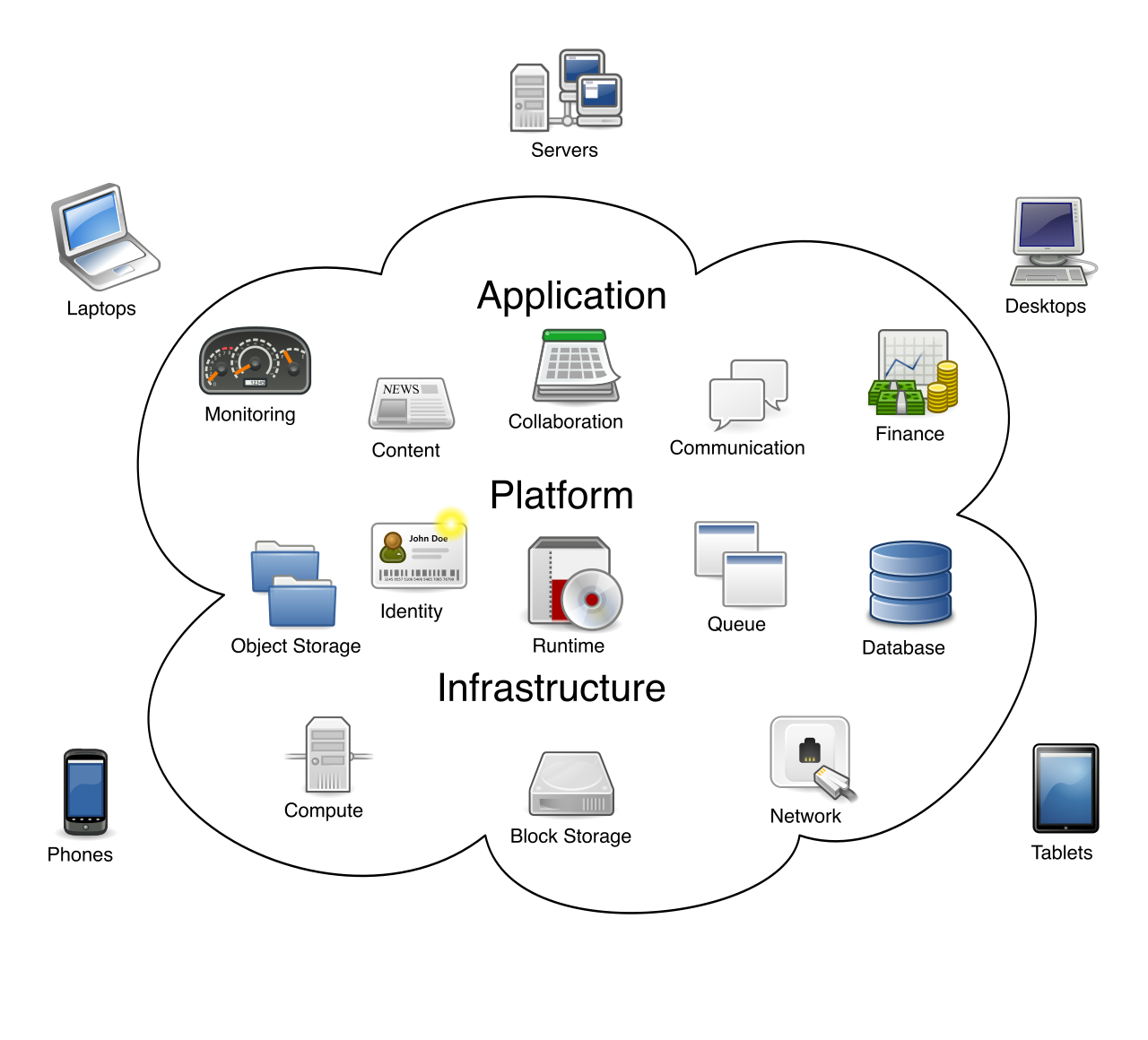
When we want to enforce these baselines proactively, we use specialized automation. Infrastructure as Code (IaC) tools automate the enforcement of baseline configuration settings across multiple servers simultaneously. Tools like Terraform or Ansible allow administrators to define the exact configuration of a server in a text file. If you need to spin up fifty web servers, IaC ensures all fifty are built identically to the baseline, completely eliminating "snowflake" servers with unique, undocumented configurations.
A baseline is your standard. A guardrail is the physical barrier that prevents you from driving off the cliff when you deviate from that standard.
Security guardrails are predefined technical rules that automatically enforce security policies within an IT environment.
Guardrails allow organizations to move incredibly fast. Rather than requiring developers to submit a ticket and wait two weeks for a security team to approve a new cloud server, security guardrails allow developers to provision infrastructure rapidly while staying within mandatory security boundaries. For example, an AWS account might have a guardrail that automatically denies the creation of any S3 storage bucket that allows public internet access. Therefore, automated guardrails prevent system administrators and developers from deploying insecure cloud configurations.
Furthermore, systems naturally degrade over time—an administrator might temporarily open a port for troubleshooting and forget to close it. This is called configuration drift. Automated guardrails actively remediate configuration drift to restore a system to a compliant state. The moment the port is opened in violation of policy, the automated guardrail detects the change and instantaneously overwrites the firewall rule, snapping the configuration back to the baseline.
Because of this self-healing capability, a primary benefit of automated security guardrails is the continuous enforcement of baselines without manual audits.
If automation is so powerful, why doesn't every organization have perfect, impenetrable automated environments? Because code lacks human context.
The most dangerous aspect of automated security is that it does exactly what you tell it to do, at blinding speed. Implementing strict guardrails is inherently difficult. A major complexity of automated guardrails is the continuous maintenance required to support evolving application architectures. If your business transitions from traditional servers to containerized microservices, your old guardrails will suddenly misinterpret the new environment.
Because they lack context, automated guardrails occasionally generate false positives that block authorized system changes. A security rule designed to block massive data exports might suddenly paralyze the finance department on the day they try to run end-of-year tax reports. Overly restrictive automated guardrails can inadvertently block legitimate business workflows, turning the security team from an enabler of business into an obstacle.
For this reason, automation must be treated with immense respect. Implementing automated guardrails requires extensive pre-deployment testing to avoid breaking critical production systems. You must run your guardrails in "audit-only" mode first to observe what they would have blocked, carefully tuning them before giving them the power to make executive decisions on your network.
When you build automation, you are granting the machine the authority to act on your behalf. As a cybersecurity professional, your responsibility is to ensure that the machine is armed not just with raw power, but with highly tested, perfectly calibrated precision.