Security Measures and Purposes
Not sure you’re ready?
Take the ~3-minute readiness diagnostic and see where you stand.
Security in an enterprise environment is fundamentally about the geometry of access: determining who is allowed to touch what, both in the physical world and within the digital architecture. An organization might deploy state-of-the-art cryptographic firewalls, but if a malicious actor can simply walk into a server room and unplug a hard drive, those digital defenses are rendered entirely irrelevant. As an IT support professional, your daily reality sits exactly at this intersection. You are the architect and the enforcer of boundaries. Every time you issue a smart card, configure a smartphone, or audit a user's permissions, you are actively weaving the fabric of the organization's security posture.
To master security measures and purposes for the CompTIA A+ exam, we must explore how an organization verifies identity and controls access across two distinct frontiers: the physical perimeter and the logical network.
Physical security is the foundational layer of all information security. If a device can be physically touched, it is inherently vulnerable. In corporate environments, we use specific hardware and architectural controls to ensure only authorized personnel enter restricted areas.
A badge reader is a physical hardware device that scans identification cards to grant or deny access to a restricted building or room. When an employee holds their badge to the reader, the system checks their credentials against a database before unlocking the door.
We typically pair badge readers with specific authentication devices:
- Key fobs: A key fob is a small hardware device containing built-in authentication mechanisms used to secure access to physical spaces or digital systems. Usually attached to a keychain, it transmits a short-range radio frequency signal to unlock doors.
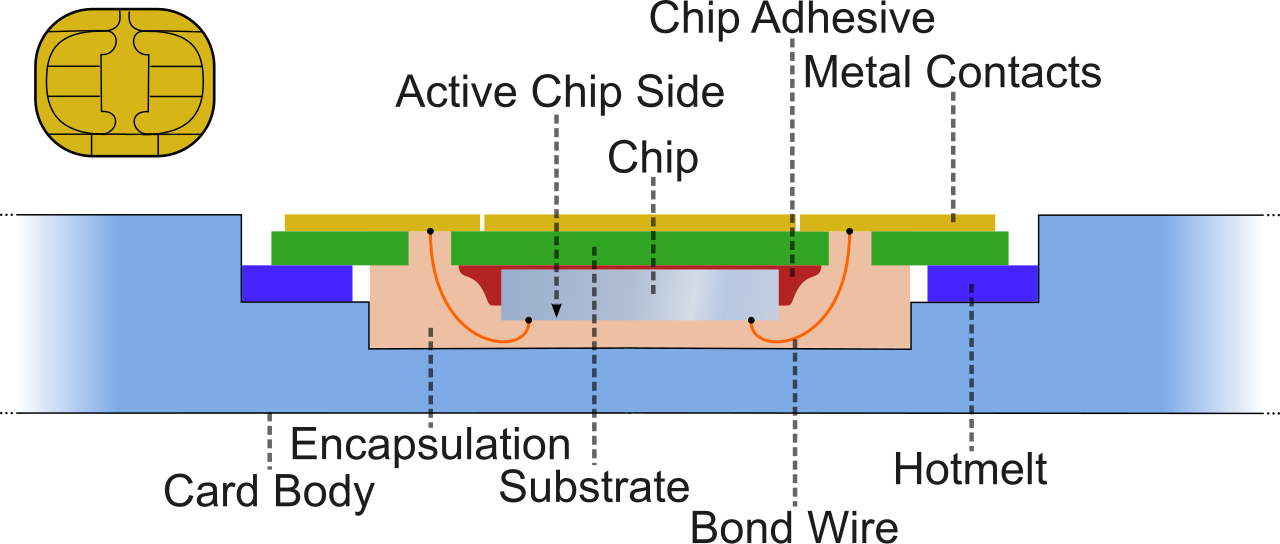
- Smart cards: A step up in complexity, a smart card is a physical card containing an embedded microchip that stores digital certificates for user authentication. Unlike a basic magnetic stripe card, the microchip can perform cryptographic operations, making it significantly harder to clone.
The Human Vulnerability: Tailgating and Mantraps
Technology alone cannot secure a building if human psychology gets in the way. Corporate culture often dictates holding the door open for the person behind you, which leads to a critical vulnerability known as tailgating.
Tailgating occurs when an unauthorized person closely follows an authorized person into a secure physical area without presenting valid access credentials.
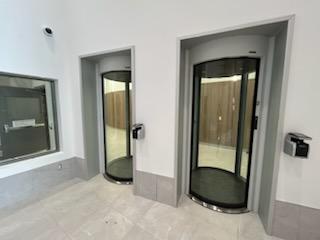
To mathematically eliminate the possibility of tailgating in highly sensitive areas (like server rooms or data centers), security architects deploy a mantrap. A mantrap is a physical security control consisting of a small space with two interlocking doors designed to prevent unauthorized individuals from tailgating behind authorized users. The first door must fully close and lock before the second door can be opened, forcing each individual to authenticate uniquely to pass through.
While cards and fobs can be lost or stolen, biometrics rely on the unique physical reality of the human body. Biometric authentication uses unique biological characteristics to verify a user's identity.
In your IT career, you will encounter three primary biometric systems:
- Fingerprint scanners: A biometric device that captures and analyzes the distinct ridges and valleys on a person's fingerprint to verify identity. These are ubiquitous on modern laptops and corporate smartphones.
- Facial recognition systems: These systems map specific facial features and geometry from an image or video stream to authenticate a user's identity.
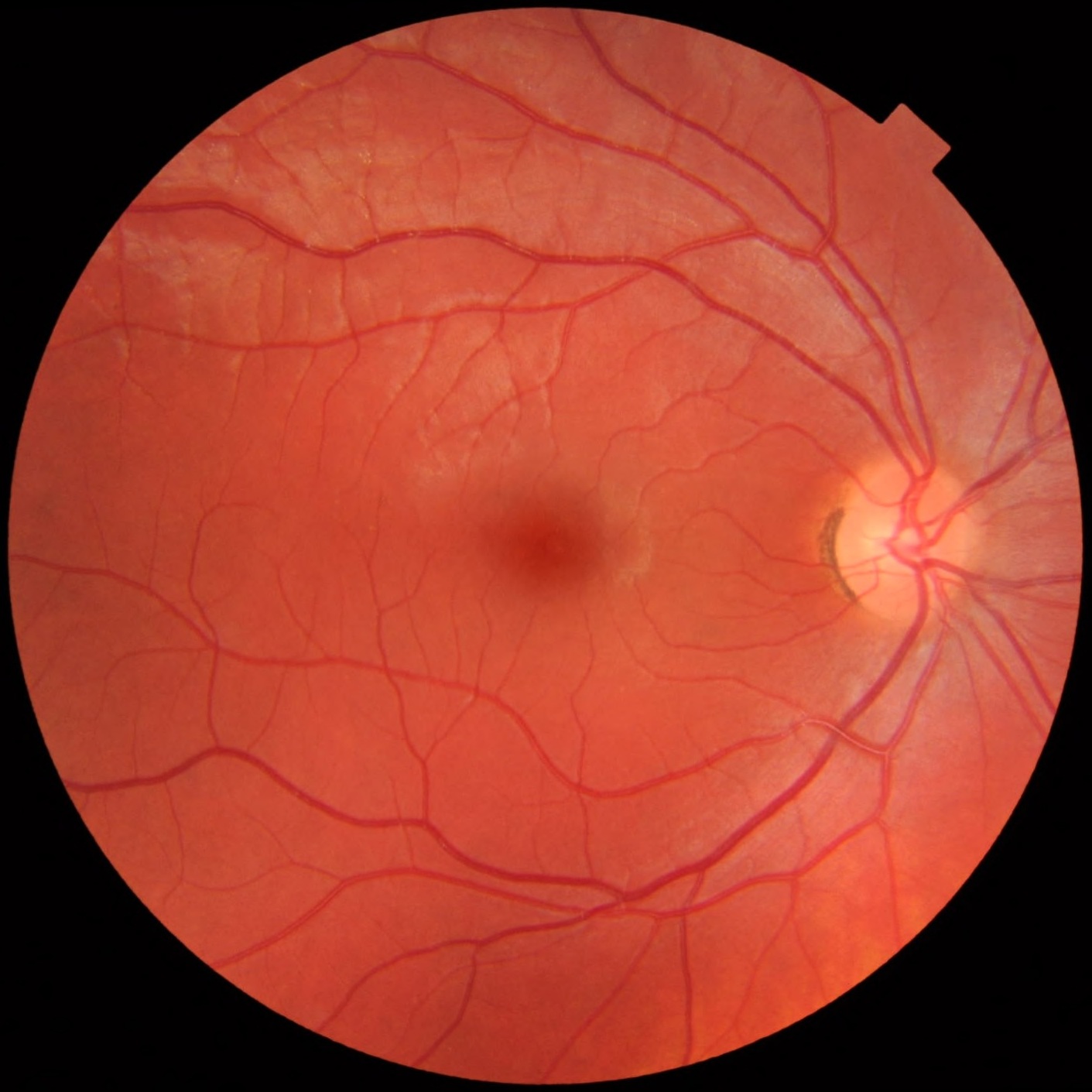
- Retina scanners: Highly precise and typically reserved for high-security environments, a retina scanner is a biometric device that verifies identity by measuring the unique pattern of blood vessels at the back of a person's eye.
Once a user is physically inside the building (or connecting remotely from home), we transition to the digital realm. Logical access controls are software-based tools and protocols used to manage user access to computer networks, system files, and digital data.
To manage this at scale, organizations rely on Identity Management, which encompasses the policies and technologies ensuring that the correct individuals within an enterprise have appropriate access to technology resources. Central to this infrastructure is the Identity Provider (IdP). Think of the IdP as the ultimate source of truth for the network: an Identity Provider is a centralized system that creates, maintains, and manages identity information while providing authentication services to dependent applications.
Security Models: Least Privilege and Zero Trust
When an Identity Provider dictates who gets access, it must be guided by strict security philosophies. Two models dominate modern IT:
1. The Principle of Least Privilege This principle dictates that a user must only be granted the minimum level of access permissions necessary to perform the user's assigned job functions. Why this matters to you: If a user in the marketing department gets tricked by a phishing email and their account is compromised, the "blast radius" of the attack is limited. Because they were restricted by least privilege, the attacker cannot use that marketing account to access the finance databases or modify server configurations.
2. The Zero Trust Security Model Historically, networks operated like a castle with a moat: hard on the outside, soft on the inside. If you were on the corporate Wi-Fi, the network trusted you. This is no longer viable.
The Zero Trust security model assumes that malicious threats exist both inside and outside the corporate network boundaries. Consequently, it requires all users and devices to be continuously authenticated and authorized before accessing applications and data.
Under Zero Trust, a device is never trusted simply because it is plugged into a corporate Ethernet jack. The system constantly verifies the user's identity, the device's health, and the context of the request.
Relying on a simple password to protect a network is mathematically frail. To build a robust defense, IT implements Multifactor authentication (MFA), which requires a user to provide two or more independent categories of credentials to successfully gain access to a system.
To truly understand MFA, you must understand the three primary categories of authentication factors:
| Factor Category | Definition | Real-World Examples |
|---|---|---|
| Something the user knows | A piece of knowledge memorized by the user. | A password or a personal identification number (PIN). |
| Something the user has | A physical object in the user's possession. | A smart card, smartphone, or hardware token. |
| Something the user is | A biological or physical trait. | A fingerprint, retina scan, or facial recognition match. |
To achieve true MFA, the system must require credentials from different categories. Asking for two passwords is not MFA; that is just asking for two things you know. Asking for a password (know) and a fingerprint (is) constitutes genuine MFA.
Tokens and Authenticator Apps
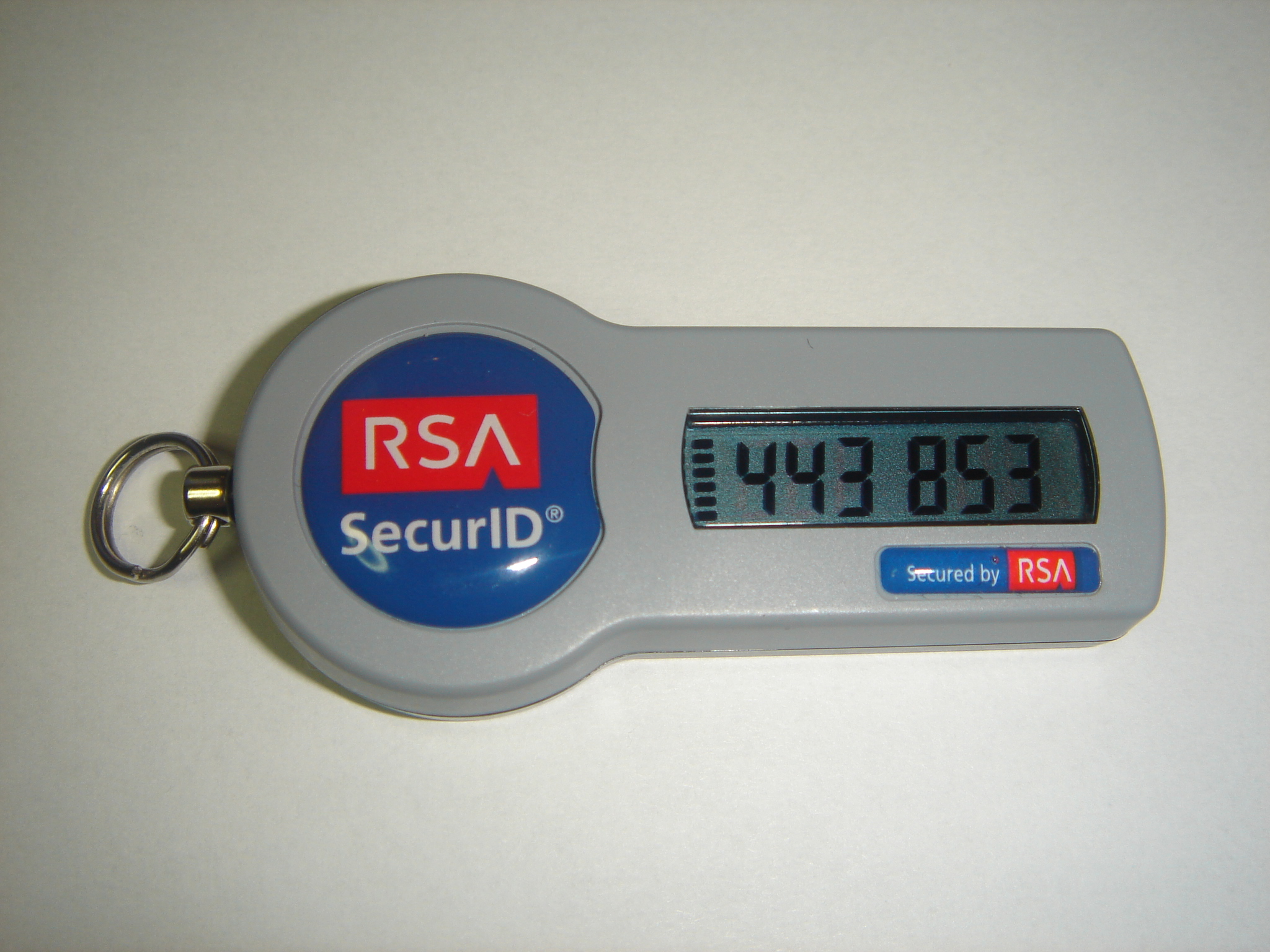
When satisfying the "something you have" requirement, organizations frequently deploy hardware tokens. These small devices generate time-based, one-time passwords (TOTP) that users must enter alongside a standard password to authenticate to a system.
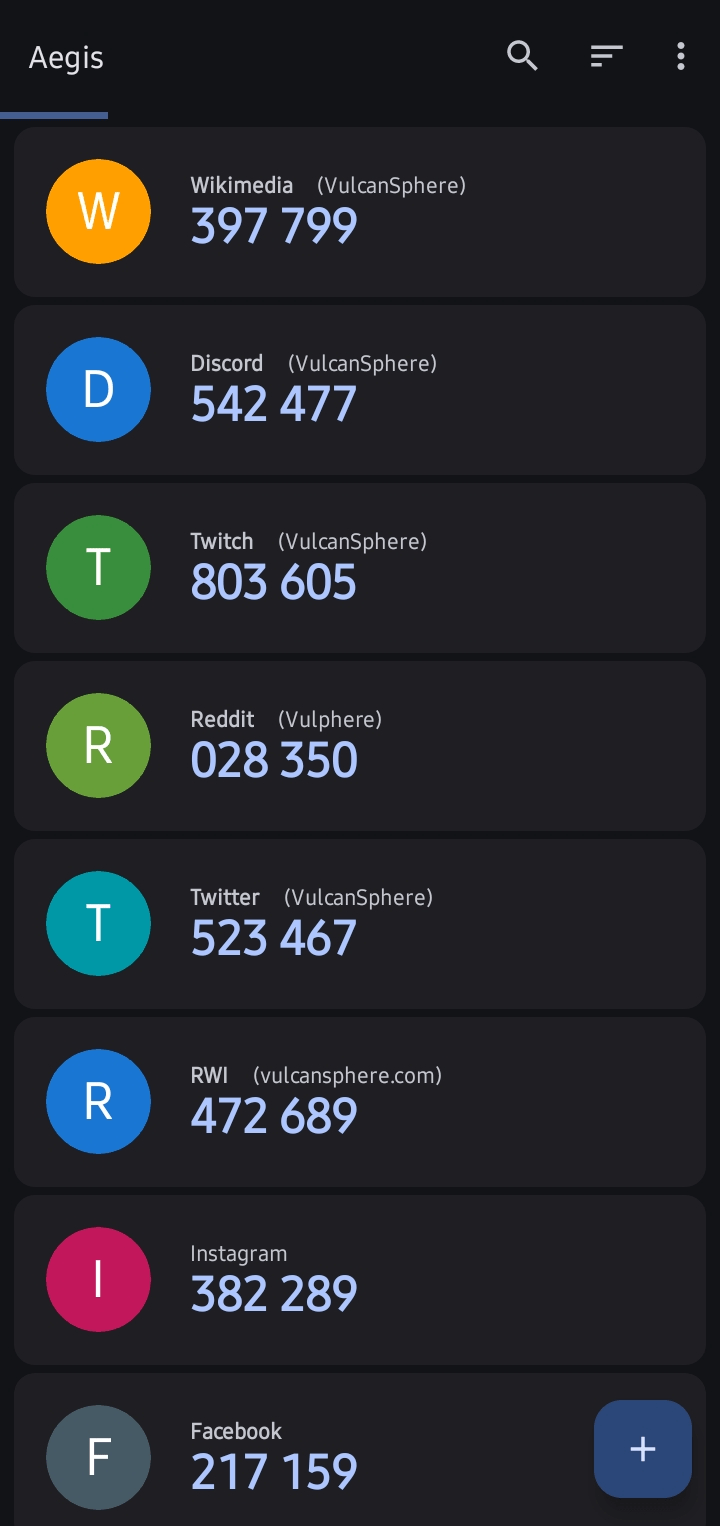
Today, it is increasingly common to replace physical hardware tokens with software on a device the user already possesses. Authenticator applications on smartphones act as software tokens to generate time-based, one-time passwords for multifactor authentication.
As an IT technician, you will quickly learn that if security is too burdensome, users will find dangerous workarounds. If an employee has to memorize fifteen different passwords for fifteen different web applications, they will write them on sticky notes attached to their monitors.
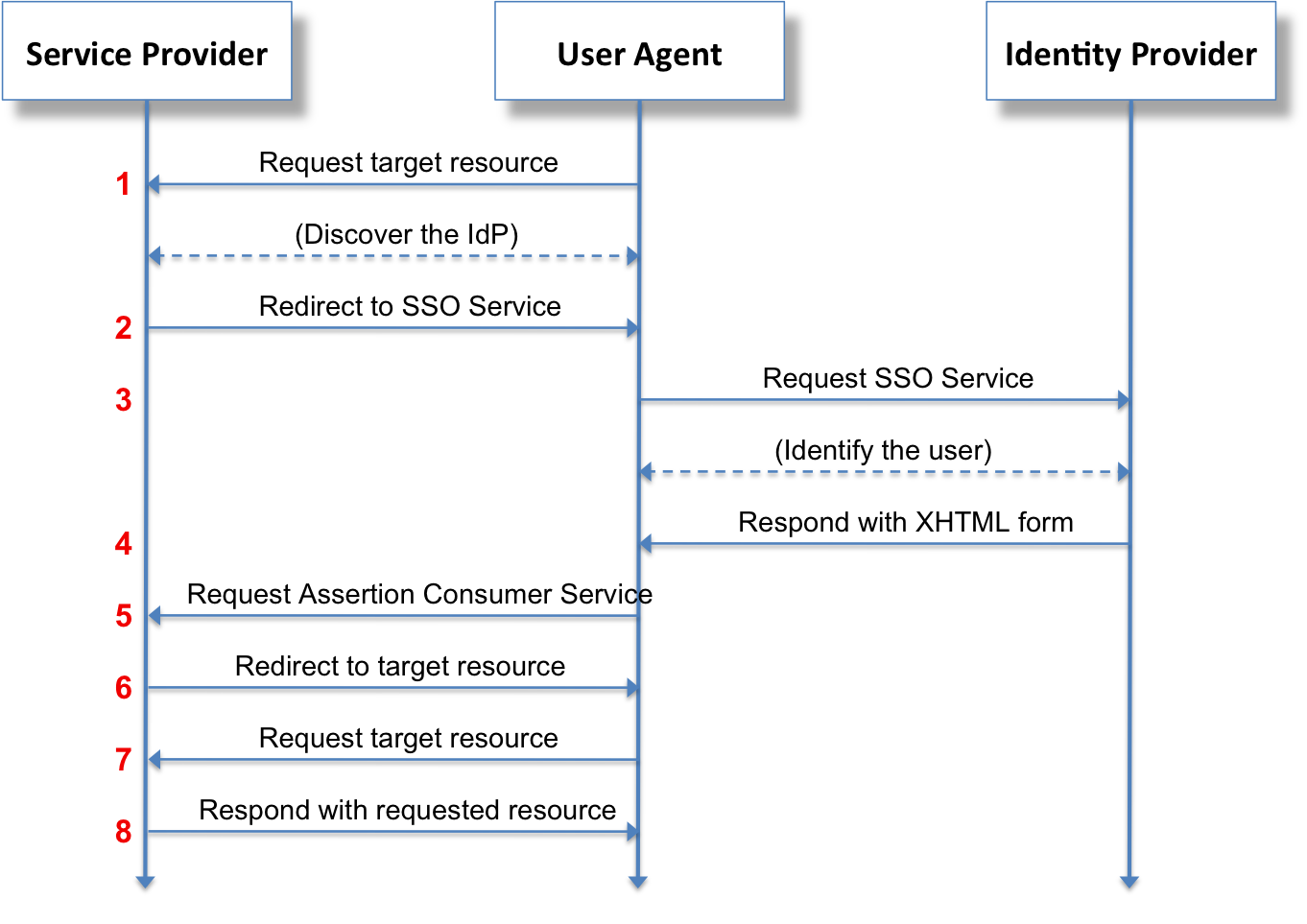
The solution is Single sign-on (SSO). SSO is an authentication scheme that allows a user to log in once with a single set of credentials to access multiple independent software systems.
How do independent applications—like Salesforce, a corporate Wiki, and an HR portal—all safely agree that a user has logged in? They use a shared language called SAML.
Security Assertion Markup Language (SAML) is an open XML-based standard used for exchanging authentication and authorization data between an identity provider and a service provider. Because it is universally understood, SAML is frequently implemented to enable single sign-on capabilities across different web applications. When a user logs in, the IdP sends a digitally signed XML "assertion" to the service provider, effectively vouching for the user's identity without ever transmitting the user's actual password.
In the modern enterprise, the corporate perimeter extends into the pockets of your employees. When users access company email and data on their smartphones, those devices become potential points of failure.
To maintain control over these roving assets, IT departments deploy Mobile Device Management (MDM). MDM software allows IT administrators to control, secure, and enforce organizational policies on mobile endpoints such as smartphones and tablets. Through MDM, you can enforce password complexity, mandate device encryption, and disable the installation of unapproved apps.
Most critically for an IT support specialist, MDM provides emergency recourse when physical security fails. If an employee leaves their company tablet in an airport terminal, MDM solutions can remotely wipe data from a lost or stolen mobile device to prevent unauthorized data access.
By mastering these layers—from the physical locks on the server room door to the XML code authenticating a cloud login—you transform from a passive observer of technology into an active defender of the organization's most critical assets.