Device Hardening and Network Access Control
Not sure you’re ready?
Take the ~3-minute readiness diagnostic and see where you stand.
Imagine leaving the blueprint to a high-security research facility pinned to the front door, relying entirely on the hope that nobody realizes the mechanical locks still use the manufacturer’s demonstration key. Network infrastructure is no different; every switch, router, and access point represents a literal door into the digital nervous system of an organization. As network professionals, our job is not simply to ensure data moves from point A to point B, but to guarantee that it does so within an environment built on intentional, unapologetic hostility toward unauthorized access. The default state of a network must be silent and closed.
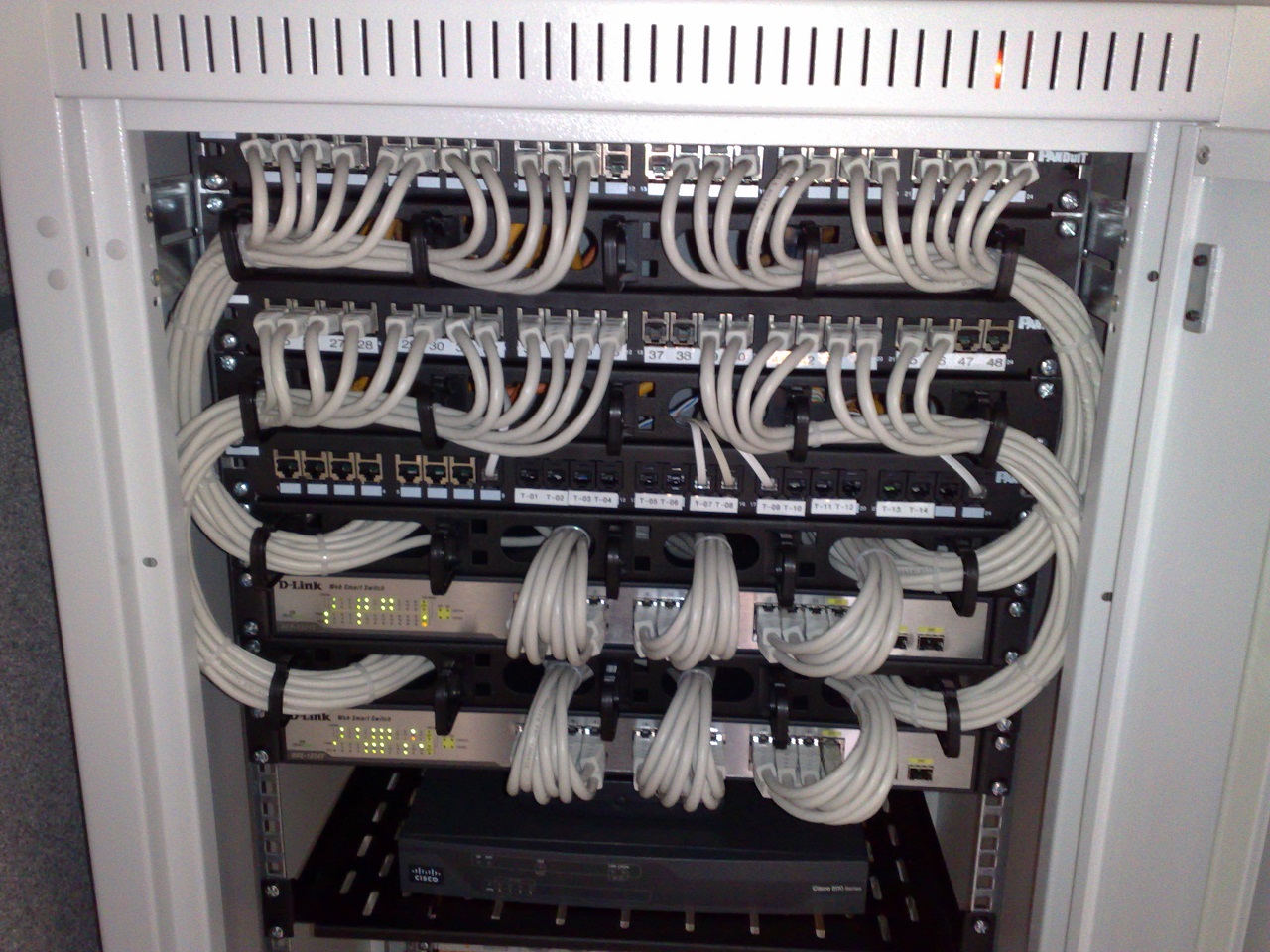
A network device fresh out of the box is dangerously trusting. It expects to be managed, connected to, and queried by anyone. Device hardening reduces the attack surface of network infrastructure components by stripping away these default behaviors. The "attack surface" is simply the mathematical sum of every possible vulnerability an attacker could exploit. Fewer open doors mean fewer opportunities for compromise.
The very first action a network technician must take when deploying new equipment is establishing absolute administrative control. Changing default passwords prevents attackers from using documented factory credentials. If a network administrator leaves a router secured by admin/admin, any adversary can look up the manufacturer's documentation online and assume complete control of the network.
Beyond credentials, we must restrict the physical and logical avenues of entry. Every port on a switch in an empty cubicle or an unattended conference room is a liability. Disabling unused physical ports prevents unauthorized users from connecting devices directly to the network. Similarly, networking equipment often ships with legacy software daemons running by default—TFTP, HTTP, or even unencrypted management servers. Disabling unused services prevents attackers from exploiting vulnerabilities in unneeded software features.
Finally, hardware is only as secure as the code running on it. Manufacturers constantly discover flaws in how their devices handle memory or parse traffic. Firmware updates patch known security vulnerabilities in network device operating systems, acting as the fundamental baseline for infrastructural integrity.
Network traffic is functionally divided into different "planes" of operation. A dedicated management plane separates administrative traffic from user data traffic. This ensures that a sudden flood of user data (or a deliberate Denial of Service attack) does not block a systems administrator from accessing the switch to fix the problem.
To communicate with this management plane, we must use cryptography. Network management historically relied on protocols designed for friendly, closed environments. For instance, Telnet transmits administrative credentials in cleartext. If an administrator logs into a core router using Telnet, any compromised machine sitting on the same network segment running a packet sniffer can capture the exact keystrokes of their username and password. Therefore, Secure Shell (SSH) replaces Telnet for secure command-line interface management.
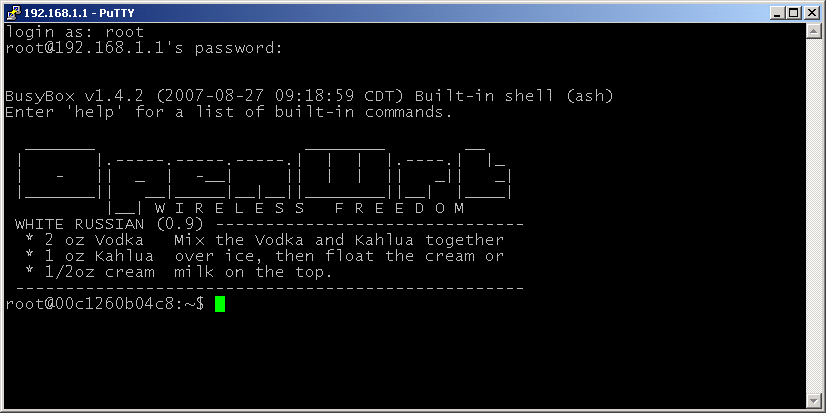
The same vulnerability applies to graphical interfaces. HTTP transmits web-based administrative management data in cleartext, leaving session cookies and login parameters exposed. Consequently, HTTPS replaces HTTP for secure web-based management. In modern networking, secure management protocols like SSH and HTTPS encrypt administrative traffic to prevent credential interception.
Even with encrypted protocols, we do not want the entire world knocking on our administrative doors. We enforce a strict guest list. An access control list (ACL) applied to management interfaces restricts administrative access to authorized IP addresses, guaranteeing that the device will only respond to SSH or HTTPS requests originating from the NOC or the administrator's designated management subnet.
When a user plugs an Ethernet cable into a wall jack, that connection runs back to an access-layer switch. If we do not secure these switch ports, an attacker can silently bridge into our internal network.
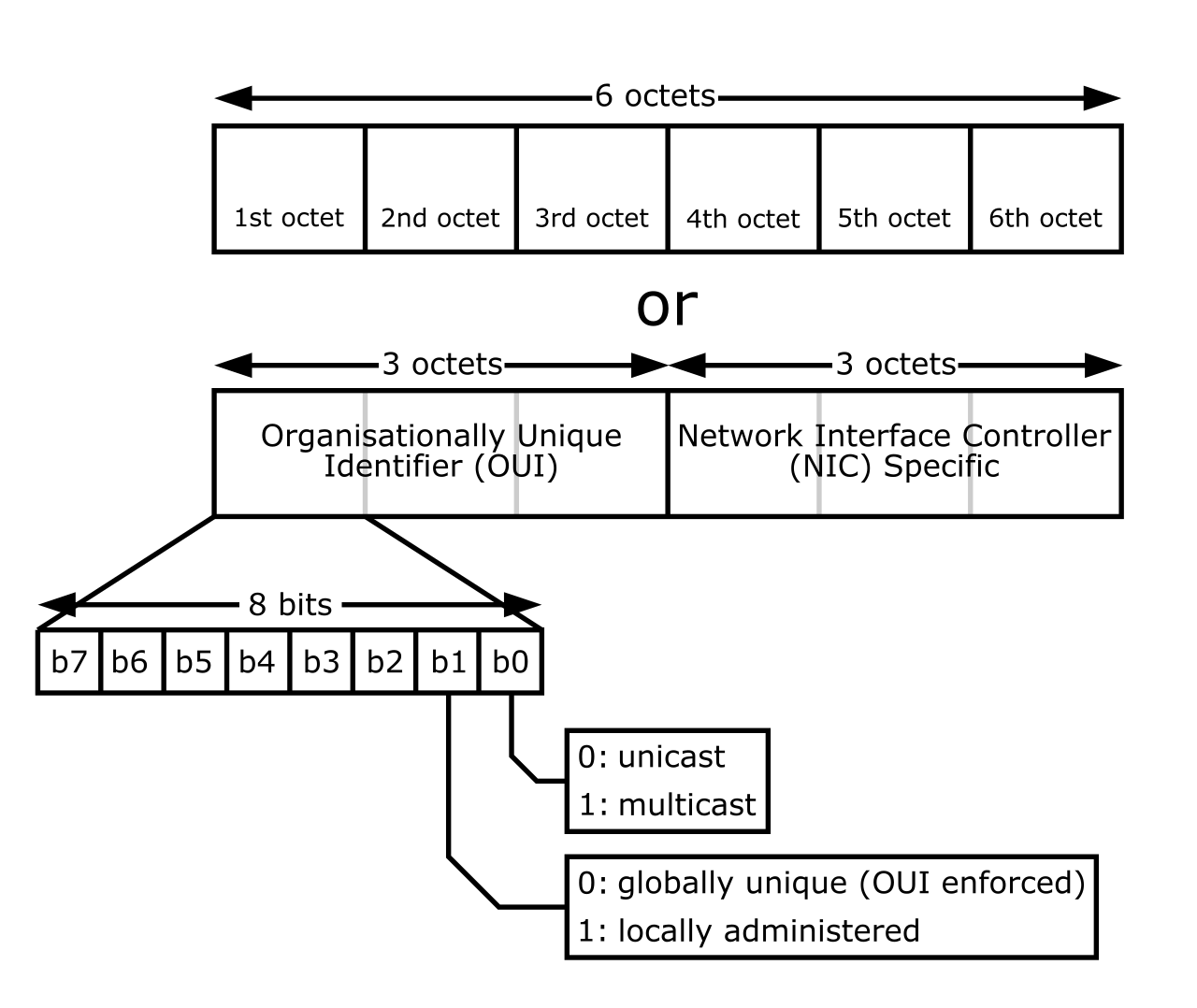
To prevent this, switch port security restricts port access based on the MAC addresses of connected devices. You can define this access behavior in two distinct ways:
- Switch port security can statically assign specific MAC addresses to a switch port, ensuring that only the specific desktop computer issued to that desk will ever successfully communicate through that jack.
- For administrative sanity in larger environments, switch port security can dynamically learn a configured maximum number of MAC addresses on a switch port. For example, you might allow a port to learn exactly two MAC addresses (one for an IP phone, and one for the PC daisy-chained behind it).
A switch port violation occurs when an unauthorized MAC address attempts to send data through a secured port.
When a violation triggers, the switch must react. The response is governed by the port's configured violation mode:
| Violation Mode | Functional Behavior |
|---|---|
| Protect | The 'protect' port security violation mode drops unauthorized traffic without generating a syslog message. This quietly discards the bad traffic while allowing known, legitimate MAC addresses to continue communicating. |
| Restrict | The 'restrict' port security violation mode drops unauthorized traffic and generates a syslog message. This is critical for NOC analysts who need an audit trail of attempted security breaches. |
| Shutdown | The 'shutdown' port security violation mode disables the interface completely upon detecting unauthorized traffic. This immediately takes the port offline, requiring a network technician to manually intervene and re-enable it. |
A broader, related concept is MAC filtering. MAC filtering allows or denies network access based on a pre-configured list of hardware MAC addresses, commonly used on wireless access points and small branch routers. However, relying purely on hardware addresses is fundamentally flawed. MAC filtering is highly susceptible to MAC spoofing attacks. Because MAC addresses are transmitted in cleartext at Layer 2, an attacker can simply listen to the network, copy an approved address, and rewrite their own network interface card to match. MAC spoofing allows an attacker to bypass MAC filtering by cloning an authorized device's MAC address.
Defeating Advanced Edge Attacks
Attackers can cause chaos at Layer 2 even without directly attacking port security. To combat this, we implement specific protocol-level defenses:
- DHCP snooping prevents unauthorized IP address assignment by dropping DHCP offers from untrusted switch ports. If a user brings a home router and plugs it into the corporate network, DHCP snooping ensures that rogue device cannot start handing out invalid IP configurations to other corporate users.
- Dynamic ARP Inspection validates Address Resolution Protocol packets against the DHCP snooping binding database to prevent ARP spoofing. By verifying that the IP-to-MAC mapping matches what was legitimately assigned by the DHCP server, the switch prevents attackers from quietly intercepting traffic via Man-in-the-Middle attacks.
- BPDU Guard disables a switch port receiving a Bridge Protocol Data Unit to prevent unauthorized switches from altering the spanning tree topology. Spanning Tree Protocol (STP) prevents network loops, but if an unauthorized switch tries to declare itself the "root" of your network, it can reroute all traffic through itself. BPDU guard immediately shuts down edge ports that receive STP negotiation frames.
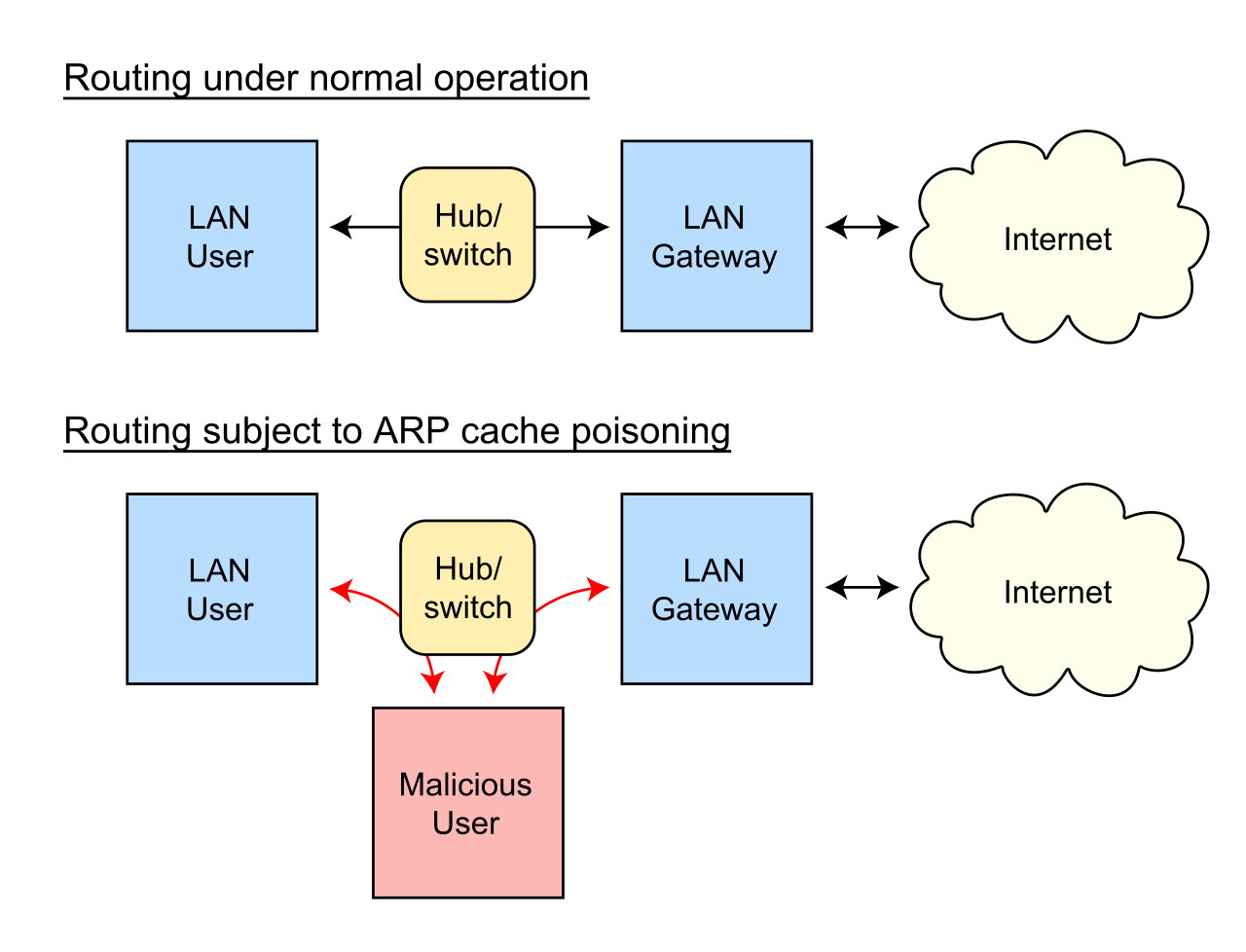
Because MAC addresses are easily spoofed, we cannot rely on them to authenticate users. We need a cryptographic proof of identity before a switch port or wireless access point will even forward an IP packet.
IEEE 802.1X is a standard for port-based network access control. It operates on a simple premise: a port remains in an unauthorized, blocked state until the user proves who they are. IEEE 802.1X requires devices to authenticate before gaining access to the local area network.
This architecture relies on three distinct operational roles:
- An 802.1X supplicant is the client software requesting network access. This is typically built into the Windows, macOS, or Linux operating system.
- An 802.1X authenticator is the network switch or wireless access point blocking or allowing access. It acts as the bouncer at the door, holding the traffic back.
- An 802.1X authentication server validates client credentials. This is a centralized identity server, usually located deep within the data center.
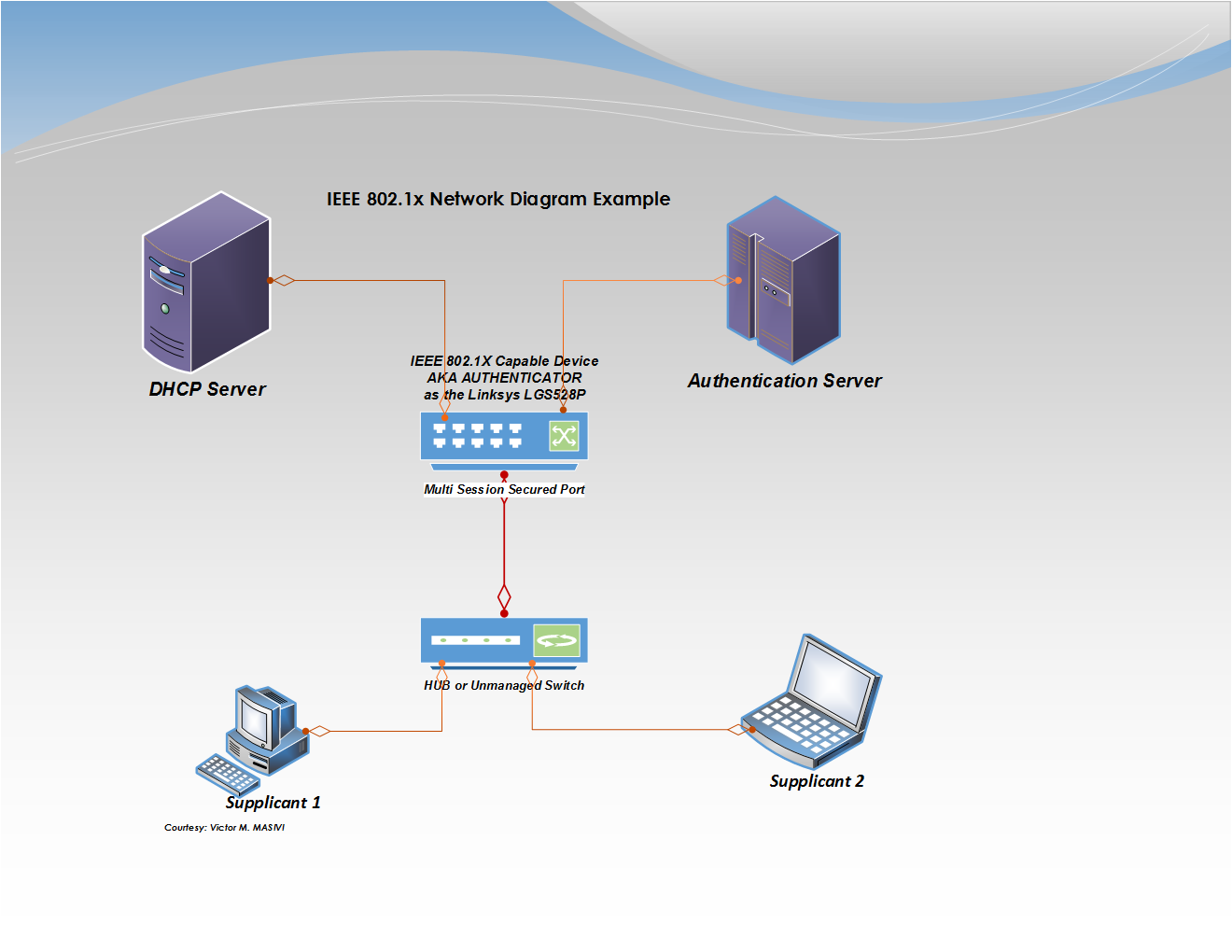
When a laptop plugs in, the supplicant talks to the authenticator, which then securely passes the credentials to the authentication server. RADIUS is the most common protocol used between the 802.1X authenticator and the authentication server.
To handle the myriad of ways we might authenticate (such as username/password, smart cards, or digital certificates), the standard uses a flexible wrapper. Extensible Authentication Protocol (EAP) provides the framework for negotiating authentication methods in 802.1X.
Identity alone is not enough. A properly authenticated network administrator might still plug in a personal laptop riddled with malware. We must ensure that the device itself is safe. Network Access Control (NAC) evaluates device compliance before granting network access.
NAC systems perform a health check known as a posture assessment. A posture assessment checks a connecting device for specific security requirements like antivirus definitions and operating system updates. To perform this assessment, the NAC system relies on agents:
- A persistent Network Access Control agent remains installed on the endpoint device to continuously monitor compliance. This is common on corporate-issued laptops.
- A dissolvable Network Access Control agent executes temporarily during the authentication process and deletes itself afterward. This is ideal for contractors or BYOD (Bring Your Own Device) environments where long-term agent installation is impossible.
- Agentless Network Access Control performs posture assessments by scanning endpoints remotely without installing local software. This is often used for printers, IP cameras, or legacy machines.
Handling Non-Compliance and Unauthenticated Users
What happens when a device fails its health check? We do not simply drop the connection; we fix the problem. Devices failing a Network Access Control posture assessment are typically placed into a remediation network. Here, a quarantine network provides restricted access to remediation servers for downloading required security updates, allowing the device to patch itself and try authenticating again.
Not everything connecting to your network will be a corporate asset capable of running an 802.1X supplicant or a NAC agent. Network Access Control systems can place unauthenticated edge devices onto an isolated guest virtual local area network (VLAN). This grants internet-only access while keeping the corporate data completely isolated.
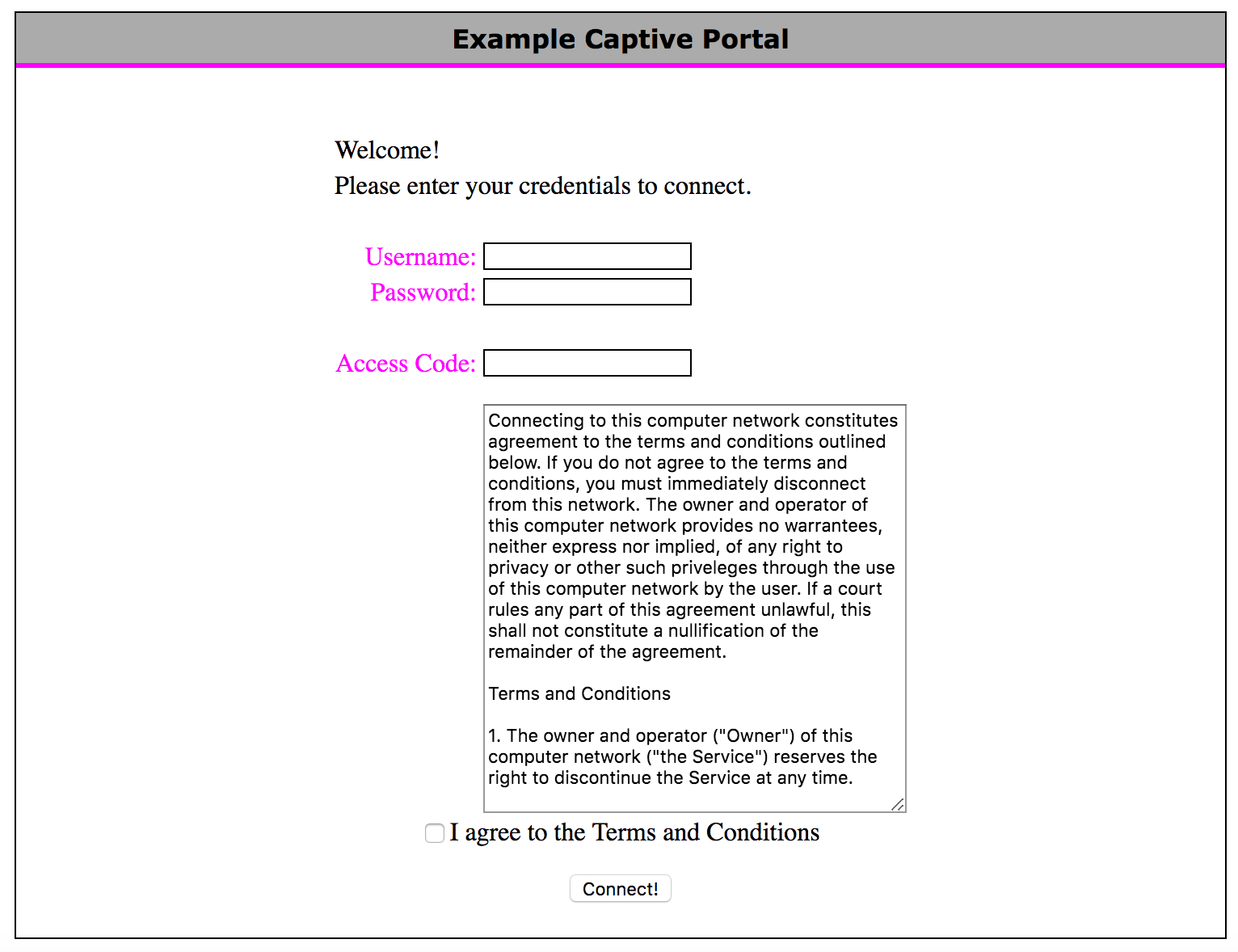
For human guests, a captive portal intercepts web traffic from unauthenticated users to present a login or acceptable use policy page. You experience this every time you connect to a hotel or airport Wi-Fi network.
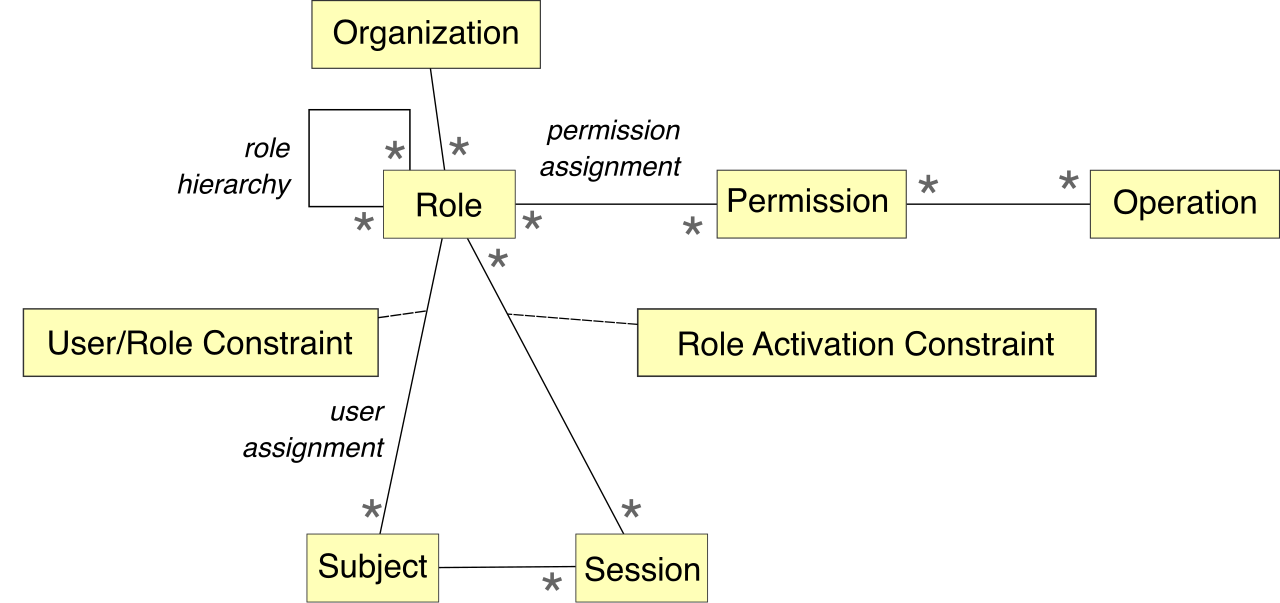
Finally, when a healthy, authenticated device is allowed onto the network, NAC dictates exactly what it can touch. Role-based access control within Network Access Control assigns different network permissions based on the authenticated user's job function. A NOC analyst's laptop will be dynamically assigned to a VLAN with access to router management interfaces, while a marketing intern logging in at the exact same physical desk will be placed onto a restricted subnet. Through strict device hardening, robust port security, and comprehensive access control, the network transforms from a vulnerable, trusting environment into a highly disciplined, secure infrastructure.