Locating Information and Text Features
Not sure you’re ready?
Take the ~3-minute readiness diagnostic and see where you stand.
A patient's chart is not a novel, and you do not read it from cover to cover. When evaluating a newly admitted patient, a triage nurse does not leisurely process the physician's notes; they hunt. They look for the potassium level, the date of the last tetanus shot, or the exact spelling of a prescribed medication. The ATI TEAS 7 tests this exact cognitive skill: the ability to strip away irrelevant narrative and extract precise data under time pressure.
Mastering how to locate information and utilize text features is not just an academic exercise in reading comprehension; it is a fundamental triage skill for informational texts. By understanding the architectural cues authors use to structure documents, you can drastically reduce the time spent searching and increase your precision.
When you read for pleasure, your eyes move in a smooth, continuous path across every word. On the TEAS exam—and in a busy clinic—this sequential reading is deeply inefficient if you only need a single fact.
To solve this, we use scanning. Scanning is a reading technique used to locate specific information quickly without reading the entire text. It fundamentally changes how your eyes interact with the page. Instead of processing sentences, the scanning process involves moving the eyes rapidly over a document to find specific keywords. You are treating the text not as a story, but as a visual database.
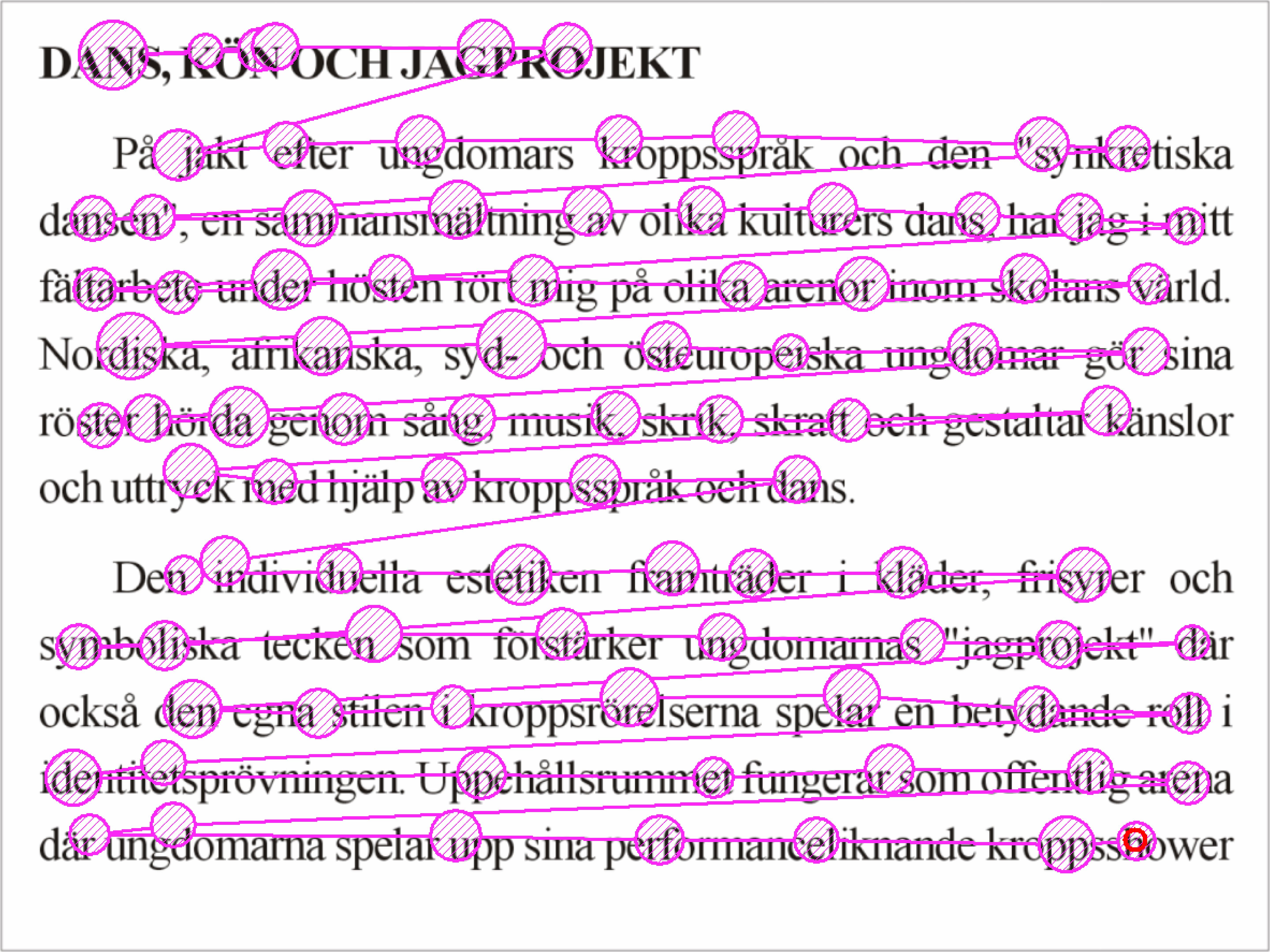
Your brain's visual cortex is highly adept at recognizing patterns that break the uniformity of standard lowercase text. To scan effectively, you must learn to exploit these visual irregularities:
- Capital Letters: When a question asks about a specific person, medication brand, or hospital, do not look for the words; look for the shapes. Capital letters help readers scan a text efficiently for specific names or proper nouns. They act as visual speed bumps, stopping your eye as it glides over the paragraph.
- Numbers: If you are looking for a dosage, a patient's age, or a statistical percentage, your eyes should ignore alphabetical characters entirely. Numerical digits stand out visually from surrounding alphabetical text during the scanning process because their shape and spacing differ fundamentally from letters.
- Dates and Chronology: Time-based questions require hunting for specific formats. Readers scan for specific dates by looking for number patterns (like ##/##/####) and isolated numerical digits (like a four-digit year standing alone in a block of text).
Clinical Application: Imagine looking for a patient's history of adverse reactions to Penicillin in 2019. Your eyes should bypass the paragraphs of generic text and jump strictly to capital Ps and the number block 2019.
To manage complex information, authors utilize structural tools known as text features. Text features guide readers directly to relevant information without requiring a full sequential reading of the text. Think of them as the signage in a massive, sprawling hospital. If you need the radiology department, you don't check every room on every floor; you follow the overhead signs.
Headings and Subheadings
The most fundamental architectural tools are headings. Headings divide a larger text into distinct sections based on overarching main topics. They signal the start of a broad new category of information.
Beneath them, subheadings organize specific information within a larger section under a main heading.
- Heading: Cardiovascular System
- Subheading: Anatomy of the Heart
- Subheading: Common Arrhythmias
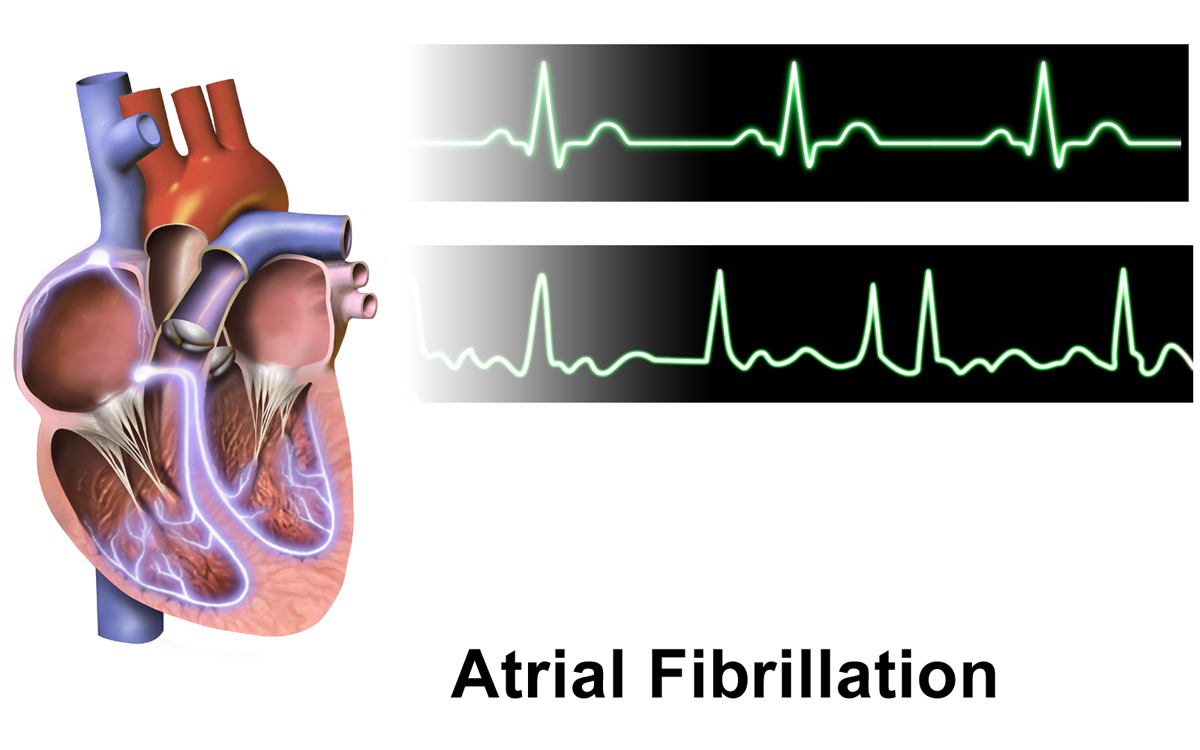
If a TEAS question asks about the symptoms of atrial fibrillation, you first locate the overarching heading (Cardiovascular System), narrow down to the relevant subheading (Common Arrhythmias), and then begin your keyword scan.
Typographical Emphases
Authors manipulate font styles to tell you precisely what matters most.
- Bold text draws the reader's attention to important vocabulary words or key concepts. It visually shouts from the page, ensuring you do not miss core definitions.
- Italicized text frequently indicates titles of long works, foreign words, or specific emphasis. In scientific texts, you will frequently see italics used for Latin biological classifications (like Escherichia coli).

If headings and bold text help you navigate the page you are currently on, the "front and back matter" of a document help you navigate the entire book. Knowing where to look for the right map is critical.
The Macro-View: Table of Contents
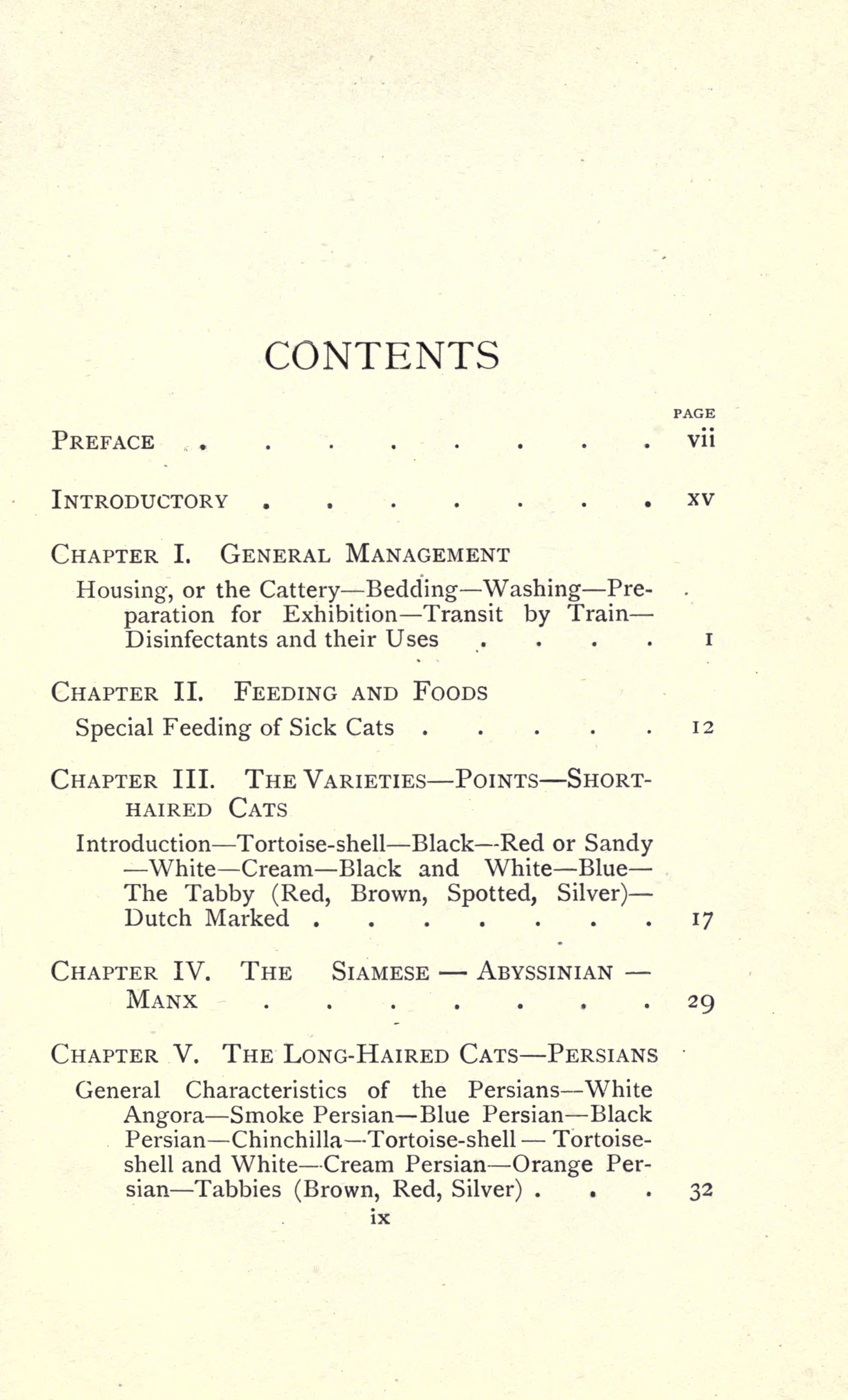
A table of contents is located at the beginning of a book or document. It serves as a sequential map, providing the macro-structure of the text. A table of contents lists chapters or main sections alongside their starting page numbers. You use this when you need a broad overview of how the material is organized or when you want to jump to a general subject area.
The Micro-View: The Index
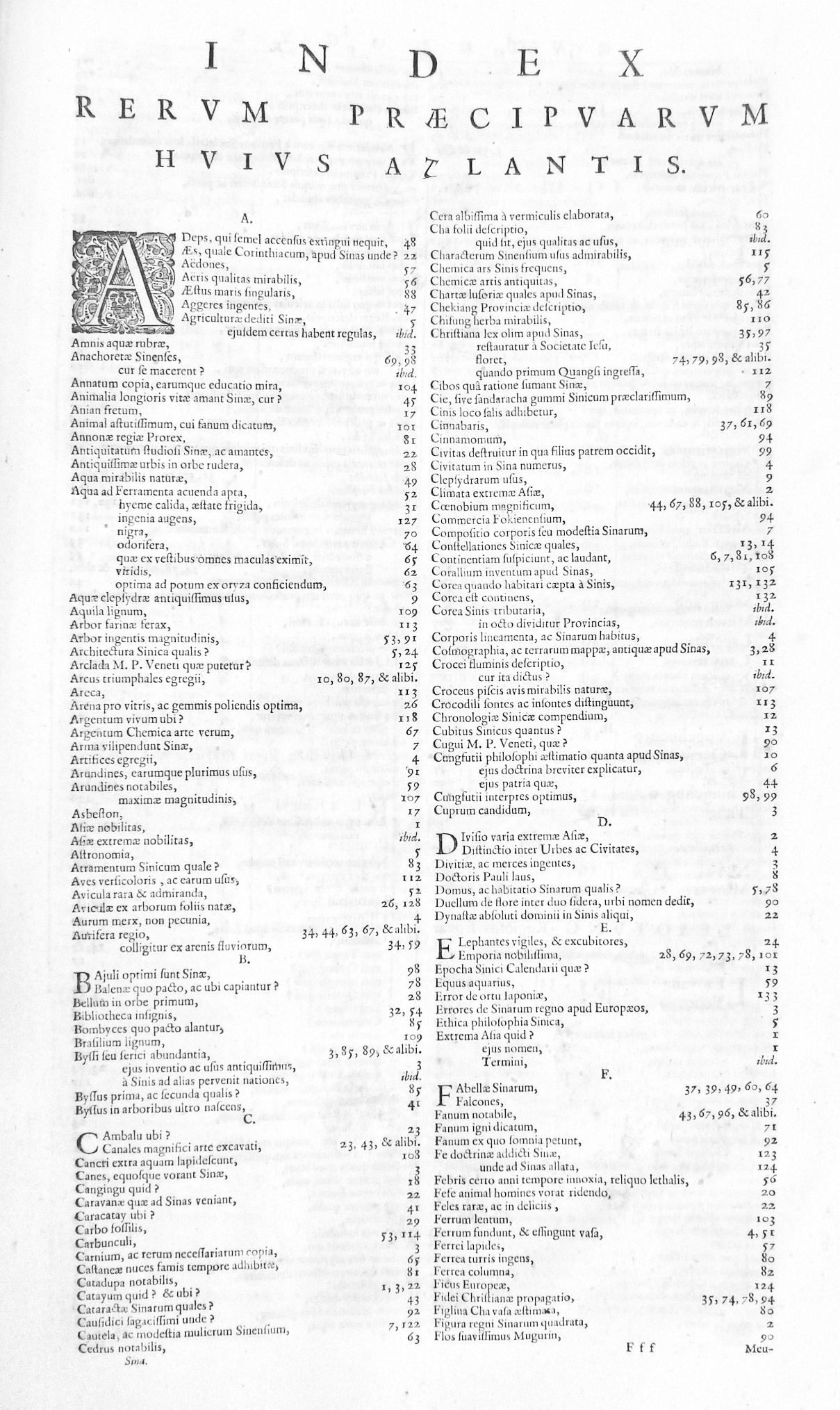
While the table of contents gives you the forest, the index gives you the exact GPS coordinates of a specific tree. An index is located at the back of a book or document. An index provides an alphabetical list of specific topics and their corresponding page numbers. If you need to find every page in a 900-page medical-surgical textbook that mentions "hypertension," you bypass the table of contents and go directly to the "H" section in the index.
Specialized Tools: Glossaries and Appendices
The back of an informational text frequently contains specialized reference materials.
- The Glossary: A glossary is a specialized dictionary found at the end of an informational text. Rather than providing general definitions for all words like a standard dictionary, a glossary contains alphabetical lists of subject-specific terms and their definitions. It is strictly limited to the vocabulary relevant to the book's topic.
- The Appendix: Often, authors have crucial data that is too bulky to fit smoothly into the main chapters. An appendix contains supplemental material like charts, graphs, or raw data. An appendix is positioned at the end of a book or document after the main text. For a nursing student, an appendix is typically where you will find exhaustive tables of normal laboratory values or complex pharmacological conversion charts.
| Feature | Location | Primary Function |
|---|---|---|
| Table of Contents | Beginning | Lists chapters sequentially with starting page numbers. |
| Index | End | Alphabetical list of specific topics with all corresponding page numbers. |
| Glossary | End | Subject-specific dictionary for key terms. |
| Appendix | End | Houses supplemental material like raw data, charts, and large graphs. |
Information in a textbook is rarely confined just to the standard paragraphs. Authors use the margins and designated boxes to provide context, citations, and visual clarity without interrupting the primary narrative flow.
Notes and Citations
When an author makes a claim, quotes a source, or wishes to offer a technical clarification without derailing the main sentence, they use a superscript number (like this¹). This number directs you to supplementary text.
- Footnotes: As the name implies, footnotes appear at the bottom margin of a printed page. Footnotes provide citations or supplementary details related to a superscript number in the main text. Because they are on the same page, they allow the reader to glance down immediately for context.
- Endnotes: In contrast, endnotes gather citations or supplementary details together at the very end of a document. This creates a cleaner, less cluttered reading experience on individual pages but requires you to flip to the back of the book to read the note.
Sidebars
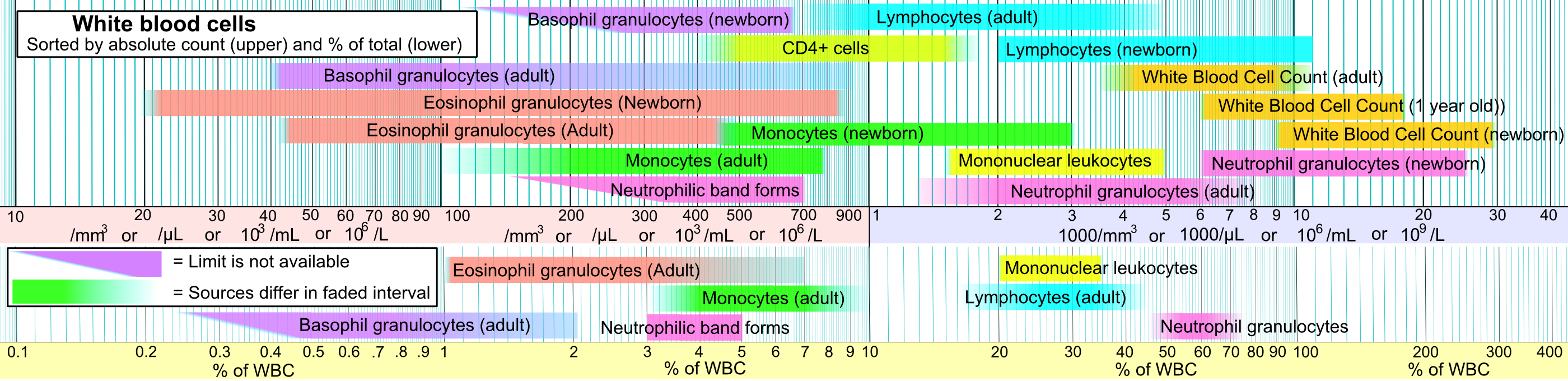
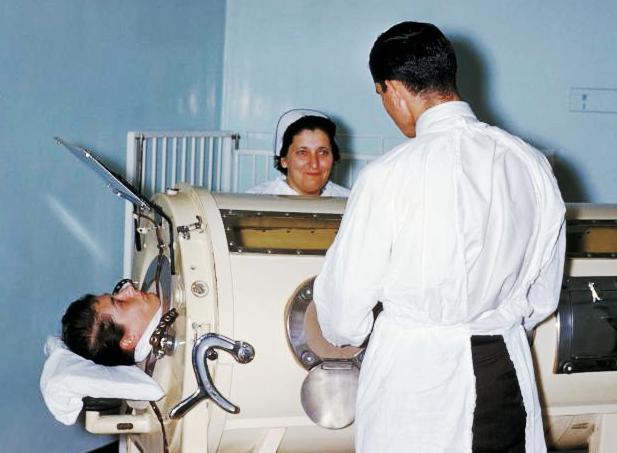
Sometimes, an author wants to share a fascinating case study, a historical anecdote, or a highly specific clinical tip. To do this, they use a sidebar, which is a separate box of text placed alongside the main article. Sidebars offer tangential or highly specific information related to the main text. If a chapter is about the anatomy of the lungs, a sidebar might offer a brief, specific look at the history of the iron lung device.
Visual Decoders: Captions and Legends
Informational texts rely heavily on diagrams, charts, and photographs. To interact with these efficiently, you must understand their specific text features.
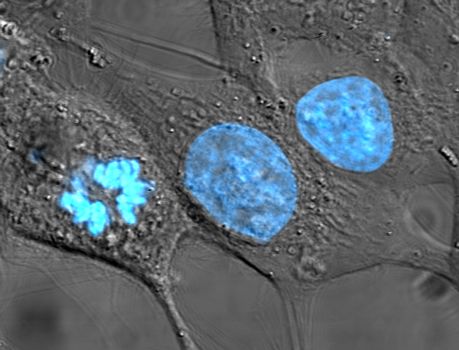
- Captions: A photograph of a cellular structure is useless without context. Captions are brief textual explanations placed directly below or next to images. They tell you exactly what you are looking at and why it is relevant to the surrounding text.
- Legends: If you are analyzing an epidemiological map showing infection rates, or a complex graph showing fluctuating hormone levels over 28 days, you must consult the legend. A legend explains the specific symbols or colors used in a chart or map. It is the translation key; without it, a graph is simply an arrangement of meaningless colored lines.
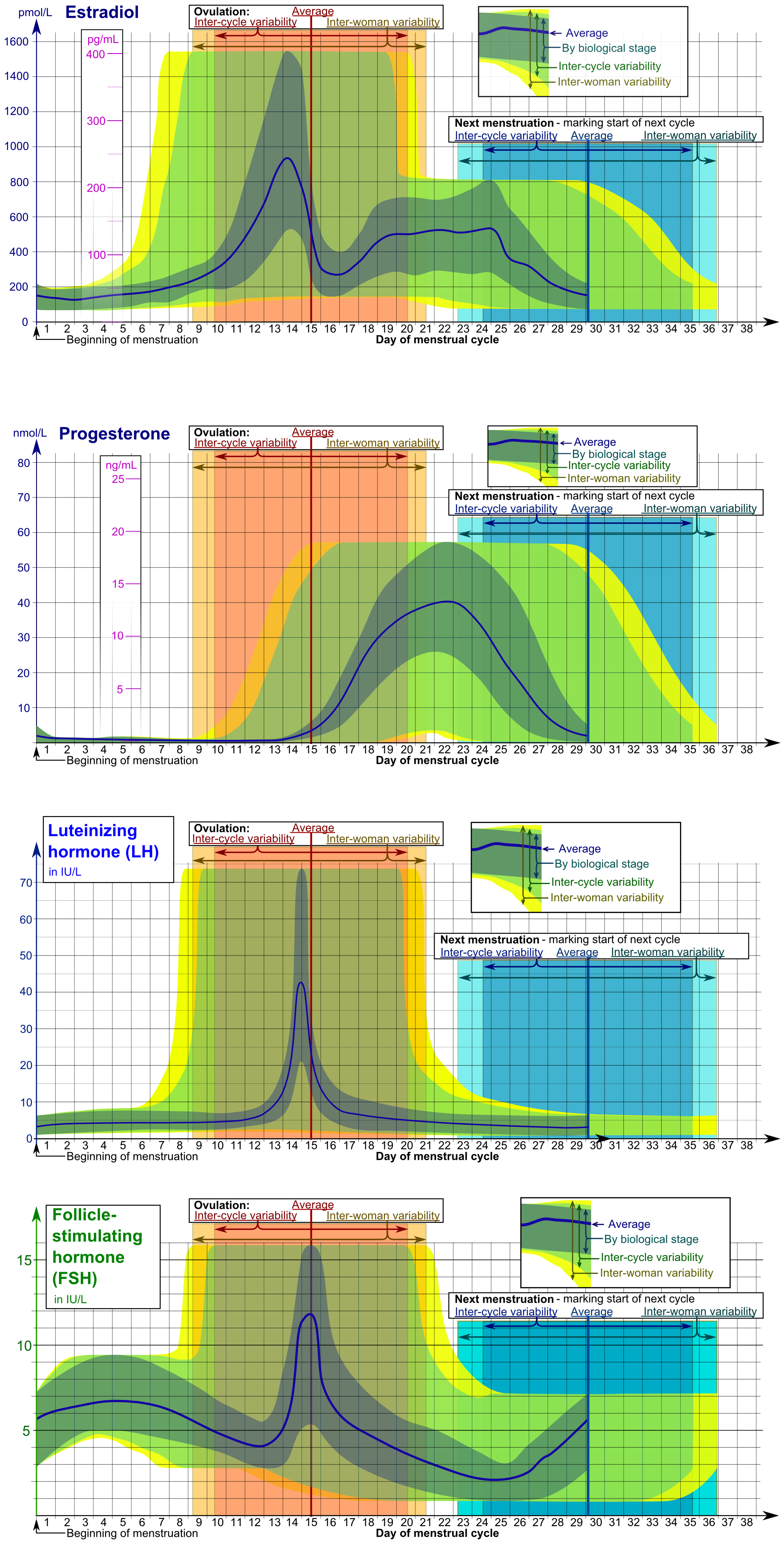
Test Strategy Tip: On the ATI TEAS, if a passage includes a chart, a map, or an image, read the caption and the legend first. They instantly provide the core thesis of the visual data, saving you precious time when answering the subsequent questions.
In summary, treating a textbook or a passage like a uniform block of words is a recipe for fatigue and slow testing. By viewing text as a structured environment—using headings as your compass, scanning for visual irregularities like digits and capitals, and leveraging the index, glossaries, and legends—you transform reading from a passive task into an active, highly efficient search process.